Last updated: March 3rd, 2023 at 15:23 UTC+01:00
SamMobile has affiliate and sponsored partnerships, we may earn a commission.
Reading time: 2 minutes
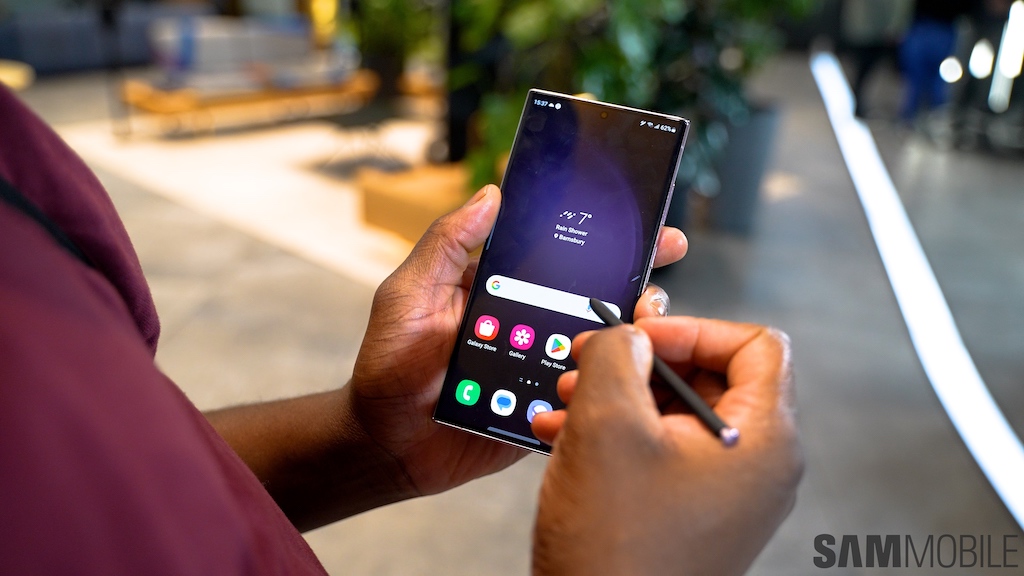
Affected Galaxy S23 Ultra users took to Reddit and the official Samsung Community forums to describe their issue. In short, the S Pen keeps disconnecting, seemingly at random, and users have to holster it back into the Galaxy S23 Ultra to reconnect. Obviously, this can interrupt productivity and become a source of frustration.
A couple of solutions have been proposed by Galaxy S23 Ultra users, one of which involves resetting the S Pen. Users need to access S Pen options via the “Advanced Features” menu inside the Settings app, tap the three-dot button, and reset.
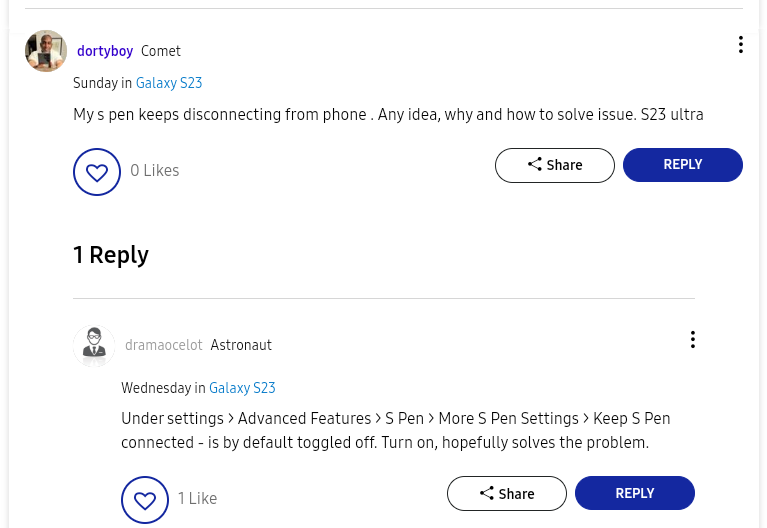
Another potential fix for this issue is to enable the “Keep S Pen connected” option, which happens to be disabled by default to save battery life whenever the S Pen is inactive for too long. To enable this feature, users need to open the Settings app, navigate to “Advanced features,” and access “S Pen,” followed by “More S Pen Settings.”
We didn't have any S Pen issues with our Galaxy S23 Ultra before and after our review, but different experiences can happen. If you want to learn more about ours, check out our review and video below. And if you want to buy the Galaxy S23 Ultra, remember that you can save a lot of money by trading an older phone.
[modelinfo model=”SM-S918B”]

Mihai is a blogger and column writer at SamMobile. His first Samsung phone was an A800 which took a lot of beating, and a part of him still misses the novelty of the clamshell design. In his free time, he enjoys watching shows, documentaries, and stand-up comedy; listening to music, taking walks, and occasionally playing old(er) video games.













