Last updated: November 2nd, 2019 at 17:51 UTC+01:00
SamMobile has affiliate and sponsored partnerships, we may earn a commission.
Reading time: 2 minutes
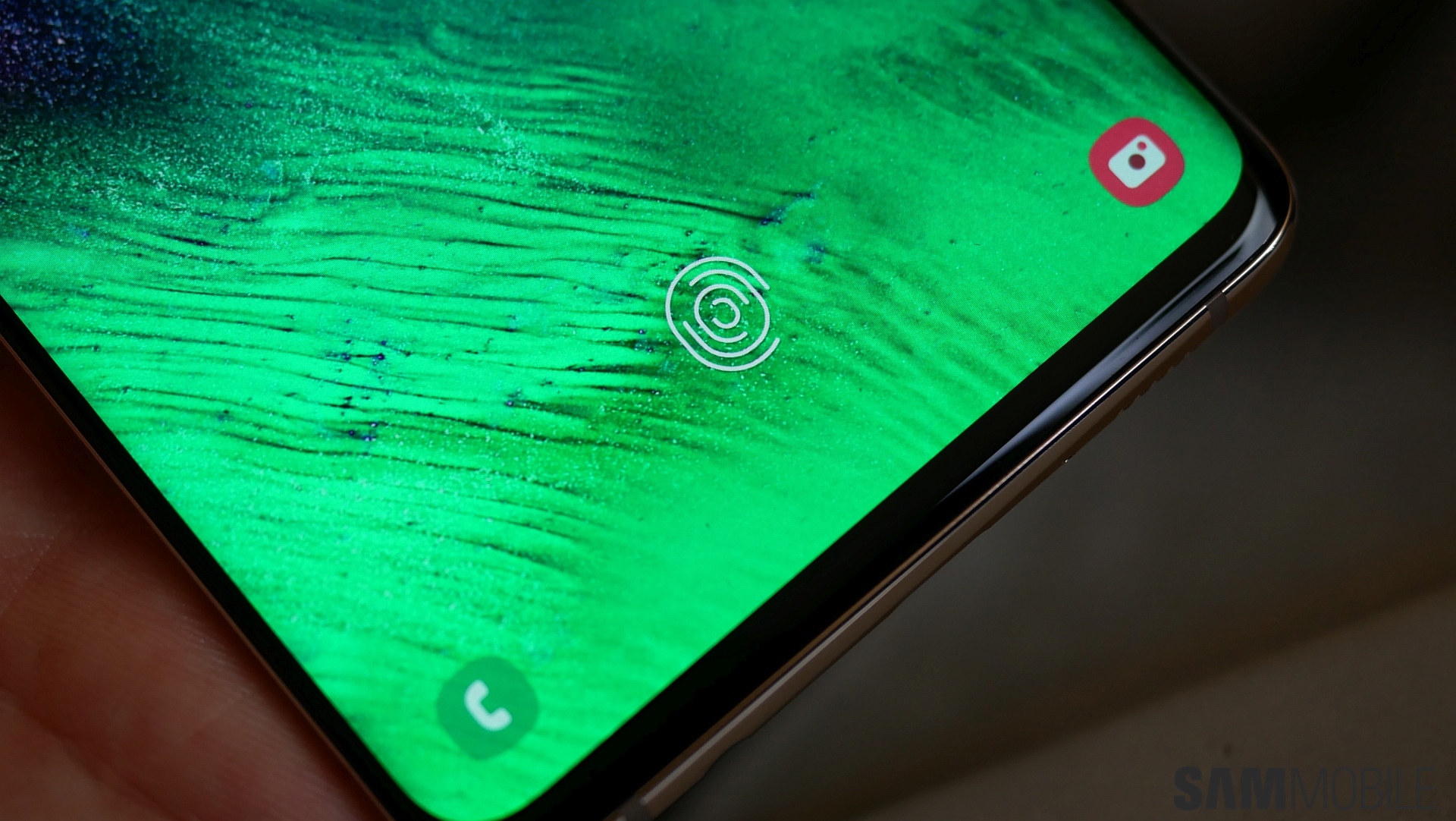
To fix the flaw in the fingerprint reader, Samsung initially rolled out a biometrics update that would show up for anyone who had fingerprint recognition enabled on their Galaxy S10 or Galaxy Note 10. The company didn't say how those who had fingerprint recognition disabled/had no fingerprints registered would get the patch, but it turns out that the November security update that Samsung has pushed out to the two flagships all over the world with surprising quickness installs that requisite fix on all devices, whether fingerprints recognition is enabled or not.
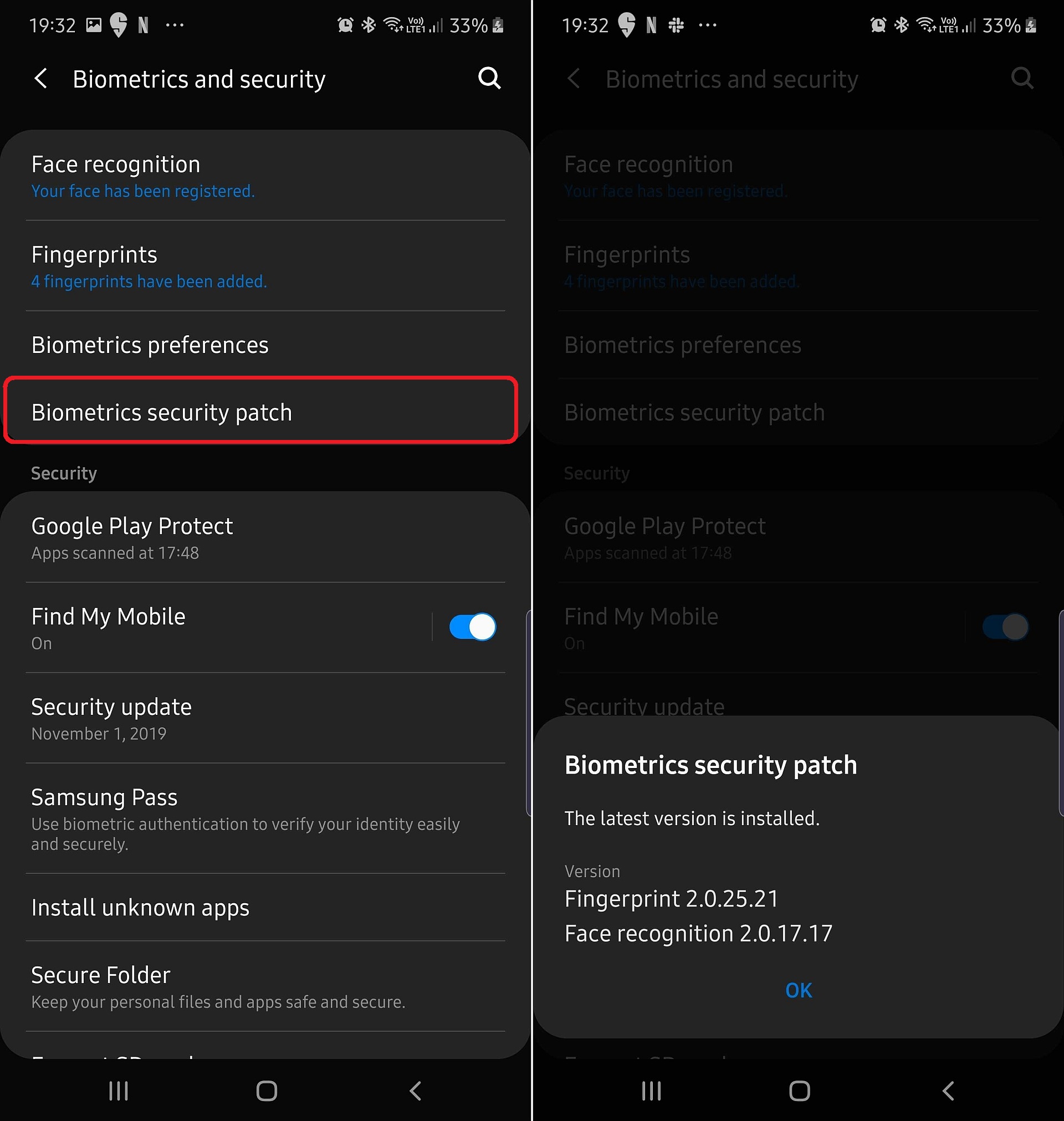
The latest biometrics security patch version for fingerprints is 2.0.25.21, and your Note 10 or S10 needs to be on at least version 2.0.24.20 to be safe from the issue that allows anyone access to your device if you register your fingerprint with a textured silicone/gel case installed on the screen (here's how to check if your phone is safe). If your device hasn't received the biometrics security update or the November update that Samsung released earlier this week, you should delete all fingerprints and use an alternative biometrics option until your device is updated.

Abhijeet's writing career started with guides for custom firmware for Samsung devices (including the original Galaxy S), and he moved to SamMobile in mid-2013 and worked up the ranks to Editor-in-chief. In addition to phones and mobile devices, his interests include gaming on both PC and console, PC hardware, and spending countless hours on YouTube watching videos on tech, movies, games, politics, and internet dramas.













