Last updated: June 11th, 2026 at 20:28 UTC+02:00
SamMobile has affiliate and sponsored partnerships, we may earn a commission.
You will need One UI 9 (Android 17) and the Good Lock app's QuickStar module, at least for now.
Reading time: 3 minutes
Abhijeet Mishra / SamMobile
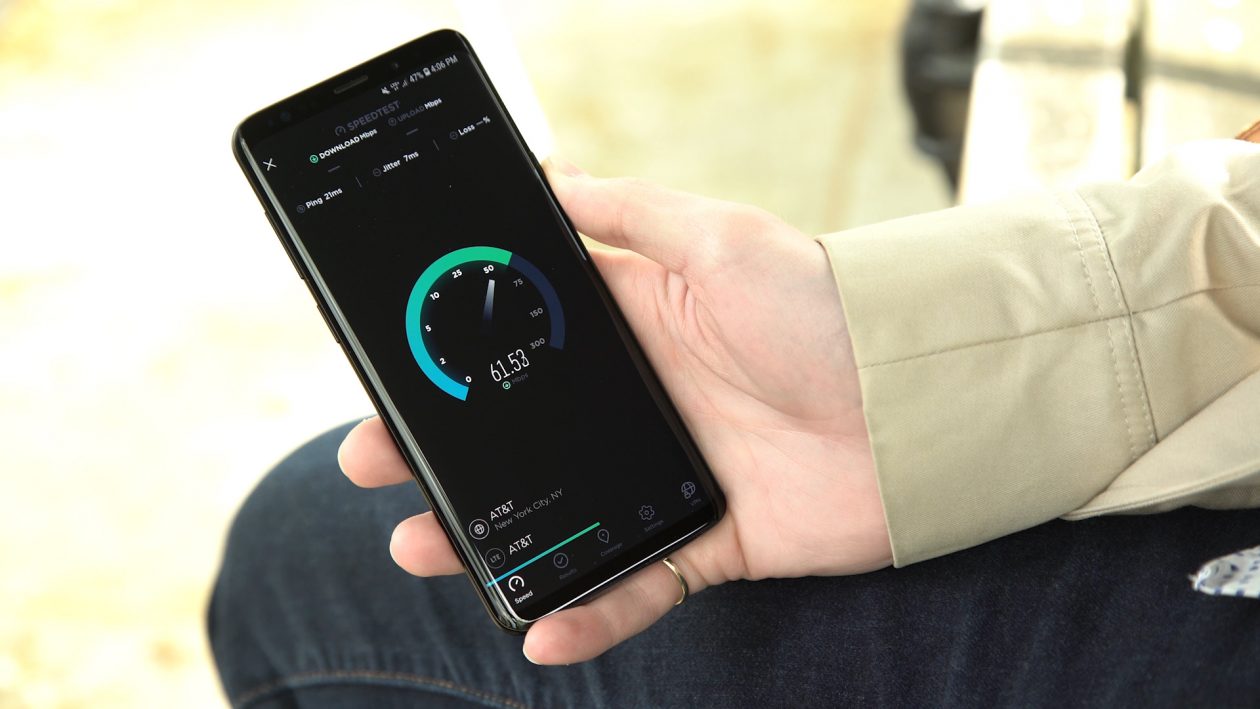
A network speed indicator in the status bar is a feature that Galaxy fans have been asking Samsung for over many years. Chinese manufacturers have offered it on their phones for a long time, and its absence on Galaxy devices always stood out a little.
Until now, there were two ways to get a live network speed readout on a Galaxy phone. You could install a third-party app from the Play Store, or enable a hidden firmware flag if your device was rooted.
That's finally changed.
Samsung has added a real-time network speed indicator to the status bar through QuickStar, one of the modules in its Good Lock customization app. Because it lives inside Good Lock rather than One UI's settings, it isn't a true native feature. Still, it's the most official network speed indicator Galaxy users have had so far.
Once you turn it on, the indicator sits on the right side of the status bar and shows your live download and upload speeds as K/s (kilobytes per second) or M/s (megabytes per second). In our testing, it's fairly accurate as well. It works on both Wi-Fi and mobile data, so you will see your connection's speed no matter how you're connected.
Abhijeet Mishra / SamMobile
Network speed indicator in the status bar – Source: Abhijeet Mishra / SamMobile
One thing to keep in mind is that this only shows speed, not signal strength. But it doesn't really need to. The mobile data and Wi-Fi icons in your status bar already tell you how strong your connection is. The speed indicator is just handy for working out whether a stalled download or a stuttering video is your connection's fault or the app itself.
At the time of writing (June 11, 2026), you'll need One UI 9, which is based on Android 17. One UI 9 is currently in beta and only available for the Galaxy S26 series in six markets (Germany, India, South Korea, Poland, the UK, and the US).
Eventually, it will become available on more Galaxy devices as Samsung releases One UI 9 to more devices. However, it's unclear if Samsung will bring the network speed indicator to older One UI versions, or whether it could become a native feature in One UI at some point.
There's one catch before you begin: the version of QuickStar that includes this option isn't available directly from the Galaxy Store at the time of writing, so you will need to install it manually. That's normal at this stage. Good Lock and its modules typically don't get full support for a new One UI version until around or after the stable release.
Here's how to set it up:
That's all there is to it. The network speed indicator appears in the status bar immediately, and you can disable it at any time from the same menu.
Abhijeet Mishra
Enabling network speed indicator through QuickStar – Source: Abhijeet Mishra
APK credit: KAILASH