Last updated: August 6th, 2020 at 14:20 UTC+02:00
SamMobile has affiliate and sponsored partnerships, we may earn a commission.
Reading time: 2 minutes
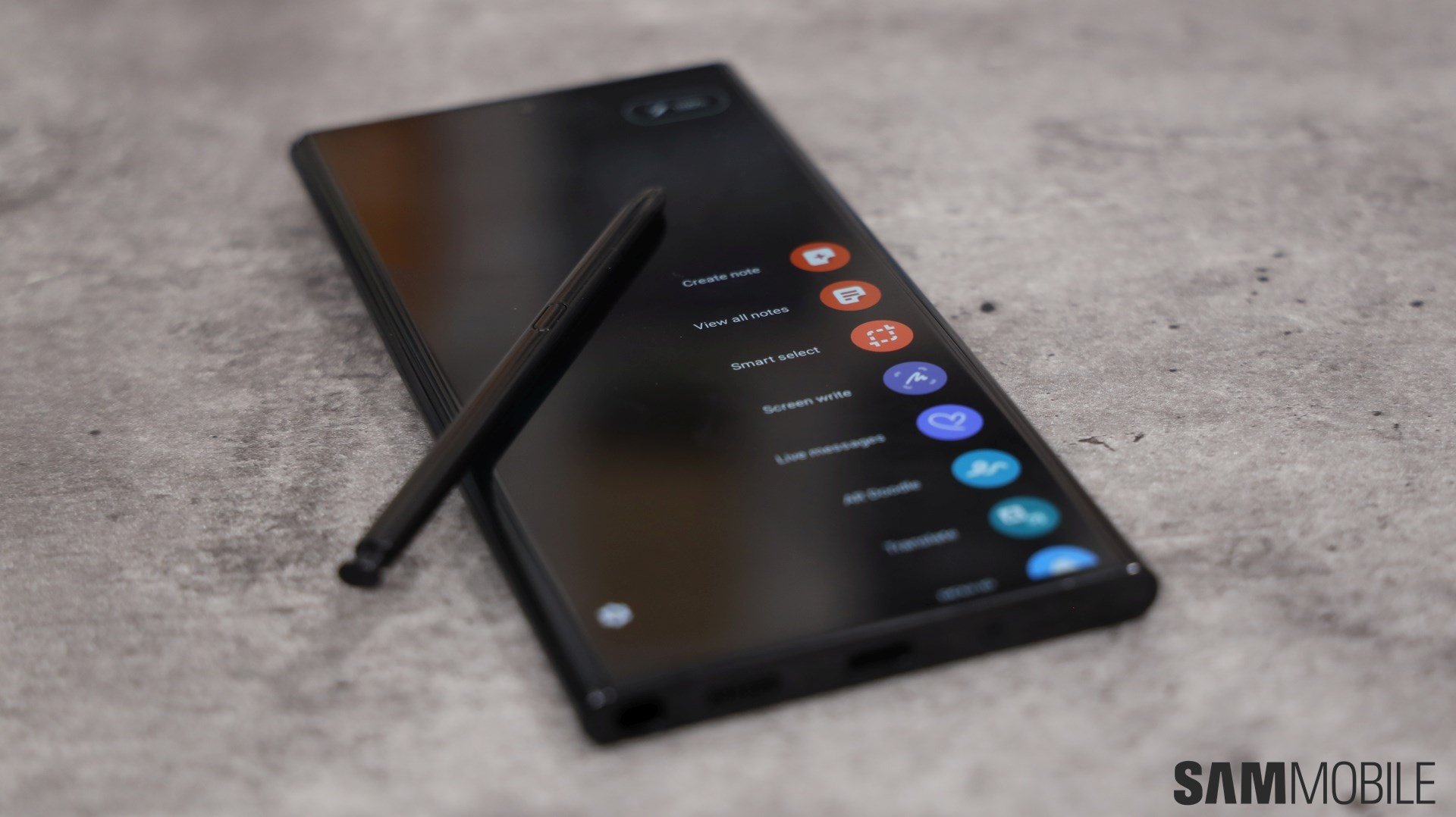
Link to Windows debuted on the Galaxy Note 10 series and has allowed Windows 10 PC users to sync phone notifications with their computers, mirror content, and transfer files. This integration with Windows 10 PCs is now becoming more meaningful as Galaxy Note 20 and Galaxy Note 20 Ultra owners will be able to run mobile apps from their phones on their PCs through Link to Windows and Microsoft's Your Phone app for Windows 10.
Mobile apps will launch in a separate window on PCs and users will have options to pin an Android app to the Windows 10 taskbar or Start menu.
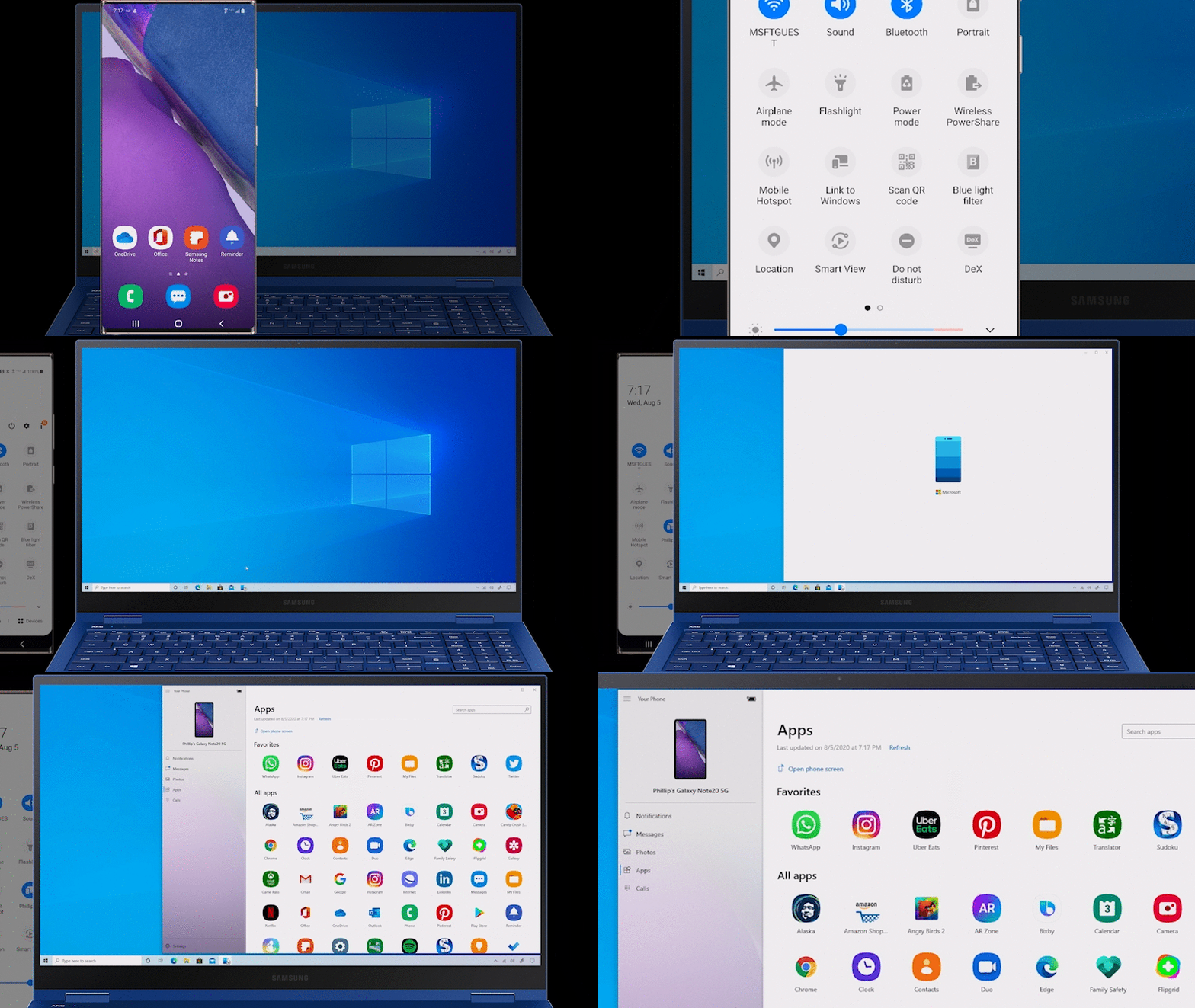
According to Microsoft, the functionality is limited to running a single mobile app at a time. For example, if you launch your Samsung Members app, which will run in its own window, you won't be able to open a second app until you close Samsung Members. This, however, is only temporary.
Microsoft claims it will add the option to run multiple apps simultaneously later this year. This will obviously be of great use for Galaxy Note 20 owners with multitasking and productivity in mind.
The company hasn't revealed any details on whether or not this new functionality will be made available to other Galaxy devices, but that's probably something Samsung will confirm at a later date. We'll keep you posted.
[modelinfo model=”SM-N980F”]
[modelinfo model=”SM-N985F”]

Mihai is a blogger and column writer at SamMobile. His first Samsung phone was an A800 which took a lot of beating, and a part of him still misses the novelty of the clamshell design. In his free time, he enjoys watching shows, documentaries, and stand-up comedy; listening to music, taking walks, and occasionally playing old(er) video games.














