Last updated: September 7th, 2020 at 10:42 UTC+02:00
SamMobile has affiliate and sponsored partnerships, we may earn a commission.
Reading time: 2 minutes
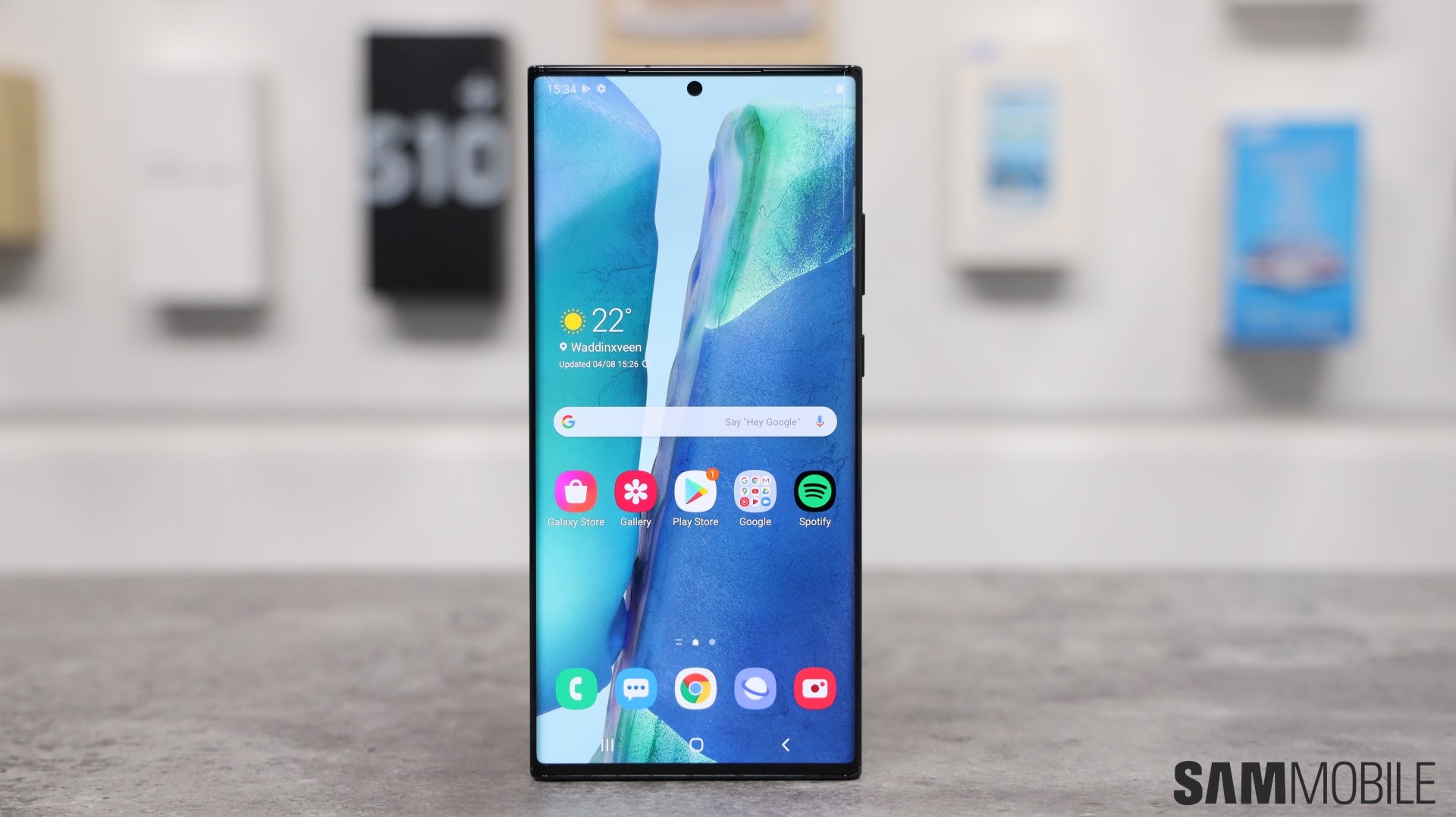
Assuming you have a compatible Galaxy Note 20 or Galaxy Note 20 Ultra model, you can download the update over the air from the phone's Settings » Software update menu. If you aren't willing to wait for the OTA to reach you, you can always download the full system image containing the new software from SamMobile‘s firmware archive, then flash it onto your device manually. That is assuming you know what you're doing and understand the risks associated with this level of tinkering, of course.
This is just the first of many updates Samsung is vowing to deliver to the Galaxy Note 20 and Galaxy Note 20 Ultra as the newly released flagships are part of the company's latest promise to deliver three generations' worth of Android updates to its contemporary devices.
In related news, it appears the future of the Galaxy Note series is once again being called into question, with Samsung currently said to be considering merging its stylus-equipped lineup with another flagship series. The idea is neither new nor particularly unpopular, but with no clear alternative to in sight, it remains to be seen what Samsung decides to do next year.
[modelinfo model=”SM-N980F”]
[modelinfo model=”SM-N985F”]














