Last updated: November 26th, 2019 at 08:56 UTC+01:00
SamMobile has affiliate and sponsored partnerships, we may earn a commission.
Reading time: 2 minutes
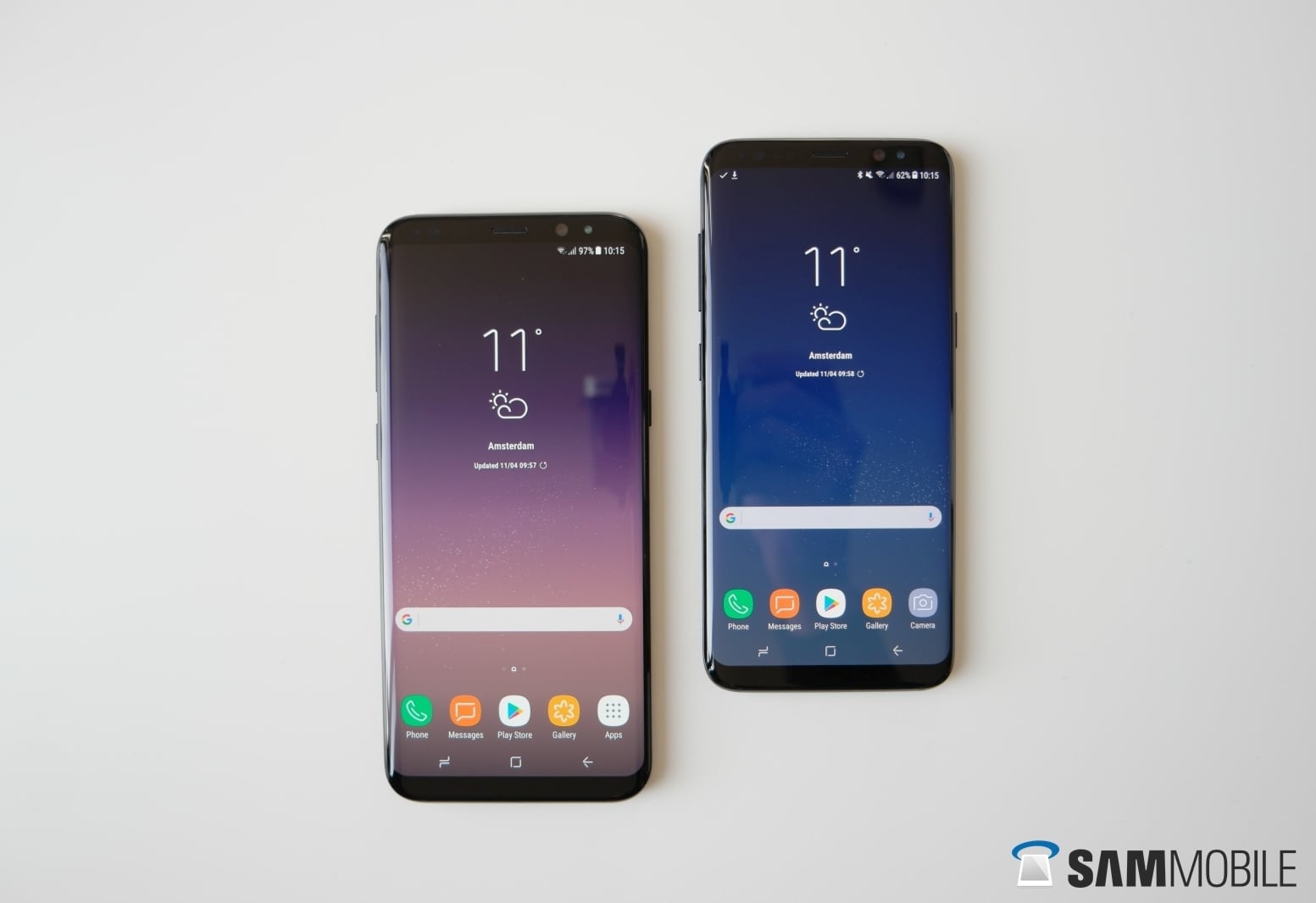
Over in Mexico, a new update, carrying software version G950FXXS6DSK7 and G955FXXS6DSK7 for the S8 and S8+ respectively, is rolling out, and we should soon see it making its way to other markets as well. The update includes only the latest security fixes; no new features are on board, and unless Samsung actually ends up updating the Galaxy S8 to Android 10, the 2017 flagship will only be receiving security updates for the rest of its support cycle.
You can download the update on your Galaxy S8 or S8+ over the air by opening the phone's Settings app, selecting Software update, then tapping Download and install. You can also update your phone by downloading the latest firmware from our firmware archive and flashing it on the device using a Windows PC.
[modelinfo model=”SM-G950F”]
[modelinfo model=”SM-G955F”]

Abhijeet's writing career started with guides for custom firmware for Samsung devices (including the original Galaxy S), and he moved to SamMobile in mid-2013 and worked up the ranks to Editor-in-chief. In addition to phones and mobile devices, his interests include gaming on both PC and console, PC hardware, and spending countless hours on YouTube watching videos on tech, movies, games, politics, and internet dramas.













