Last updated: October 8th, 2025 at 10:46 UTC+02:00
SamMobile has affiliate and sponsored partnerships, we may earn a commission.
Google is bringing advanced AI capabilities to Google Drive.
Reading time: 2 minutes
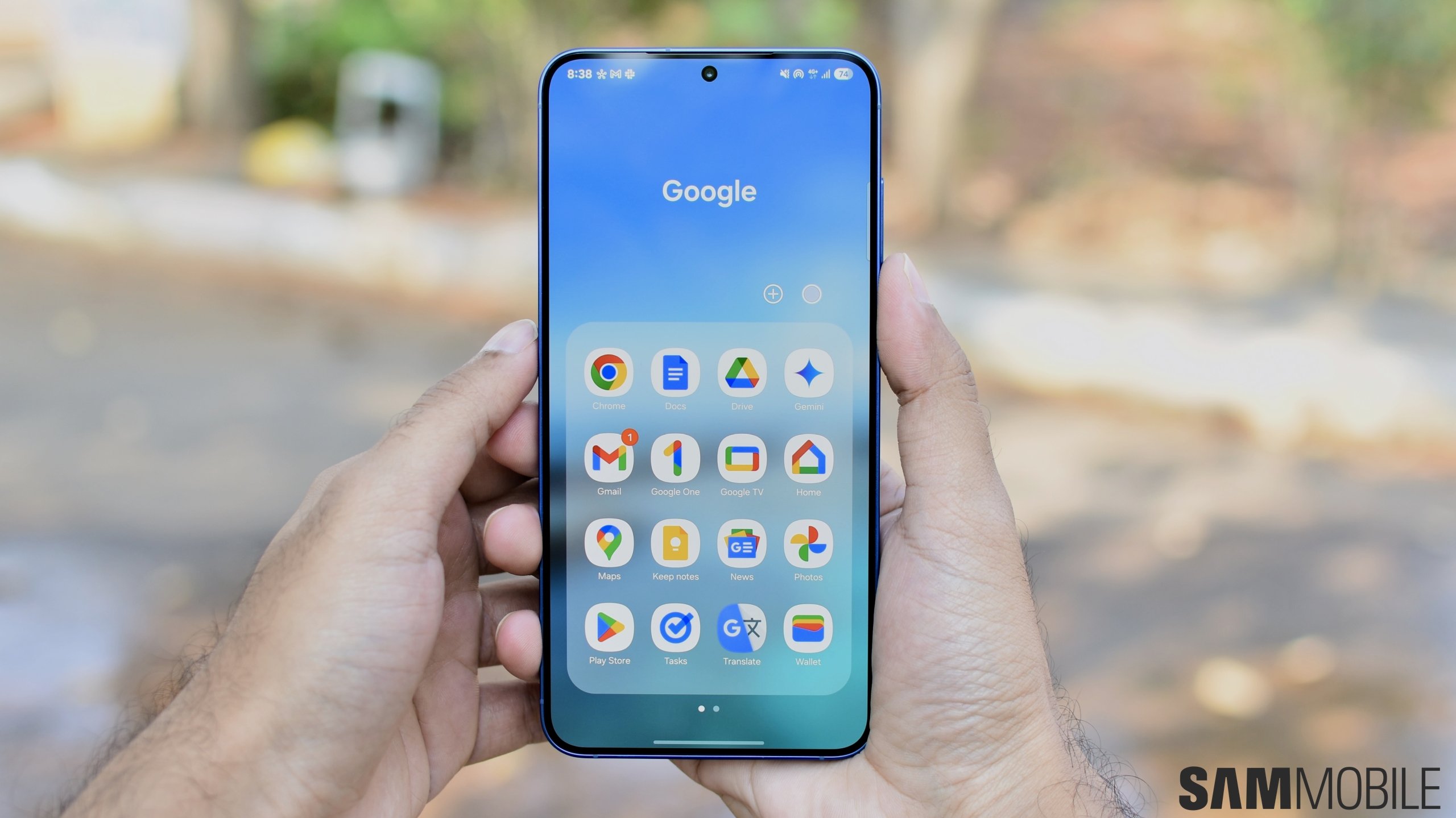
Over the past couple of years, Google has been bringing AI-powered features to several of its products and services. Gemini, the company’s next-generation AI assistant, made its debut on Galaxy phones and tablets. Now, it’s deepening its integration into Google Drive.
Google first brought Gemini to Gmail and Google Docs apps. Now, the company has been slowly rolling out Gemini integration in the Google Drive app on Android and iOS smartphones. With Gemini, you can ask questions about files in your Google Drive using natural language and even converse with Gemini about those files.

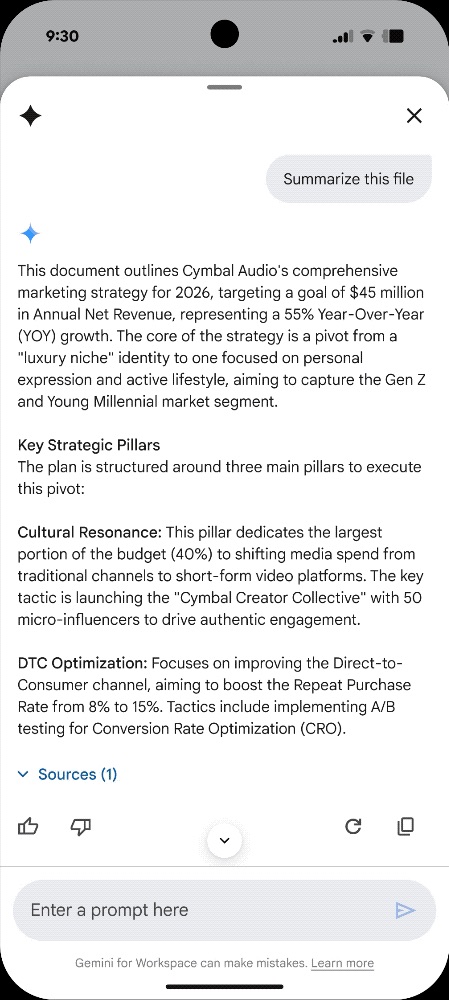
You can summon Gemini inside Google Drive by tapping the Gemini button in the top right corner of the screen or through suggestions inside chips.
You can perform the following tasks:
These features are only available to Google AI Pro and Google AI Ultra subscribers, though. Since Google has been offering a 1-year subscription of Google AI Pro for free with its high-end phones and tablets, chances are that you have access to these Gemini features. They are also available to those who have the following accounts and subscriptions.

Asif is a computer engineer turned technology journalist. He has been using Samsung phones since 2004, and his current smartphone is the Galaxy S23 Ultra. He loves headphones, mechanical keyboards, and PC hardware. When not writing about technology, he likes watching crime and science fiction movies and TV shows.














