Last updated: November 28th, 2024 at 00:58 UTC+01:00
SamMobile has affiliate and sponsored partnerships, we may earn a commission.
Reading time: 2 minutes
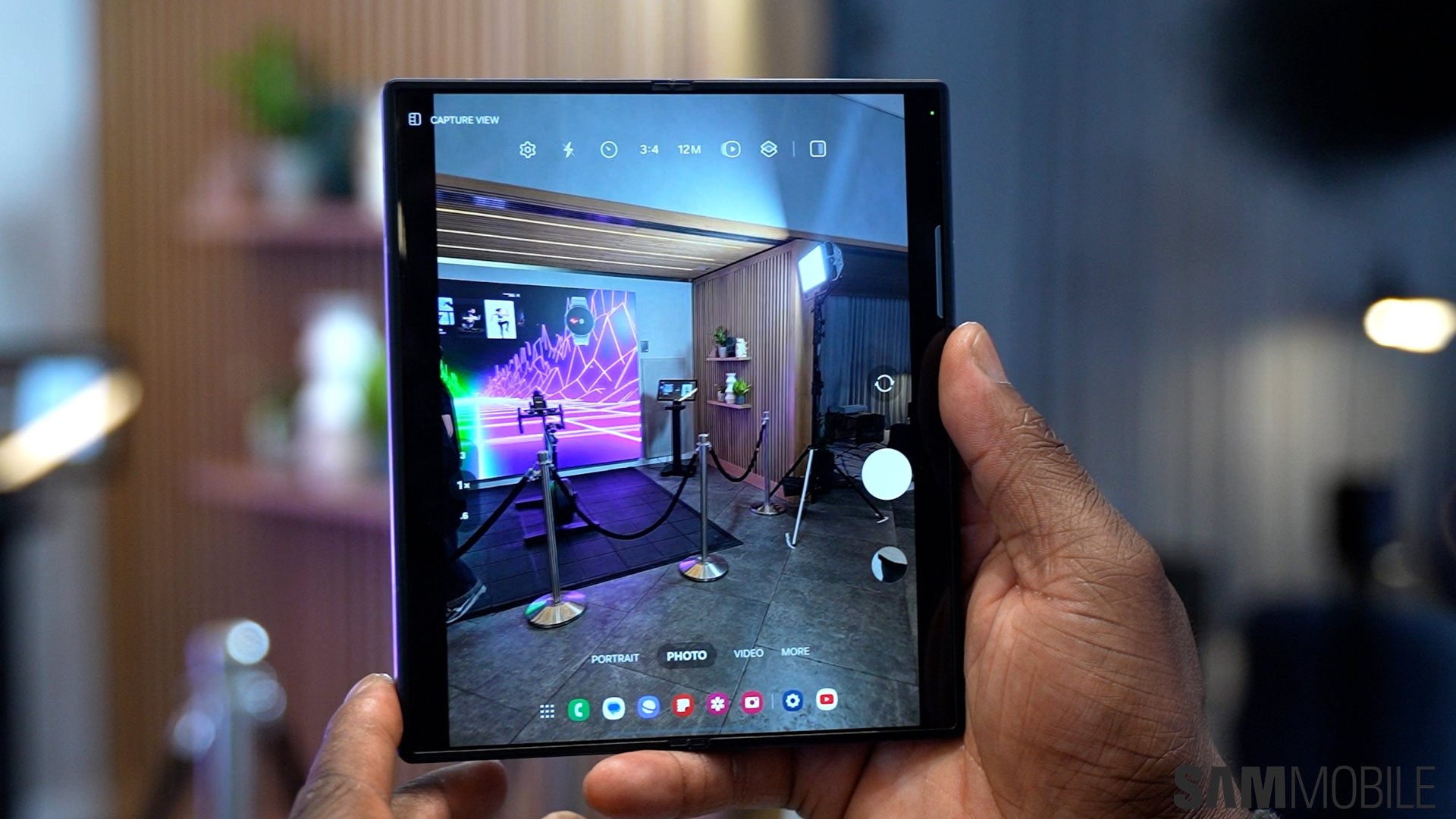
Galaxy smartphones offer several methods of creating GIF files. One of those involves swiping and holding the shutter button in the stock camera app's Photo mode. It’s not enabled by default so you may not be aware the option even exists, but we're here to help fix that.
If you own a recent Galaxy smartphone or one that runs an Android version from the last 4-5 years, swiping down and holding the shutter button is assigned to capturing pictures in burst mode by default. However, you can assign that gesture to capturing GIFs instead.
To do that, open the camera app on your phone, go into its settings by tapping the cog icon at the top left of the screen, find and tap the Swipe Shutter button to option, then select Create GIF.
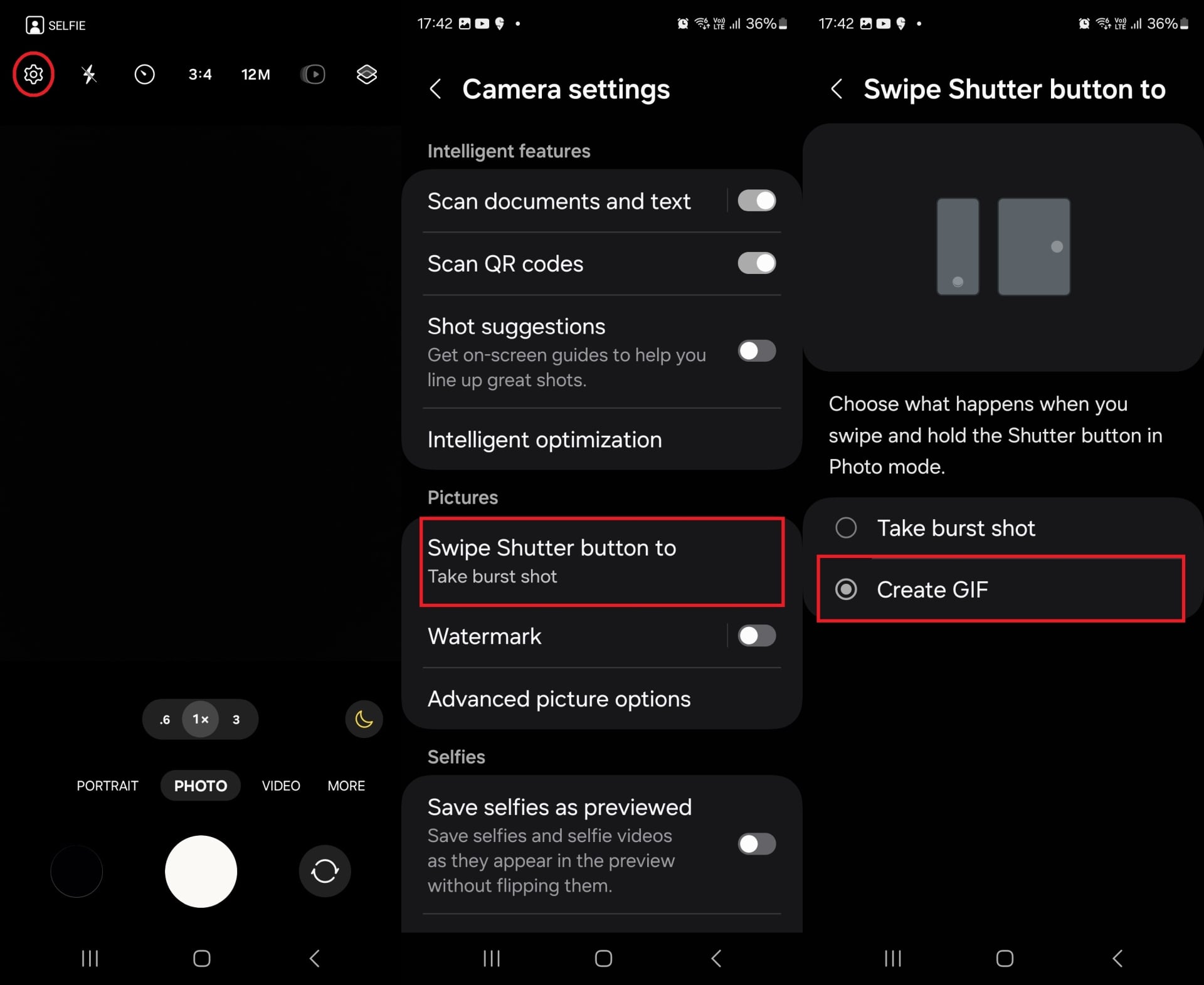
Then, anytime you want to create a GIF, just swipe down and hold the shutter button—or swipe right and hold if phone is held in landscape orientation—in Photo mode to start capturing.
You can create GIFs with a maximum length of five seconds, and the feature works for both the front and rear camera. Just make sure the camera is set to take pictures at the default resolution, which is 12MP on pretty much every Galaxy smartphone and 16MP on select budget models. GIFs aren’t supported on higher resolutions.
Once the GIF has been created, you will find the moving image saved in the Gallery app’s Camera folder. You can share it in apps like you would share any other image or video.

Abhijeet's writing career started with guides for custom firmware for Samsung devices (including the original Galaxy S), and he moved to SamMobile in mid-2013 and worked up the ranks to Editor-in-chief. In addition to phones and mobile devices, his interests include gaming on both PC and console, PC hardware, and spending countless hours on YouTube watching videos on tech, movies, games, politics, and internet dramas.












