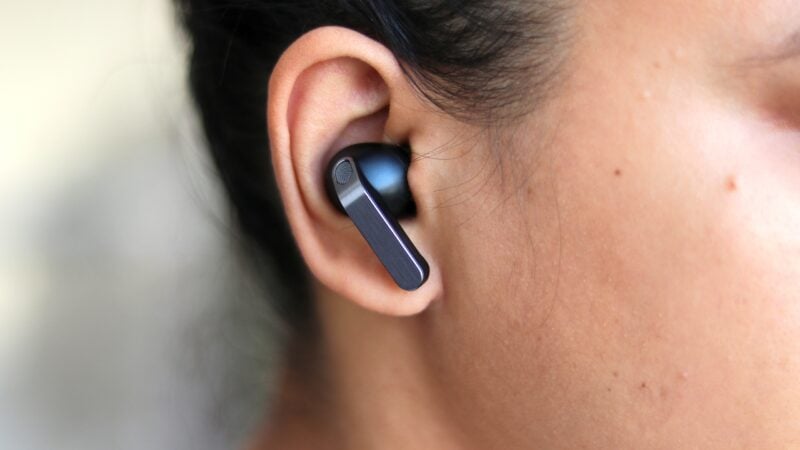
I’ve been a fan of open-ear earbuds for quite some time now. While I usually use the Galaxy Buds 4 Pro, there are plenty of situations where I don’t necessarily want to block out everything around me. Sometimes, it’s also just nice to listen to music without having something sitting inside my ear canals.
I was therefore quite excited when Samsung introduced the Galaxy Buds On earlier this month. They are pretty much the complete opposite of the Galaxy Buds 4 Pro, which I consider to be Samsung’s best earbuds at the moment.
Having used the Galaxy Buds On in various situations since my initial hands-on, there are a few things I really like about them. However, there’s one thing I still haven’t quite gotten used to.
Design and comfort
Max Jambor / SamMobile
Samsung Galaxy Buds On
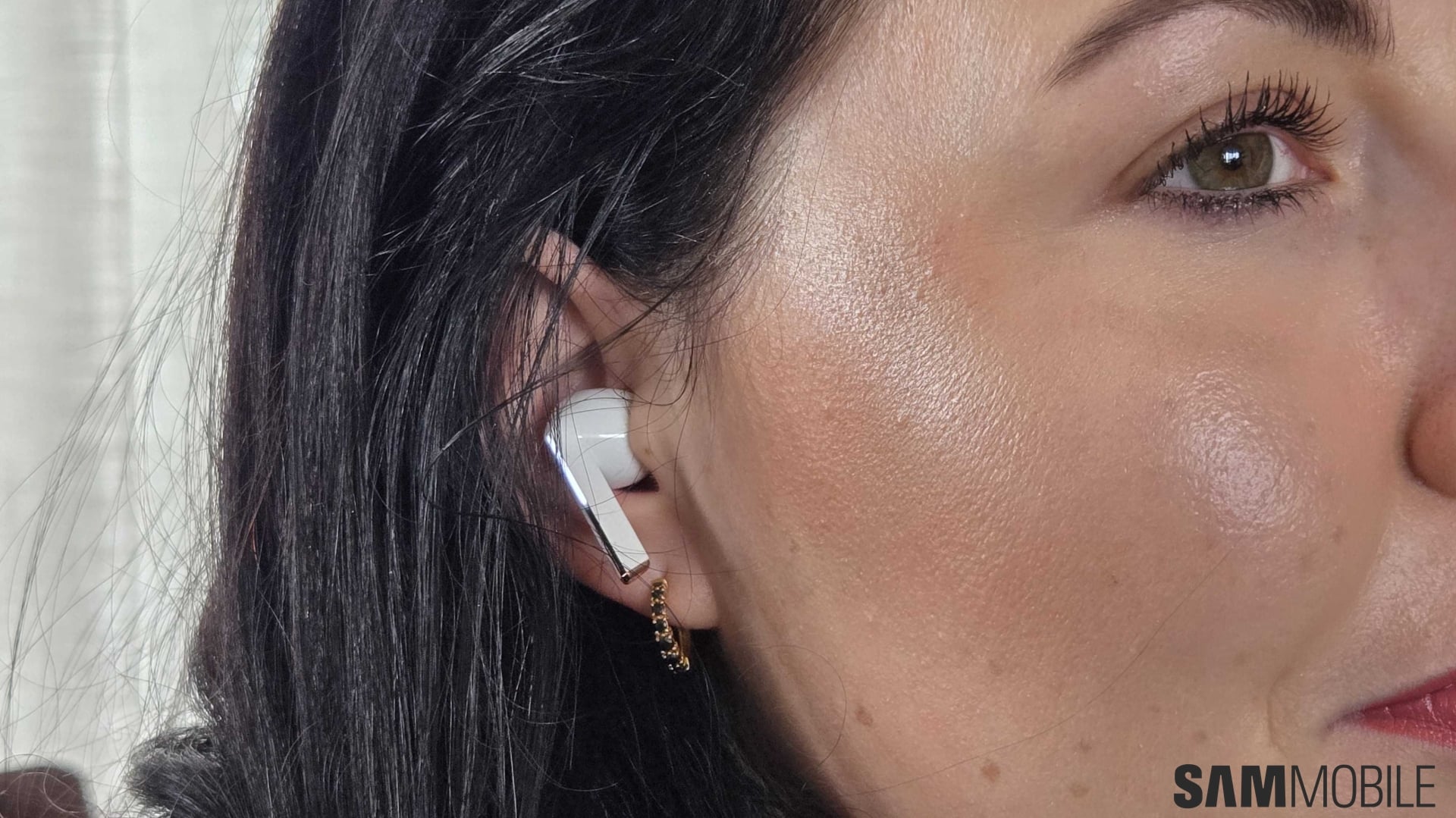
The Galaxy Buds On look nothing like any other pair of Galaxy Buds. The earbuds consist of two small housings connected by a curved band.
One of them houses the speaker and sits directly in front of your ear canal, while the other sits behind your ear. Instead of putting the earbuds inside your ears, you simply clip them onto the sides.
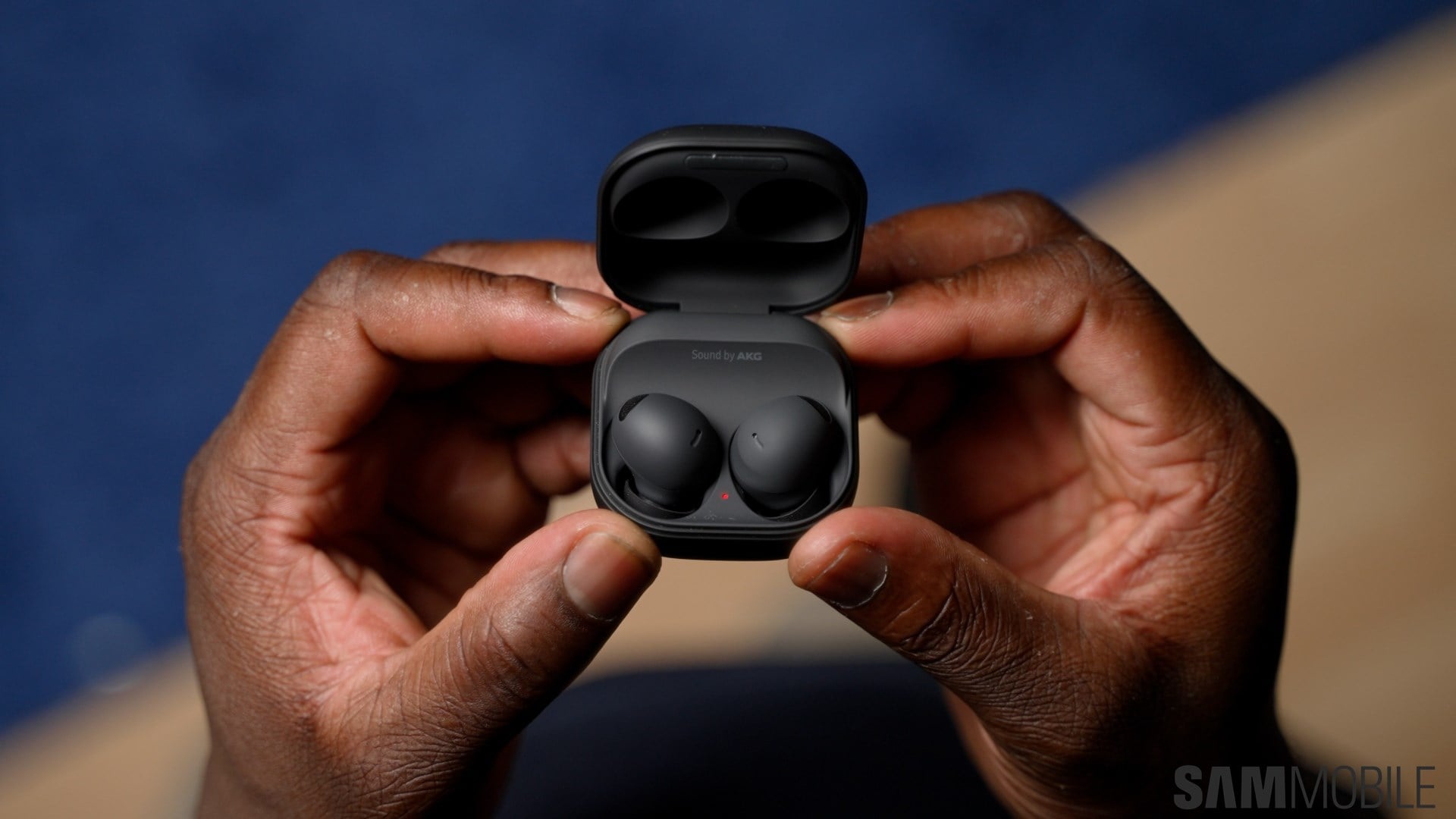
Each earbud weighs 6.65 grams, which isn’t particularly heavy. I’m also happy with the overall build quality of both the earbuds and the charging case. Despite the rather unusual shape of the earbuds, Samsung has managed to keep the charging case relatively compact, so carrying it around in your pocket isn’t an issue.
Max Jambor / SamMobile
Samsung Galaxy Buds On
While I generally like the concept of open-ear earbuds, I’m not entirely convinced by Samsung’s approach. The Galaxy Buds On sit securely on my ears, and I haven’t really had any issues with them moving around or falling off. It’s more the feeling of wearing them that I’m not a huge fan of.
I’ve used the Nothing Ear (open) quite a lot in the past, and I personally prefer their design. Nothing uses a soft hook that goes over the top of your ear, which I found more comfortable, especially when wearing the earbuds for longer periods of time.
Max Jambor / SamMobile
Galaxy Buds On earbuds
Max Jambor / SamMobile
Samsung Galaxy Buds On
I wouldn’t necessarily describe the Galaxy Buds On as uncomfortable. However, having something hanging off the side of my ear still feels a little strange to me. I thought this was something I would get used to after a few days, but that hasn’t really been the case.
Of course, this is very subjective. Everyone’s ears are shaped differently, and you might actually prefer Samsung’s design over Nothing’s approach. If you’ve never used a pair of earbuds with this kind of design before, I’d recommend trying them on before spending your money.
Sound quality
Max Jambor / SamMobile
Samsung Galaxy Buds On
Samsung has equipped each earbud with an 11.3mm TwinBoost speaker, and I have to say that I’m pretty happy with the sound quality. Considering that these are open-ear earbuds, they sound really good.
Personally, I would have liked a little more bass, though. Music doesn’t quite have the same punch as it does on the Galaxy Buds 4 Pro.
The maximum volume is sufficient for most situations in which I would actually want to use open-ear earbuds. However, since there’s nothing sealing off your ear canals, how well you can hear your music also depends on how noisy your surroundings are.
This is where the difference between the Galaxy Buds On and the Galaxy Buds 4 Pro becomes particularly noticeable. When I’m at the gym, on a plane, or using public transport, I don’t necessarily want to hear everything that’s going on around me. That’s exactly why I appreciate the active noise cancellation on the Galaxy Buds 4 Pro so much.
Max Jambor / SamMobile
Samsung Galaxy Buds On
On the other hand, there are situations where I would actually prefer to use the Galaxy Buds On. If you’re working in an office, for example, you can listen to music while still being able to hear your colleagues when they talk to you. The same applies when going for a walk outside, where it’s useful to be able to hear approaching cars.
Some people also simply don’t like having something sitting inside their ear for several hours, regardless of how comfortable their regular earbuds are. That’s something I can definitely relate to.
Sound leakage hasn’t been much of an issue in my experience either. Samsung has designed the Galaxy Buds On to reduce the amount of sound that people around you can hear. Nevertheless, I would still be mindful of how high you turn up the volume, especially in a quiet office.
Microphone and touch controls
Max Jambor / SamMobile
Samsung Galaxy Buds On
I’ve also been happy with the microphone quality of the Galaxy Buds On. I don’t have much to complain about when it comes to making phone calls. One thing I particularly like about open-ear earbuds is that I can still hear my own voice normally without having to enable a transparency mode.
What I’m less of a fan of are the touch controls. Samsung has positioned them on the part of the earbuds that sits behind your ears. You can use them to control music playback or adjust the volume, among other things.
While the controls themselves work, I find reaching behind my ears every time I want to adjust something a little awkward. I much prefer the way Samsung has implemented the controls on the Galaxy Buds 4 Pro.
It’s a relatively minor criticism, but given how often I use the controls on my earbuds throughout the day, it’s something worth mentioning.
Connectivity and ecosystem
Max Jambor / SamMobile
Samsung Galaxy Buds On
One of the main reasons I keep coming back to Samsung’s earbuds is how well they work with the rest of my Galaxy devices. The Galaxy Buds On are no exception, and I haven’t had any issues with connectivity during my time with them.
I particularly like being able to access the settings for my earbuds directly through the Quick Panel on my Galaxy phone. Whether I want to change the equalizer or adjust the touch controls, everything is easily accessible without having to open a separate app.
Max Jambor / SamMobile
Samsung Galaxy Buds On
You also get features like head gestures, 360 audio, and Galaxy AI integration on a Samsung phone. The Buds On support Samsung’s Audio Switch feature as well, so if you’re watching a video on a Samsung tablet and receive a call on your phone, the earbuds can automatically switch between the two.
These aren’t necessarily features that would convince me to buy a particular pair of earbuds on their own. However, if you already own several Galaxy devices, the integration is certainly a good reason to consider Samsung’s earbuds over those from other manufacturers.
Battery life
Max Jambor / SamMobile
Samsung Galaxy Buds On
According to Samsung, the Galaxy Buds On offer up to 9.5 hours of music playback on a single charge. In combination with the charging case, which also supports wireless charging, the total battery life increases to up to 38 hours.
While I’ve used the Galaxy Buds On for several hours at a time, I’ve never actually worn them for nine and a half hours straight. However, based on how much battery the earbuds consumed during my time with them, I’d expect Samsung’s claimed battery life to be fairly close to what you can actually achieve in everyday use.
Should you ever run out of battery, you can also just put the earbuds back into the charging case for a little while. It doesn’t take particularly long to get enough battery for another hour or two of listening to music. Overall, I’m pretty happy with the battery life of the Galaxy Buds On.
Verdict
Max Jambor / SamMobile
Samsung Galaxy Buds On
The Samsung Galaxy Buds On are priced at $229.99 in the US and are expected to launch in Europe in early 2027. Personally, I think Samsung is asking a little too much for them, especially considering that the Galaxy Buds 4 Pro launched for just $20 more.
Overall, Samsung has done a good job with its first pair of clip-style open-ear earbuds. The sound quality is good, there’s little to complain about in terms of battery life, and the integration into Samsung’s ecosystem is excellent. I’m also glad that Samsung now offers an alternative for people who don’t like conventional in-ear earbuds.
My biggest criticism remains the design, or rather the way the earbuds sit on my ears. As much as I like the concept of open-ear earbuds, I personally found the Nothing Ear (open) more comfortable. I would love to see Samsung experiment with a different design in the future.
If I could have two pairs of earbuds, I could certainly see myself using both the Galaxy Buds On and the Galaxy Buds 4 Pro, depending on where I am and what I’m doing.
However, if I had to spend my own money on just one pair of Samsung earbuds, I’d probably still go for the Galaxy Buds 4 Pro. I prefer their sound quality, and I wouldn’t want to give up active noise cancellation entirely. Especially when traveling or working out at the gym, it’s a feature I’ve come to appreciate too much.
Samsung Galaxy Buds On
What we like
Great sound for open-ear earbuds
Secure fit that keeps your surroundings audible
Good microphone quality for calls
Good battery life
Excellent Galaxy integration
What we don’t
Clip-on design can feel odd even after several days of use
Bass lacks some punch
Touch controls are awkward to reach behind the ear


 Why the Galaxy Z Fold 8 and Fold 8 Ultra are about more than just camera quality
 I picked up my Galaxy S25 Edge again: Samsung should bring it back
 What I want from the Galaxy Z Fold 9 under Won-Joon Choi
 Samsung's new mobile chief has to make young buyers want a Galaxy
 I'm trying something unusual to extend my Galaxy Z Fold 8's lifespan and stop those sticky sounds when unfolding
 The Galaxy Z Fold 8 is making me question my allegiance to Samsung’s best phone lineup
 While EU iPhone users wait for Siri AI, the Galaxy Z Fold 8 is getting things done
 I'm glad the Galaxy S Ultra's most predictable spec is finally changing