
Last updated: November 17th, 2026 at 12:44 UTC+01:00
SamMobile has affiliate and sponsored partnerships, we may earn a commission.
You can make your Fold behave differently when unfolded.
Reading time: 2 minutes
Abhijeet Mishra / SamMobile
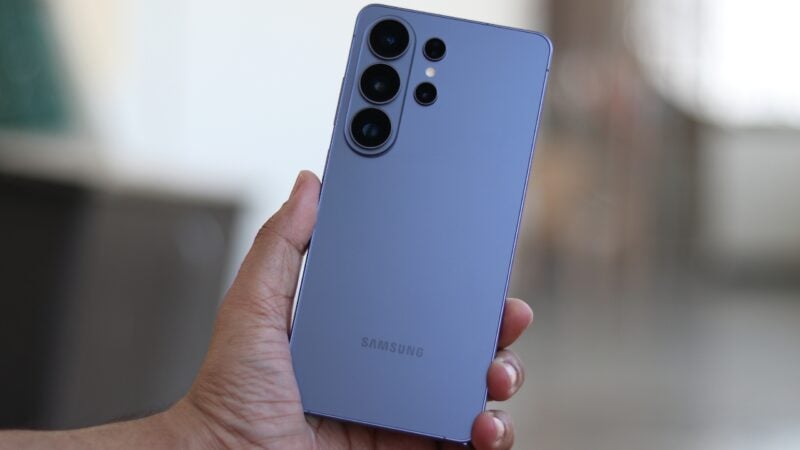
Samsung's Modes & Routines feature is beloved by numerous Galaxy phone users who enjoy automating tasks, and what do they get when combining Routines with the Galaxy Z Fold 8's foldable form factor? Even better automation.
Modes & Routines on the Galaxy Z Fold series has one feature you won't find on regular slab-type phones: An “If” condition based on your phone's folding status.
You can use this condition to trigger custom actions whenever your Galaxy Z Fold 8 is completely open or completely closed.
For instance, you can create a routine that automatically changes your screen's timeout settings only when your Galaxy Z Fold 8 is unfolded. In other words, you can have one timeout duration for the cover screen and specify a different duration that will be activated when you unfold your phone.
Other examples of useful Routines your phone can trigger automatically when unfolded:
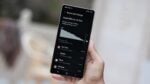
The list continues, and you can explore all of these options and others on your Galaxy Z Fold 8 by following these steps:
Some options will be grayed out if you access these folding status routines from the cover screen. To avoid this, you may want to explore Routines with your Galaxy Z Fold 8 unfolded.
And, of course, you can set your Routines so that every action triggered when the phone is unfolded is automatically reverted to its previous settings when the phone is folded.
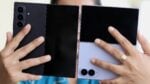
In closing, if you don't have the wide Galaxy Z Fold 8, you can also test these folding status Routines on other foldable devices, such as the Galaxy Z Fold 8 Ultra and the Galaxy Z Flip 8.