Last updated: March 8th, 2019 at 14:37 UTC+01:00
SamMobile has affiliate and sponsored partnerships, we may earn a commission.
Reading time: 2 minutes
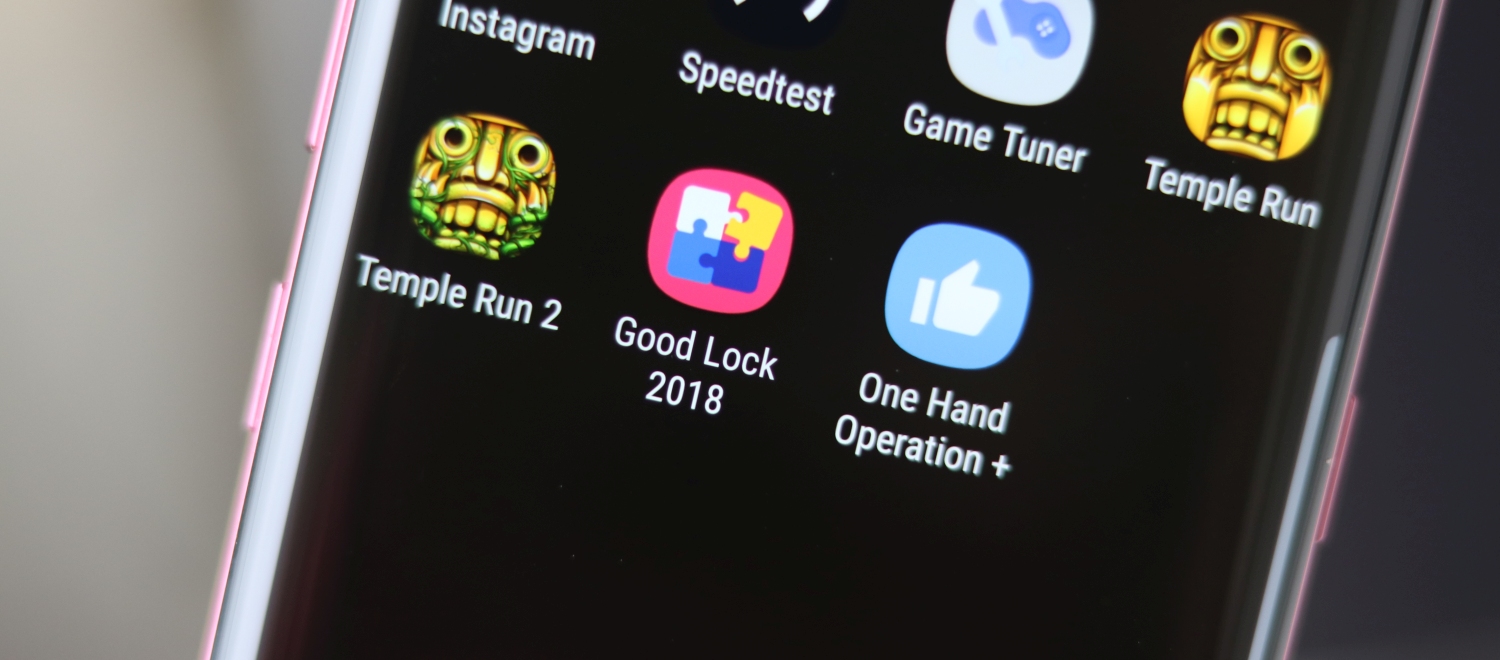
There's a separate process that we have previously detailed for using Good Lock in an unsupported market. It's a small inconvenience to bear in order to open up a world of customization on your Samsung device. However, it seems like Samsung might eventually make it easier to get Good Lock functionality on your device, regardless of your location.
Samsung has released One Hand Operation + as a standalone app on the Google Play Store. You can head over there right now and download it. One Hand Operation + is part of Good Lock but the standalone app works without requiring any other app when downloaded from the Play Store.
Once enabled it shows small gesture handles on the left and right edge of the screen. This allows users to easily control the device with one hand, a welcome feature on these large flagships. Users can customize actions to use when they swipe in different directions using the handles.
Swiping gestures can be assigned to each handle from within the app. They can be configured for Back, Home, Recent and Menu keys. Gestures can also be configured for functions like Screenshot, Task switcher, opening notification panel or quick panel, launching Assistance app and a lot more. There are plenty of customization options so you can really get it to work as per your preferences.
One Hand Operation + is a free download from the Google Play Store. The app is only going to run on Samsung devices, though. Hopefully, Samsung will release other Good Lock apps on the Play Store as well so that more users can access the features.


Danny is the proud founder of SamMobile.com. His first Samsung phone was the SGH-D900, which he considers to be the best slider phone ever. He likes football (Ajax/FC Barcelona) and Formula 1 (Red Bull).












