Last updated: January 23rd, 2019 at 20:41 UTC+01:00
SamMobile has affiliate and sponsored partnerships, we may earn a commission.
Reading time: 2 minutes
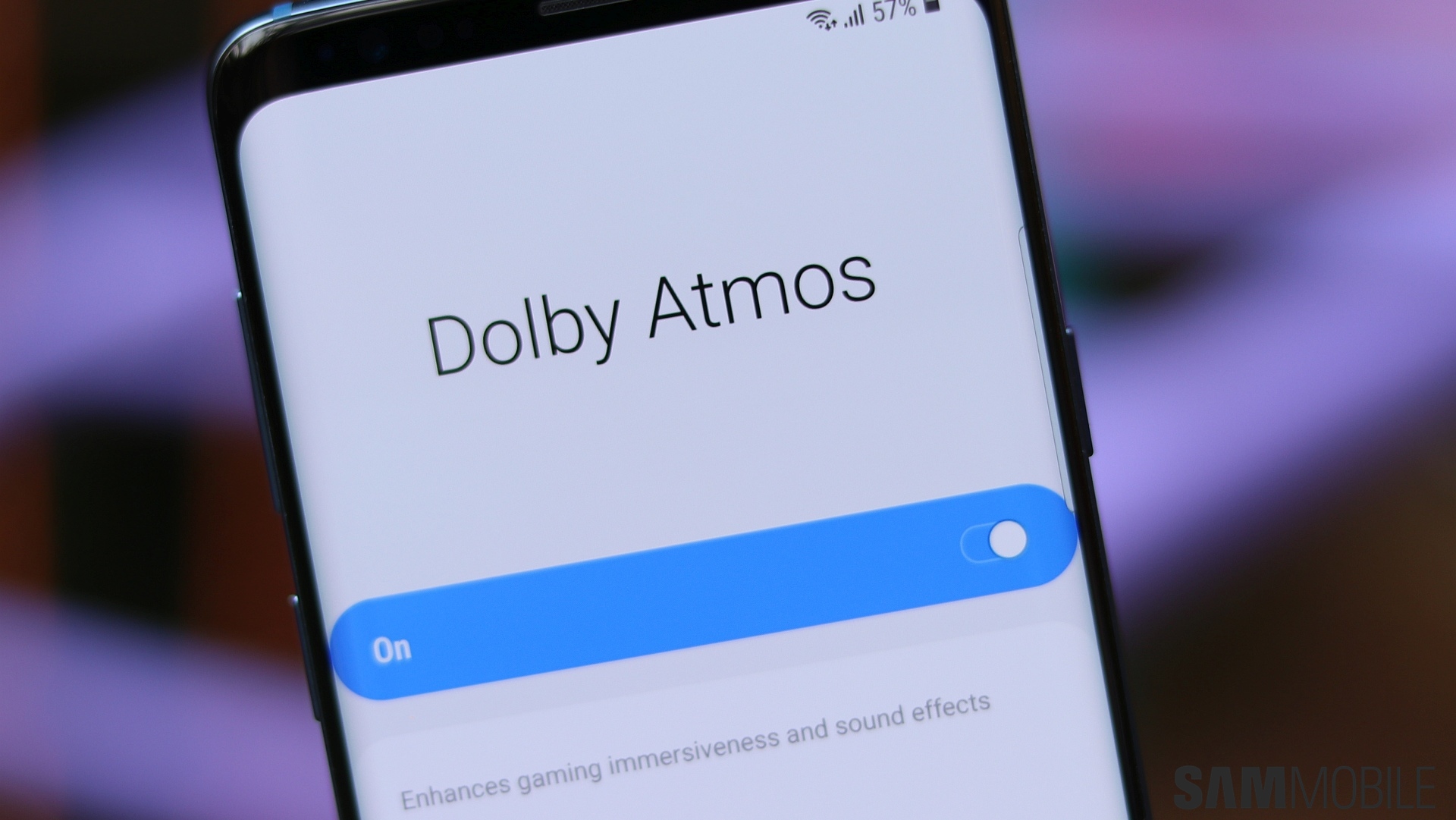
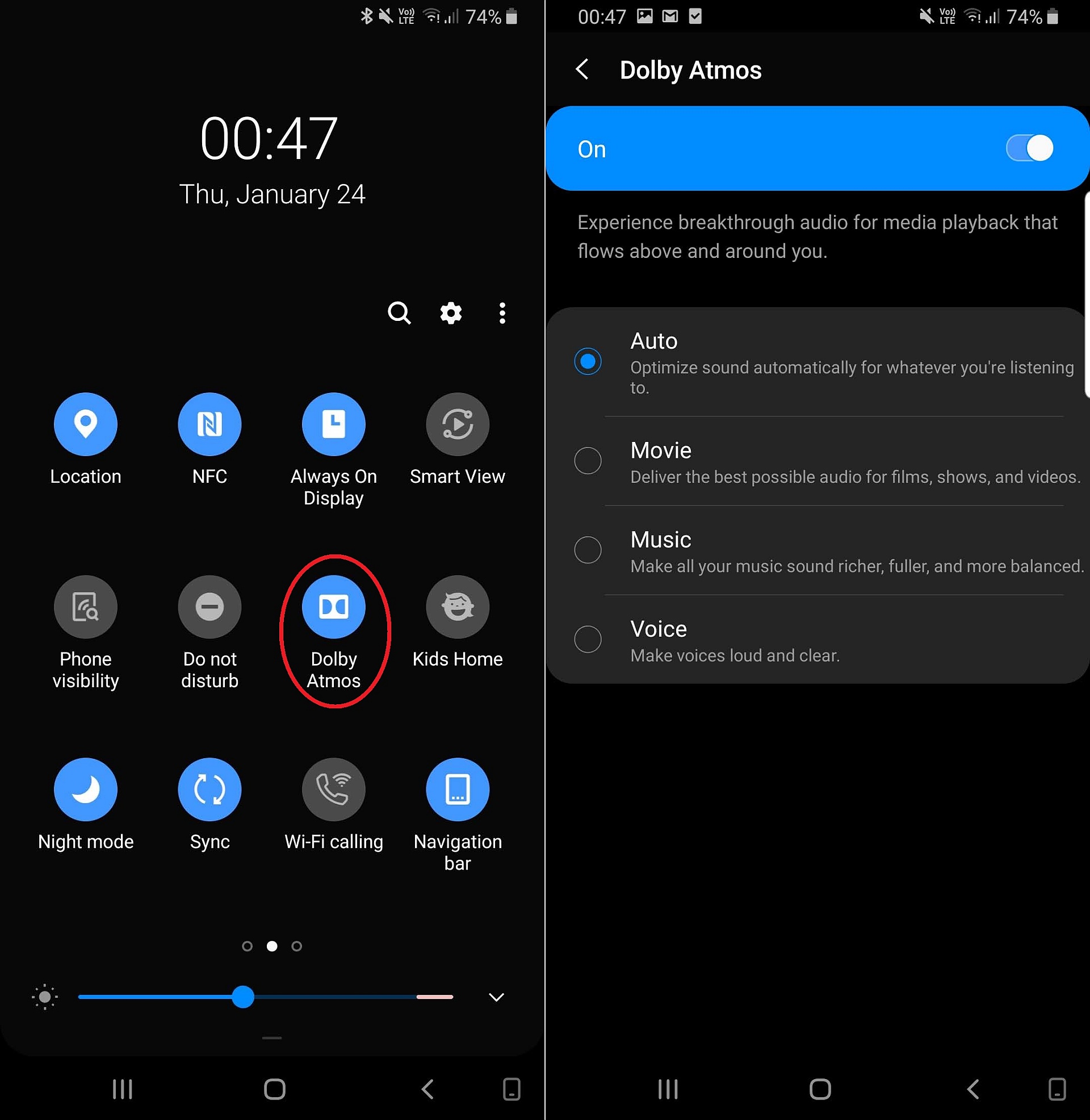
The Galaxy S8 and Note 8, like other Samsung devices without stereo speakers, get Dolby Atmos only for wired and Bluetooth audio. But don't let that disappoint you, as Dolby Atmos is more suited to wired/Bluetooth audio anyway, with the biggest benefit coming in the form of an increase in overall volume output and better separation between the left and right channels. Like the S9 and Note 9, you can choose between Movie, Music, and Voice mode depending on what type of content you're listening to or just leave it at Auto mode, which automatically attempts to select the best mode for the occasion.
To use Dolby Atmos on Android Pie on the S8, S8+, or Note 8, you will first need to have earphones or a Bluetooth device connected to the phone. You can then drag down the status bar twice to access the quick toggles and enable Dolby Atmos using its dedicated toggle. It's set to Auto by default, and to select a custom mode, you can either tap the Dolby Atmos text under its quick toggle or go into the Dolby Atmos menu in the Sounds and vibration » Advanced sound settings » Sound quality and effects section of the Settings app .
[modelinfo model=”SM-G950F”]
[modelinfo model=”SM-N950F”]

Abhijeet's writing career started with guides for custom firmware for Samsung devices (including the original Galaxy S), and he moved to SamMobile in mid-2013 and worked up the ranks to Editor-in-chief. In addition to phones and mobile devices, his interests include gaming on both PC and console, PC hardware, and spending countless hours on YouTube watching videos on tech, movies, games, politics, and internet dramas.













