Last updated: June 21st, 2018 at 15:17 UTC+02:00
SamMobile has affiliate and sponsored partnerships, we may earn a commission.
Reading time: 2 minutes
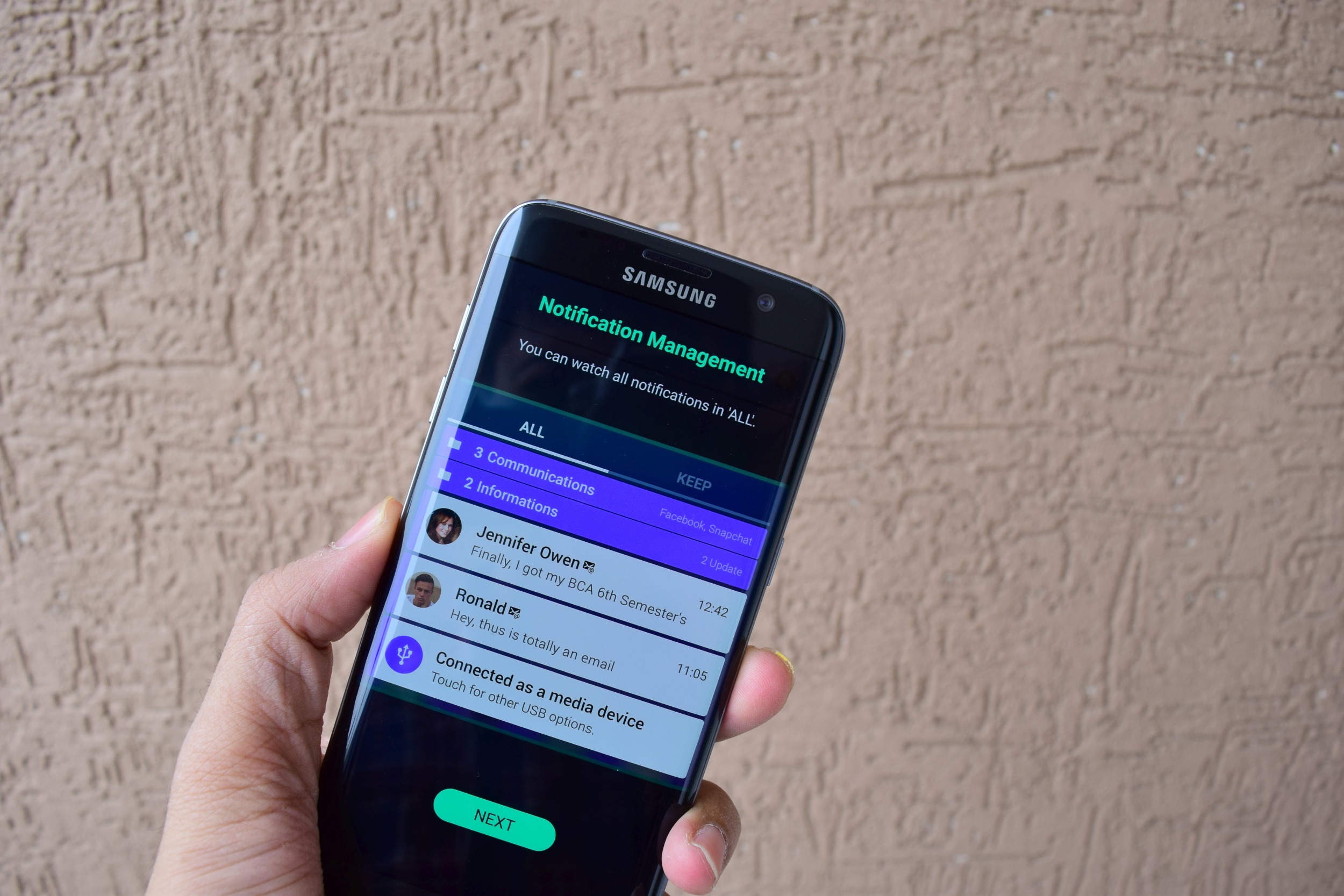
Step 1: Download and install the Task Changer, LockStar, QuickStar and Routines apps.
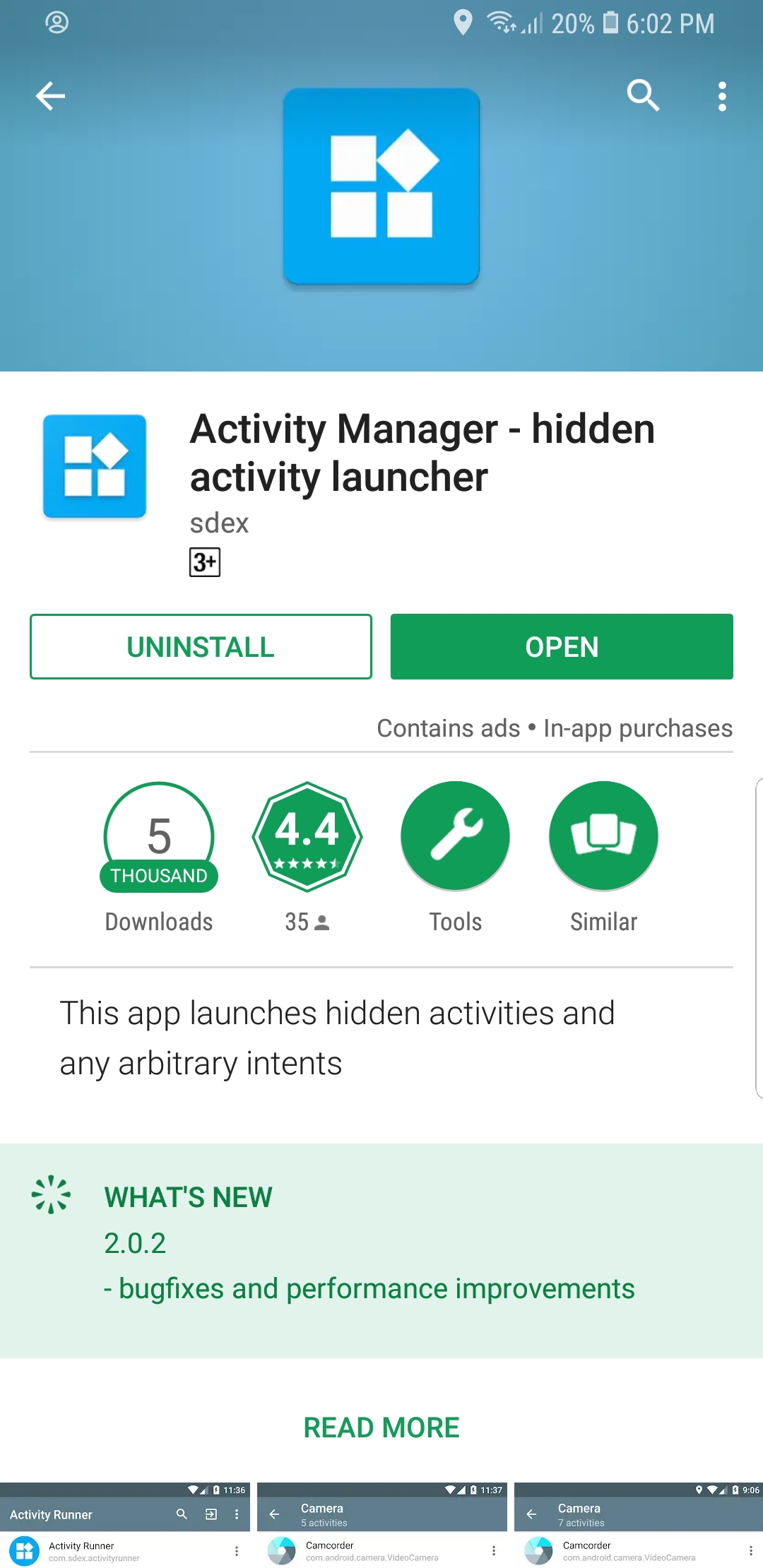
Step 2:Install Activity Manager from the Play Store. The app lets you enable hidden activities and create home screen shortcuts for them.
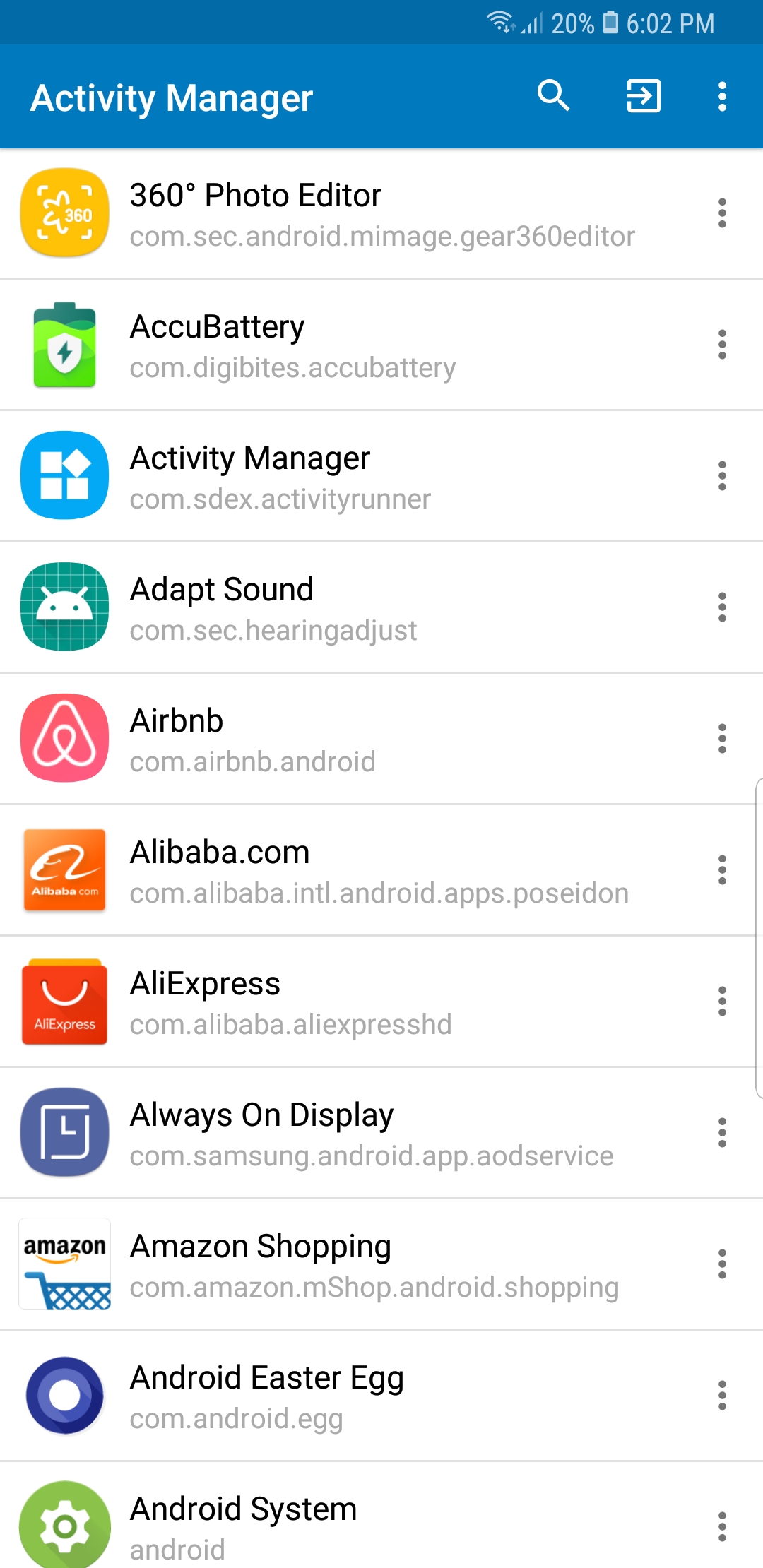
Step 3: Launch the app and wait for all activities to load. Once that happens, search for Task Changer and tap on it.
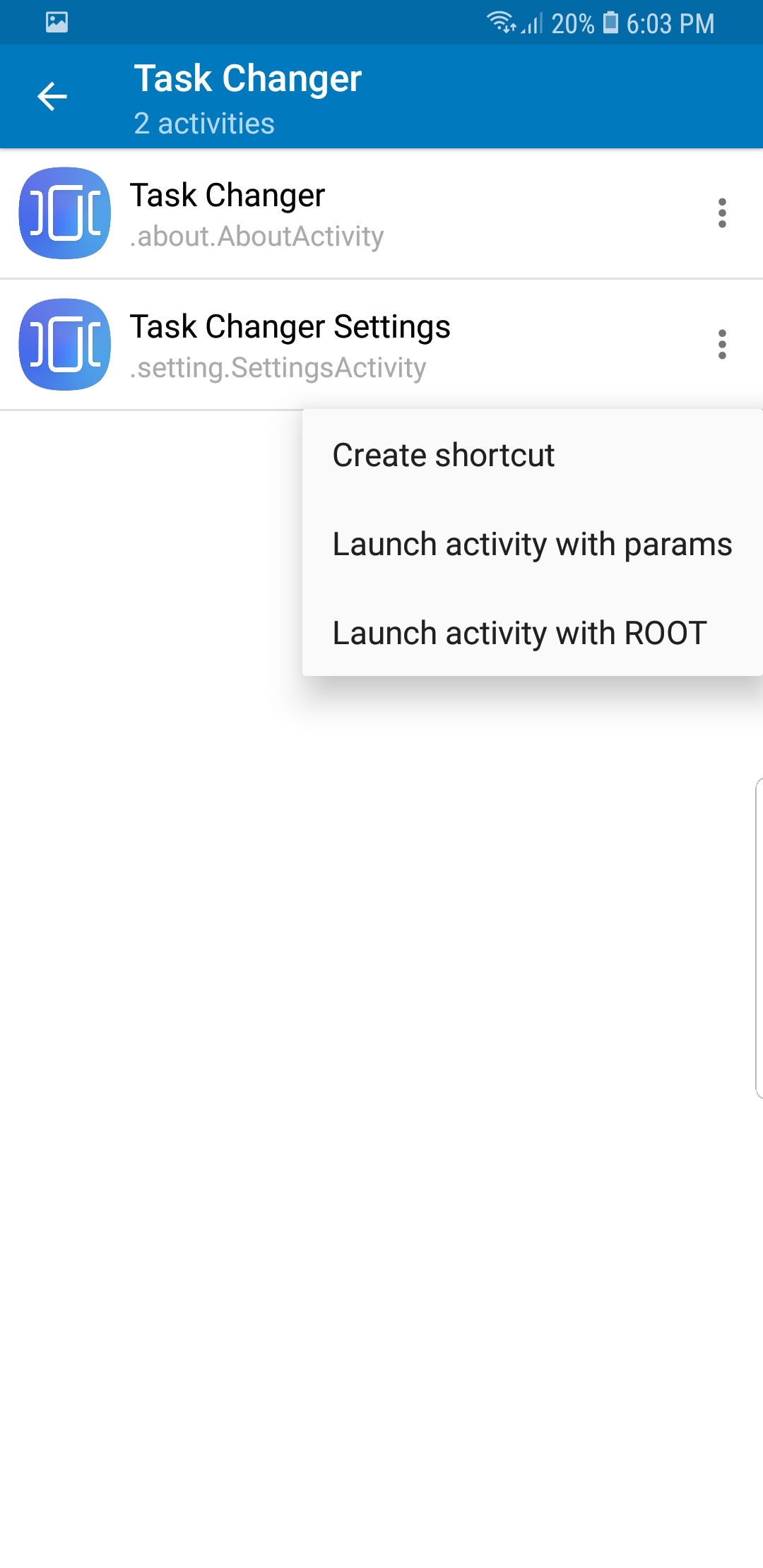
Step 4: Tap on the three-dot menu next to “Task Changer Settings” followed by Create shortcut. This adds a shortcut for Task Changer Settings to the home screen.
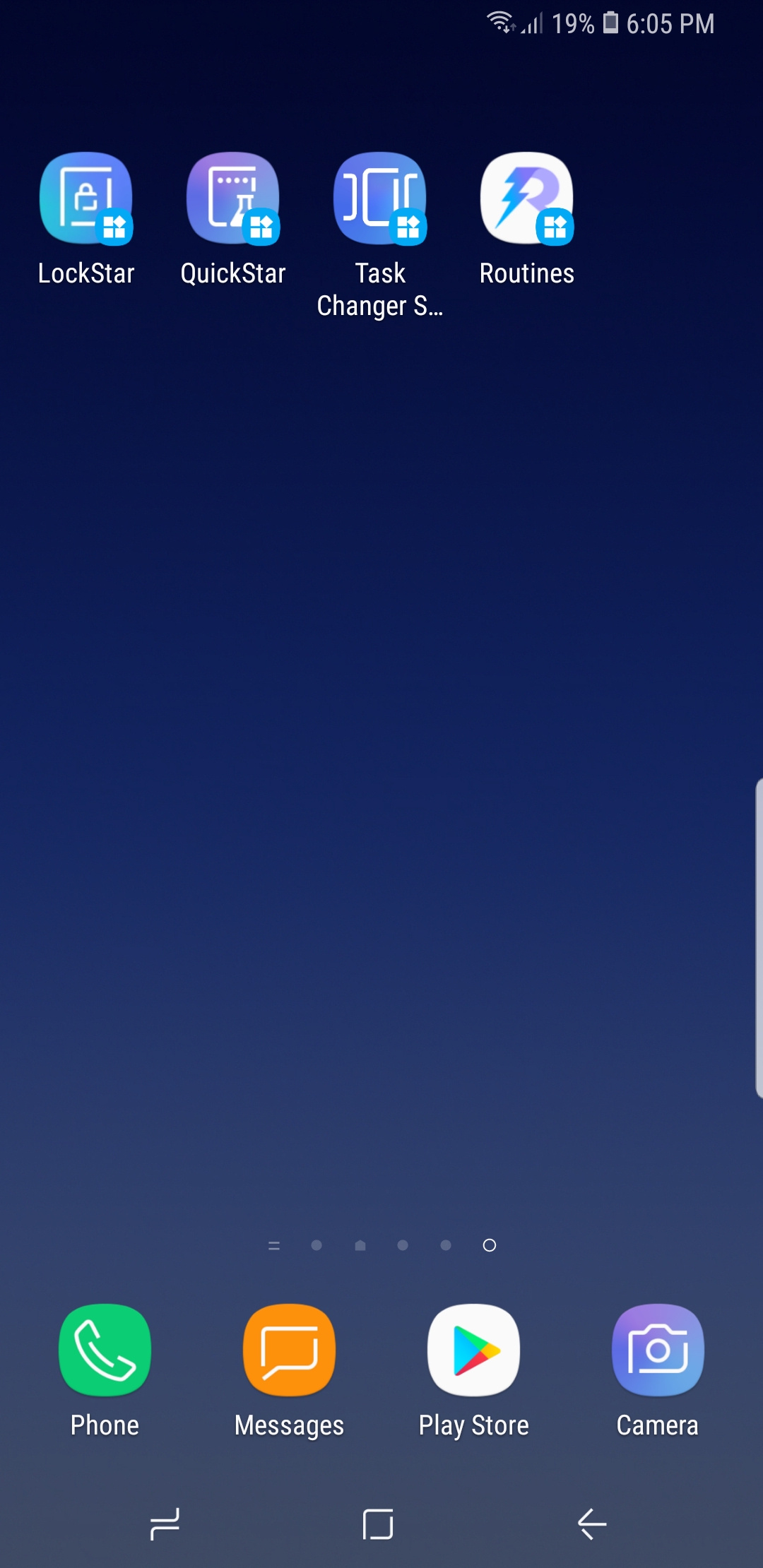
Step 5: Repeat the steps above for the other apps.
You will then find shortcuts for all four core Good Lock 2018 apps on the home screen. They can then be used to configure all of these customization features for Oreo-powered Samsung handsets. This method is absolutely necessary until and unless Samsung releases Good Lock 2018 for markets as it essentially works around the limitation of a dud Good Lock 2018 app.

Adnan Farooqui is a long-term writer at SamMobile. Based in Pakistan, his interests include technology, finance, Swiss watches and Formula 1. His tendency to write long posts betrays his inclination to being a man of few words.













