Last updated: April 26th, 2017 at 10:34 UTC+02:00
SamMobile has affiliate and sponsored partnerships, we may earn a commission.
Reading time: 2 minutes
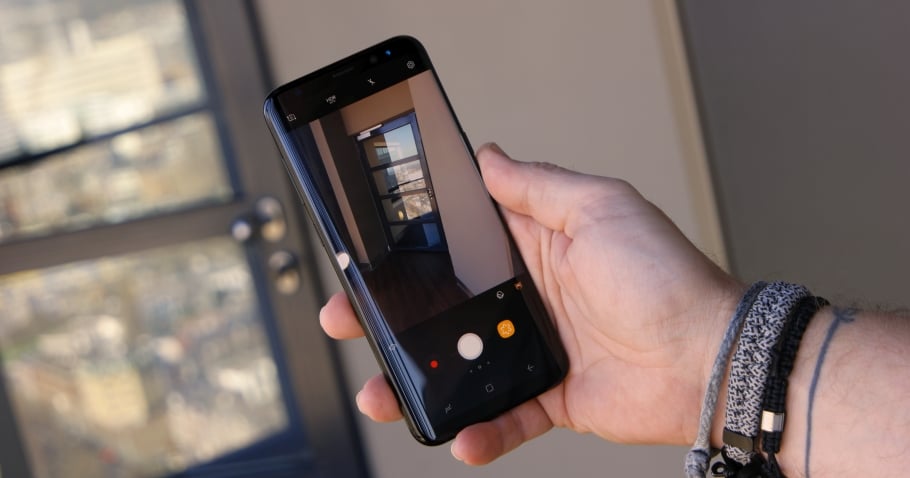
If you didn't know already, the Galaxy S8 and S8+ can record optically and electronically stabilized 4K videos, something that wasn't possible on the Galaxy S7 and the Galaxy S7 edge. EIS produces smoother videos, but for some reason, these smartphones are pre-configured by Samsung to record videos at just 1080p resolution. You can change that, of course. So, here's how you can activate electronic image stabilization in the camera app on your Galaxy S8 or S8+:
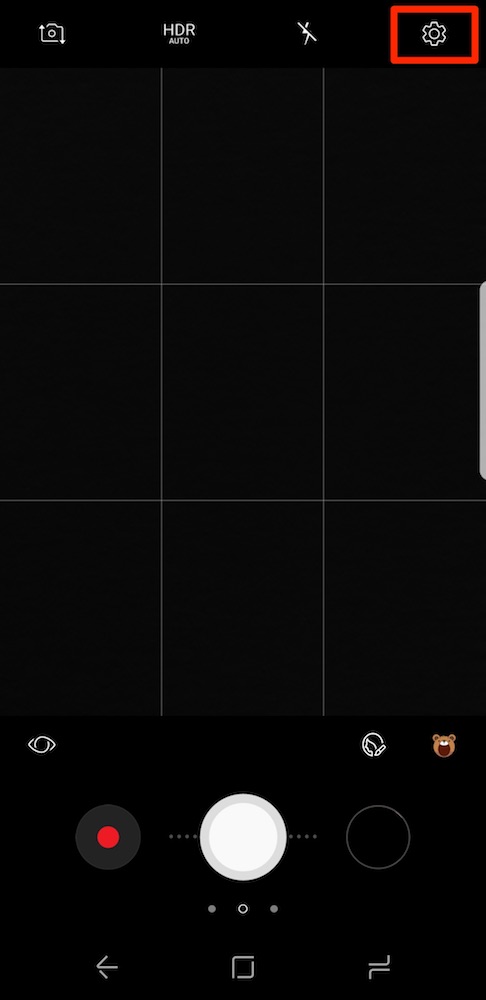
Step 1: Open the camera app and hit the Settings icon on the top right corner of the screen.
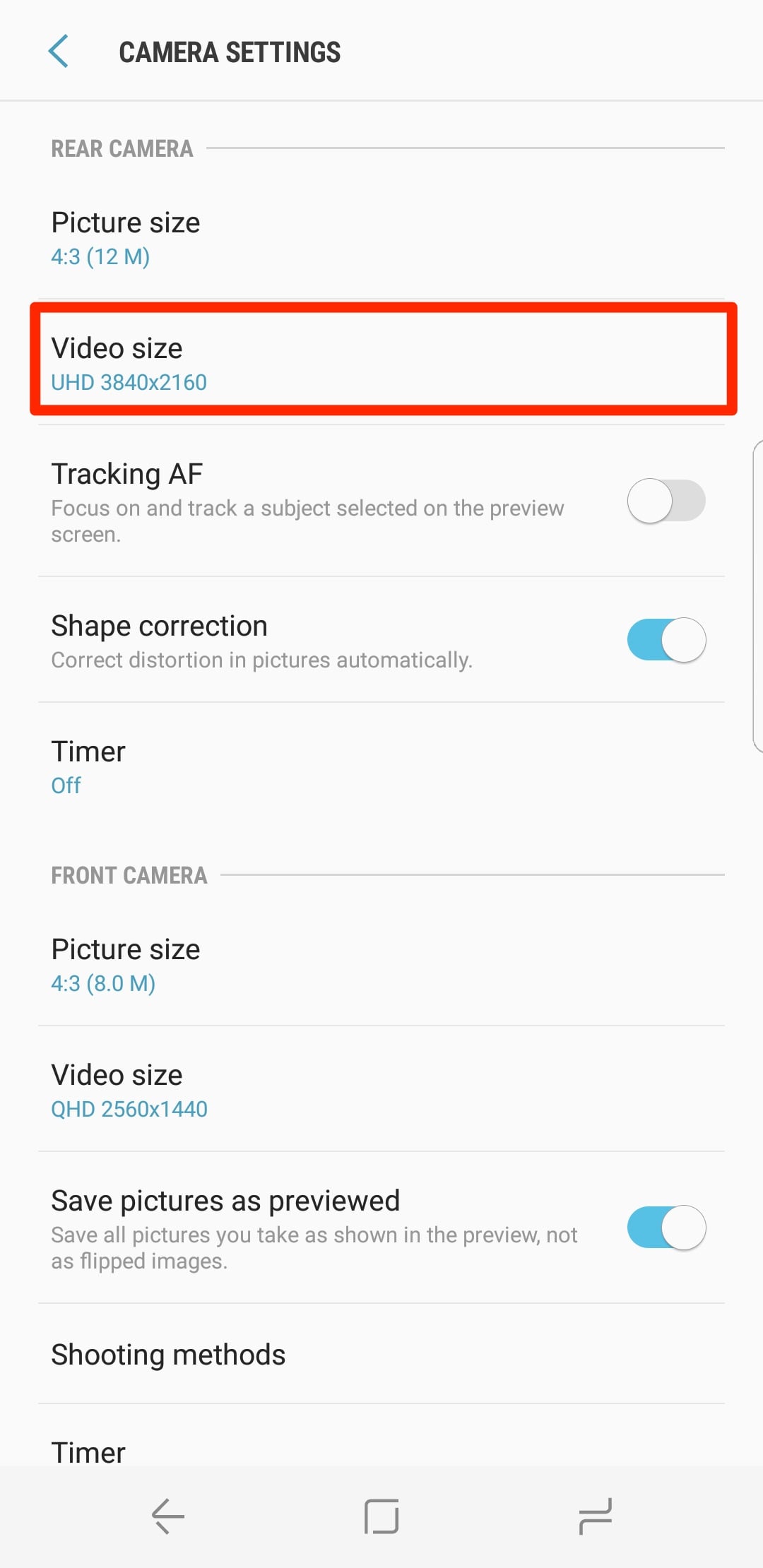
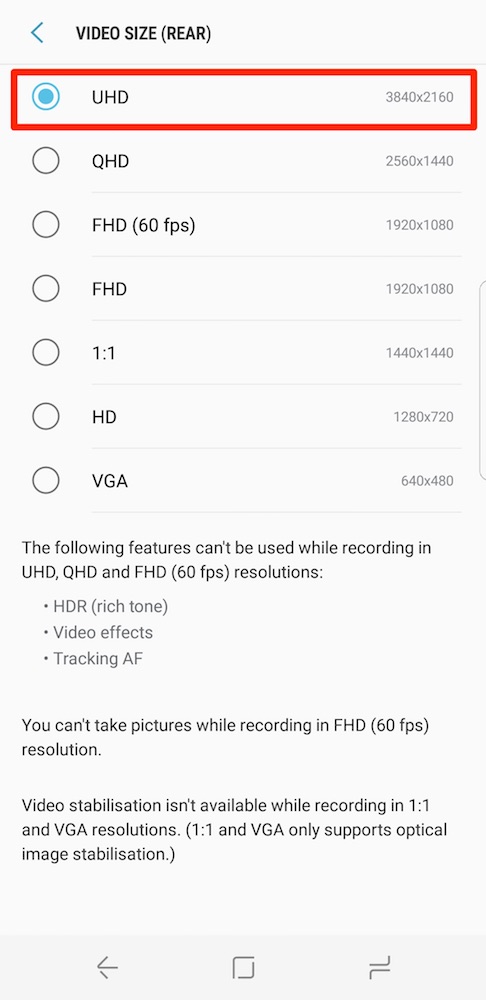
Step 2: Enter the Video Size menu, and select UHD option. Then go back to the main menu.
Step 3: Now, scroll down and search for the Video Stabilization option and activate it.
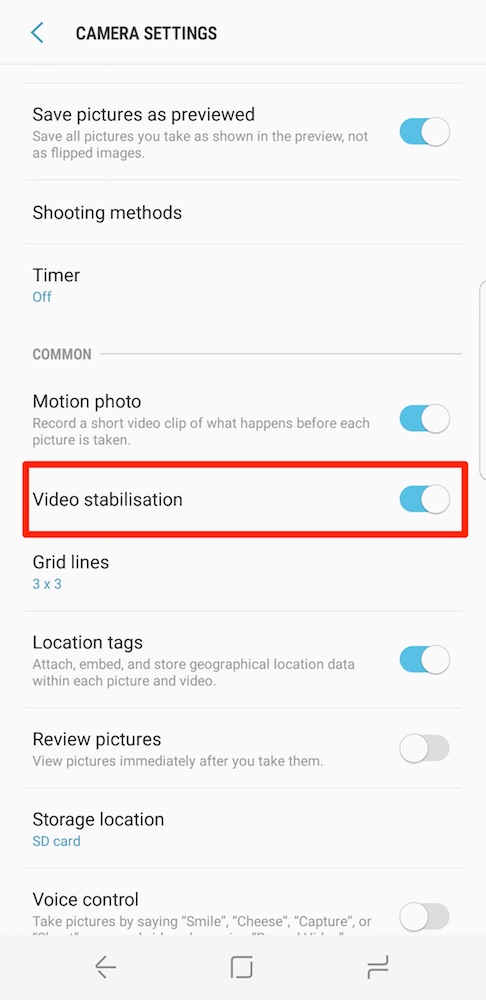
You can now record 4K videos that are both optically and electronically stabilized.
Note: EIS isn't available for the front-facing camera when recording videos in QHD resolution.
If you want to know how to setup your new Galaxy S8 or S8+, you should read more Galaxy S8 tips and tricks here.

Asif is a computer engineer turned technology journalist. He has been using Samsung phones since 2004, and his current smartphone is the Galaxy S23 Ultra. He loves headphones, mechanical keyboards, and PC hardware. When not writing about technology, he likes watching crime and science fiction movies and TV shows.













