Last updated: June 17th, 2016 at 11:44 UTC+02:00
SamMobile has affiliate and sponsored partnerships, we may earn a commission.
Reading time: 3 minutes
If your interest is peaked, let's get started.
Retrieve Write On PDF
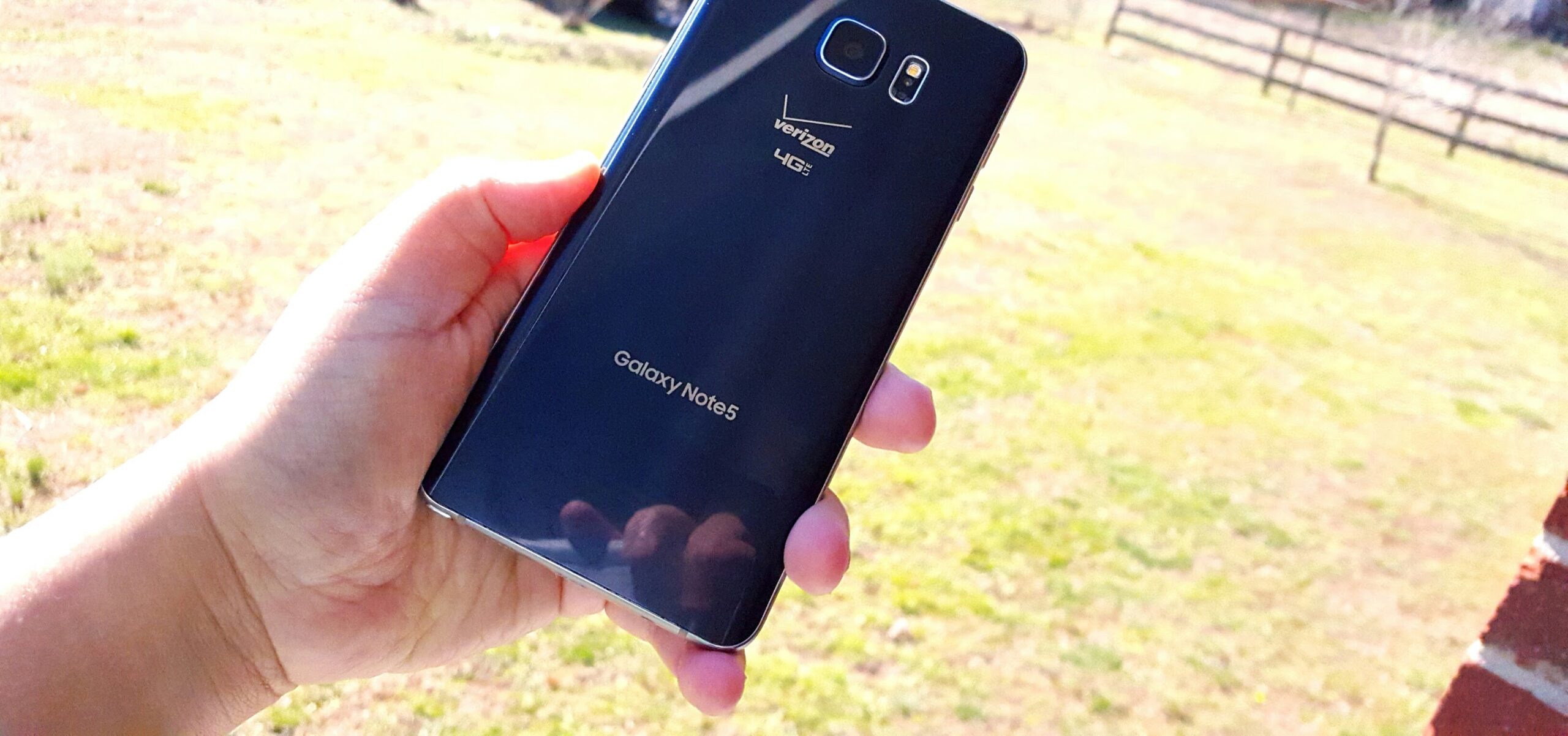
As a Verizon customer, let me say that I know how Verizon customers feel. You purchased one of the best devices on the market (it still is!) but feel cheated that Write On PDF was just suddenly removed from the Note 5 without you having any say-so in the matter at all. And why did Verizon have to remove this feature anyway? Is the Note 5 not a Samsung device? I know, I know, I know. This is where some would say, “This is why we need unlocked devices, smartphones directly from Samsung that bypass carriers.” Unfortunately, many customers can't afford to go off-carrier, so we'd still end up at the carrier even if we purchased a model directly from Samsung (we just wouldn't have missing features).
Regardless of how you feel about the significance or insignificance of carriers (the carrier model rules in the US, which is where we Verizon customers find ourselves), Samsung has a backup strategy designed to prevent carriers from removing its best features. What is this strategy? Samsung has placed Write On PDF in the Google Play Store. You need only visit the store and download the app. Within seconds, Write On PDF is now on your Galaxy Note 5.
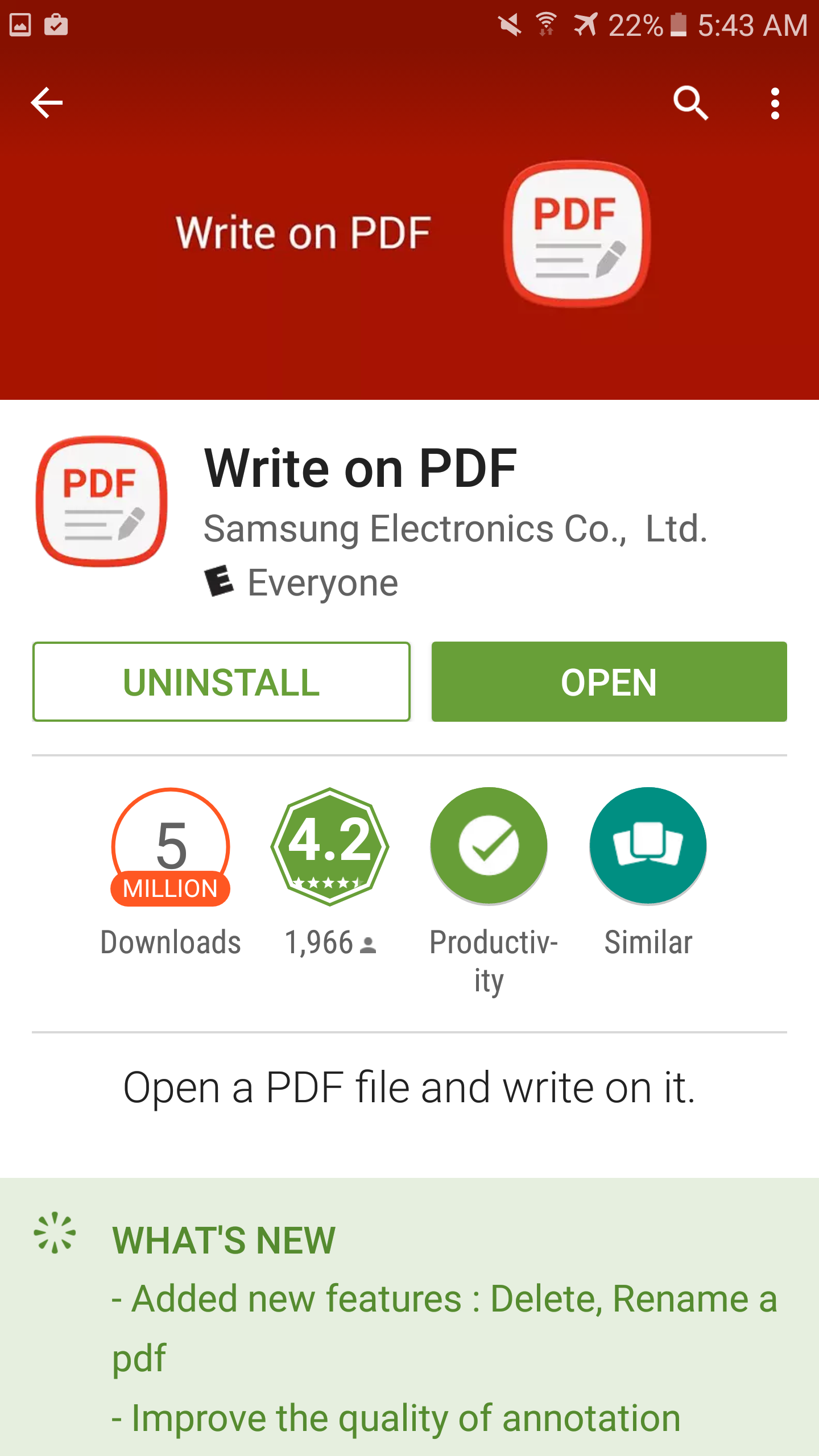
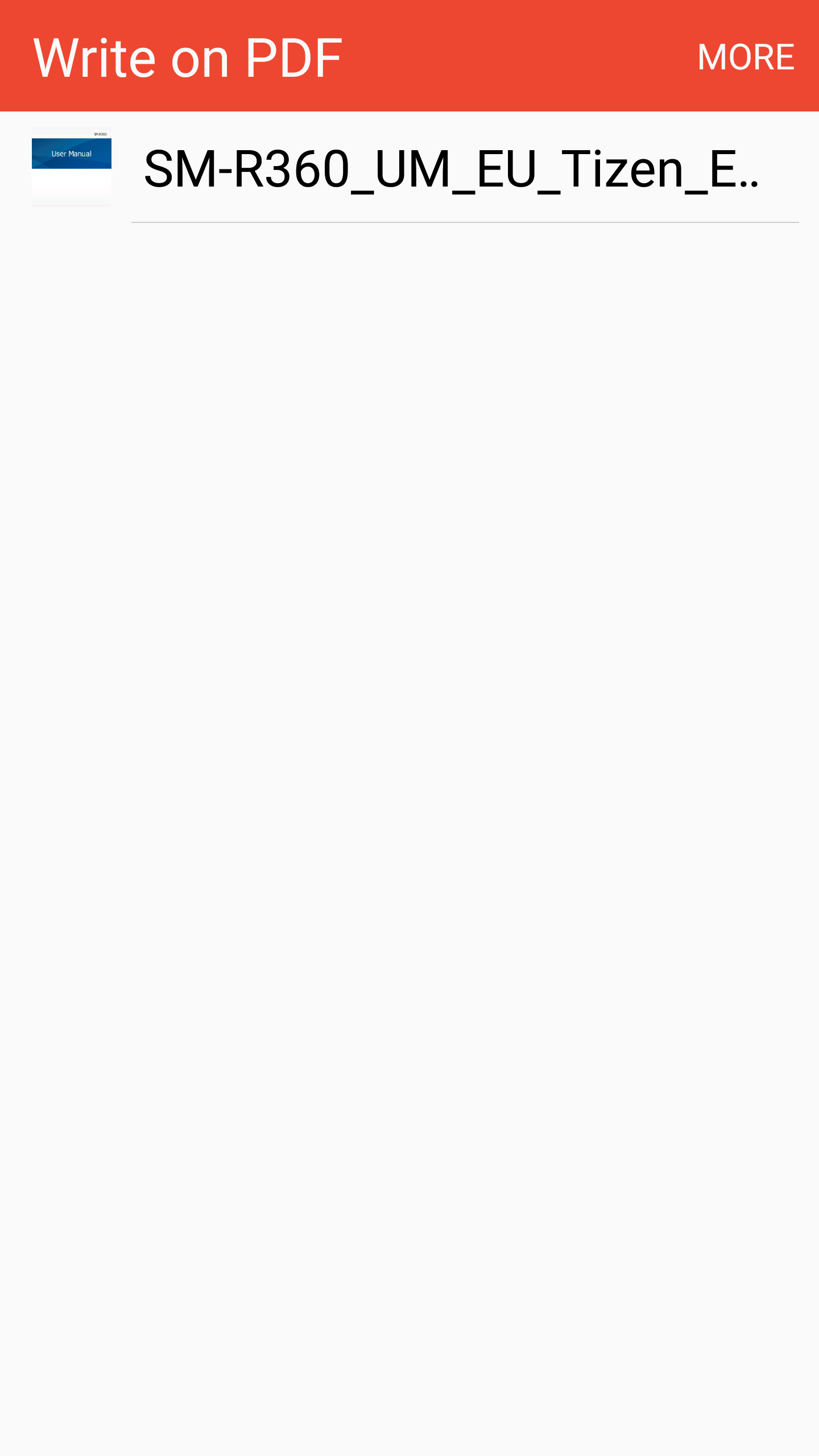
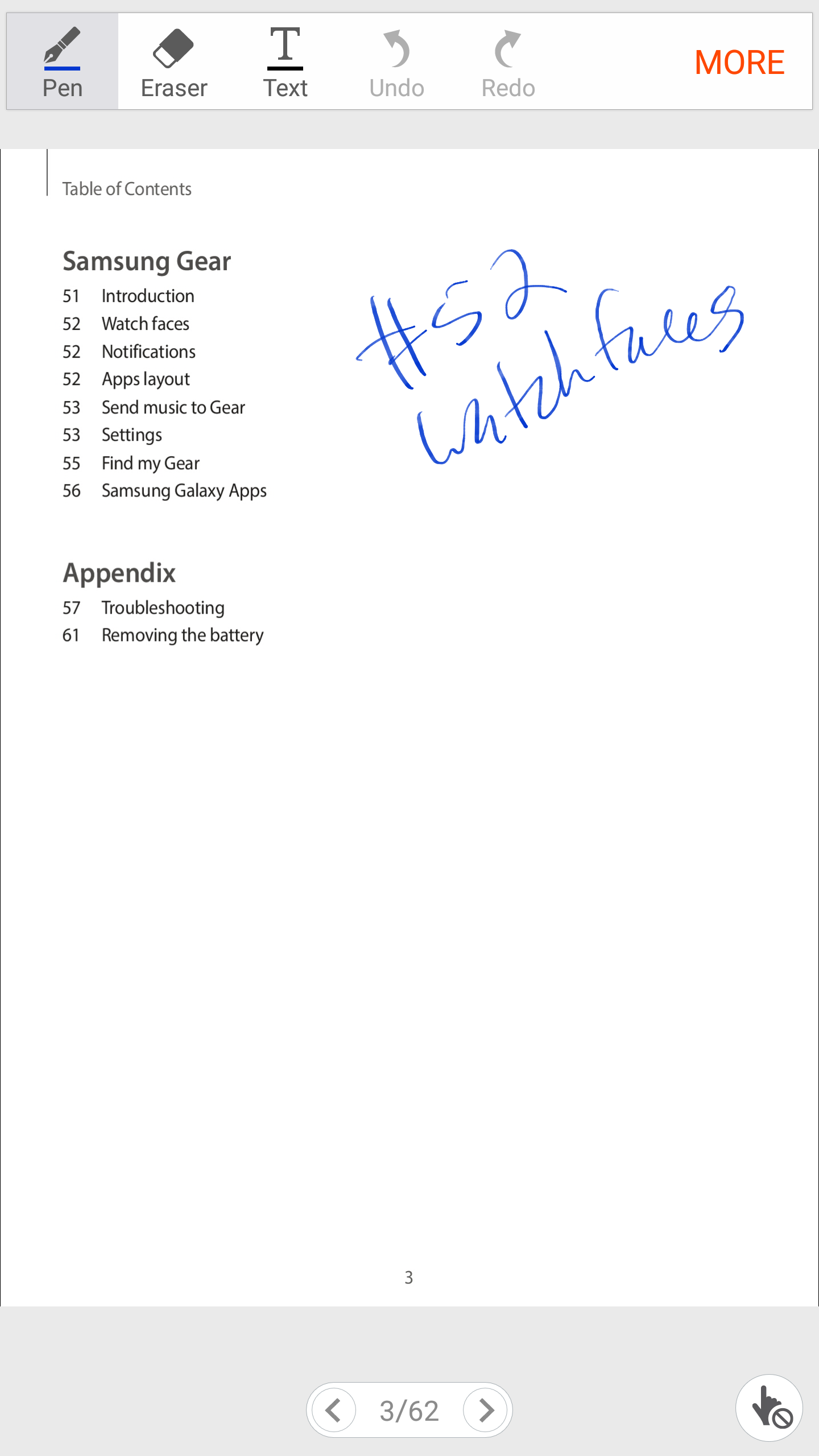 Once you install Write On PDF, you'll now be able to select it to open any PDF file. From there, you can write on them, sign your name, and save your written notes and signatures. You may want to grab Write On PDF after grabbing the Verizon Note 5 June security patch, though.
Did you enjoy this simple tip? Would you like to see more how-tos provided for missing apps on carrier-locked models? Do you hope to not see any more like this because carriers stop removing Samsung features from Samsung-branded phones? We're sure you have some input on this discussion.













