Last updated: February 4th, 2026 at 16:01 UTC+01:00
SamMobile has affiliate and sponsored partnerships, we may earn a commission.
Ever since I started tracking my food and water intake, I made changes to watch faces and buttons on my Samsung Galaxy Watch Ultra.
Reading time: 3 minutes
I have always enjoyed customizing watch faces on Galaxy Watches. Earlier, my focus was on good-looking watch faces that also offered quick access to basic information and health data. I typically used complications for battery status, daily activity goals, and weather, along with a few app shortcuts to speed things up.
Over the past few months, that approach has gradually changed, especially after I upgraded to the Galaxy Watch Ultra. In addition to steps and workouts, I began tracking my daily calorie intake and water consumption more closely.
I try not to exceed my daily target of 1,800 kilocalories and aim to drink at least 3 liters of water ever day. I have also started using Samsung Wallet more frequently for payments. These changes pushed me to rethink how my watch faces were configured.


When using information-dense watch faces such as Circle Dashboard, Daily Dashboard, Info Board, Ultra Analog, and Ultra Info Board, I add complications for battery, calorie intake, daily activity, date, Samsung Wallet, sleep, steps, and water intake. This setup allows me to see everything that matters to me at a glance, without needing to open individual apps from the app drawer.
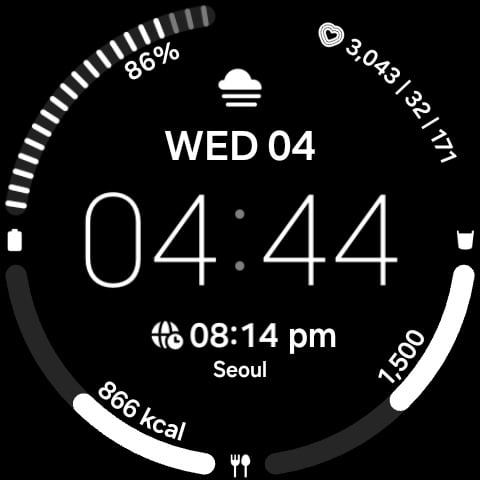
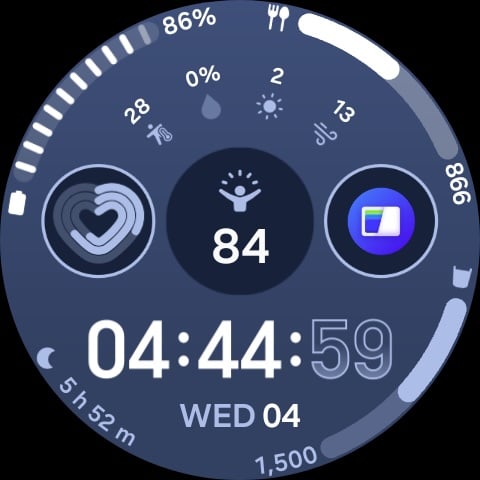
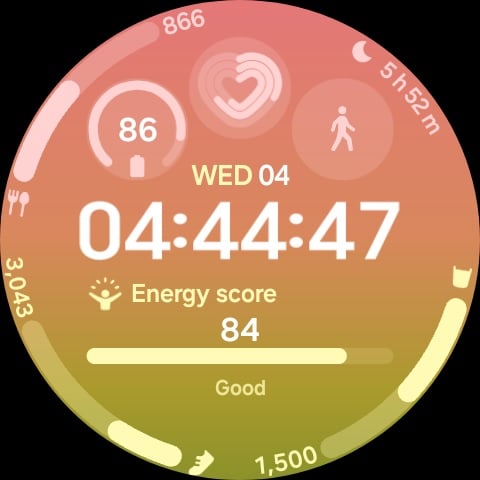
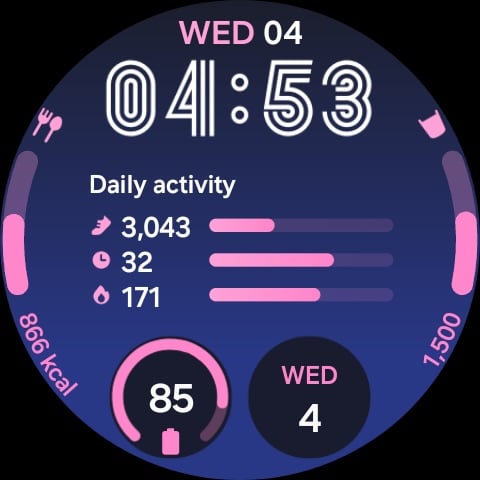
For watch faces that offer fewer complication slots, I keep things simpler. These faces usually display battery level, calorie intake, date, and water intake. Even with this minimal setup, I can still access Samsung Wallet quickly by long-pressing the back button, so I do not feel like I am losing much functionality.
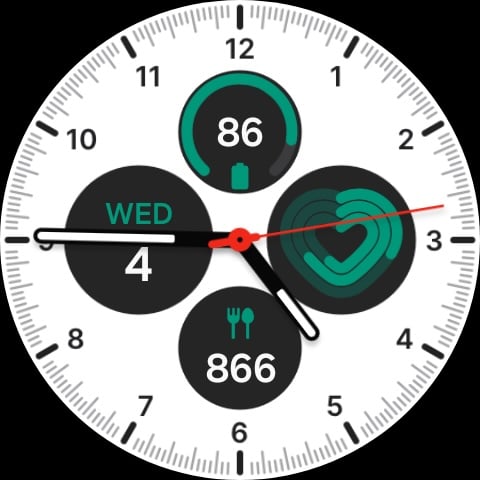
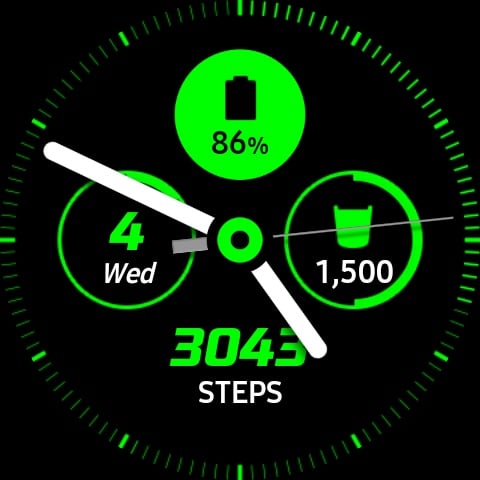
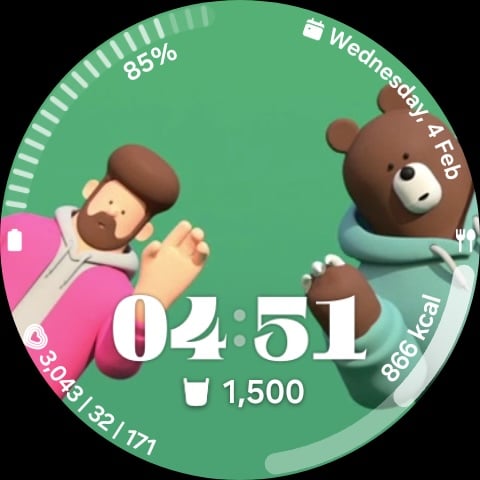
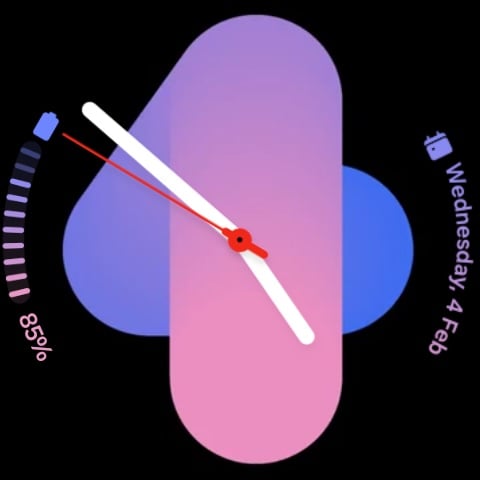
I also pay close attention to how information is visually presented. For complications placed along the edge of the screen, I prefer using graph-style indicators for battery, calorie intake, steps, and water intake, as progress-based visuals are easier to understand at a quick glance.
I feel Samsung missed an opportunity with the Sleep complication. It would have been more visually informative if it displayed sleep duration as a progress graph, showing how much sleep I have completed relative to my sleep target.
I have also changed how the hardware buttons are customized to better match my daily routine.


The Quick Button on the Galaxy Watch Ultra has significantly expanded my customization options. It provides faster access to the features I care about most, without relying entirely on touch gestures or on-screen shortcuts. Previous Galaxy Watches I used, such as the Galaxy Watch 4, did not include this additional hardware button, which limited how quickly I could jump to important features.
The Quick Button is set to start workout tracking with a double press, making it easy to begin logging exercises. Double-pressing the home button launches Google Home, while long-pressing it opens Gemini for general queries or for starting a timer.
Overall, my watch customization has shifted from general convenience to a more health-focused and payment-friendly setup. The Galaxy Watch Ultra, with its additional button, makes it easier to build a configuration that supports my current lifestyle and priorities.

Asif is a computer engineer turned technology journalist. He has been using Samsung phones since 2004, and his current smartphone is the Galaxy S23 Ultra. He loves headphones, mechanical keyboards, and PC hardware. When not writing about technology, he likes watching crime and science fiction movies and TV shows.













