Last updated: April 15th, 2025 at 15:21 UTC+02:00
SamMobile has affiliate and sponsored partnerships, we may earn a commission.
Sound Assistant is a fantastic Good Lock module/app that will allow you to always find the audio volume sweet spot on your Galaxy phone.
Reading time: 2 minutes
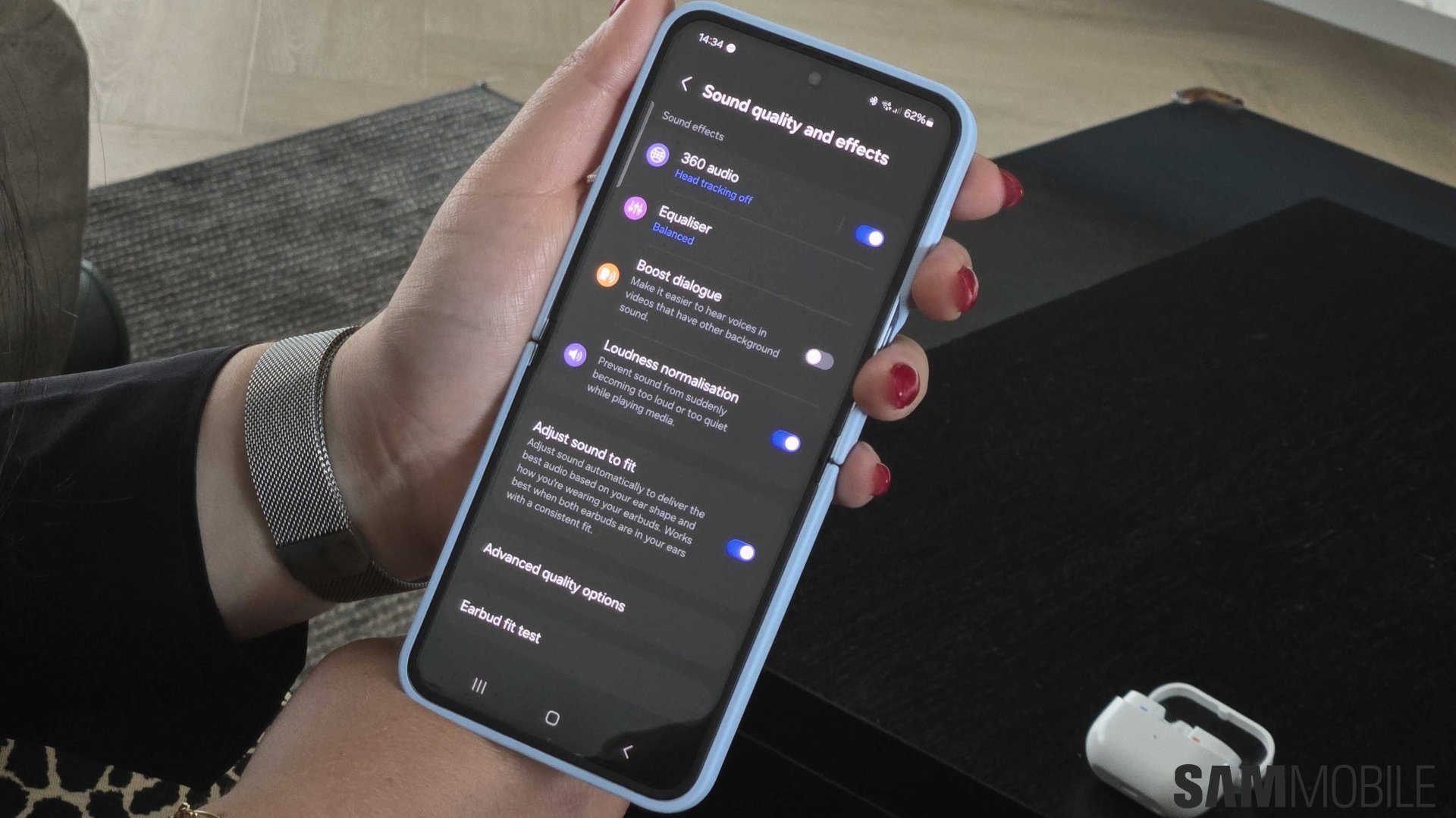
Sound Assistant was one of Samsung's feature-rich Good Lock modules that became a standalone app. Good Lock is now available globally, and Sound Assistant is one of the modules available for download through the customization platform — even in markets where Good Lock is bugged.
Why do we recommend installing Sound Assistant on your Galaxy phone? For one, it allows you to customize the volume panel in One UI to a high degree. But more importantly, even if you're not a big fan of diving deep into One UI customization options, we believe Sound Assistant is one of those “must-have” apps for one specific reason: granular volume control.
If you often connect your Galaxy phone to a Bluetooth speaker or headphones, you might be irritated that you can't always get the perfect volume level when you use the physical volume up/down buttons on your device. The audio from your speaker or headphones may often be too loud or quiet, and you can never find that sweet spot.
Sound Assistant resolves this issue without a fuss. This Good Lock app allows you to change how many steps the media volume slider goes up or down when you adjust the volume by pressing the physical keys on your phone.


By default, the media volume slider jumps up or down by 10 steps. Sound Assistant offers more granularity, allowing you to choose between 1 and 10 steps. The app gives you complete control over how much the volume slider moves when you press the volume up/down buttons.
There is much more to Sound Assistant than this feature, but “Change step volume” is the one option we think every Galaxy device user should have access to.
If you want to dive deeper into Sound Assistant, the Good Lock app also lets you set up playback controls and skip music tracks through your phone's volume keys. You can also set up individual app volumes, customize the One UI volume panel to a great extent, and much more. Make sure you give it a try.

Mihai is a blogger and column writer at SamMobile. His first Samsung phone was an A800 which took a lot of beating, and a part of him still misses the novelty of the clamshell design. In his free time, he enjoys watching shows, documentaries, and stand-up comedy; listening to music, taking walks, and occasionally playing old(er) video games.












