Last updated: February 17th, 2025 at 14:16 UTC+01:00
SamMobile has affiliate and sponsored partnerships, we may earn a commission.
Reading time: 2 minutes
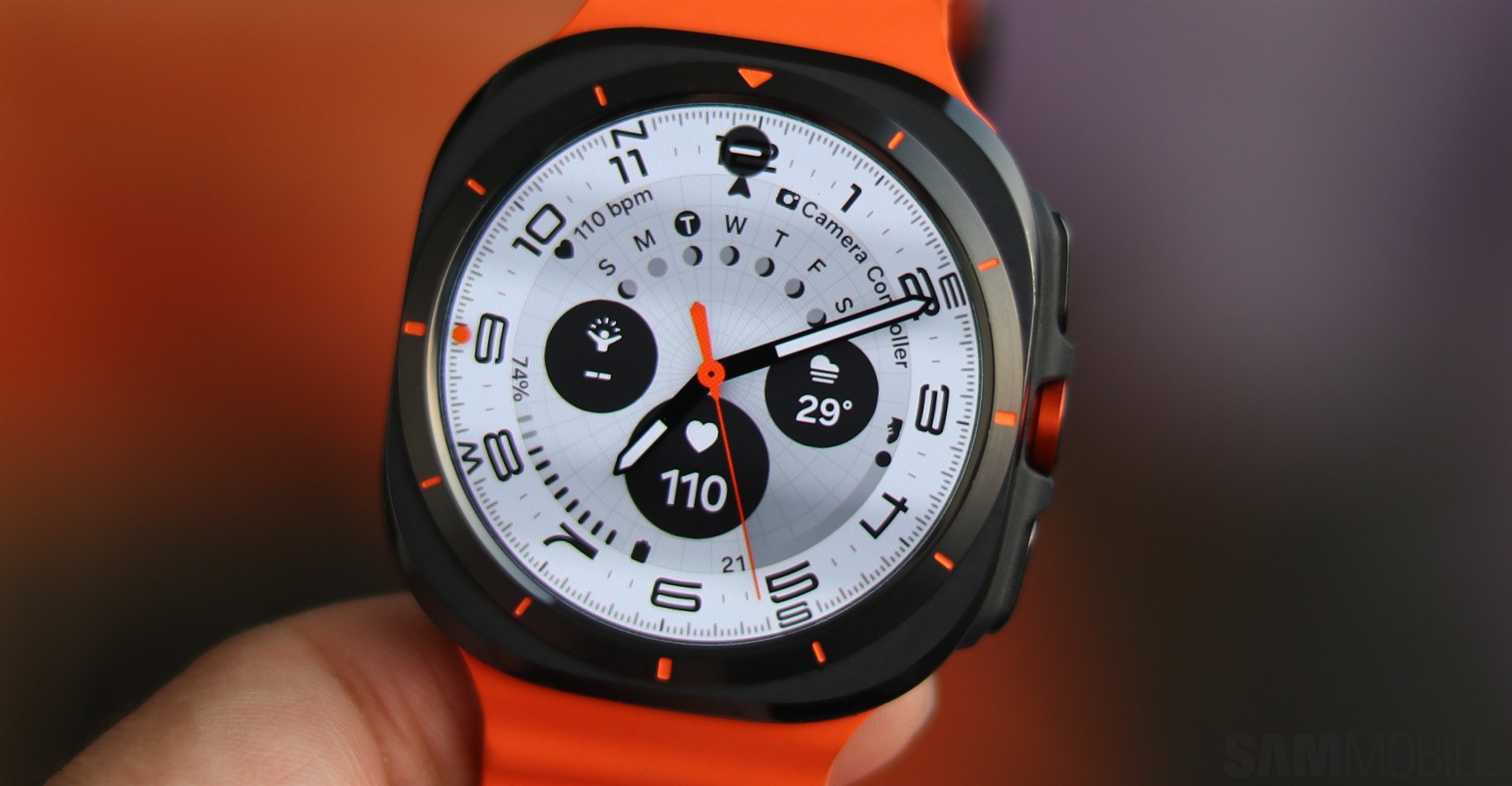
In practice, the auto backup to Samsung Cloud can happen daily, but only under oddly specific conditions, all of which have to be met.
Months can go by without your Galaxy Watch and connected smartphone meeting those conditions. But if your smartwatch hasn't been backed up to Samsung Cloud in ages, you may receive a popup message inside the Galaxy Wearable app that explains how everything works.
In short, your Galaxy Watch backup will be saved to Samsung Cloud once a day if all the following conditions are met:
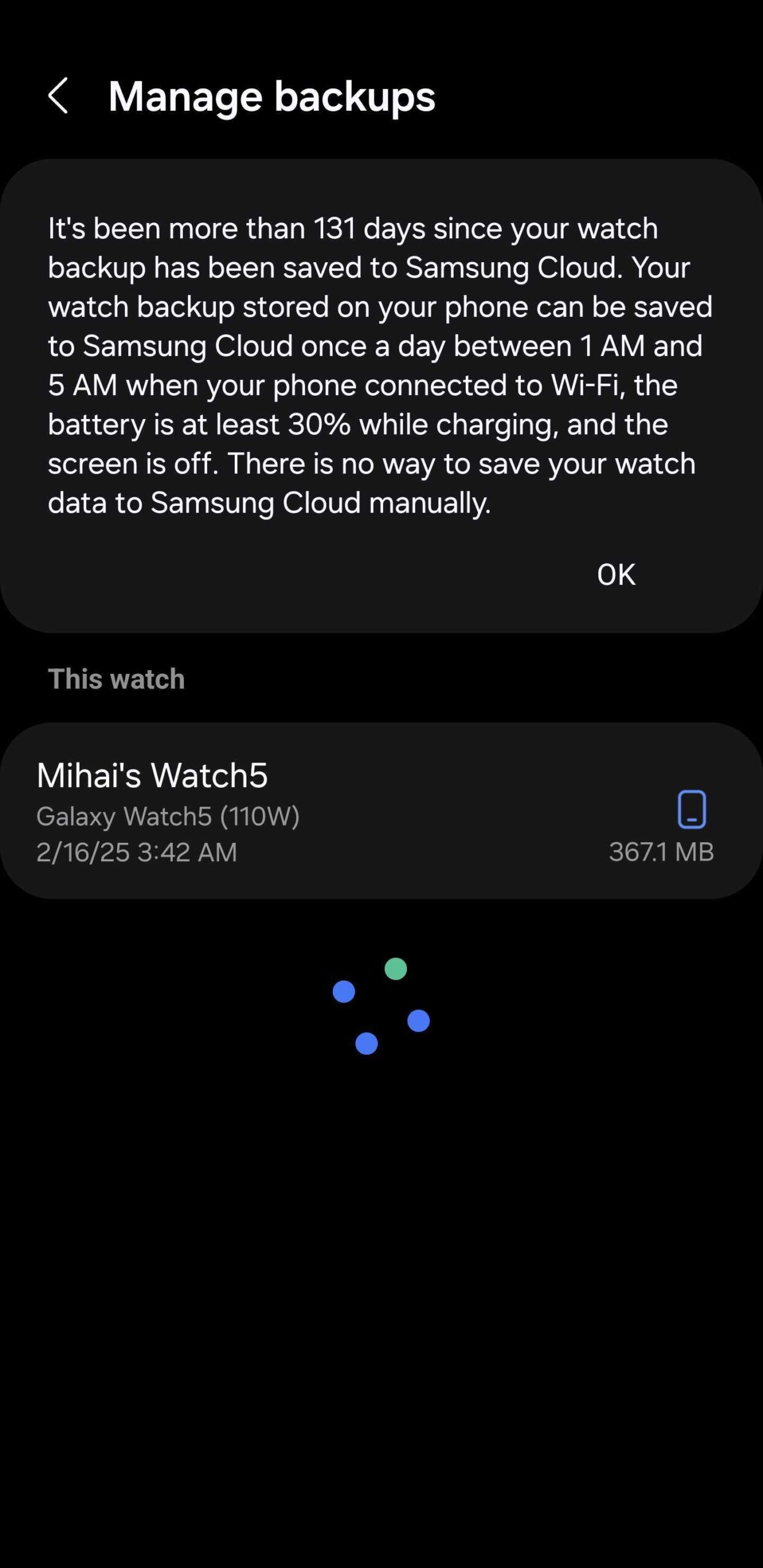
Needless to say, meeting all these conditions by chance can be a rare occurrence. This explains why your Galaxy Watch may have been backed up to your phone but hasn't been backed up to Samsung Cloud in weeks or even months.
Since there is no (safe) or official way to perform a Galaxy Watch Samsung Cloud backup manually, the next best thing you can do is to try to meet all these conditions.
It really seems like an odd set of parameters, particularly given the narrow night-time window Samsung has set, but there you have it.

Mihai is a blogger and column writer at SamMobile. His first Samsung phone was an A800 which took a lot of beating, and a part of him still misses the novelty of the clamshell design. In his free time, he enjoys watching shows, documentaries, and stand-up comedy; listening to music, taking walks, and occasionally playing old(er) video games.












