

Last updated: November 25th, 2026 at 11:59 UTC+01:00


Don’t stop at messaging apps: Why you should lock Samsung Health in One UI 9.5

Samsung Health's Mindful note journaling feature is a prime candidate for app lock.

Abhijeet Mishra

Reading time: 2 minutes

Samsung Health Mindful note feature

Abhijeet Mishra / SamMobile

APK

Samsung Health Mindful note feature

TL;DR

  • One UI 9.5 lets Galaxy users lock individual apps, and Samsung Health is a strong candidate to protect first.
  • The new Mindful note feature can store personal journal-style entries, making privacy more important than for usual fitness data.
  • App Lock requires authentication to open Samsung Health, hides notification and Recents previews, and removes its home screen widgets.

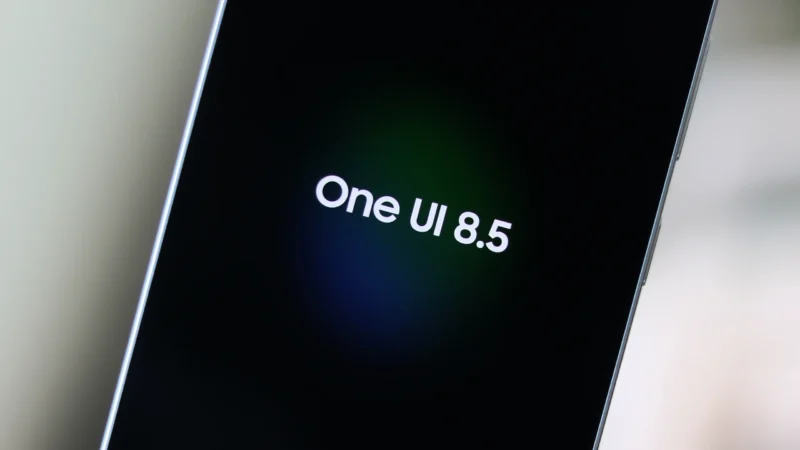
Galaxy fans have been asking for a way to lock individual apps for years, and One UI 9.5 finally gives them one. Plenty of users will start locking apps as soon as the update reaches their phones.

Messaging apps will probably be the first ones many people lock, and that makes sense. But there’s a case for locking Samsung Health first, especially if you plan to use its new Mindful note feature.

Mindful note gives you a place to write about your day in Samsung Health’s Mindfulness tab. A few lines about a difficult conversation can be far more personal than the step count you usually open the app to see, and even the list of saved entries shows a preview of what you wrote.

Samsung Health Mindful note

Abhijeet Mishra / SamMobile

Samsung Health Mindful note

Samsung Health Mindful note

Abhijeet Mishra / SamMobile

Samsung Health Mindful note

Most people you lend your phone to probably won’t go looking for your notes in Samsung Health. Still, if you’re using Mindful note as a private journal, it’s worth making sure your entries stay private even when your phone is unlocked.

How to lock Samsung Health (and what happens when you do)

To lock Samsung Health, press and hold its icon on the home screen or in the app drawer, tap the padlock, and confirm. Once the app is locked, you can open it with a fingerprint or face recognition if you’ve set them up, or with your phone’s PIN, pattern, or password.

You’ll need to authenticate every time you return to Samsung Health, even if you only switched away for a second or two. App Lock also hides the contents of Samsung Health notifications and the app’s preview in Recents.

Locking Samsung Health removes its home screen widgets as well. If you use one to check your steps or daily exercise progress at a glance, you’ll have to open the app to see those stats on your phone.

But if you regularly use Mindful note as a journal, that may be a trade worth making, especially if you already check your activity stats on a Galaxy Watch.