5 days until XMAS. Massive discount Galaxy Z Fold7, Watch8, S25 Ultra and S95F OLED TV
Last updated: October 25th, 2023 at 14:00 UTC+02:00
SamMobile has affiliate and sponsored partnerships, we may earn a commission.
Reading time: 2 minutes
Not being able to do so had been a long-standing nuisance for WhatsApp users. Users could message numbers shared by other contacts in a WhatsApp chat, but apart from that, every number had to be saved before it would show up in the app.
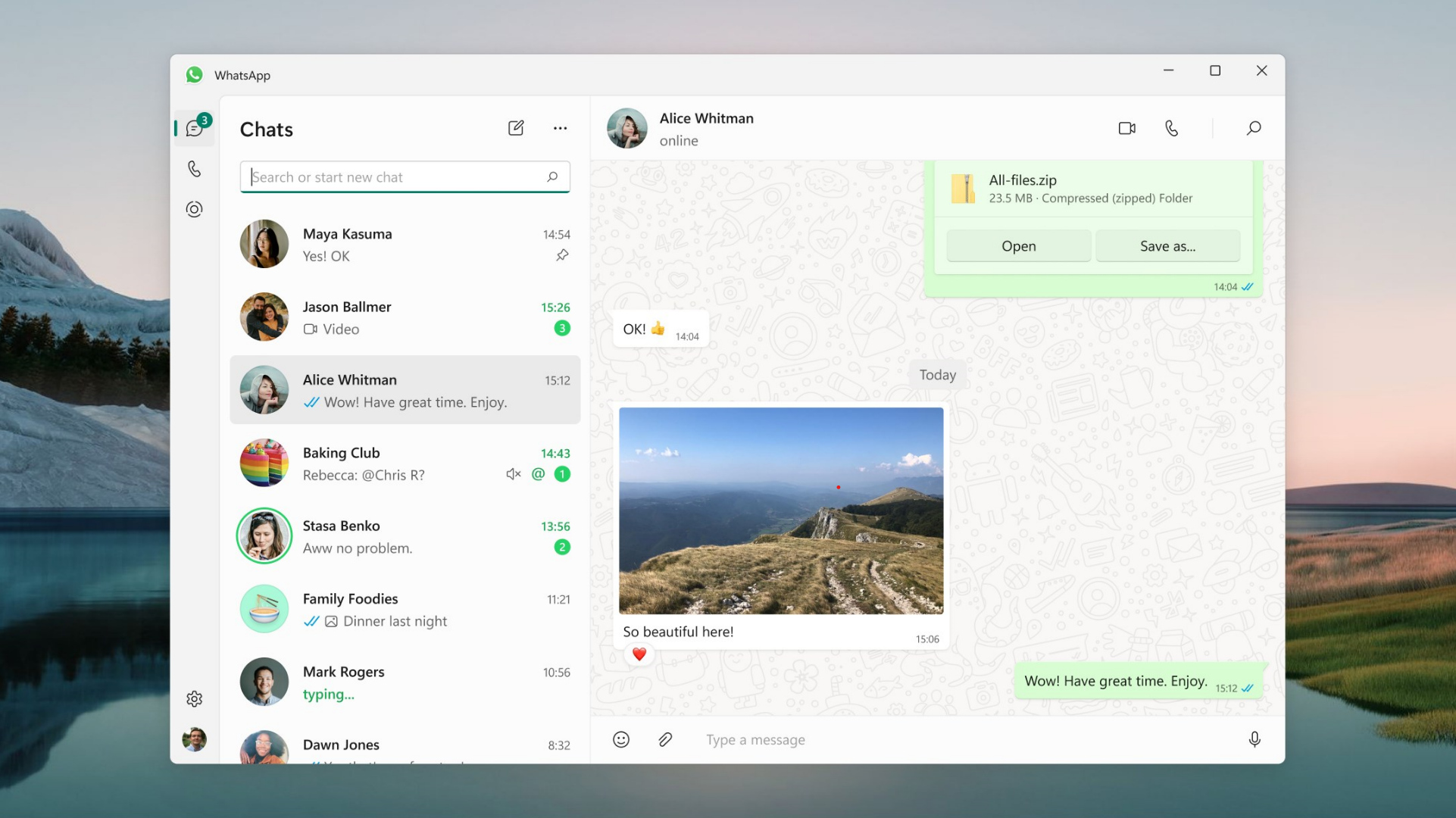
The solution finally came a couple of months back for the WhatsApp apps for Android and iOS. And now, it is making its way to WhatsApp's desktop client for Windows PCs. The feature has been released for the new version of the WhatsApp Beta app, sporting version number 2.2342.6.0, as spotted by WABetaInfo.
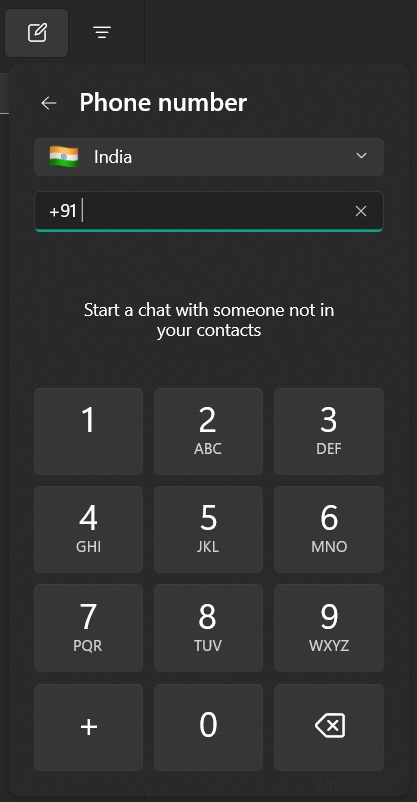
Once the latest beta is installed, users will find a new Phone number option when they click the New chat button (the pencil icon at the top left of the screen, next to where it says Chats). Clicking that option will bring up a screen where one can select the country code and enter the phone number they want to chat with; if the number is recognized by WhatsApp, a chat button will show up.
You can download the latest version of WhatsApp Beta on your Galaxy Book and any other Windows PC from the Microsoft Store. If you haven't used the beta app before, keep in mind that it is separate from the standard WhatsApp app so you will need to sign in again after installing it for the first time.
Abhijeet's writing career started with guides for custom firmware for Samsung devices (including the original Galaxy S), and he moved to SamMobile in mid-2013 and worked up the ranks to Editor-in-chief. In addition to phones and mobile devices, his interests include gaming on both PC and console, PC hardware, and spending countless hours on YouTube watching videos on tech, movies, games, politics, and internet dramas.