Last updated: August 5th, 2019 at 12:22 UTC+02:00
SamMobile has affiliate and sponsored partnerships, we may earn a commission.
Reading time: 2 minutes
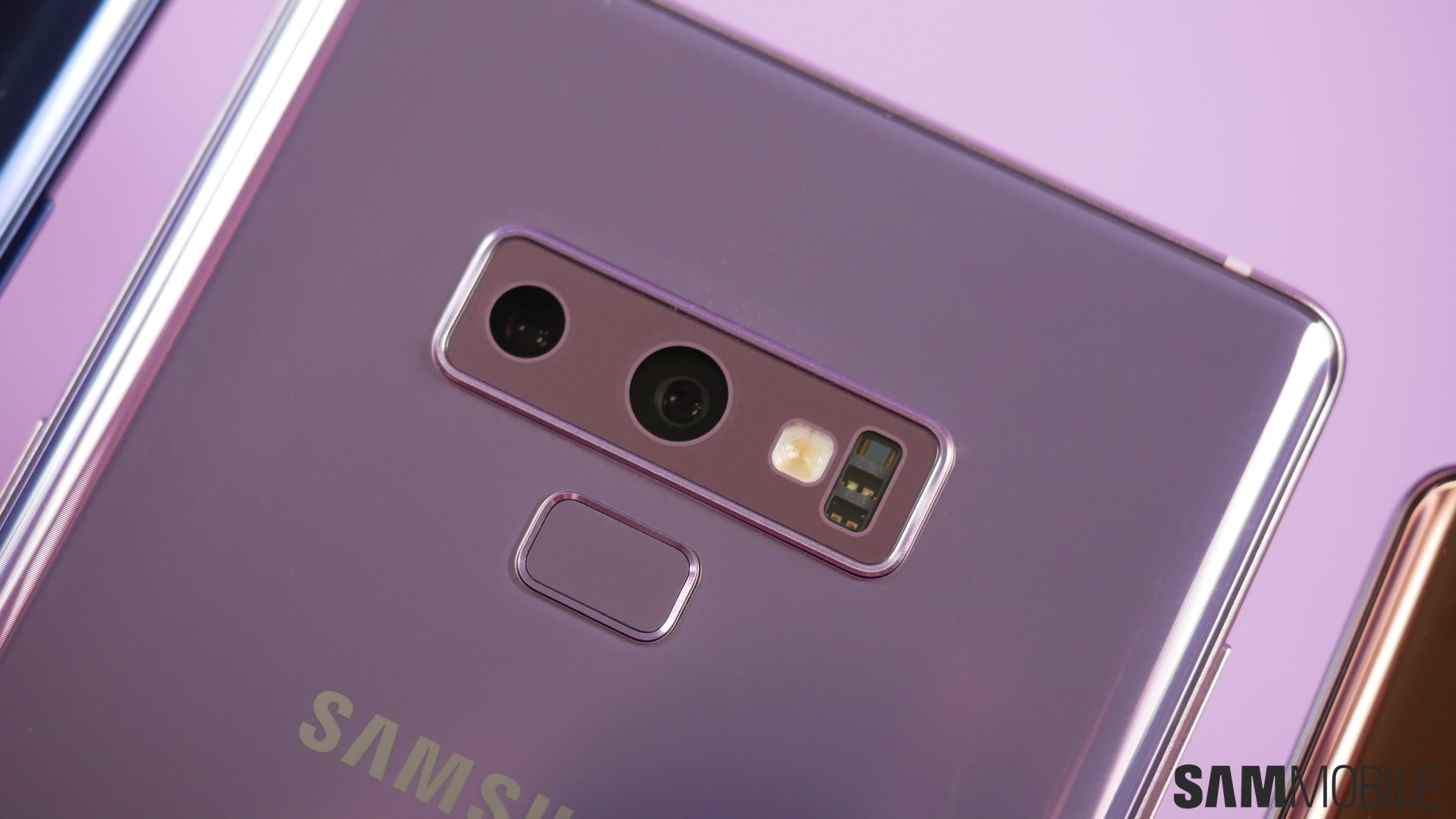
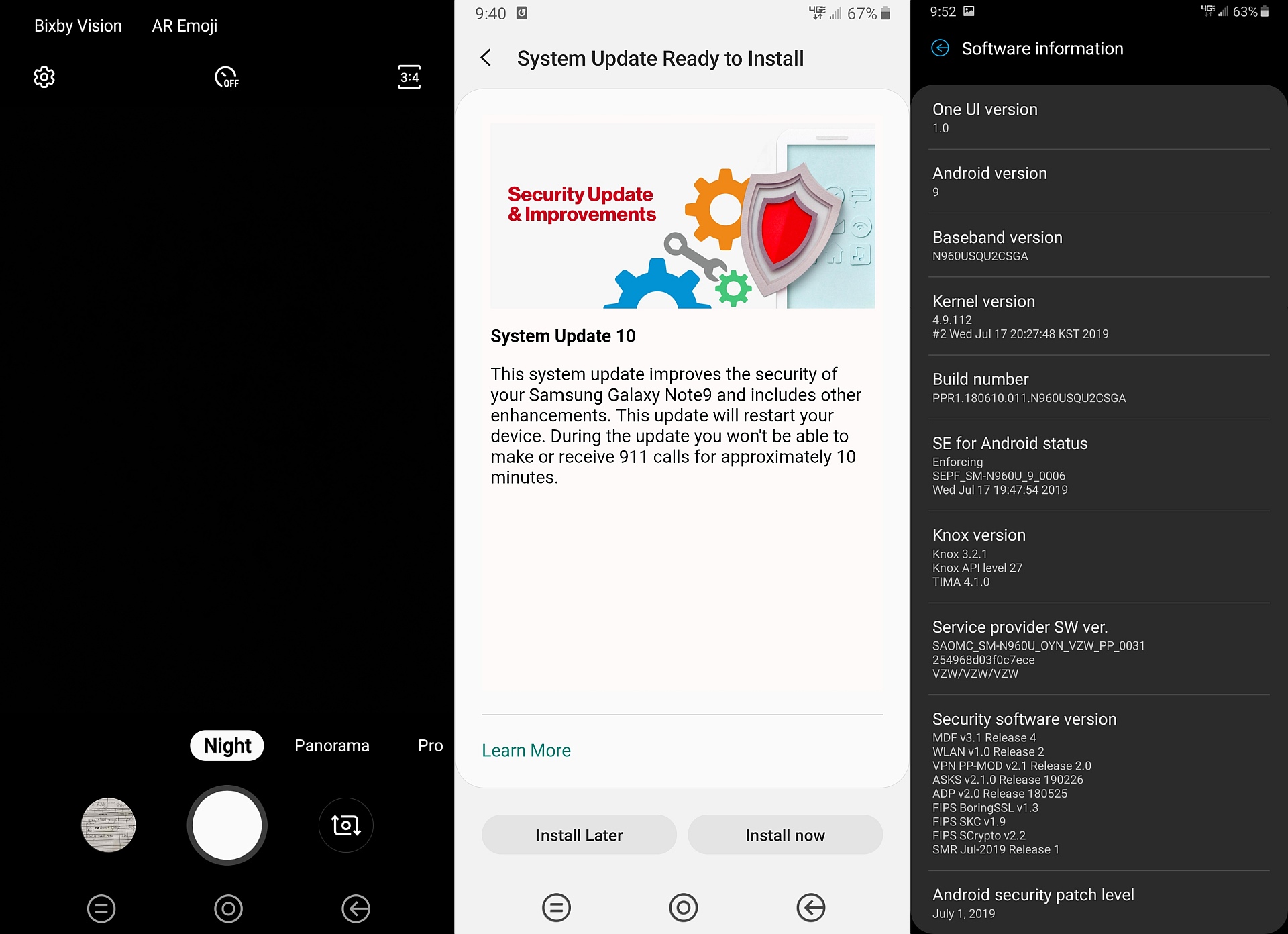
The Galaxy Note 9 and Galaxy S9 manage to offer the same image quality with pictures shot using Night mode as the Galaxy S10 lineup, thanks to the fact that these devices use the same primary camera sensors. The Note 9 and S9 tend to sometimes fail to save Night mode pictures, however, and it's unclear if there's a fix for that issue in the update Verizon is rolling out right now. There probably isn't, considering the problem hasn't yet been solved on the Exynos variants of the device, either.
As for the QR scanner feature, it allows you to scan QR codes by pointing your phone's camera at them; Bixby Vision is no longer required. The feature can be enabled or disabled using the Scan QR codes toggle in the camera settings. You will also find a toggle called QR scanner in the notification shade, although this toggle is a bit redundant considering it just launches the camera app for you, something you can do with a double press of the power button as well.
If you’re a Galaxy Note 9 user on Verizon, the update should already be available for your device over the air. Just open the Settings app on the phone, navigate to Software update, then select the Download and install option. You might have to do this a couple of times before the update starts downloading.
Thanks for the tip, Justin!

Abhijeet's writing career started with guides for custom firmware for Samsung devices (including the original Galaxy S), and he moved to SamMobile in mid-2013 and worked up the ranks to Editor-in-chief. In addition to phones and mobile devices, his interests include gaming on both PC and console, PC hardware, and spending countless hours on YouTube watching videos on tech, movies, games, politics, and internet dramas.













