Last updated: November 25th, 2025 at 18:13 UTC+01:00
SamMobile has affiliate and sponsored partnerships, we may earn a commission.
No LTE or streaming subscriptions? No problem.
Reading time: 2 minutes

One of the best things about Galaxy Watches is that they let you leave your phone at home and go out for a jog or a walk unhindered. Even without a phone or LTE on your smartwatch, you can pair your wireless headphones to your Galaxy Watch and listen to your favorite music or podcasts on the go.
One way to do this is to download content from your favorite streaming app to your Galaxy Watch for offline use. You may need a subscription for this. But you can also transfer your own audio files from the phone to your Galaxy Watch's on-board storage. Here's how.
To transfer audio files that are stored locally on your phone to your Galaxy Watch, all you need to do is follow these steps:


If your phone and Galaxy Watch are connected, you'll see a progress bar and the message “Adding tracks to watch…”
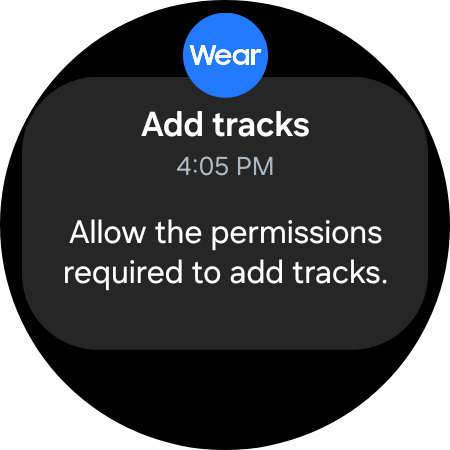
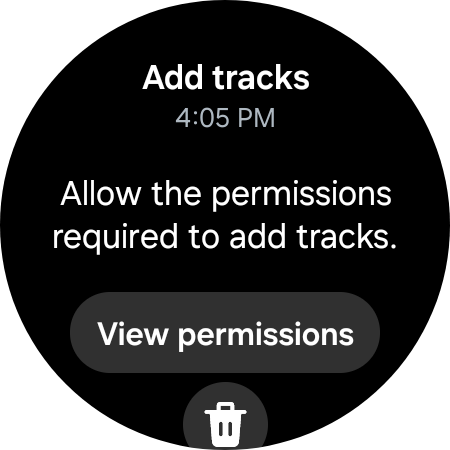
However, since this might be the first time you're transferring audio files from your phone to the Galaxy Watch, you may need to enable some permissions.
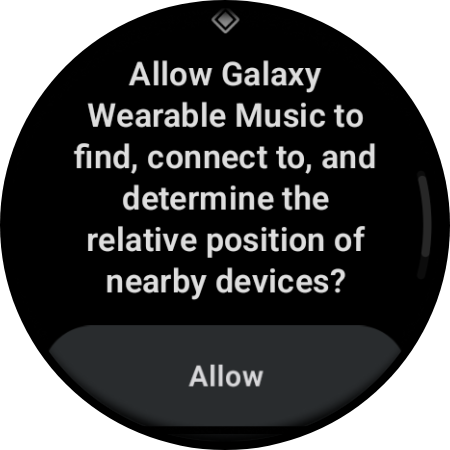
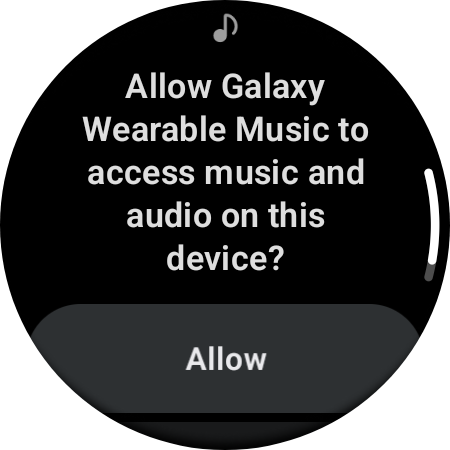
Switch to your watch, go to notifications, and make sure you allow Galaxy Watch Music to add tracks and access music files on your storage.

Mihai is a blogger and column writer at SamMobile. His first Samsung phone was an A800 which took a lot of beating, and a part of him still misses the novelty of the clamshell design. In his free time, he enjoys watching shows, documentaries, and stand-up comedy; listening to music, taking walks, and occasionally playing old(er) video games.












