Last updated: January 7th, 2025 at 15:19 UTC+01:00
SamMobile has affiliate and sponsored partnerships, we may earn a commission.
Reading time: 2 minutes
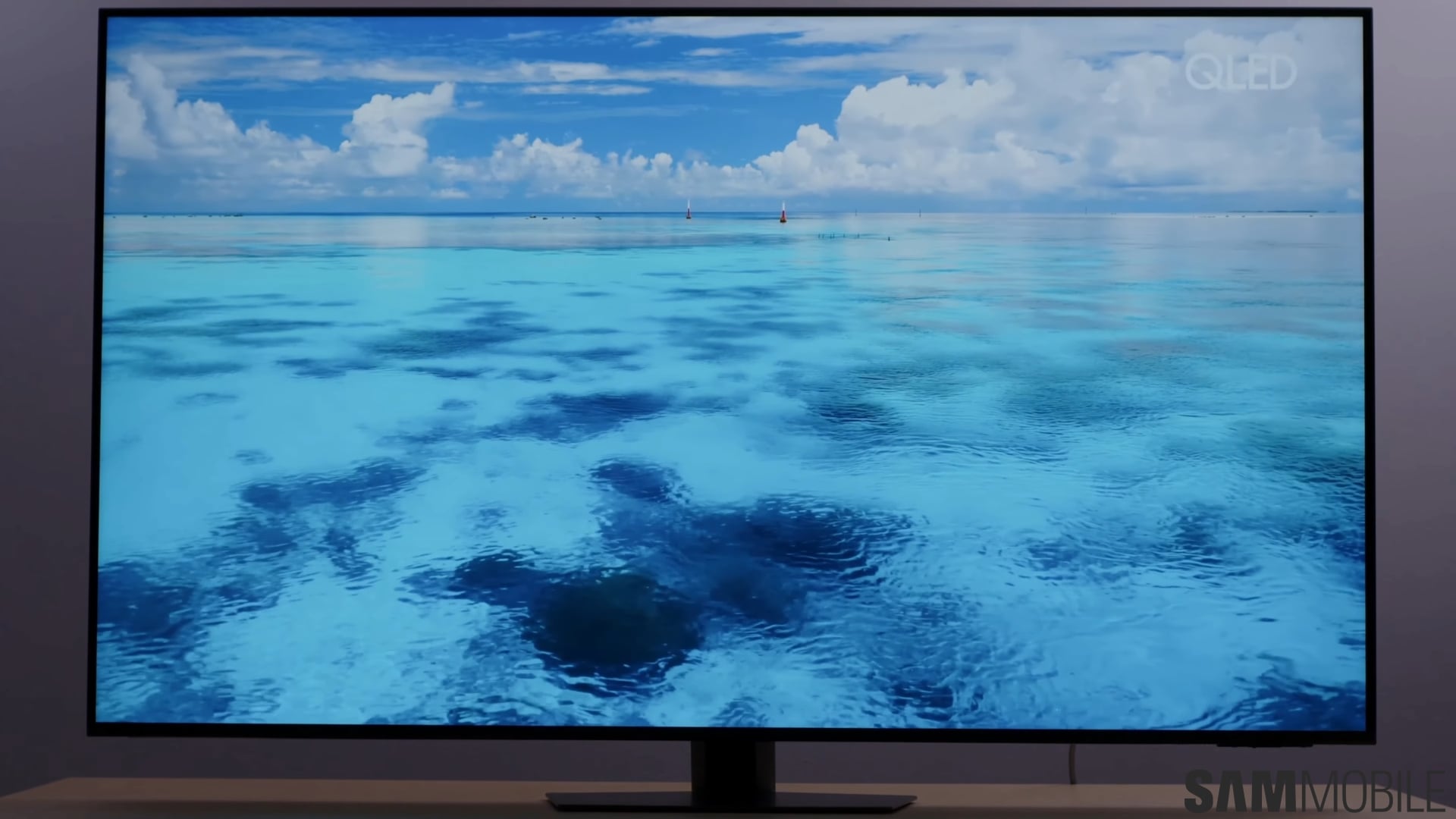
It's all done through the SmartThings mobile app in just a few steps. Here's how it works.
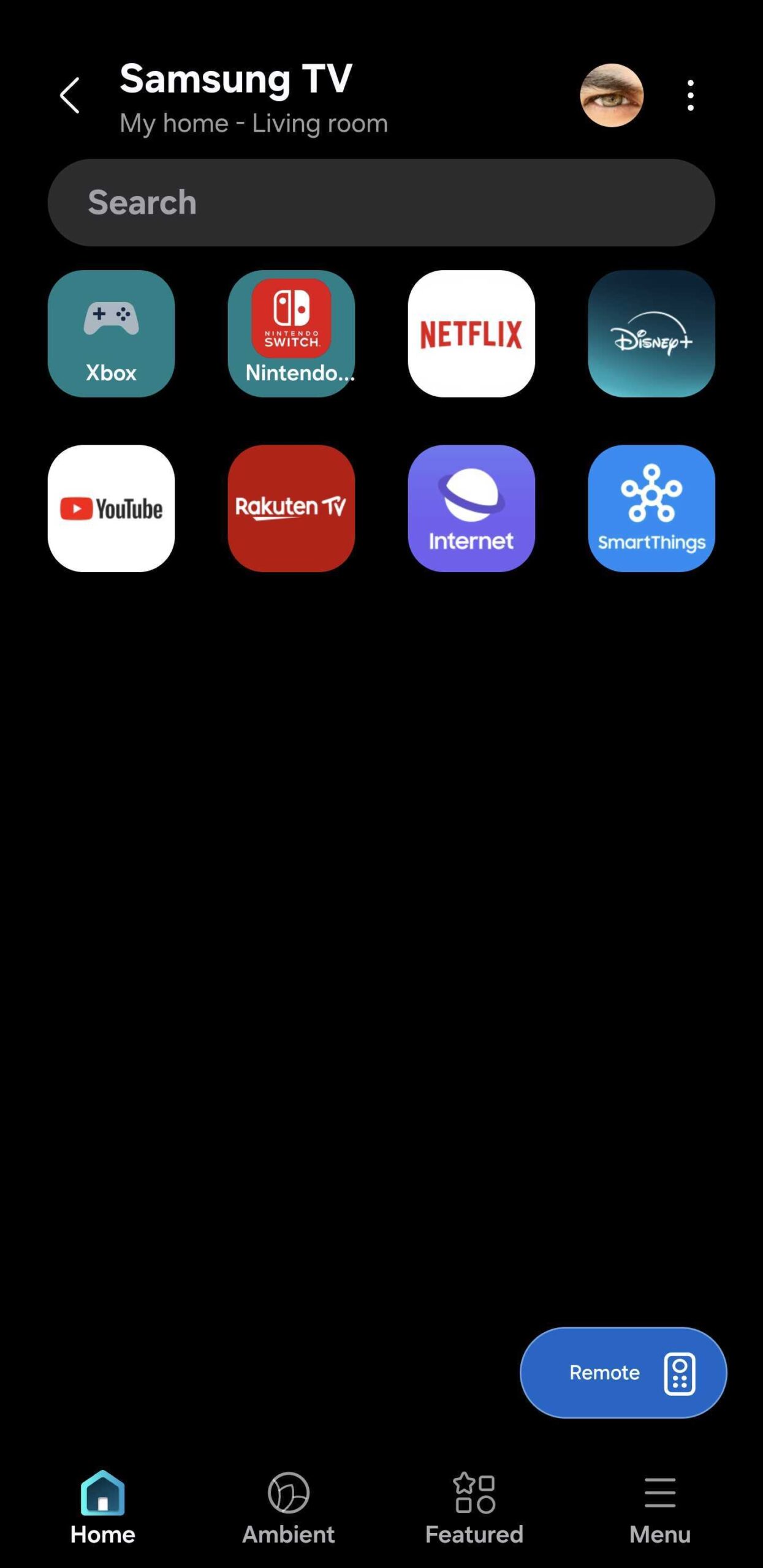
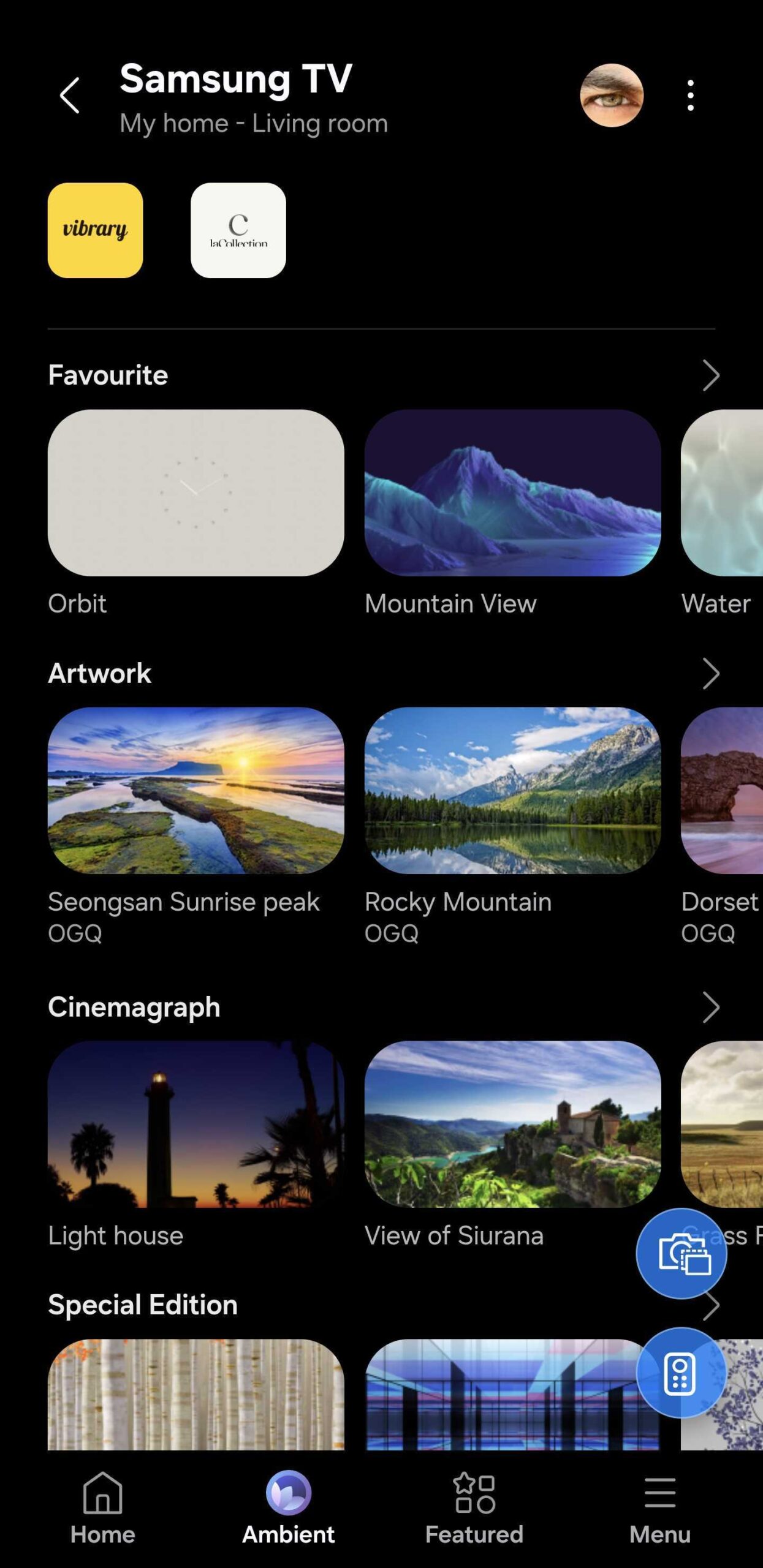
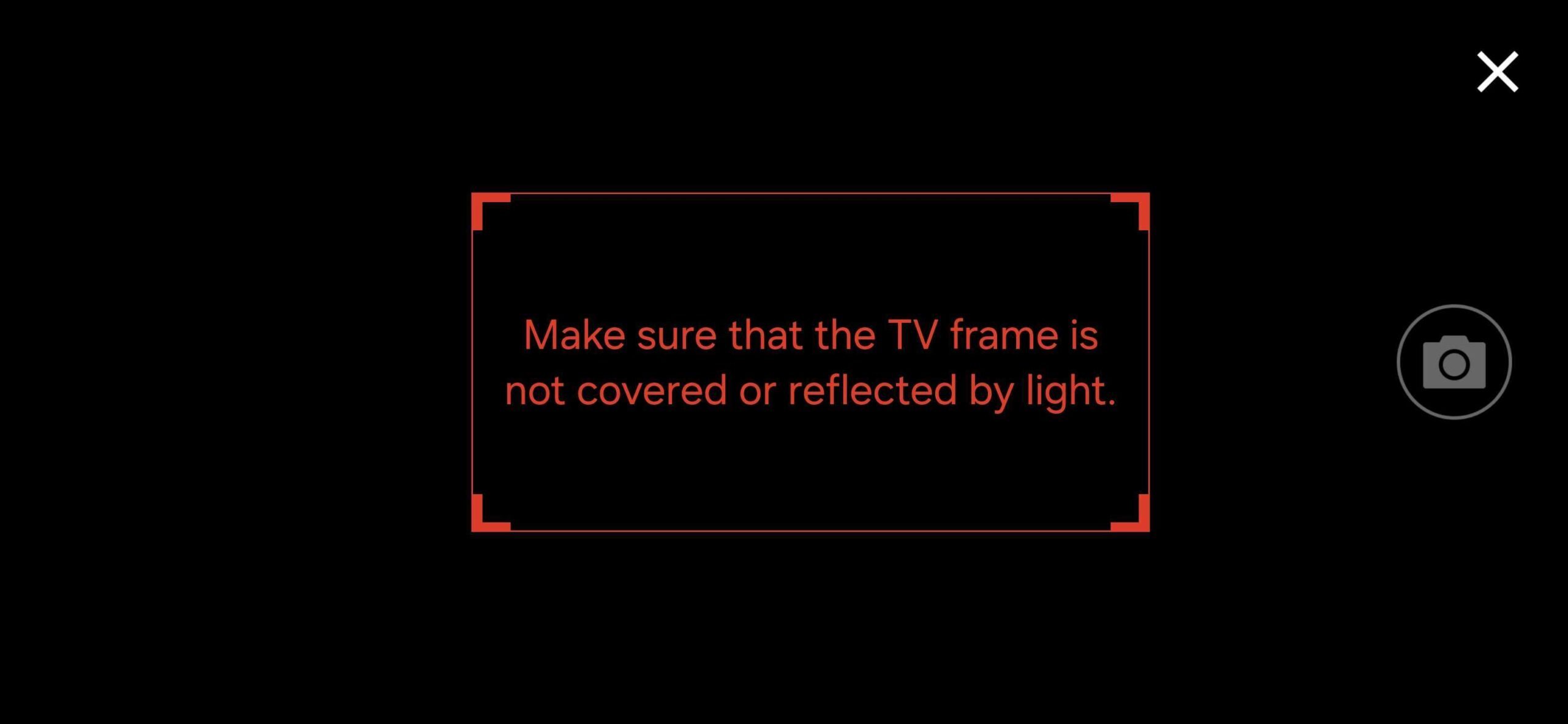
You can find your custom background photo in the Ambient tab inside the SmartThings mobile app. You can use your photo as an Ambient on its own or apply it as a background to existing Samsung Ambient Modes that support customization options.
As an example, you can add your custom background to one of Samsung's clock Ambient Modes.
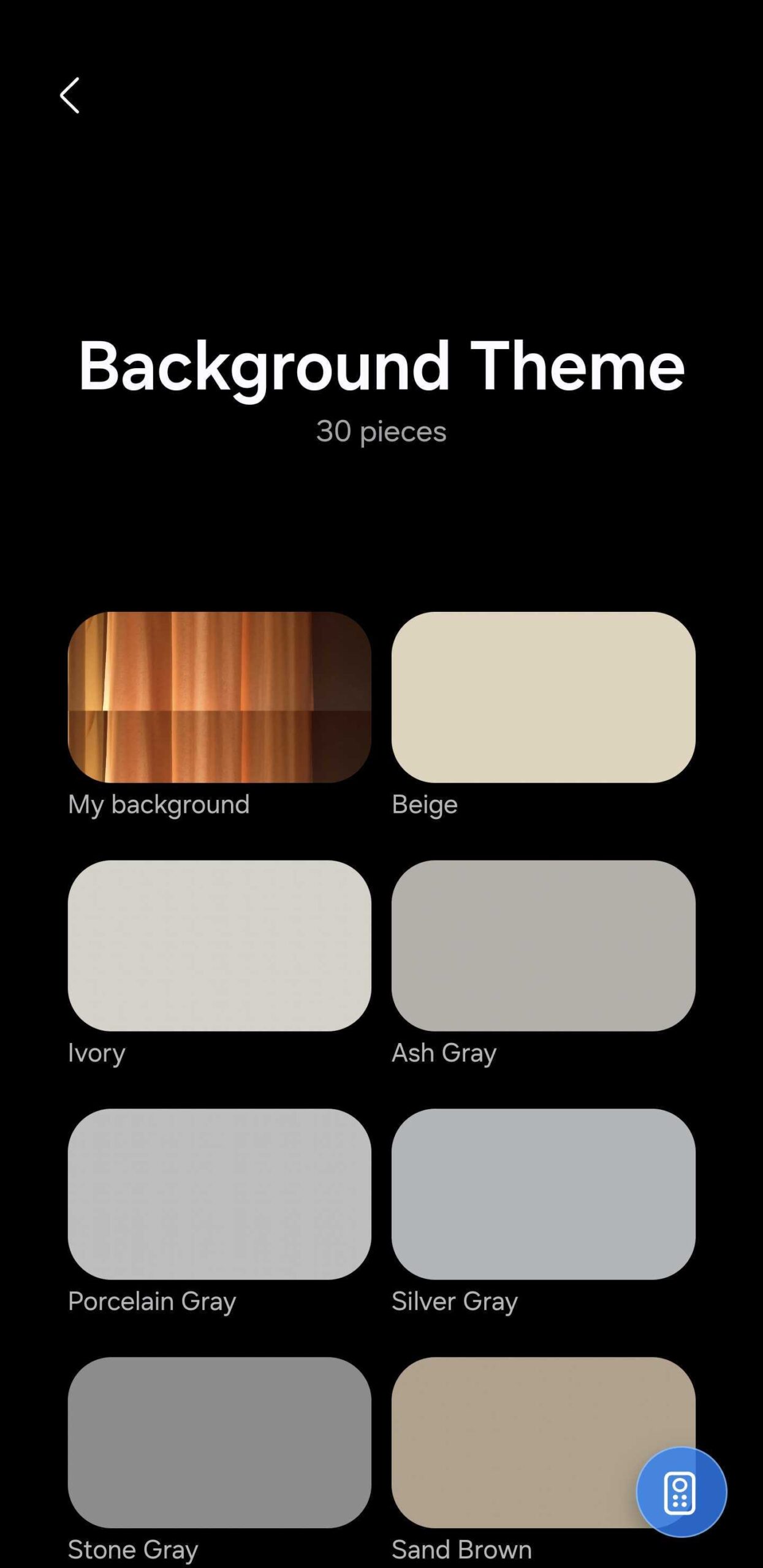
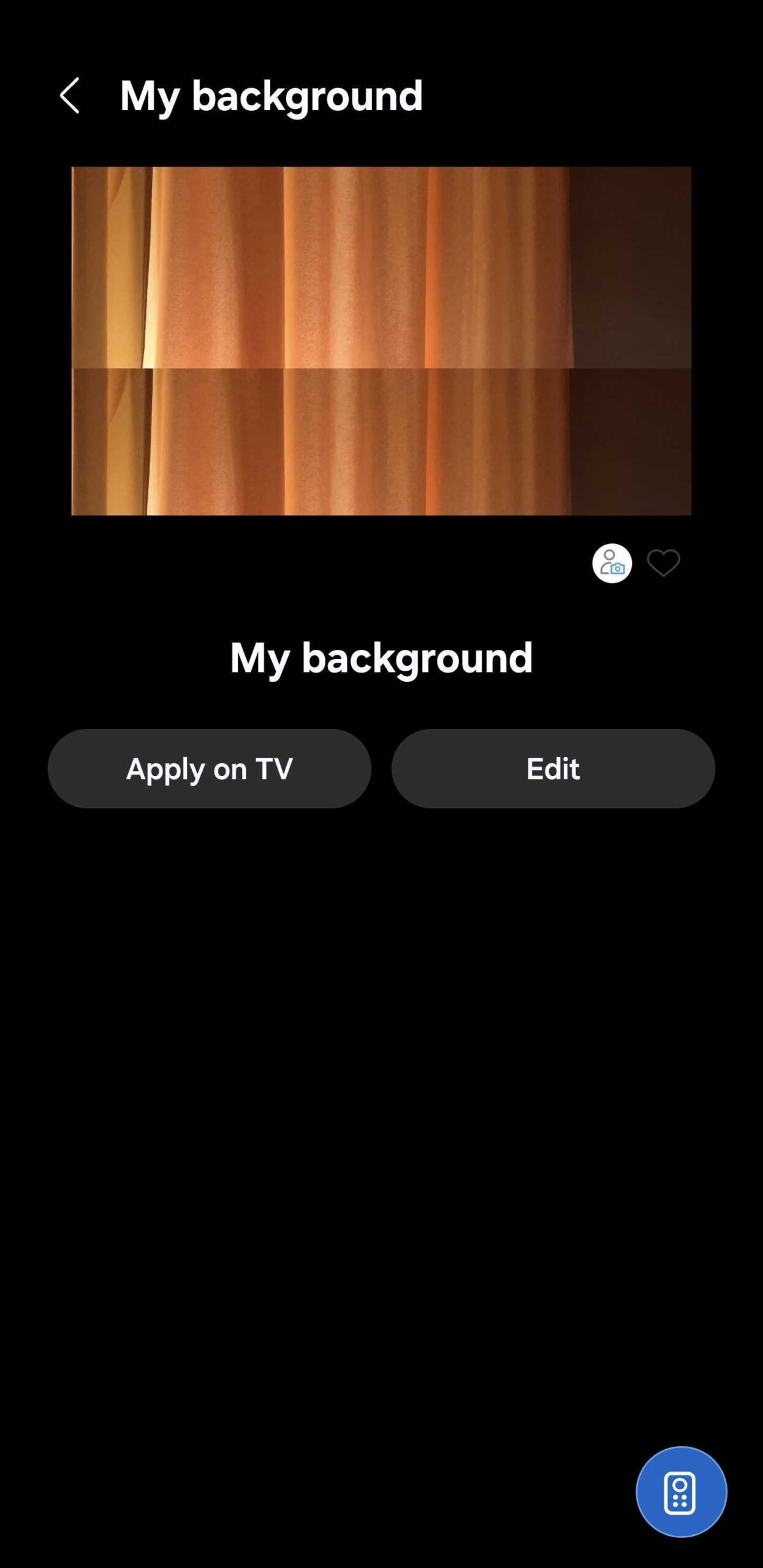
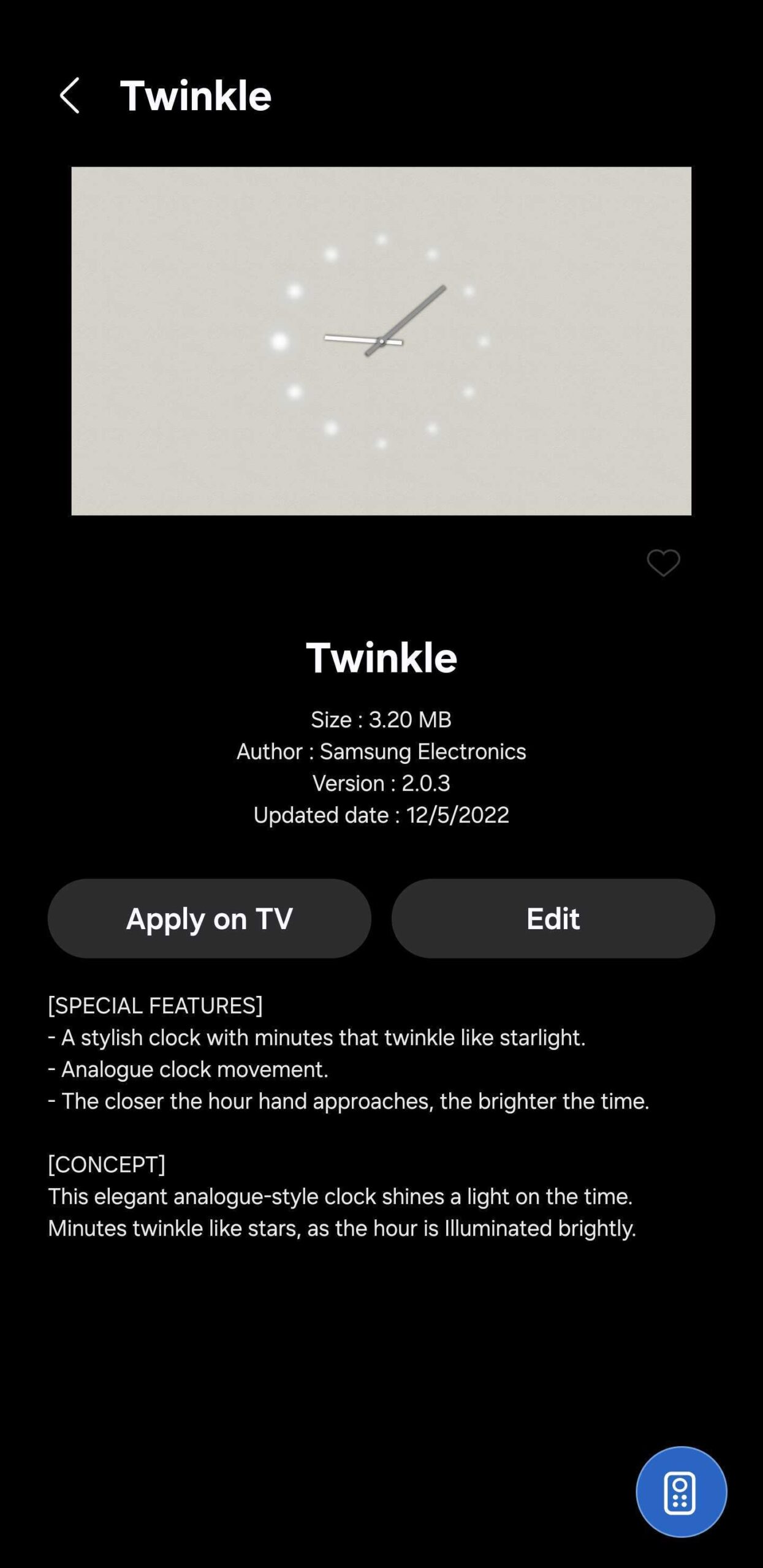
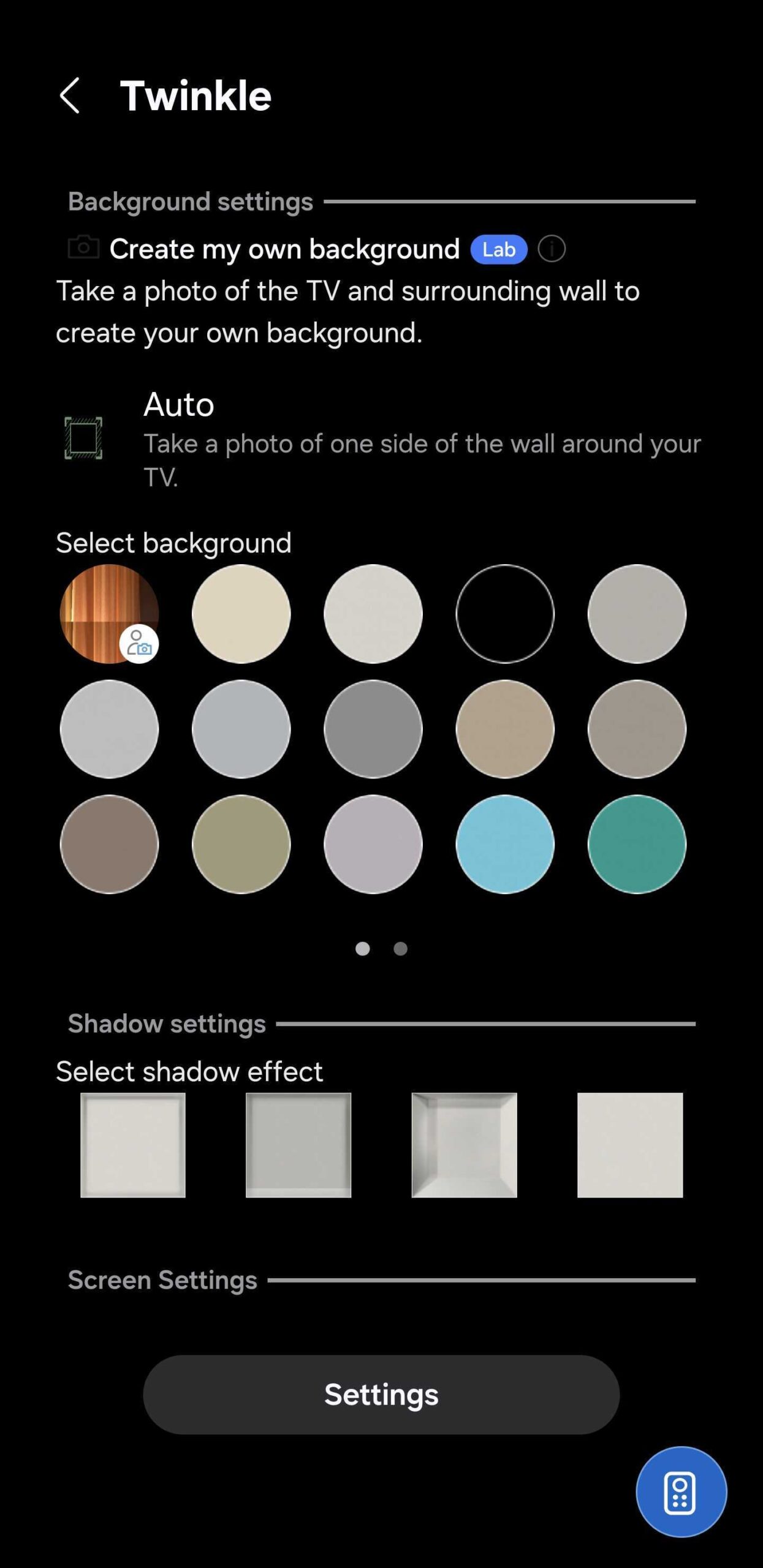
Note that your mileage using this feature may vary. If you have a busy background behind your TV, the tool might have difficulties generating an accurate background Ambient.
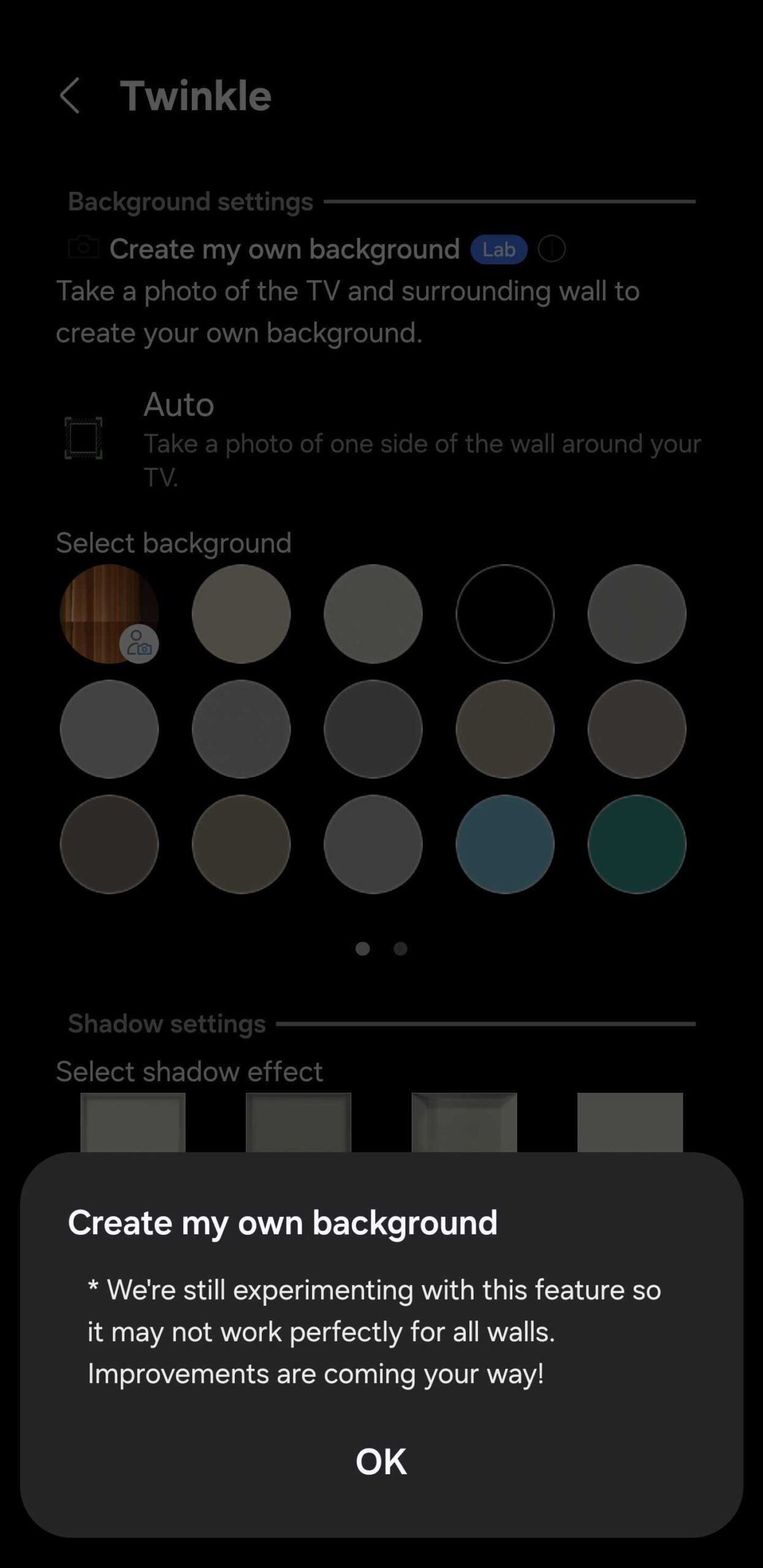
Samsung is aware of this limitation. This is an experimental Lab tool that's still in development. If you access the info panel, you will see a message that says, “We're still experimenting with this feature, so it may not work perfectly for all walls. Improvements are coming your way!”
Samsung is now using AI more extensively across its TV lineup, and the company may eventually apply more advanced AI algorithms to the custom background tool for better results.

Mihai is a blogger and column writer at SamMobile. His first Samsung phone was an A800 which took a lot of beating, and a part of him still misses the novelty of the clamshell design. In his free time, he enjoys watching shows, documentaries, and stand-up comedy; listening to music, taking walks, and occasionally playing old(er) video games.












