Last updated: December 22nd, 2025 at 23:46 UTC+01:00
SamMobile has affiliate and sponsored partnerships, we may earn a commission.
The Expert RAW app doesn't work anymore, unless you manually install an older version.
Reading time: 2 minutes
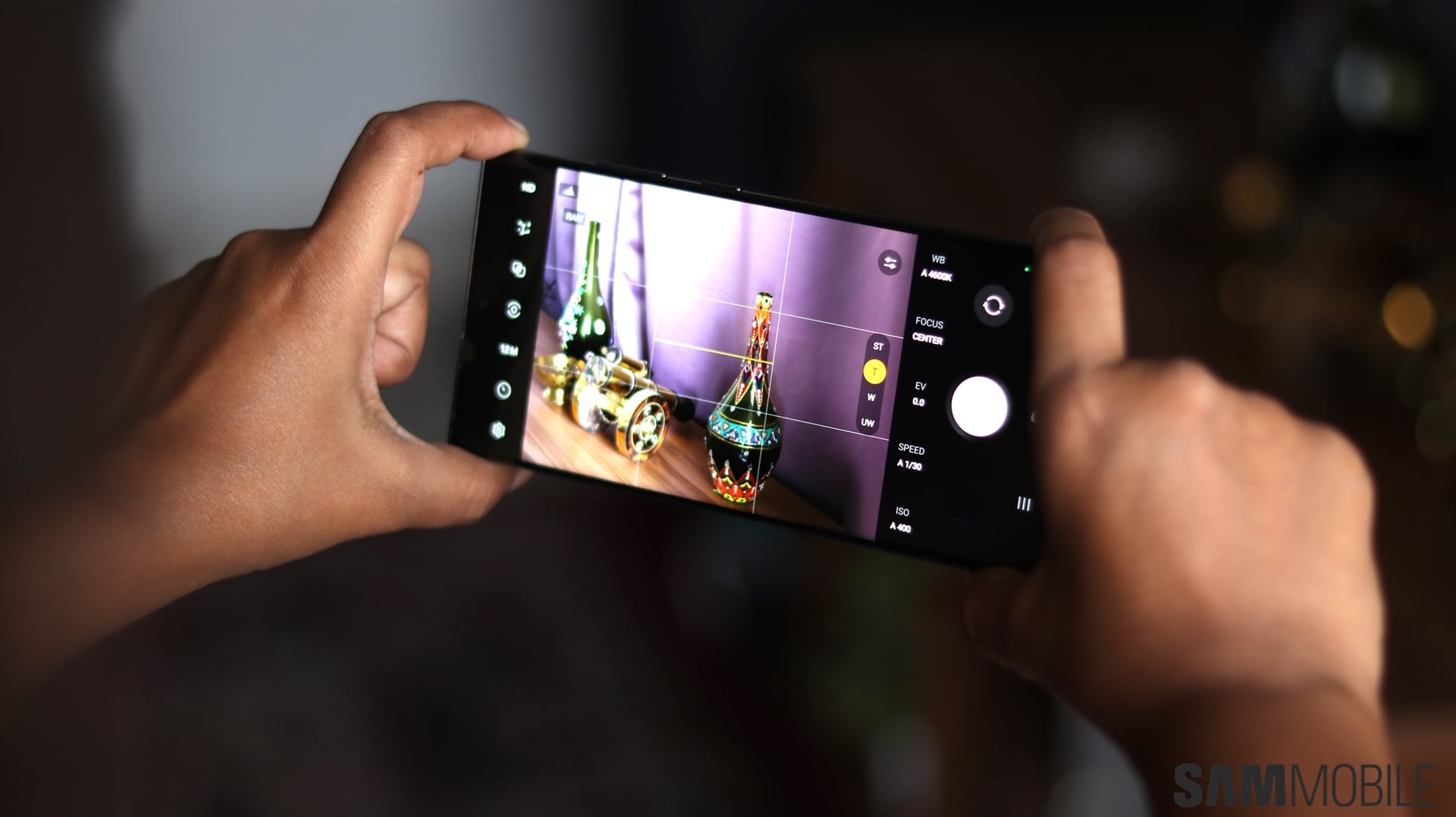
Samsung released the second One UI 8.5 beta for the Galaxy S25, Galaxy S25+, and Galaxy S25 Ultra to kick off Christmas week, and alongside the new beta, it released an update to the Camera Assistant app that introduced a slew of new features for the camera's Pro camera modes.
However, it seems the second beta also broke some pro-grade functionality that was previously working without issues. As reported by X user @Wvisioncreation, and confirmed by SamMobile on our personal Galaxy S25 units, the Expert RAW app no longer works.
Expert RAW is Samsung’s advanced camera app that goes beyond the stock camera's Pro mode by using multi-frame processing to deliver higher-quality RAW images with better dynamic range. It also offers features like astrophotography mode and is extremely popular among Samsung enthusiasts.
When opening the Expert RAW app on the second One UI 8.5 beta, users are asked to update the app from the Galaxy Store in order to continue using it. However, no update is available at the time of writing, and without it, the app refuses to open.
It’s possible Samsung is already working on an update, especially since the company released a new Camera Assistant update alongside the beta. Until then, if you rely on Expert RAW, you may want to hold off on installing the latest One UI 8.5 beta.
If you’ve already updated, one workaround is to uninstall Expert RAW, download this installation (APK) file for an older version of the app, and sideload it by opening the file through the My Files app. Keep in mind that this version isn’t officially compatible with One UI 8.5, so you may run into some stability issues, though most features should still work.

Abhijeet's writing career started with guides for custom firmware for Samsung devices (including the original Galaxy S), and he moved to SamMobile in mid-2013 and worked up the ranks to Editor-in-chief. In addition to phones and mobile devices, his interests include gaming on both PC and console, PC hardware, and spending countless hours on YouTube watching videos on tech, movies, games, politics, and internet dramas.












