Last updated: March 3rd, 2026 at 07:36 UTC+01:00
SamMobile has affiliate and sponsored partnerships, we may earn a commission.
Travelers can also conveniently track their luggage using Galaxy SmartTag when travelling via American Airlines flights.
Reading time: 2 minutes
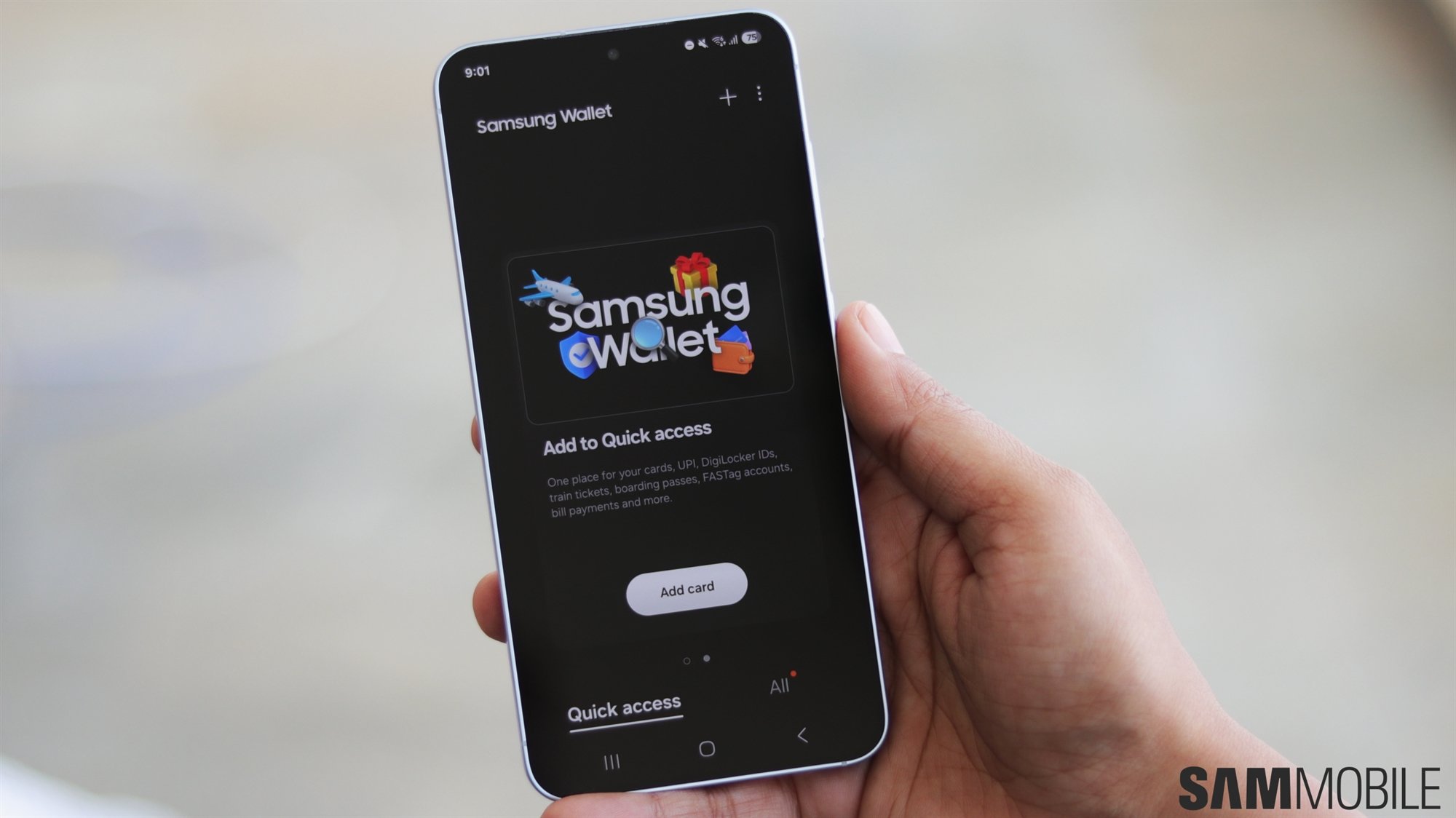
Samsung has announced that American Airlines travelers can now add their digital boarding passes to the Samsung Wallet app on Galaxy smartphones. Travelers can also track their luggage using a Galaxy SmartTag and link it to their boarding pass for added convenience.
In addition to storing boarding passes, Samsung Wallet provides helpful travel updates. Details such as flight date and time, flight number, airport terminal and gate, seat number, and real-time tracking updates are delivered through push notifications on Galaxy phones and Galaxy Watches, helping make the travel experience more seamless.
To add an American Airlines boarding pass to Samsung Wallet, travelers simply need to tap the “Add to Samsung Wallet” button while viewing the boarding pass in the American Airlines app on a Galaxy phone. The pass will then appear in the Boarding Passes section of Samsung Wallet on compatible Galaxy smartphones and smartwatches.
Flight information can also sync with Samsung Calendar to keep travelers updated on their schedules. On Galaxy devices running One UI 8.0 (or later), key flight updates are displayed in the Now Bar and Now Brief for quick access.
This is the second Samsung Wallet related announcement from Samsung in just one day. Yesterday, the company announced that Galaxy users can add Digital Home Keys for Matter-compatible smart door locks to Samsung Wallet. This allows them to unlock or lock a door using their Galaxy phone or watch.
Asif is a computer engineer turned technology journalist. He has been using Samsung phones since 2004, and his current smartphone is the Galaxy S23 Ultra. He loves headphones, mechanical keyboards, and PC hardware. When not writing about technology, he likes watching crime and science fiction movies and TV shows.