Cyber week deals! Galaxy Watch8 Classic, Fold 7, S25 Ultra. Follow us on YouTube, TikTok, or LinkedIn
Last updated: November 12th, 2019 at 16:55 UTC+01:00
SamMobile has affiliate and sponsored partnerships, we may earn a commission.
Reading time: 2 minutes
Interestingly enough, Samsung TV True Fit is neither a first-party app (which explains the use of an iPhone in the video below) nor is it a third-party app. It's technically a second-party app developed by Gravity Jack at Samsung's request, even though it could have probably been a part of Bixby Vision along with existing AR features like Home décor. In any case, Samsung TV True Fit is published on the Play Store (and Apple Store) by Gravity Jack but the app is approved by Samsung.
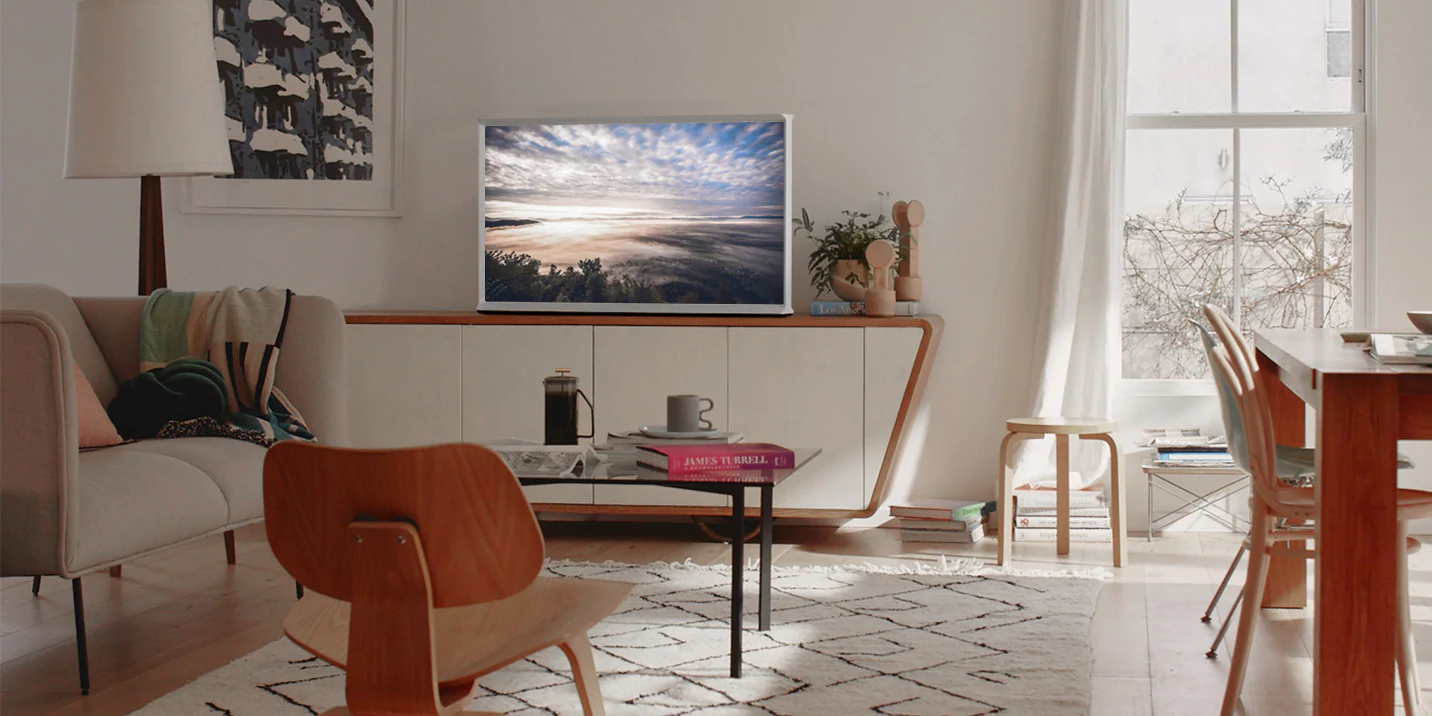
The AR aspect of Samsung TV True Fit is quite self-explanatory. Users can select the desired Samsung TV model and point the phone's camera at the wall or stand to see how the device would fit. Augmented reality TV models can be placed automatically by the app, or manually by the user who can then move the AR object around the room.
‘Through the app, consumers will have an opportunity to truly discover our lineup of big-screen TVs and expand their viewing experience‘ said the VP of Sales and Marketing of Home Entertainment at Samsung Canada, Pat Bugos. And indeed, the app not only has an AR element but can also guide users to the nearest Samsung TV retailer in their area.
Samsung TV True Fit is currently available only in Canada via the Google Play Store and readers can grab it by hitting the link. At the moment, it's unclear if the app will launch in other markets or through the Galaxy Store, but we'll keep you posted if we find out more.
Mihai is a blogger and column writer at SamMobile. His first Samsung phone was an A800 which took a lot of beating, and a part of him still misses the novelty of the clamshell design. In his free time, he enjoys watching shows, documentaries, and stand-up comedy; listening to music, taking walks, and occasionally playing old(er) video games.