Last updated: August 16th, 2023 at 15:50 UTC+02:00
SamMobile has affiliate and sponsored partnerships, we may earn a commission.
Reading time: 3 minutes

One of the best things about the smart home concept is automation, as users can set up their devices to change behavior automatically. And as far as Samsung SmartThings goes, this type of automated behavior is created through an element called Routines. Here's all you need to know.
Story continues after the video
SmartThings lets you automate the behavior of your smart home devices using the IFTTT (If This Then That) principle. In short, you can tell a smart device to perform specific actions automatically when certain requirements are met. However, you can also create sets of actions that you can run manually at any time.
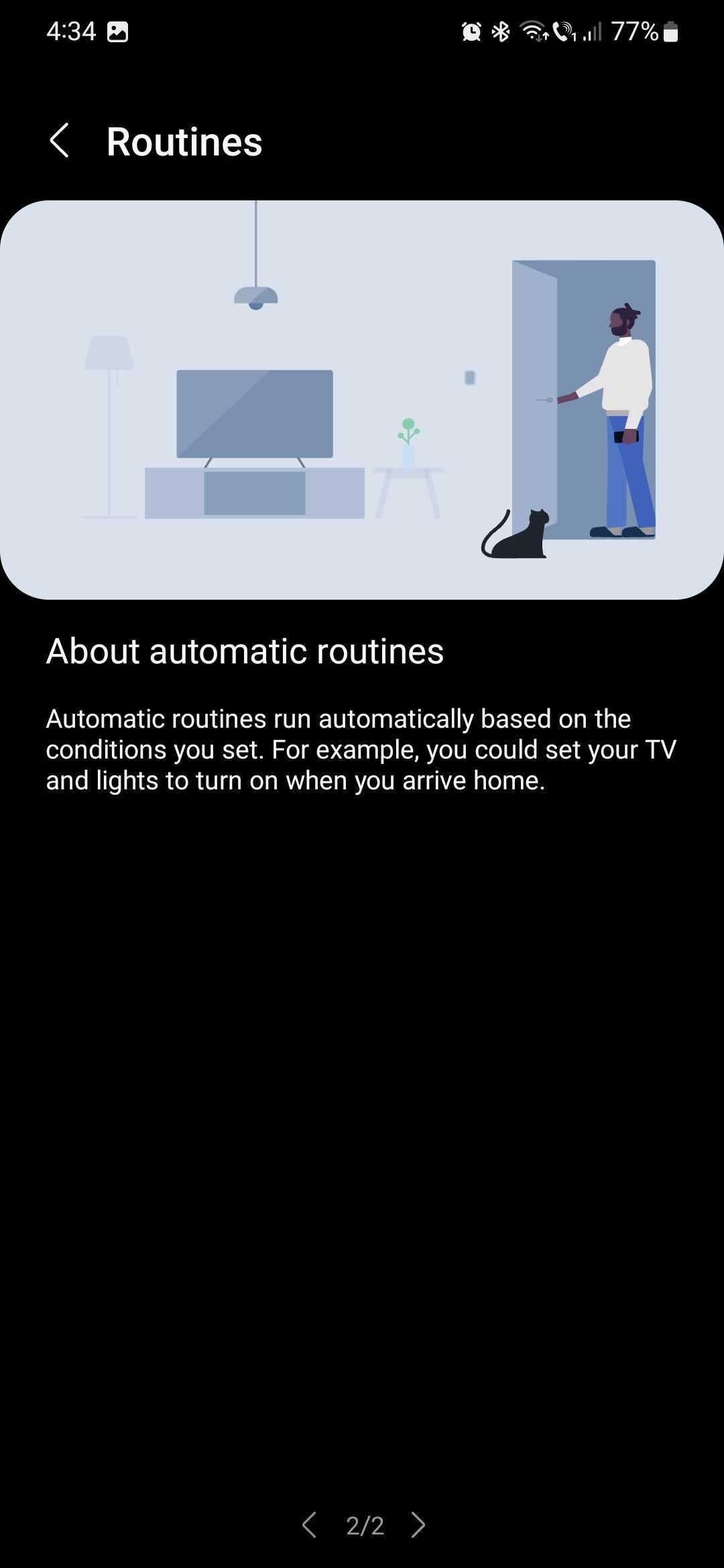
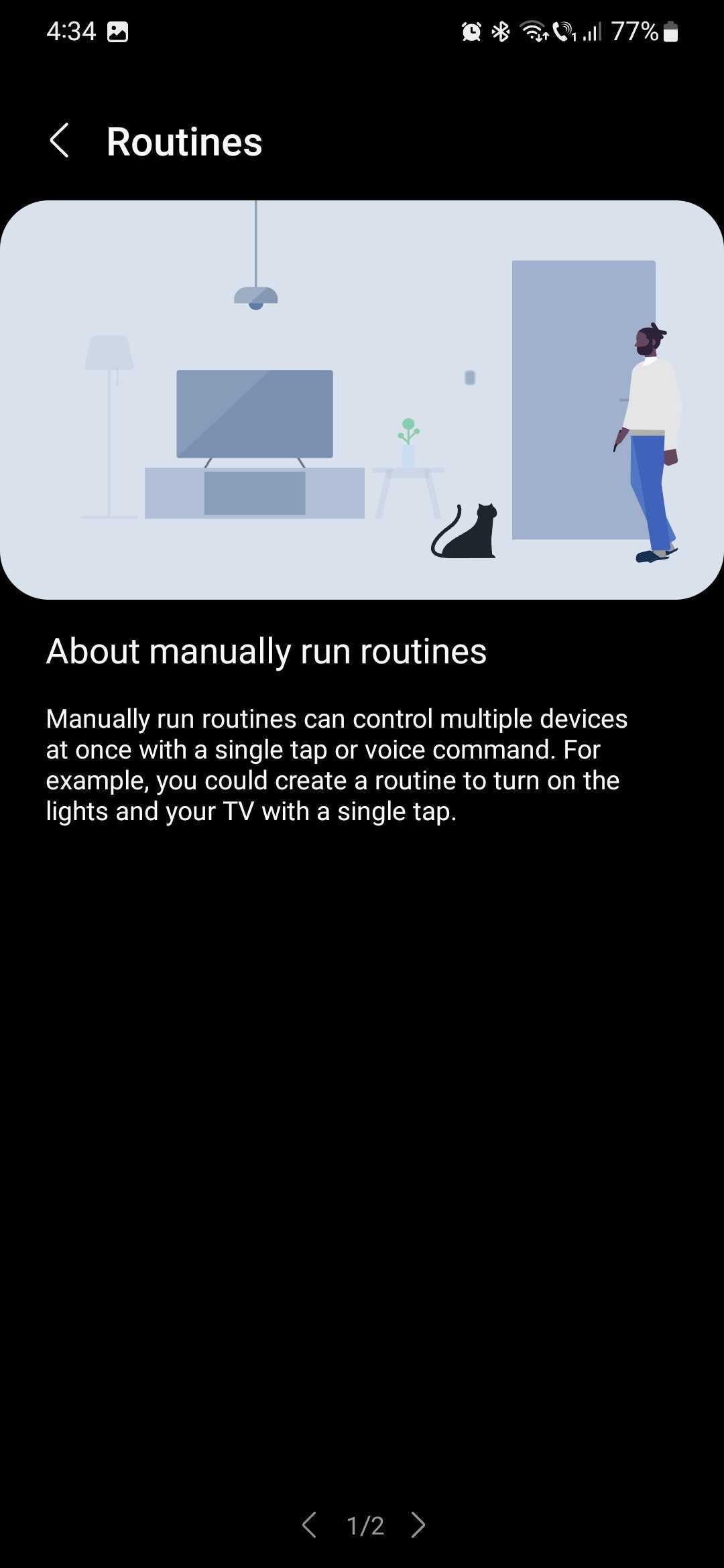
As you can imagine, this opens up a whole world of possibilities. Next to having remote access to your smart devices and getting detailed information about their status, automation is one of the best things about running a smart home setup.
To start using this feature in SmartThings, all you need to do is open the app and access the “Routines” section. Next, if you have multiple smart home locations, you can select one from the drop-down menu at the top.
NOTE: Here you can find everything you know about setting up locations and rooms in SmartThings.
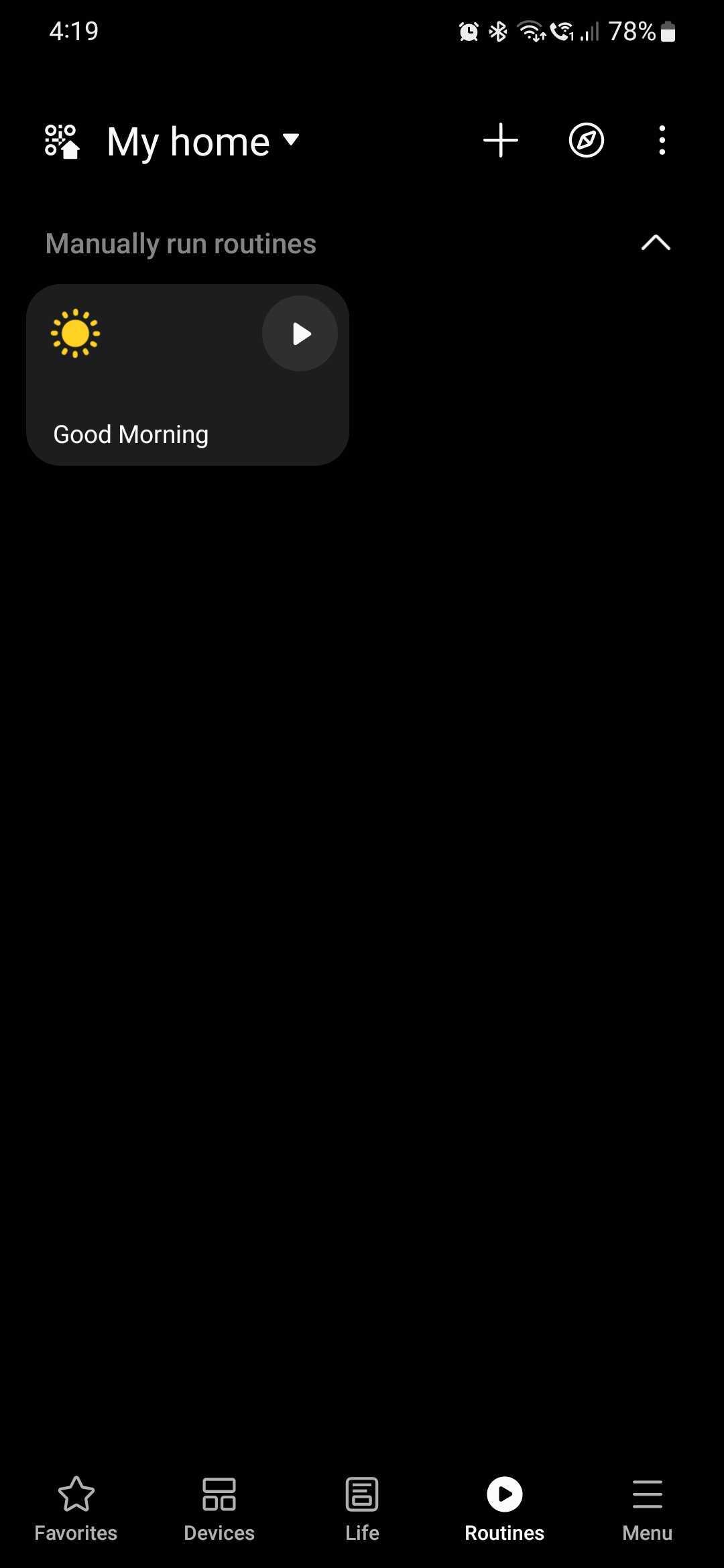

Now, to automate the behavior of your smart home devices, you have two options: either tap the compass-shaped Discover button at the top or tap the + button next to it.
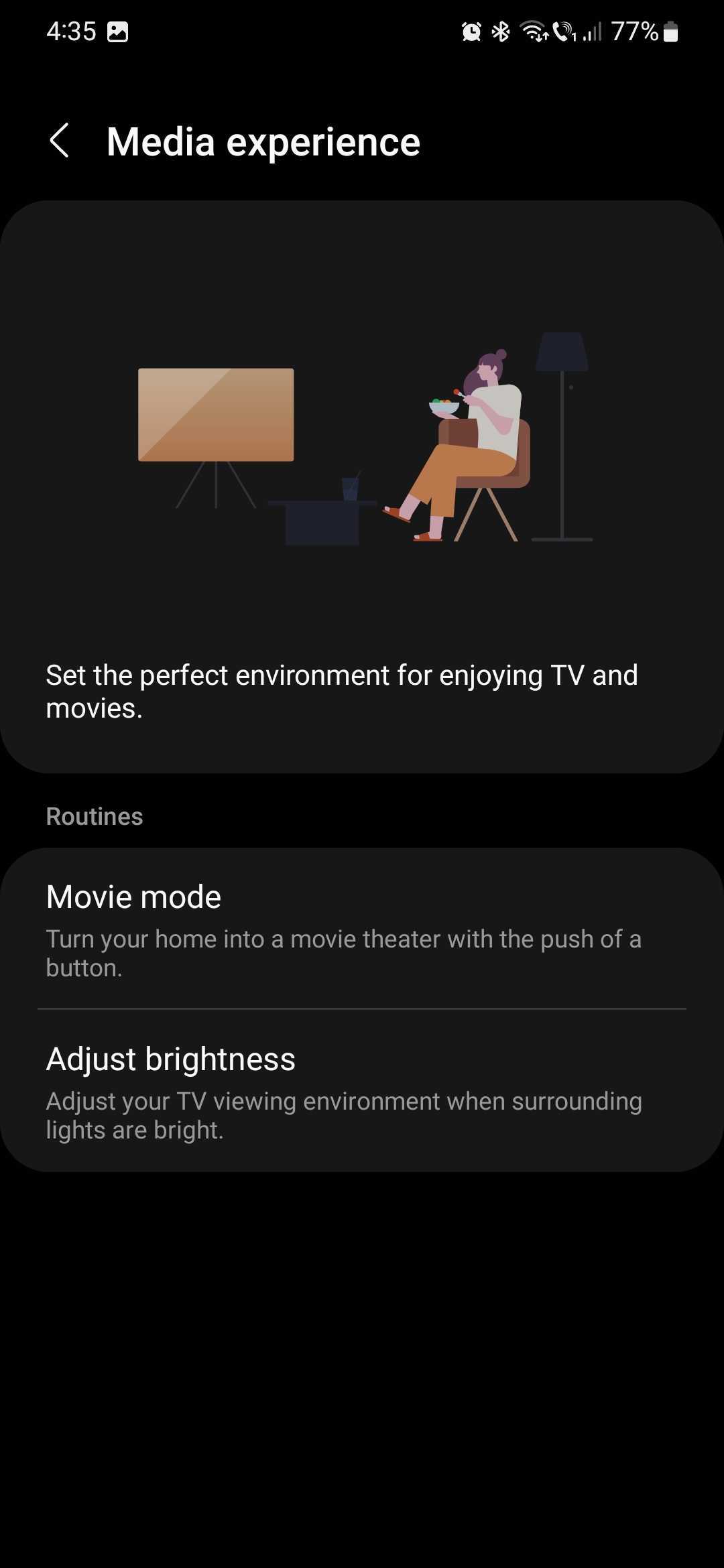
From the Discover tab, you can browse through a wide range of suggestions and pre-made automated scripts for your devices. They are organized into categories including:

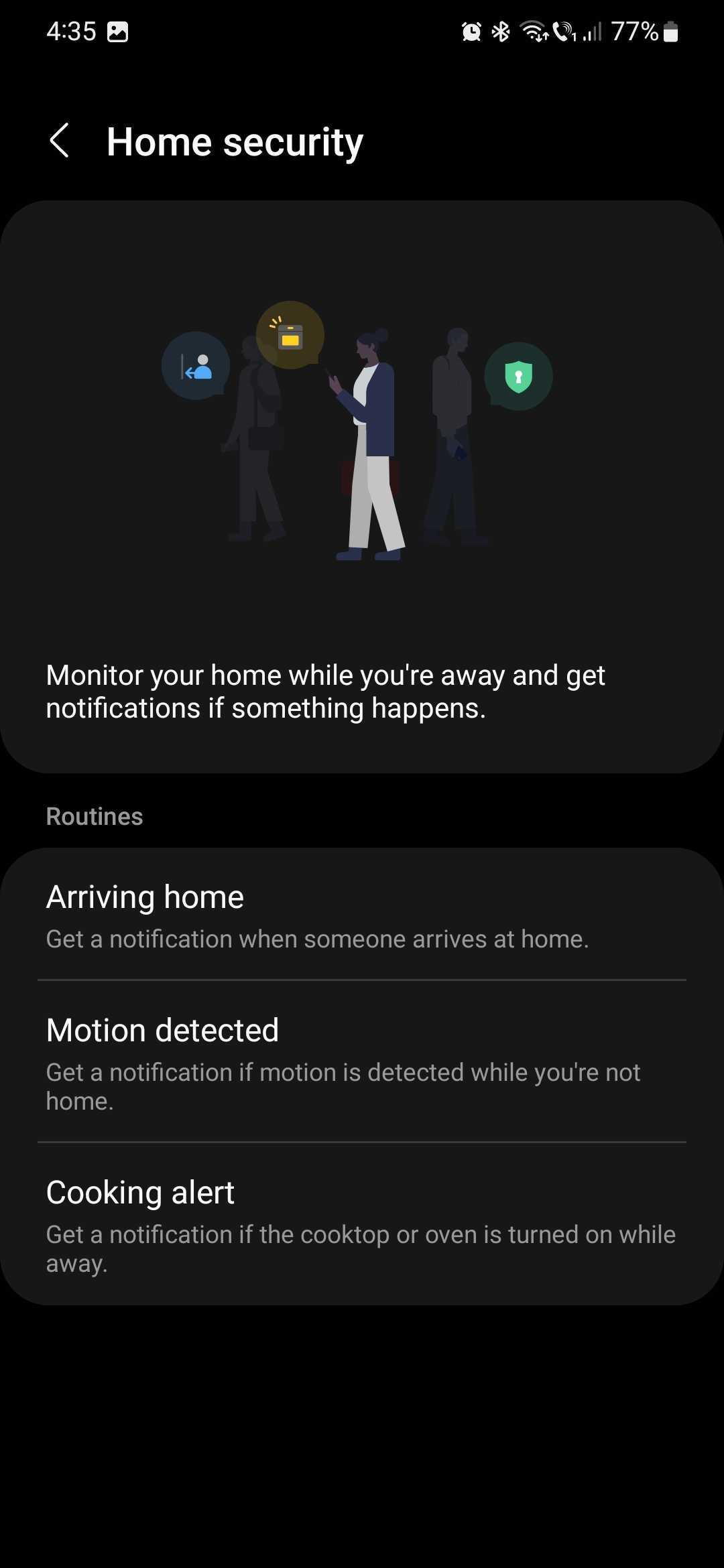
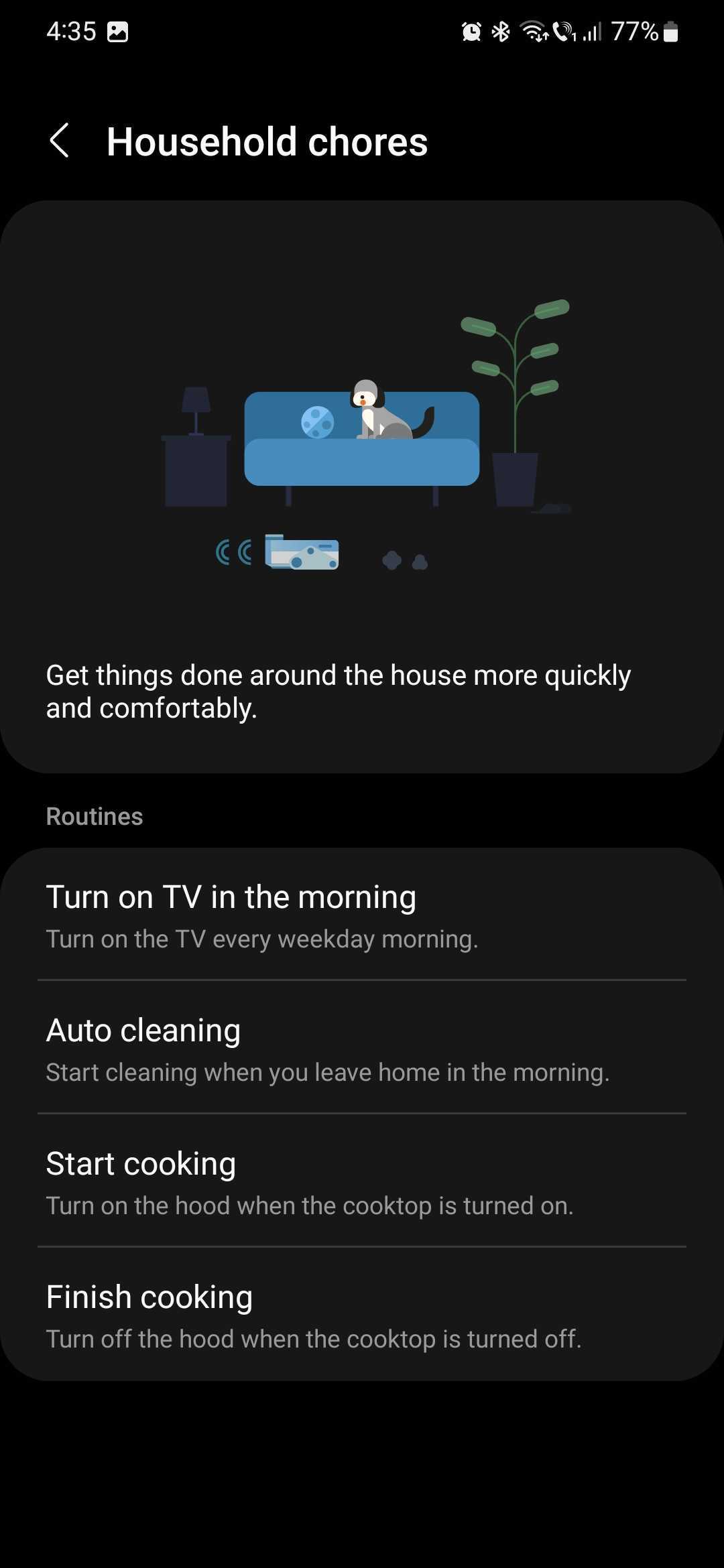
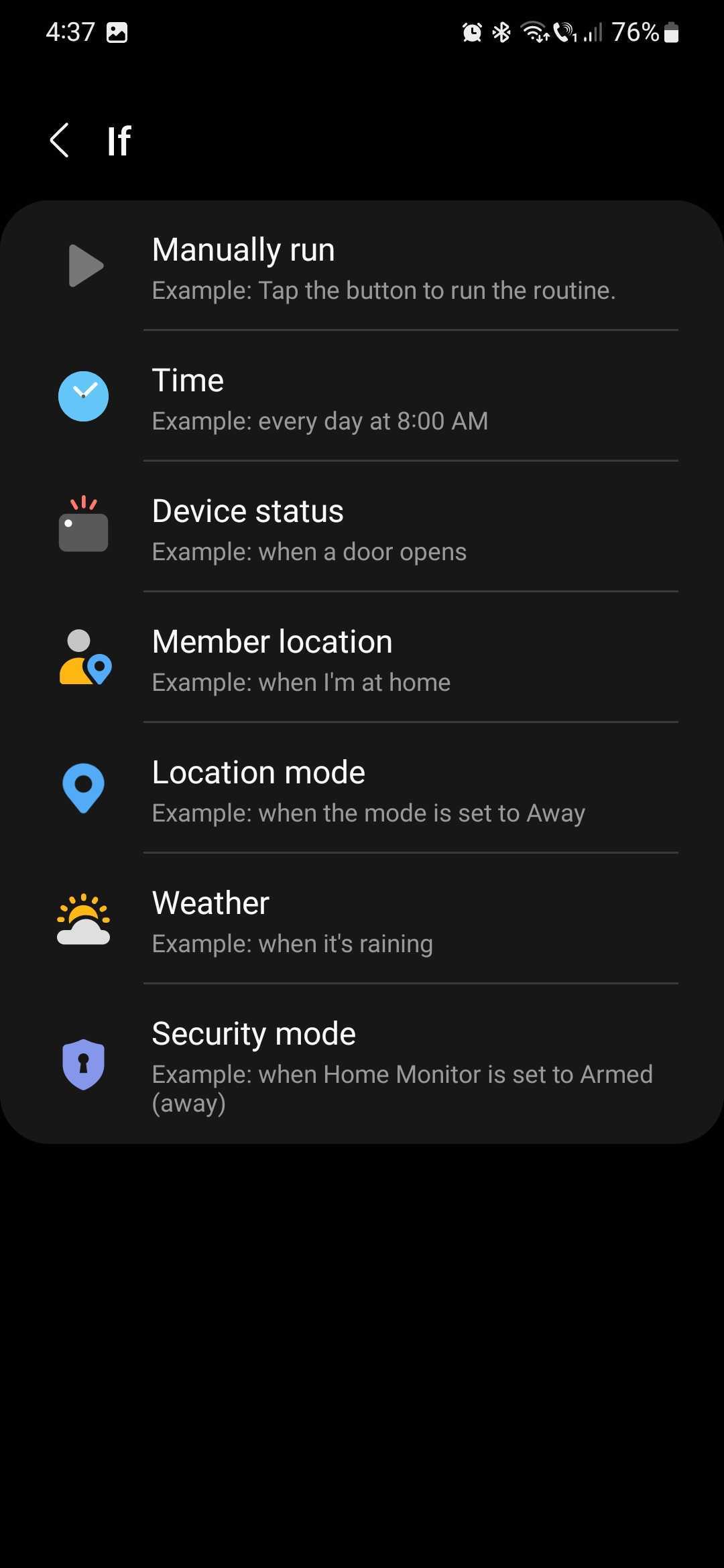
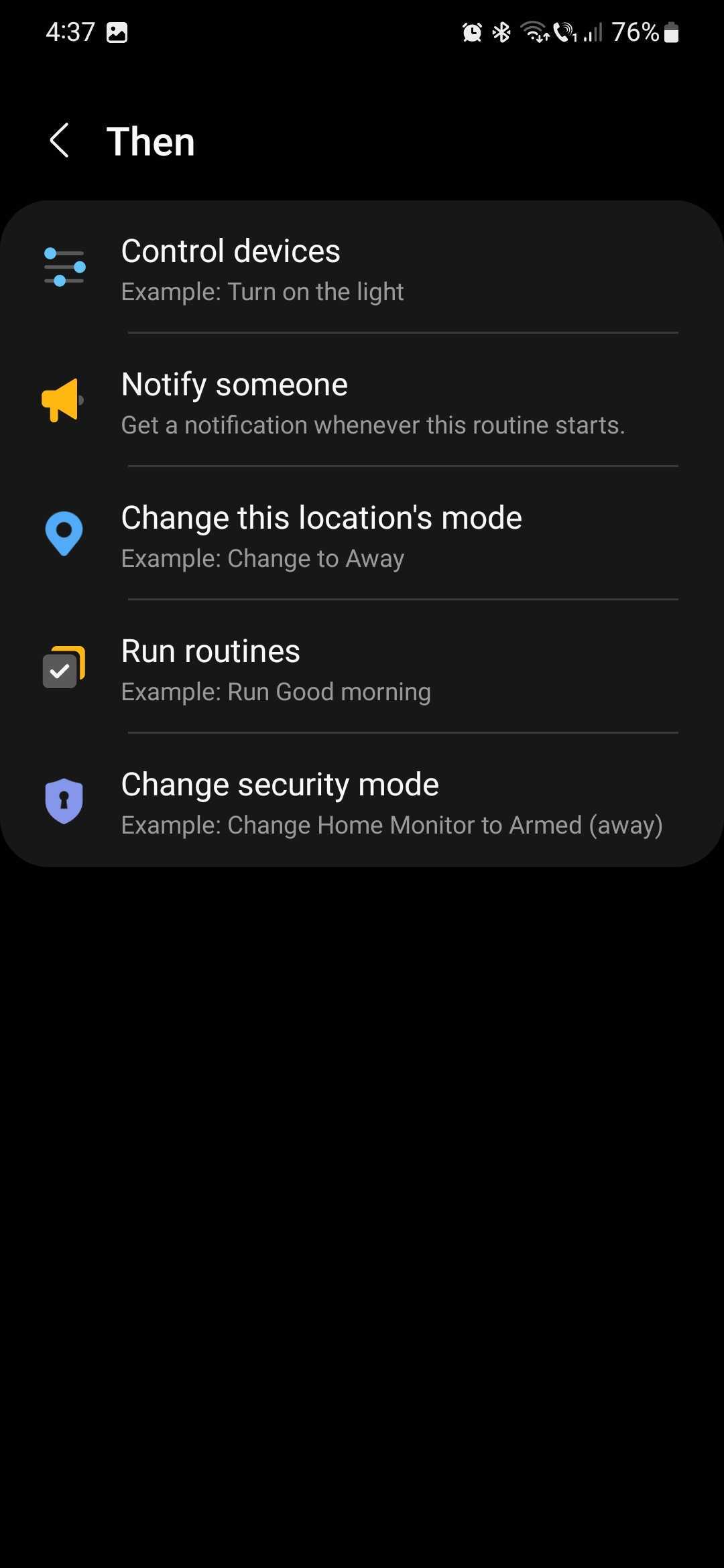
Outside the Discover tab, you can create your own automation scripts from scratch once you tap the + button in the Routines overview. You can set conditions based on the time of day, device status, member location, location mode, weather, and security mode. And you can link conditions to actions for controlling devices, notifying SmartThings users, changing location mode, changing security mode, and running other routines.
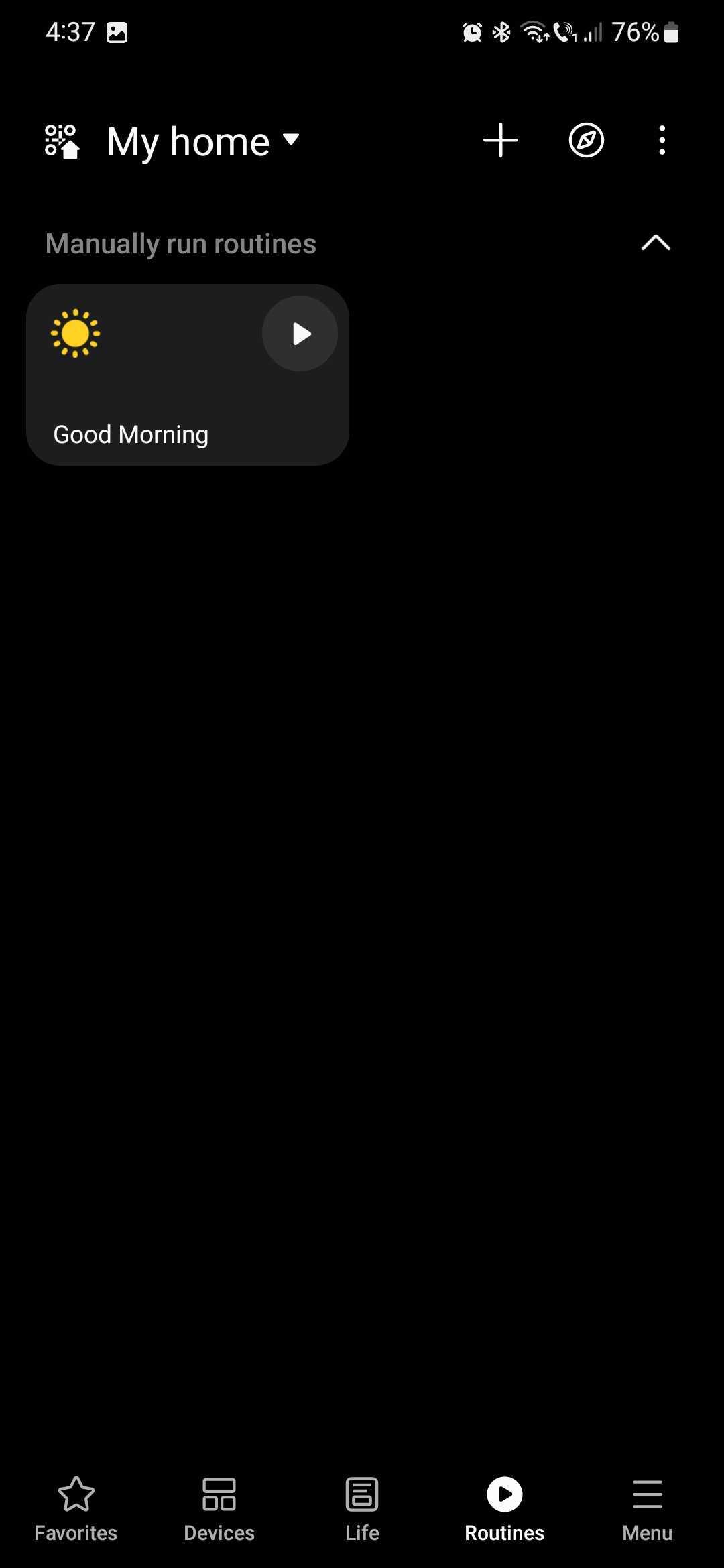
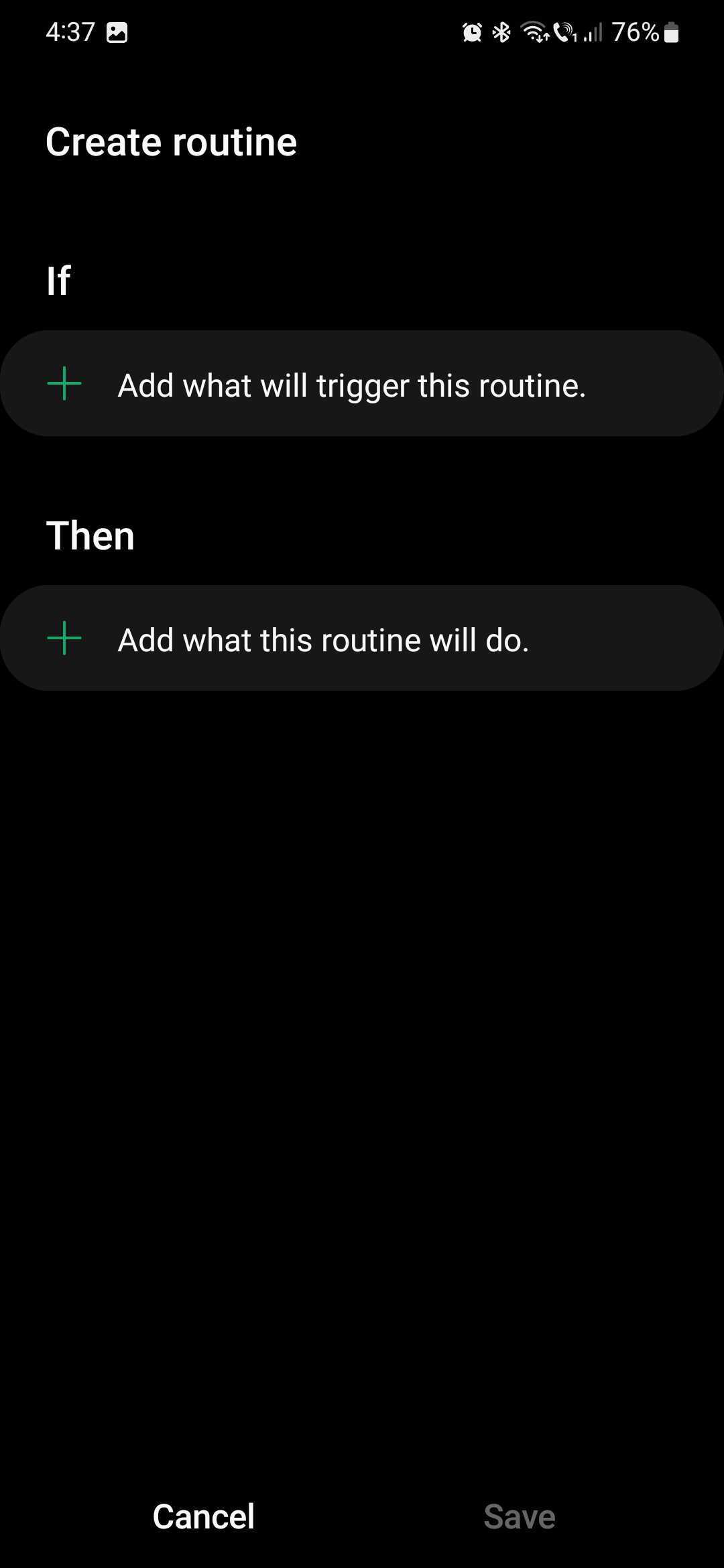
The system is deceptively simple but can completely change the way you interact with your smart devices. Make sure to experiment with Routines and get the most out of your SmartThings network. This is all you need to know to get control over your smart home through the Samsung SmartThings app. Armed with this knowledge, you can make your smart home work for you rather than against you. And with energy-saving routines, you can potentially even lower your monthly bill.
Image credit: Samsung

Mihai is a blogger and column writer at SamMobile. His first Samsung phone was an A800 which took a lot of beating, and a part of him still misses the novelty of the clamshell design. In his free time, he enjoys watching shows, documentaries, and stand-up comedy; listening to music, taking walks, and occasionally playing old(er) video games.














