Last updated: July 5th, 2024 at 23:10 UTC+02:00
SamMobile has affiliate and sponsored partnerships, we may earn a commission.
Reading time: 2 minutes
Samsung’s NavStar app for Galaxy smartphones and tablets offers you additional options to customize the navigation bar and swipe gestures over the ones that One UI provides, giving you more ways to personalize your device.
One of those options allows you to choose a set of buttons with a different design for the navigation bar. The current version of the NavStar app offers seventeen sets of buttons, each with a different design, as you can see in the screenshots below.
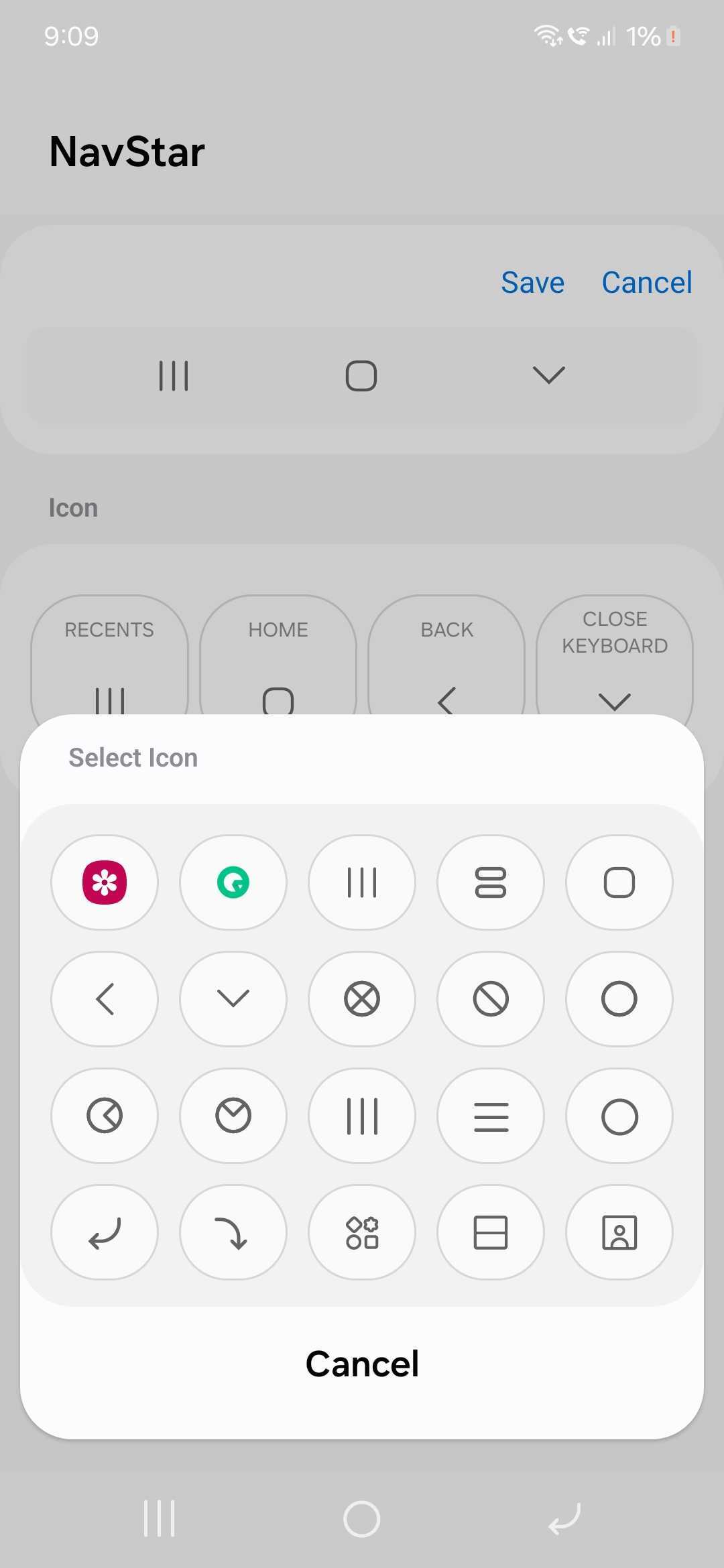
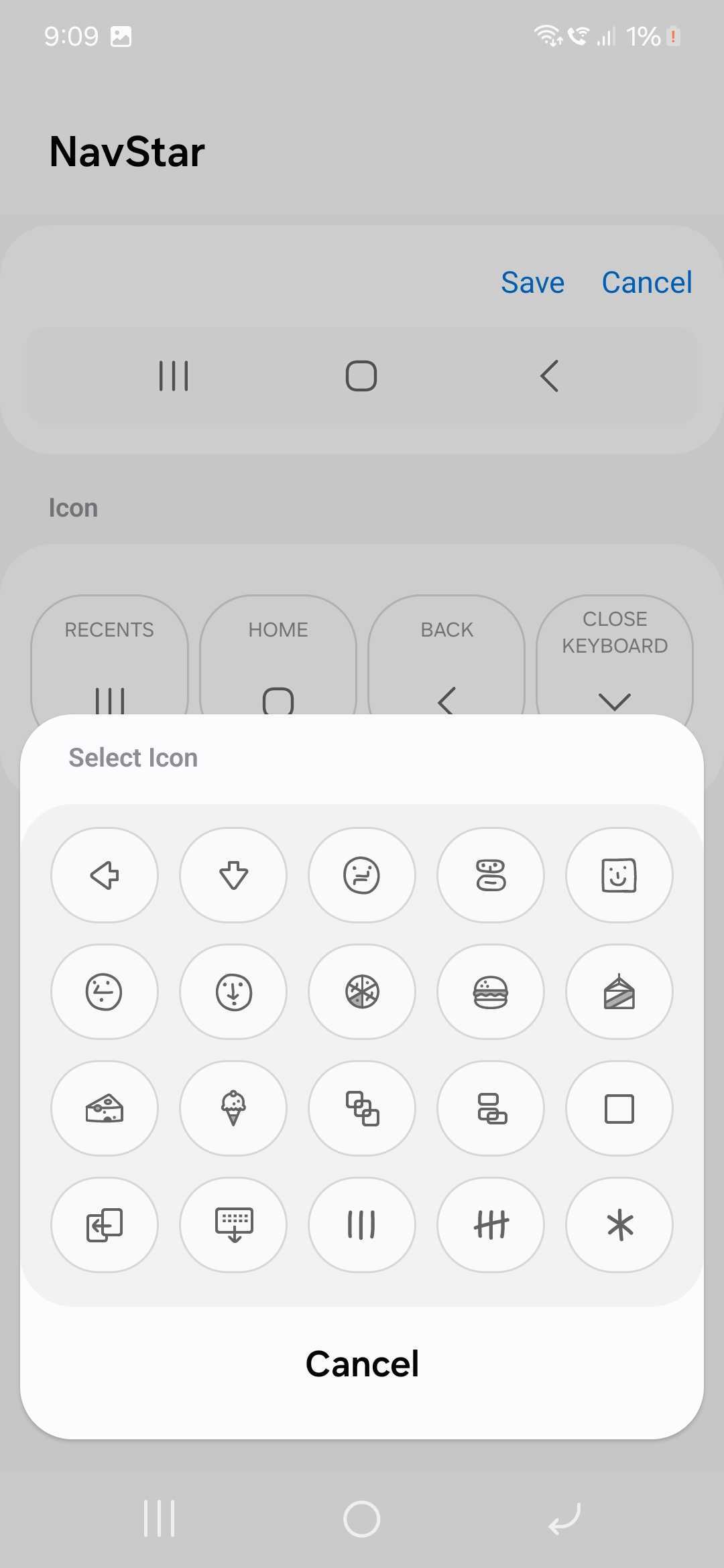
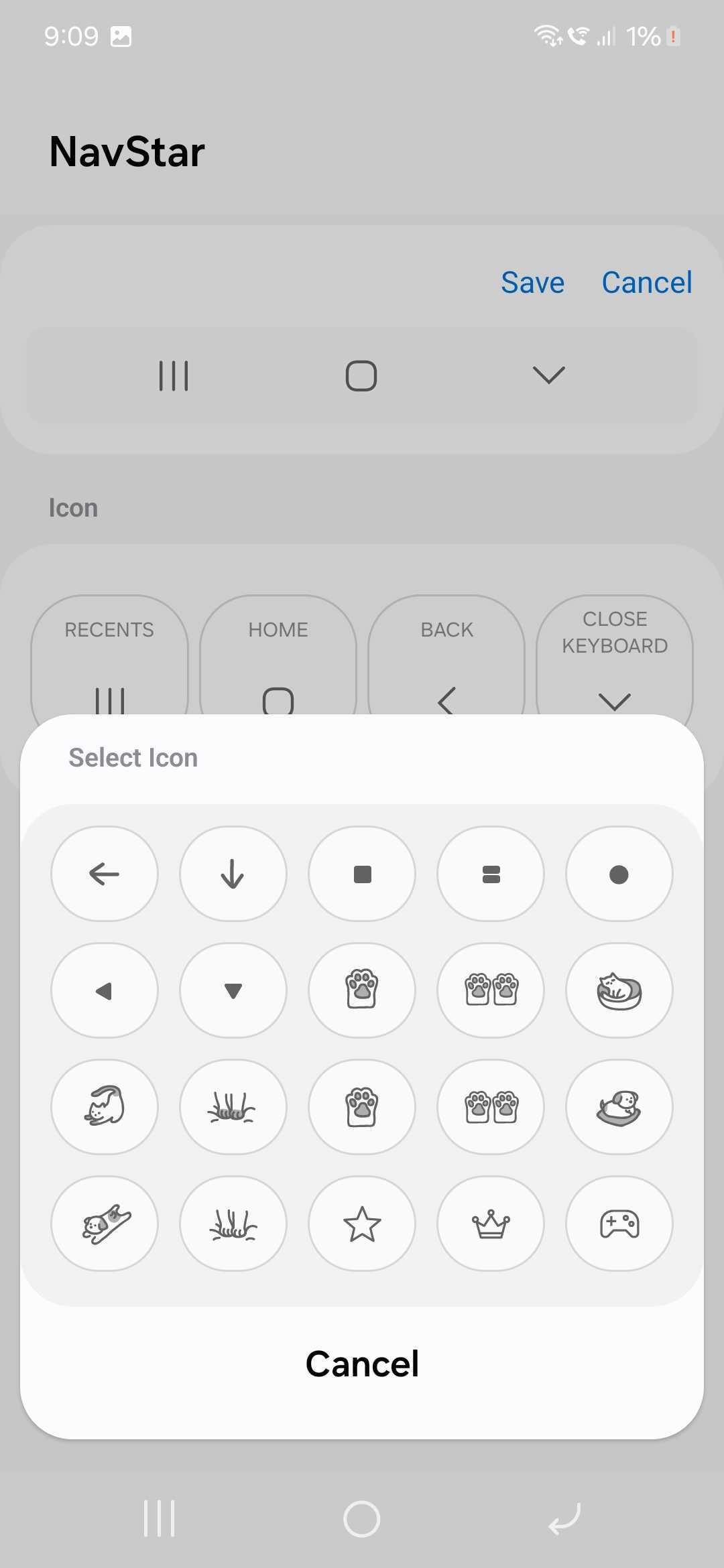
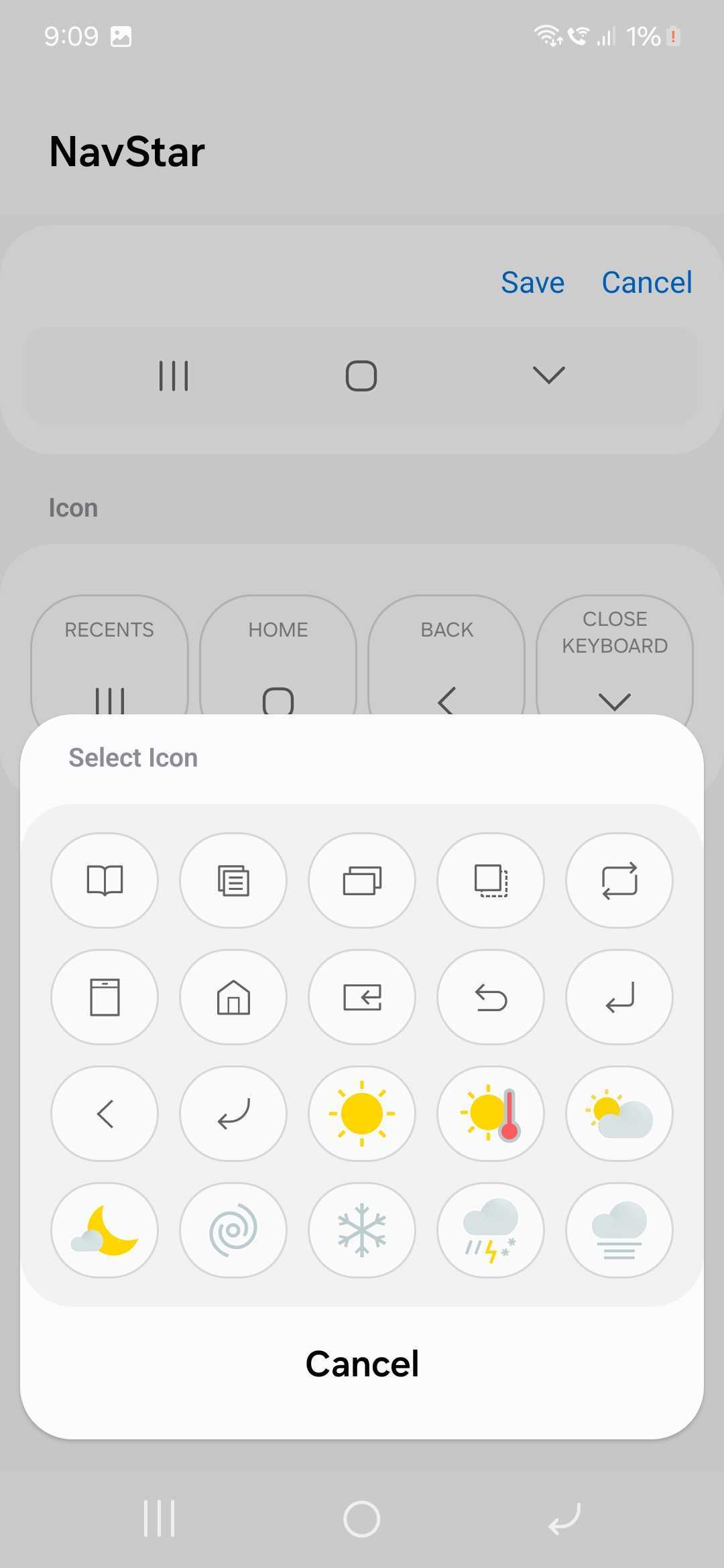
However, a user on Samsung’s Community forum for Korea pointed out that the previous version of the app offered an additional set of buttons, as you can see in the screenshot below, which isn’t present in the current version of the app.

A Good Lock moderator confirmed that it is indeed the case (that Samsung has removed that set of buttons with an update). There’s no information as to why the company did so. We think that there was no need to do so.
The story continues after the video…
The moderator also suggested that the company has no plans to bring that set of buttons back with an update. Anyway, we hope that Samsung introduces newer and better-looking sets of buttons in the NavStar app in the future.

I’m a computer science engineer living in Hyderabad, India, who has a keen interest in automobiles and consumer electronics. My journalism career kicked off in 2017 with MySmartPrice where I wrote news, features, buying guides, and explanatory articles about technology among other things, and reviewed many products, including smartphones, tablets, laptops, PC components, smartwatches, audio devices, wearables, and smart home products. Since then, I have worked for 91Mobiles, Apple, and Onsitego, before finally landing on SamMobile.












