Last updated: November 7th, 2022 at 08:48 UTC+01:00
SamMobile has affiliate and sponsored partnerships, we may earn a commission.
Reading time: 2 minutes
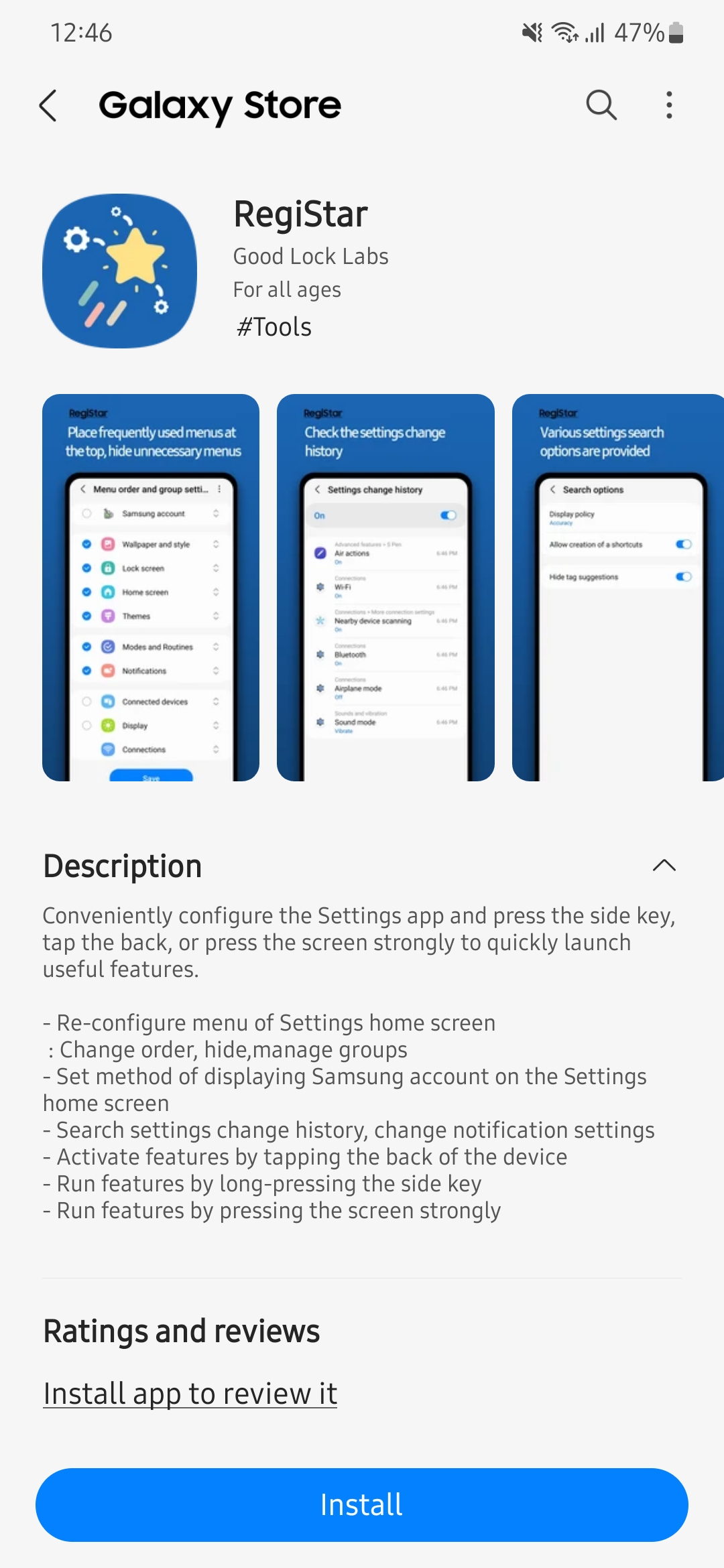
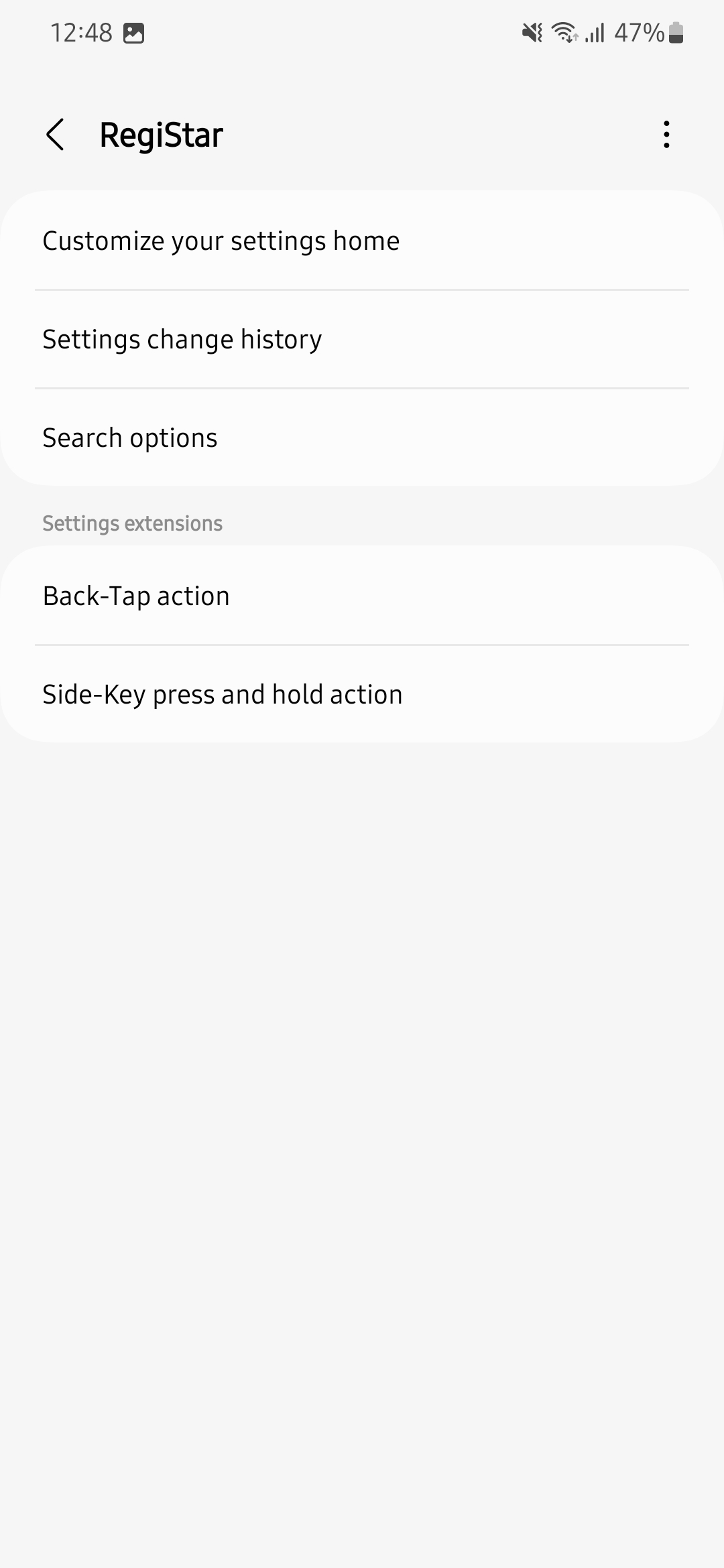
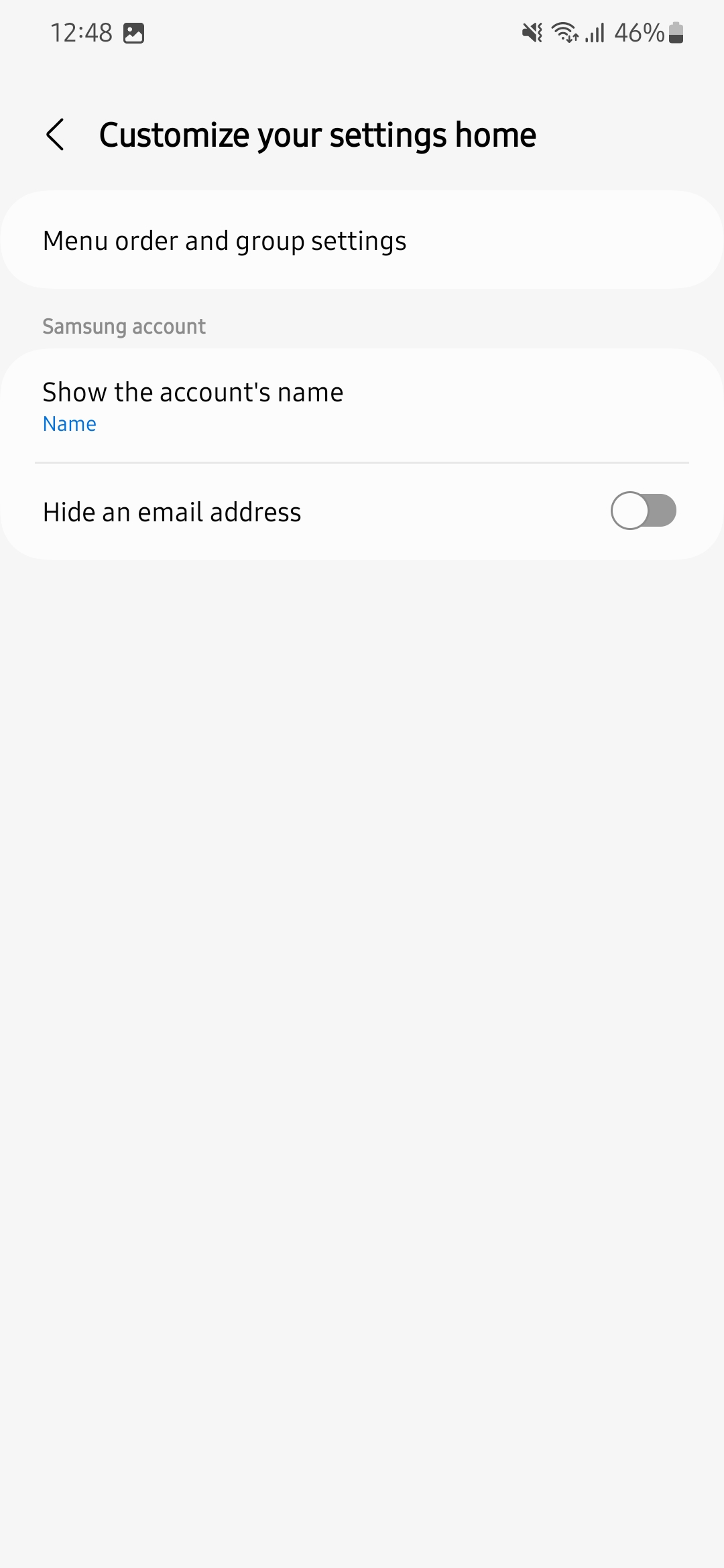
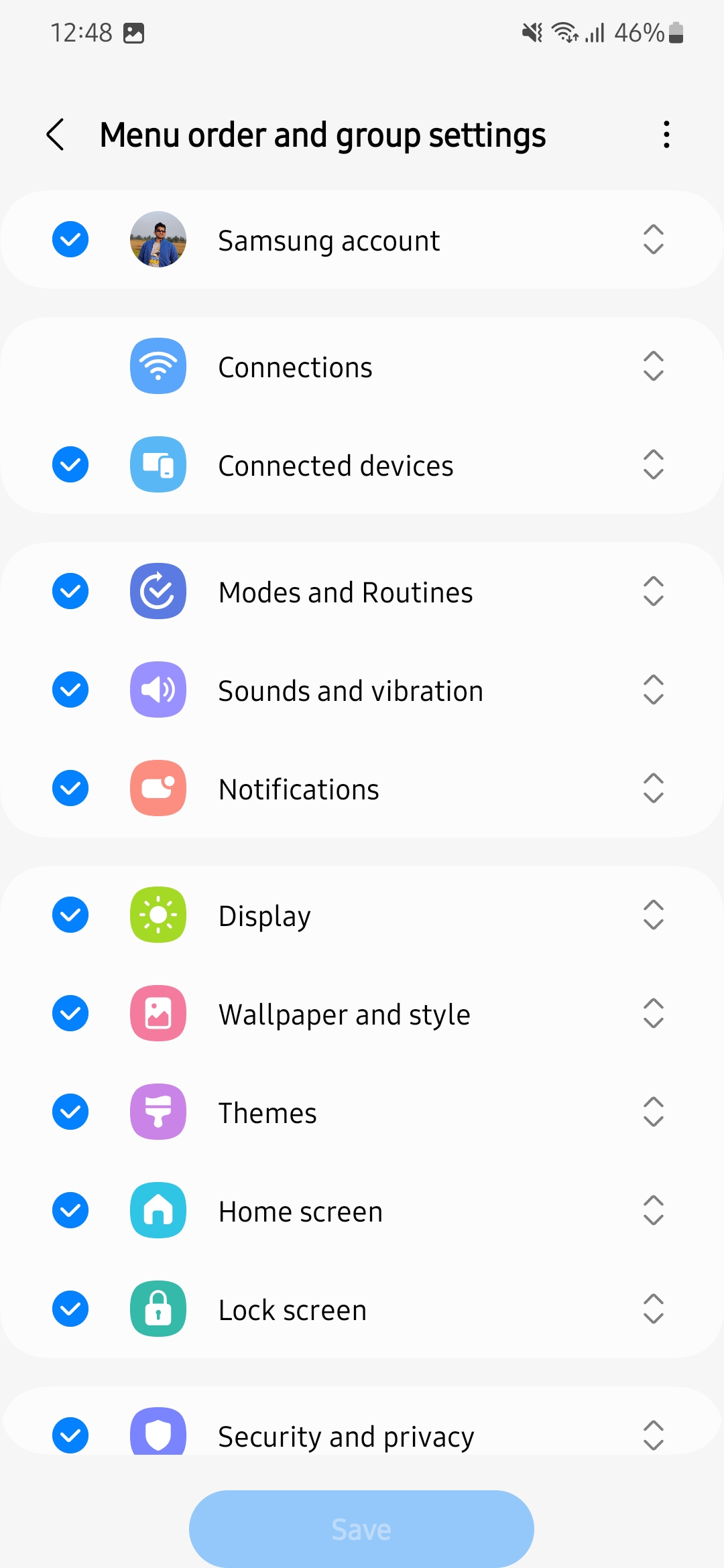
The RegiStar app lets you customize and reorganize the Settings app's home screen on your Galaxy smartphone or tablet. It means that you can add or remove items and reorganize their order. You can also decide to show your full name or nickname. You can even hide your email address in the Settings app's home screen.
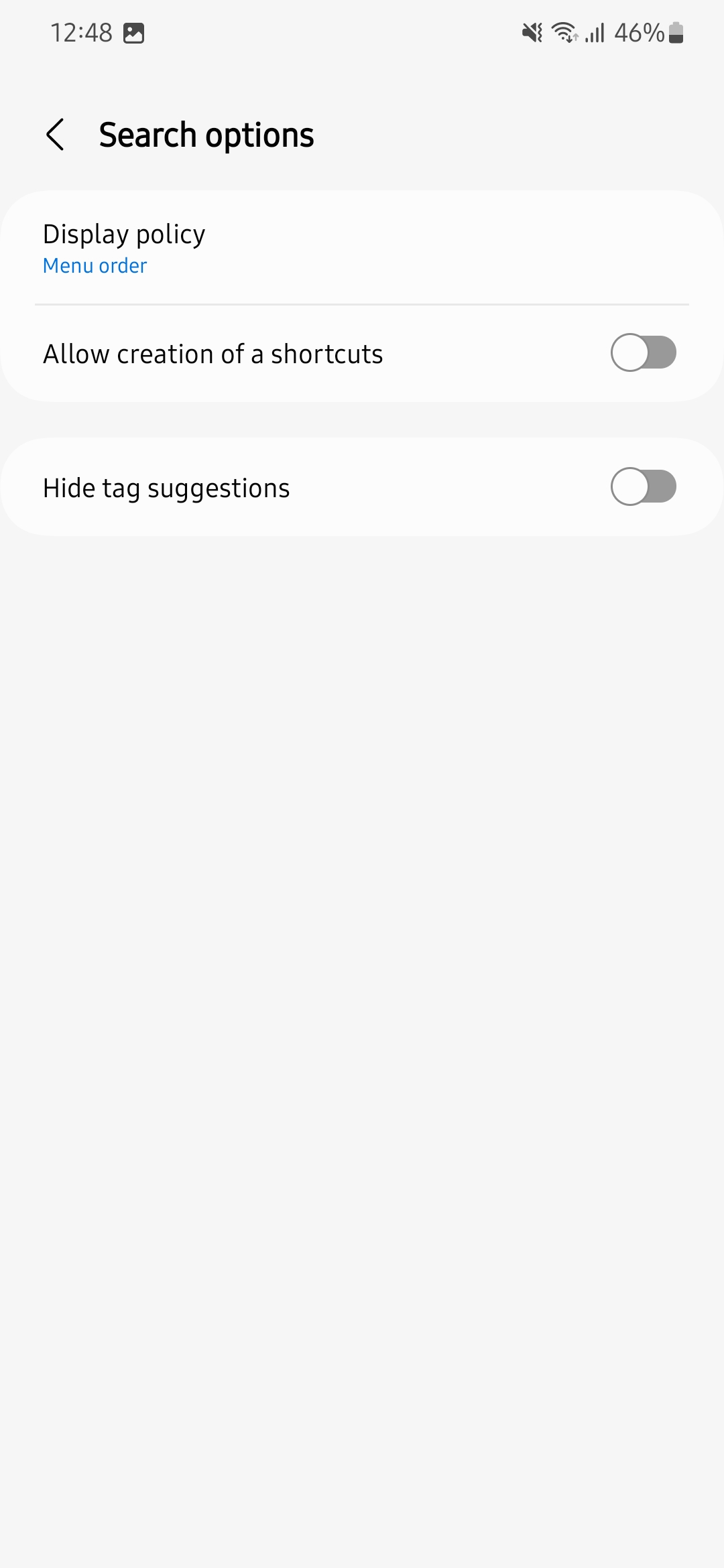
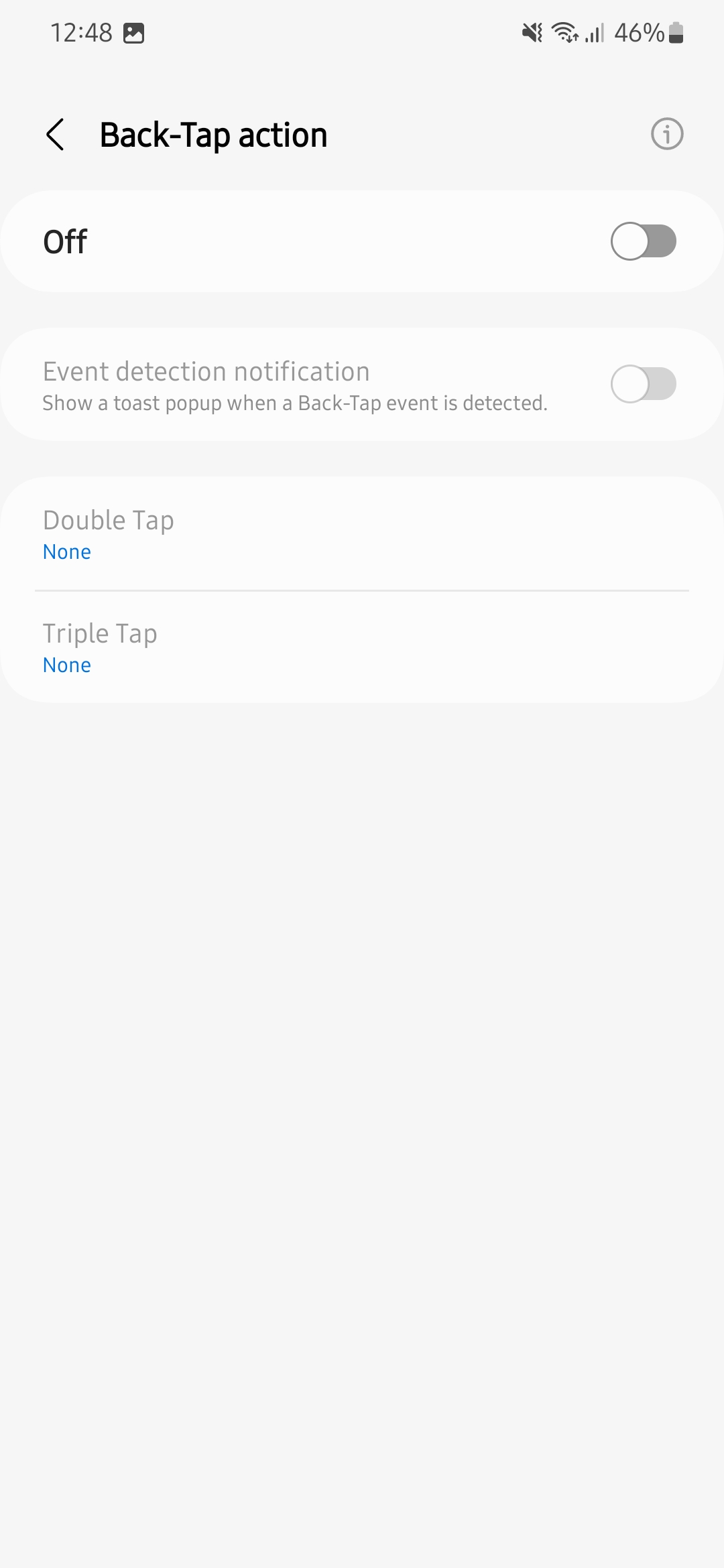
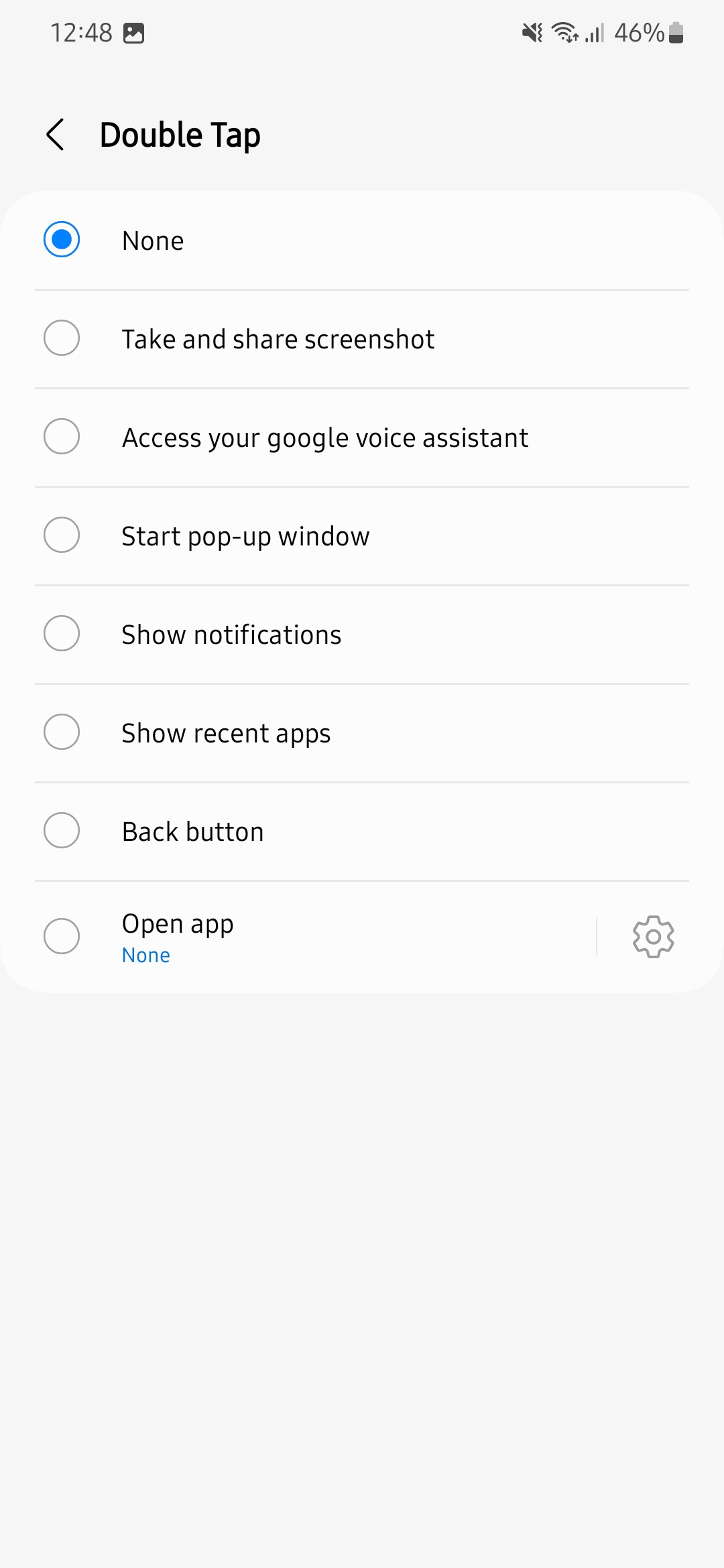
This new 30MB module for Good Lock also lets you customize the search results and hide related tag suggestions. You can also activate and customize double-tap and triple-tap actions. For example, you can set the double tap to open the camera app and the triple tap to capture a screenshot.
Using RegiStar, you can set the power (side) button's press-and-hold action. Many Galaxy smartphone users have been requesting Samsung to allow them to open Google Assistant with the power button's press-and-hold action, and they can now do this with the RegiStar app.

Asif is a computer engineer turned technology journalist. He has been using Samsung phones since 2004, and his current smartphone is the Galaxy S23 Ultra. He loves headphones, mechanical keyboards, and PC hardware. When not writing about technology, he likes watching crime and science fiction movies and TV shows.












