Last updated: April 14th, 2025 at 19:46 UTC+02:00
SamMobile has affiliate and sponsored partnerships, we may earn a commission.
Want to be sure you won't lock yourself out of your Galaxy phone once Samsung resumes the One UI 7 rollout? Follow this advice.
Reading time: 3 minutes
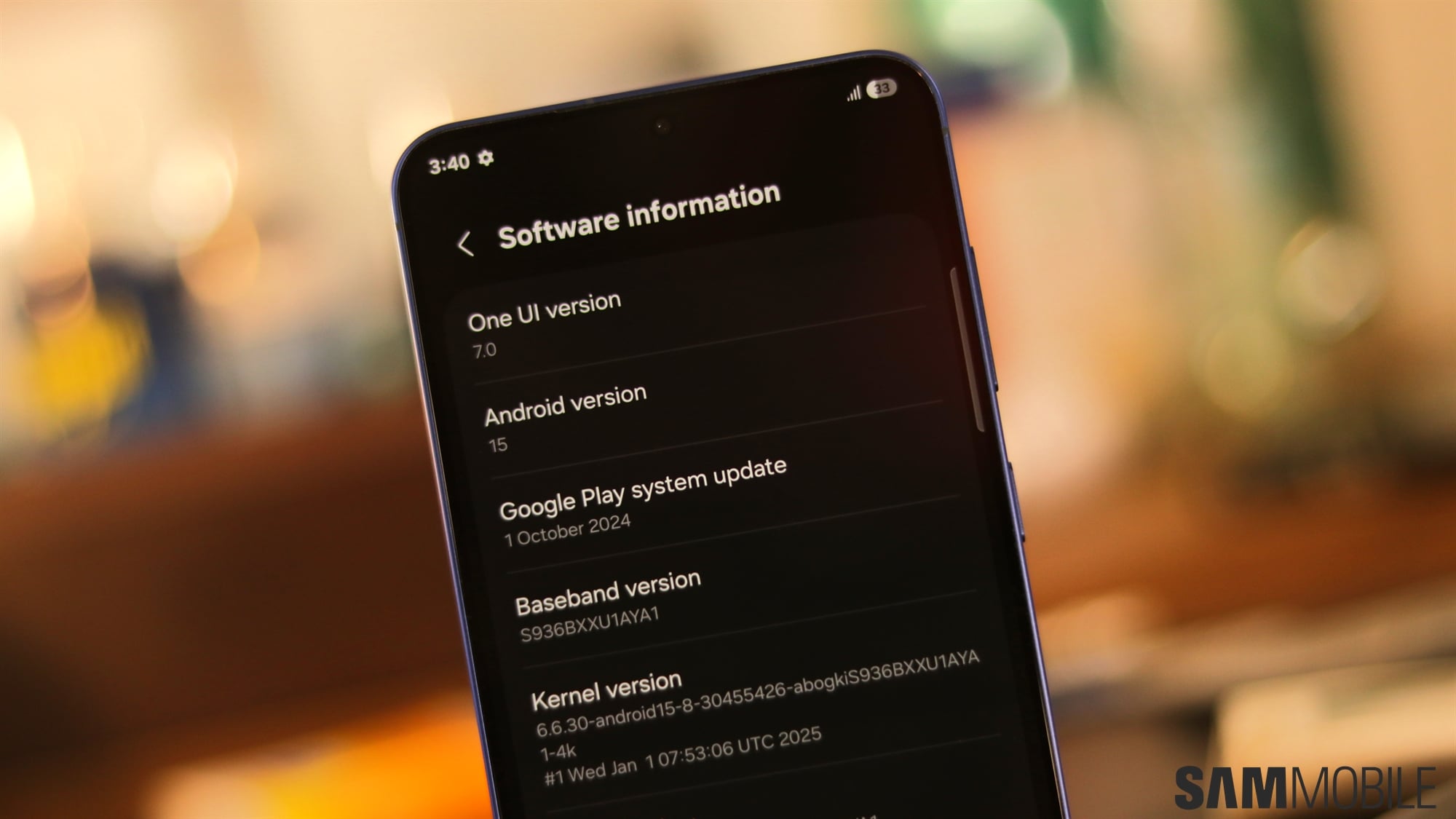
Eligible Galaxy S24 and Z Flip/Fold 6 users who weren't fast enough to grab the stable One UI 7 update last week no longer have the option, but they may have dodged a bullet. Samsung removed the One UI 7 firmware from its servers, and one theory is that the company took this drastic measure because the One UI 7 update may have locked some users out of their phones.
It happened before with previous major firmware updates, including One UI 2.0 beta in 2019 and the stable One UI 6.1 update in Korea a couple of years ago. So, to be safe from a possible disaster, we recommend the following before you grab the stable One UI 7 update — once Samsung resumes the rollout.
In short, you should turn off your phone's lock screen protection before you grab the One UI 7 update after Samsung brings it back to its OTA servers. In the past, the lock screen protection was what locked some users out of their Galaxy phones upon installing major One UI updates.
Doing this will remove biometrics and your lock screen protection, but you can turn them back on after you install One UI 7. It's a bit of a hassle, but the alternative could be a much worse headache.
We recommend turning off automatic firmware downloads for the time being precisely for this reason: so you can decide when to update and give yourself a chance to turn off your lock screen protection right before you install One UI 7 and not a moment sooner.
Following these steps may not be necessary once Samsung figures out the issue and rereleases One UI 7. However, as we already mentioned, the lock screen bug has occurred with previous One UI versions, so it doesn't hurt to be extra safe even if Samsung declares the issue fixed and resumes the stable One UI 7 rollout.
You should also make sure you have all your data backed up before you proceed with updating your Galaxy device to One UI 7. Read our update preparation guide for more information.

Mihai is a blogger and column writer at SamMobile. His first Samsung phone was an A800 which took a lot of beating, and a part of him still misses the novelty of the clamshell design. In his free time, he enjoys watching shows, documentaries, and stand-up comedy; listening to music, taking walks, and occasionally playing old(er) video games.














