Last updated: June 15th, 2021 at 19:53 UTC+02:00
SamMobile has affiliate and sponsored partnerships, we may earn a commission.
Reading time: 2 minutes
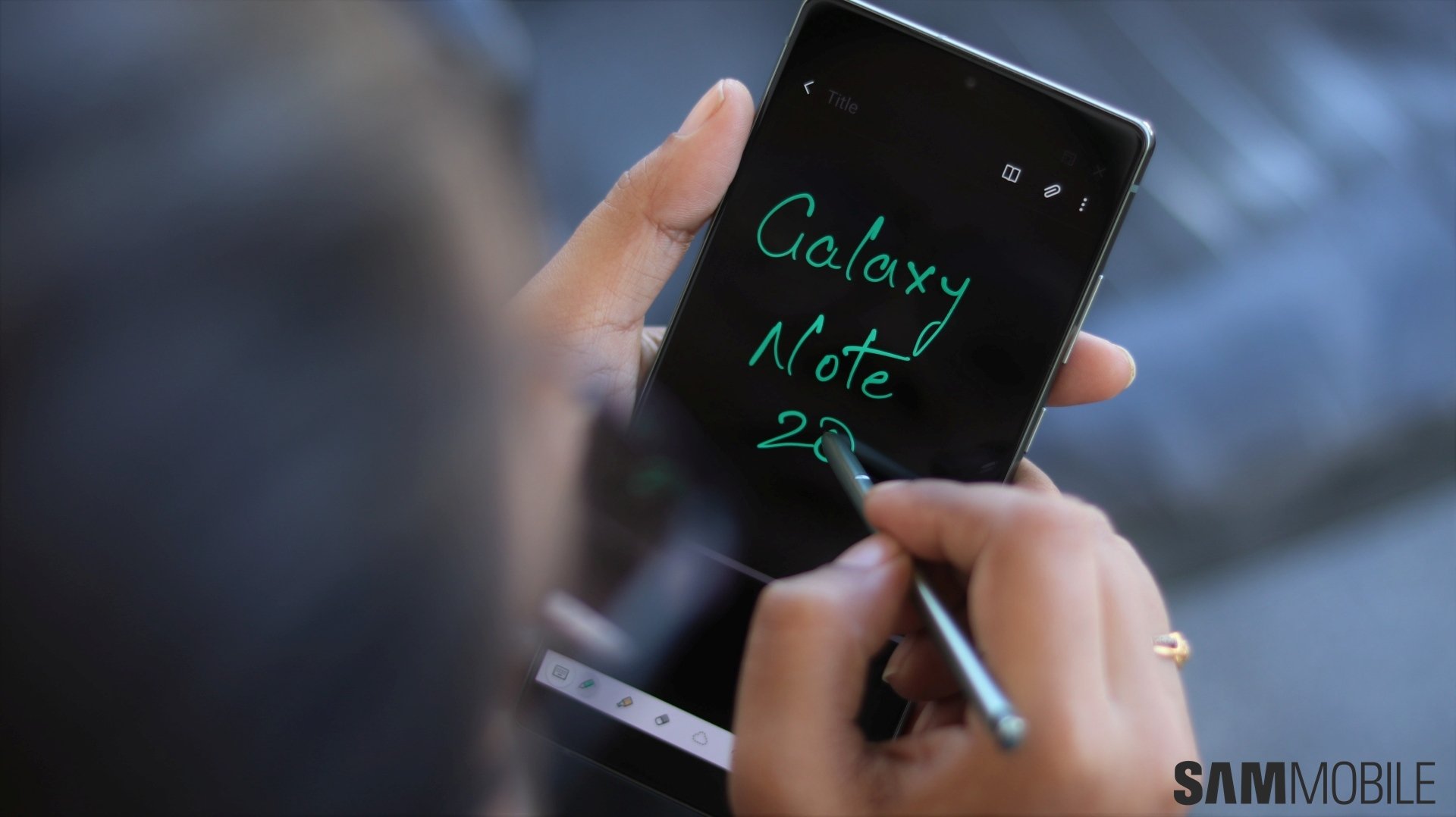
Transcribing audio in real time sounds like something Samsung Notes should be able to do, but it isn't. Granted, Samsung Notes lets you record audio in real time while writing text or doodling with the S Pen — which can be very useful for presentations and recording memories — but it doesn't have the capability to do live transcriptions.
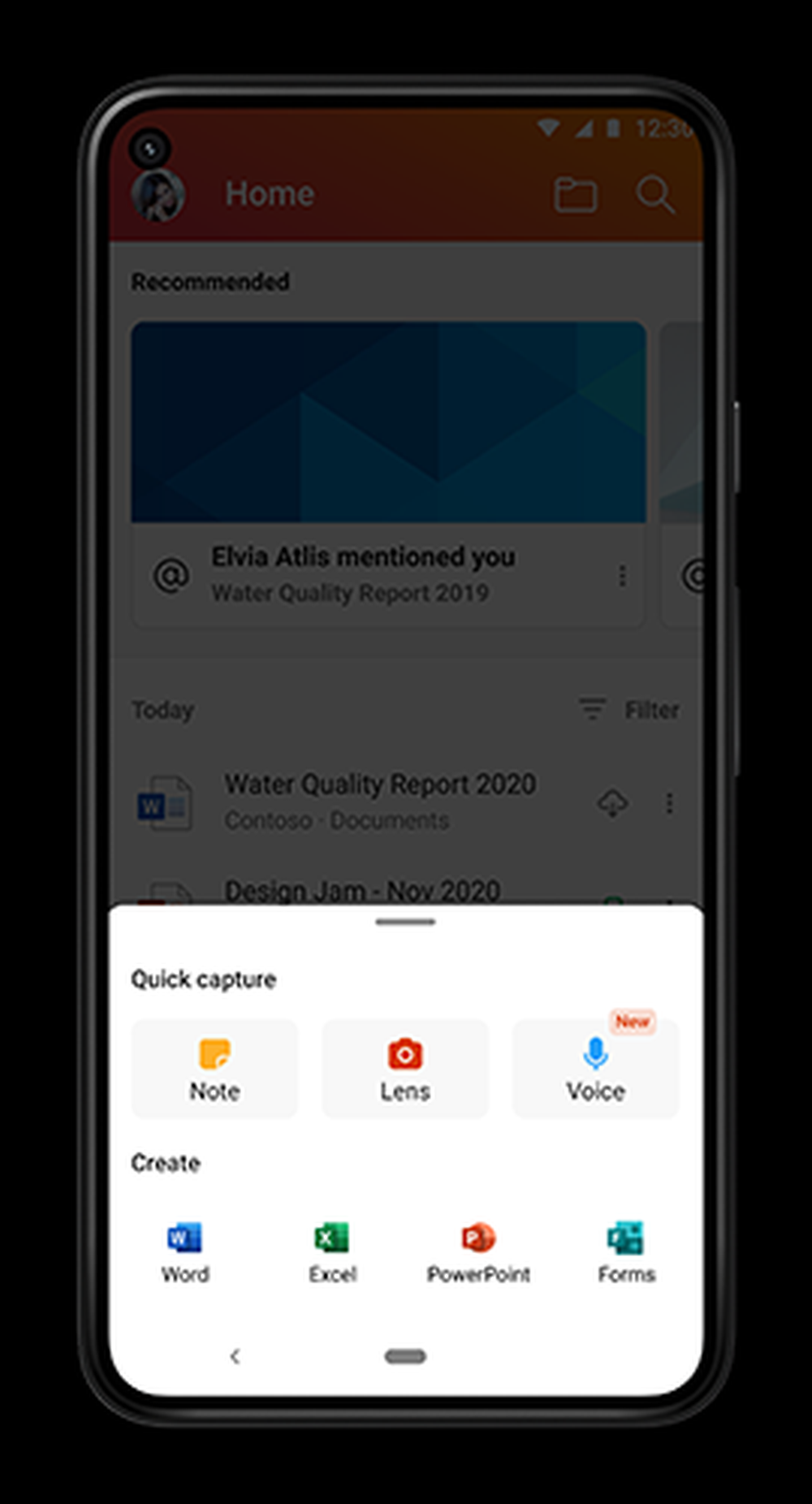
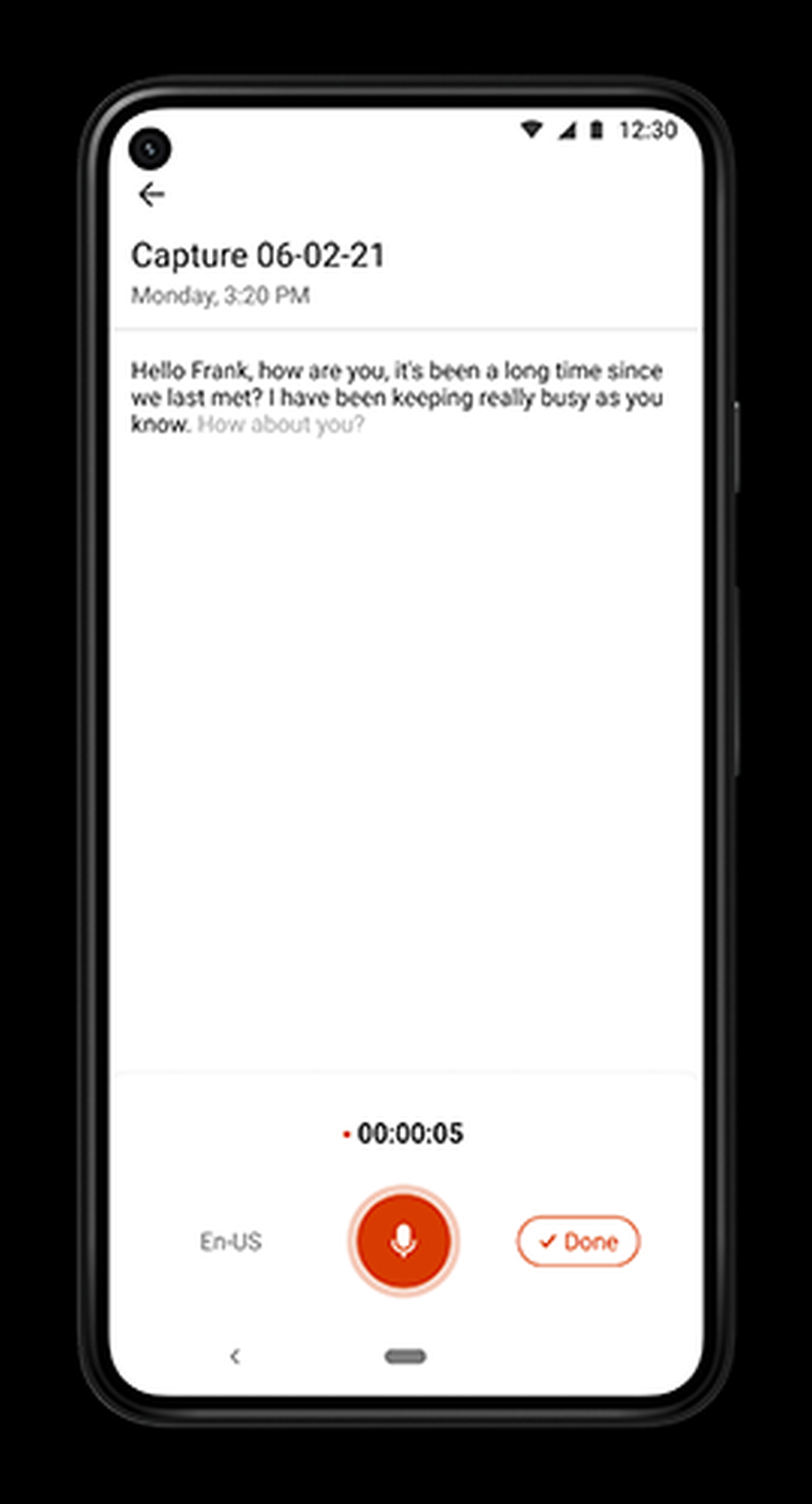
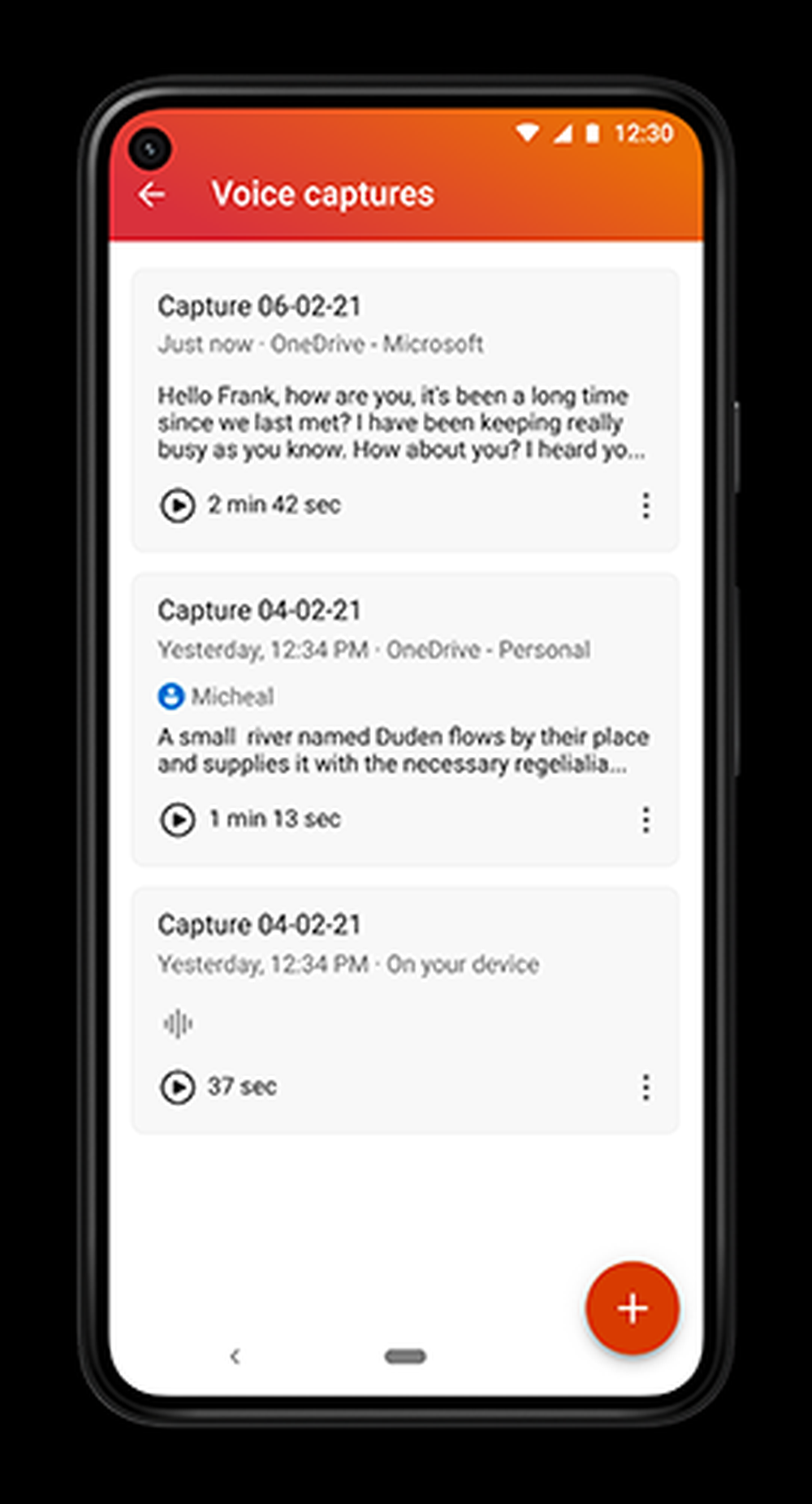
To be precise, Bixby Voice can be used for text-to-speech while using Samsung Notes and the Samsung Keyboard. Just open a note and the Samsung Keyboard, then press and hold the Bixby side key and speak.
Furthermore, Galaxy smartphones running Android 10 or later are compatible with the Live Transcribe accessibility feature, though it requires a download from the Google Store.
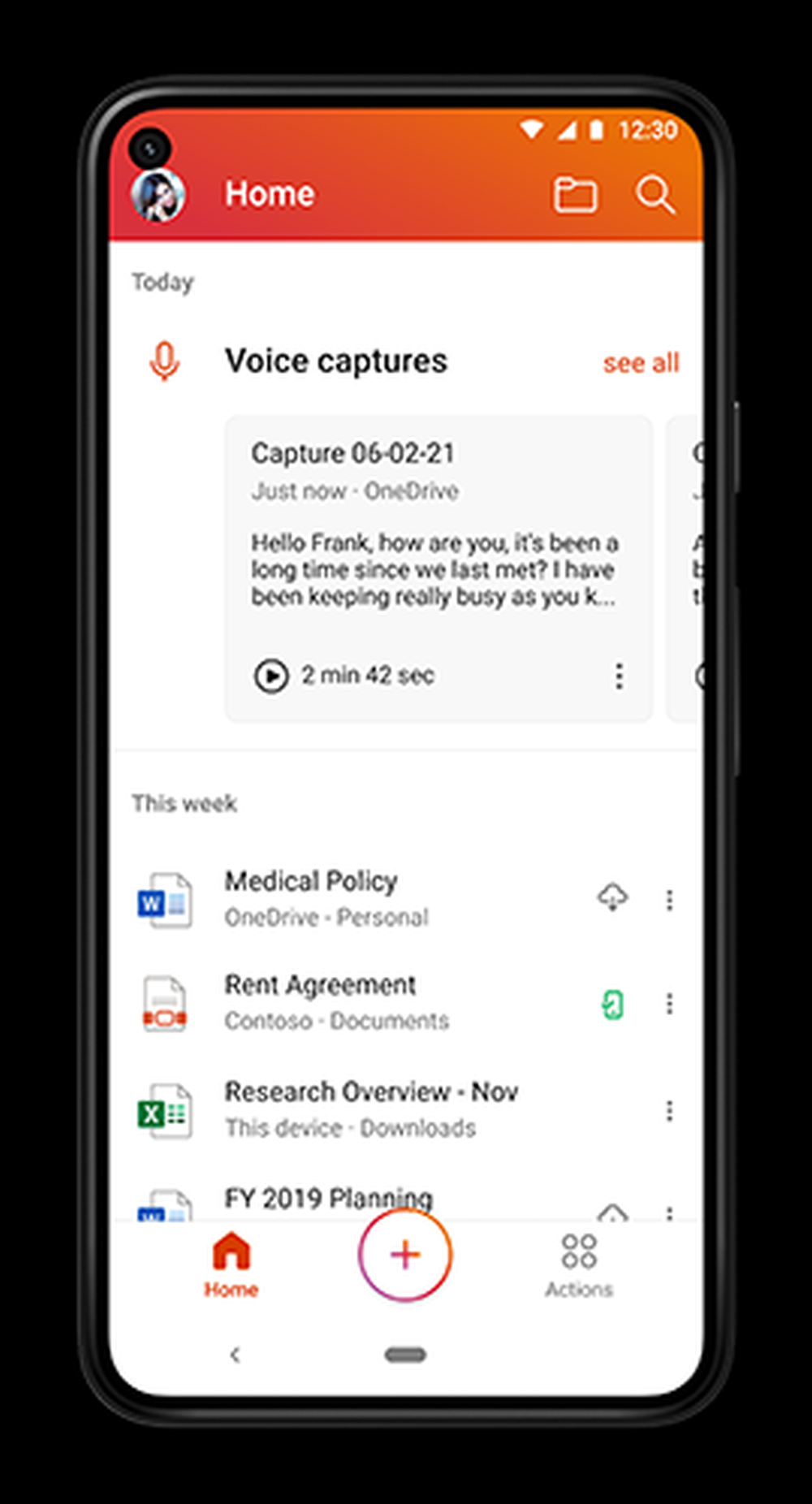
But neither one of these transcription tools work as well as Microsoft's new live speech-to-text feature does. Bixby can only be used for text-to-speech, but it isn't a Samsung Notes feature, so it doesn't record or sync audio with text. It just transcribes audio in real time, but it doesn't have a playback option.
Similarly, Live Transcribe is an accessibility feature that can transcribe audio in real time, but it can't record audio or sync it with text.
Do you think Samsung should borrow a page from Microsoft Office and implement a live speech-to-text transcription feature to Notes? Leave a comment below.

Mihai is a blogger and column writer at SamMobile. His first Samsung phone was an A800 which took a lot of beating, and a part of him still misses the novelty of the clamshell design. In his free time, he enjoys watching shows, documentaries, and stand-up comedy; listening to music, taking walks, and occasionally playing old(er) video games.














