Last updated: June 20th, 2021 at 19:37 UTC+02:00
SamMobile has affiliate and sponsored partnerships, we may earn a commission.
Reading time: 2 minutes
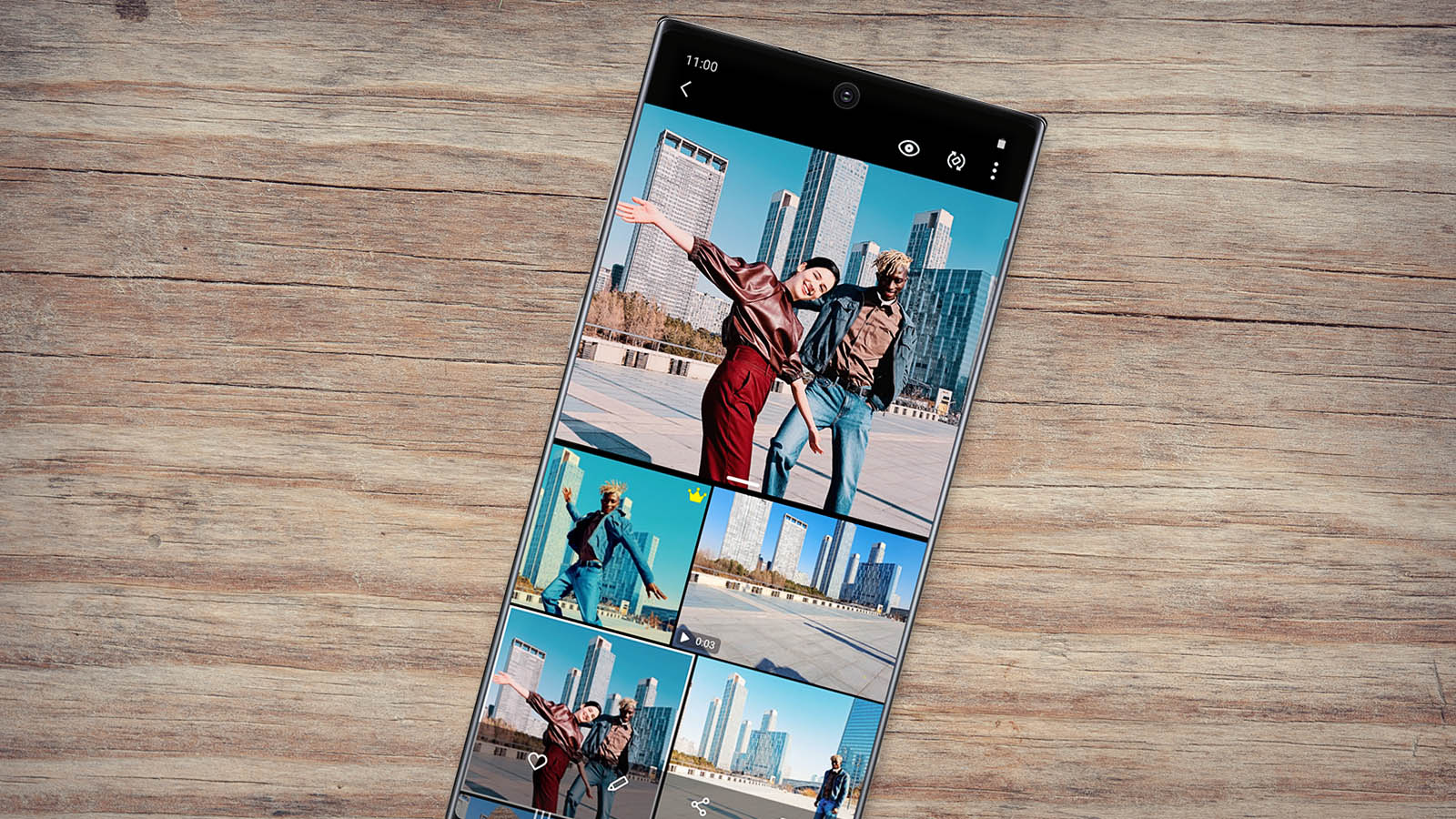
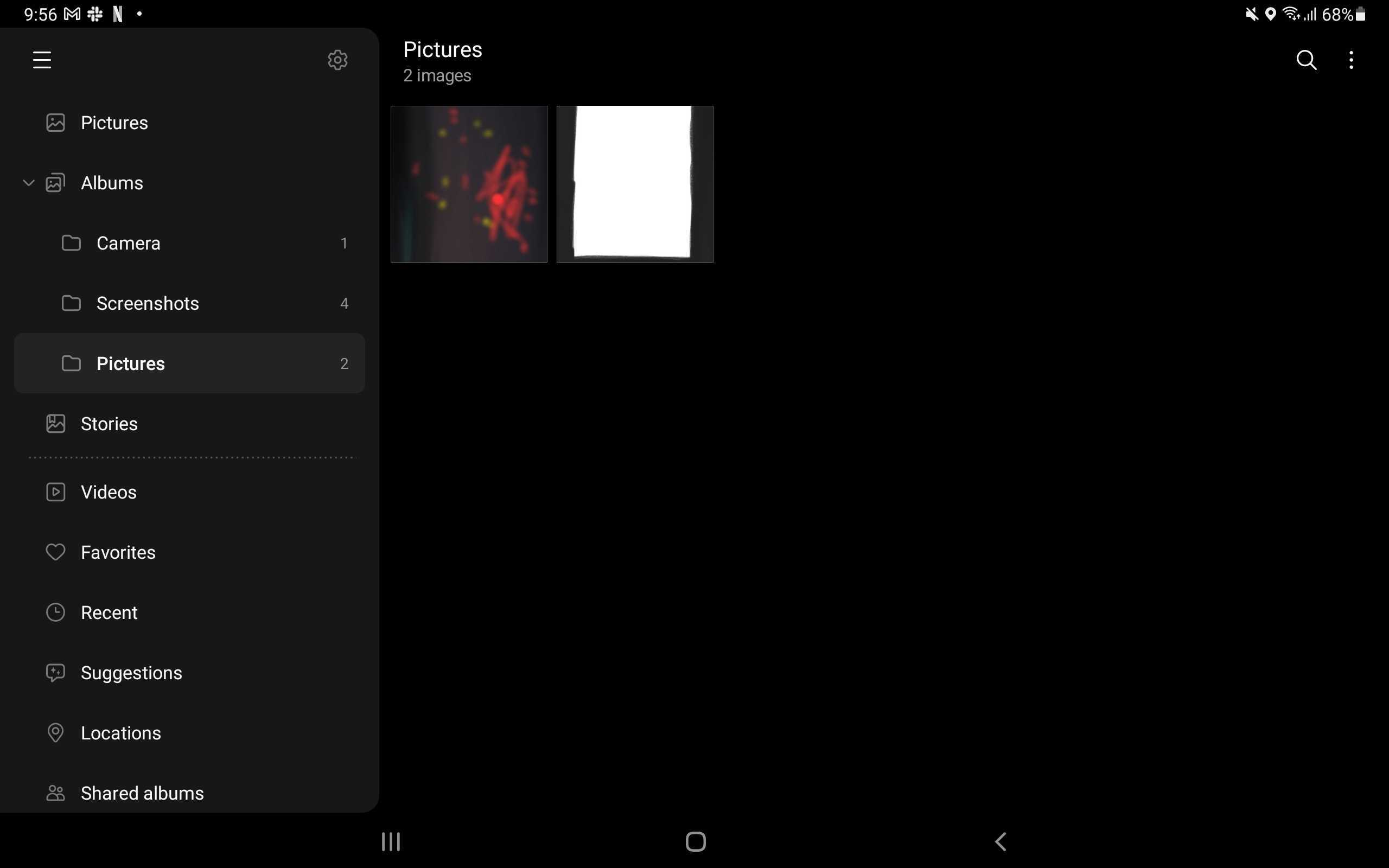
Anyone using a recent Galaxy tablet will now see a new interface thanks to what is called Drawer UI, which basically hides all of the additional options in the Gallery (such as Suggestions, Locations, and Trash) to the side in the traditional Android style, letting you access them by tapping the hamburger button or by swiping in from the left edge of the screen. This new interface works in both standard and DeX mode for tablets that support the latter, such as the newly announced Galaxy Tab S7 FE (a review for which we're currently working on).
The other new feature added in the Gallery app with the latest update is full screen scrolling. This is only for phones and, when enabled, hides the status bar and the navigation buttons when you scroll through your photos and videos. Not something everyone will find useful, which is probably why full screen scrolling is turned off by default and has to be turned on from the Gallery app's settings.
Finally, the update also adds “a tip card to guide users when downloading Samsung Cloud contents.” The new Gallery version is 12.1.07.5 and is rolling out through the Galaxy Store and through the Google Play Store, though it could be a few days before it shows up for everyone. As usual, you can either update the app through those stores or download the latest APK from our APK archive.

Abhijeet's writing career started with guides for custom firmware for Samsung devices (including the original Galaxy S), and he moved to SamMobile in mid-2013 and worked up the ranks to Editor-in-chief. In addition to phones and mobile devices, his interests include gaming on both PC and console, PC hardware, and spending countless hours on YouTube watching videos on tech, movies, games, politics, and internet dramas.













