Samsung Black Friday weeks! Deals for Galaxy S23 Ultra, Samsung Galaxy and Samsung Televisions!

SamMobile has affiliate and sponsored partnerships. If you buy something through one of these links, we may earn a commission.

Galaxy S22 gets astrophotography and multi-exposure camera features!

Phone
By 

Last updated: October 26th, 2022 at 15:45 UTC+02:00

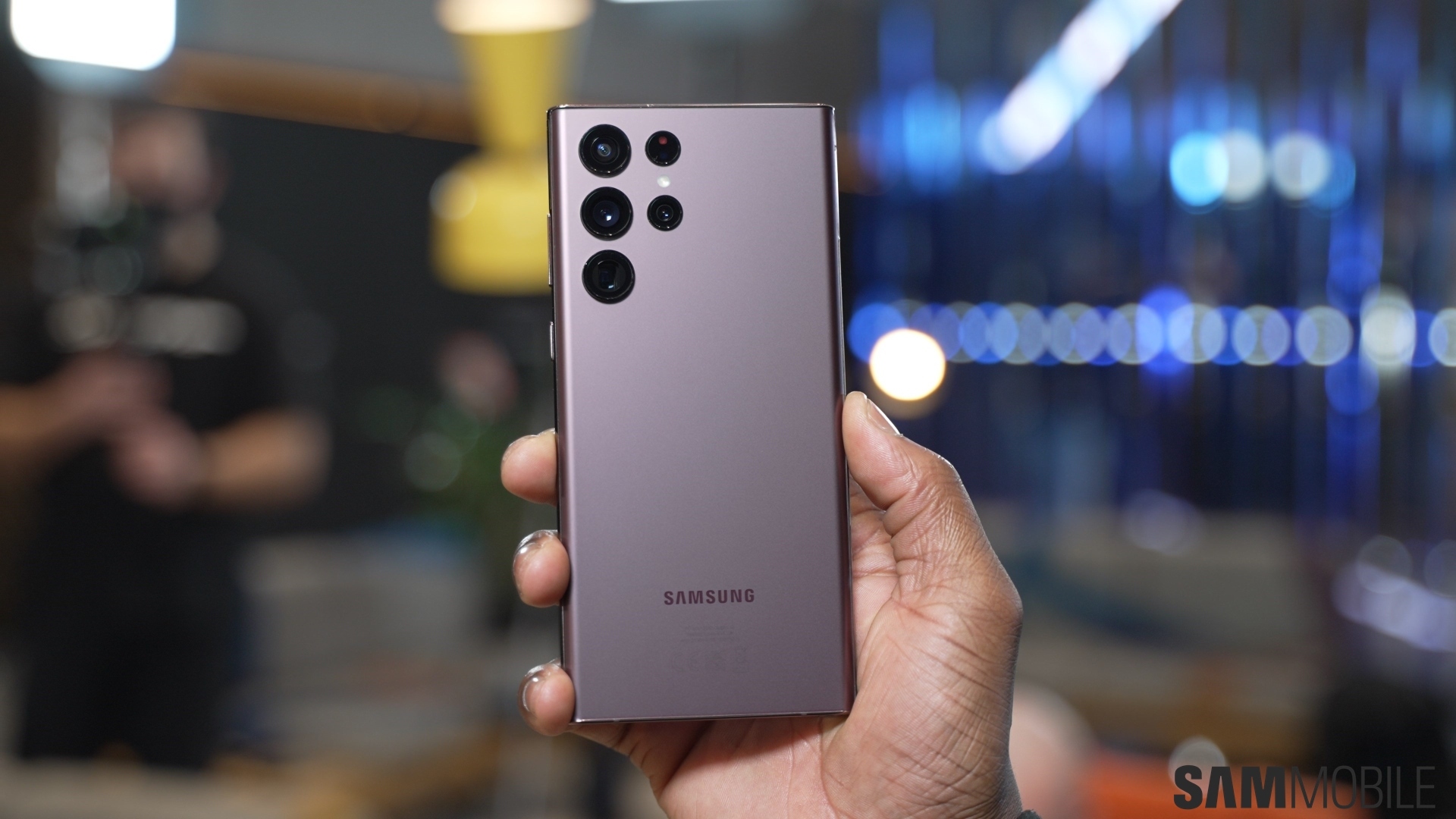
One of the main talking points of the Galaxy S22 during its launch was Samsung's new “nightography” features. The company claimed that it hugely improved the low-light performance of its phones compared to previous-generation devices, so users can expect better images and videos in low-light conditions.

But still, the phones lack astrophotography camera features found on some competing high-end smartphones, including the Pixel lineup. And the company is now fixing the issue with its updated Expert RAW camera app.

Samsung's updated Expert RAW camera app brings astrophotography to Galaxy S22

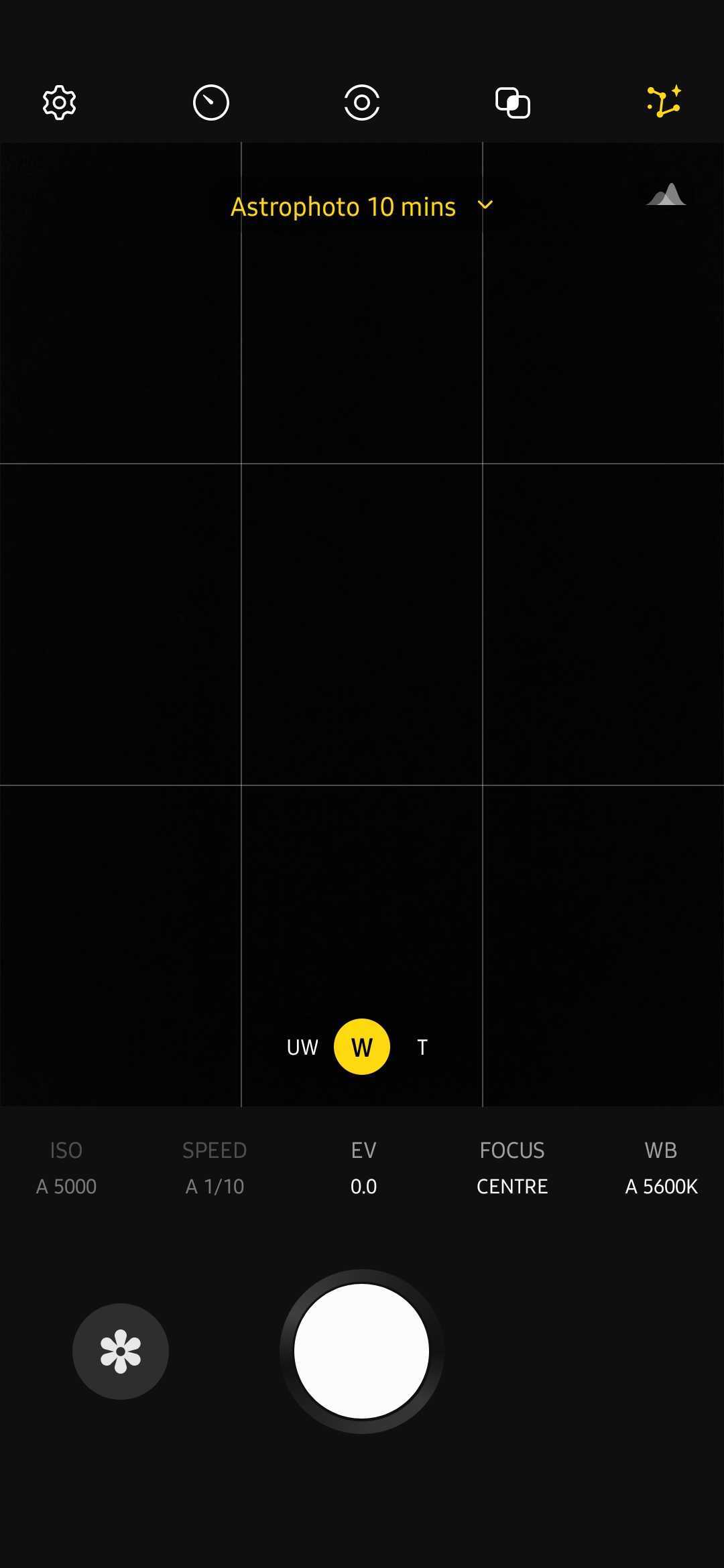
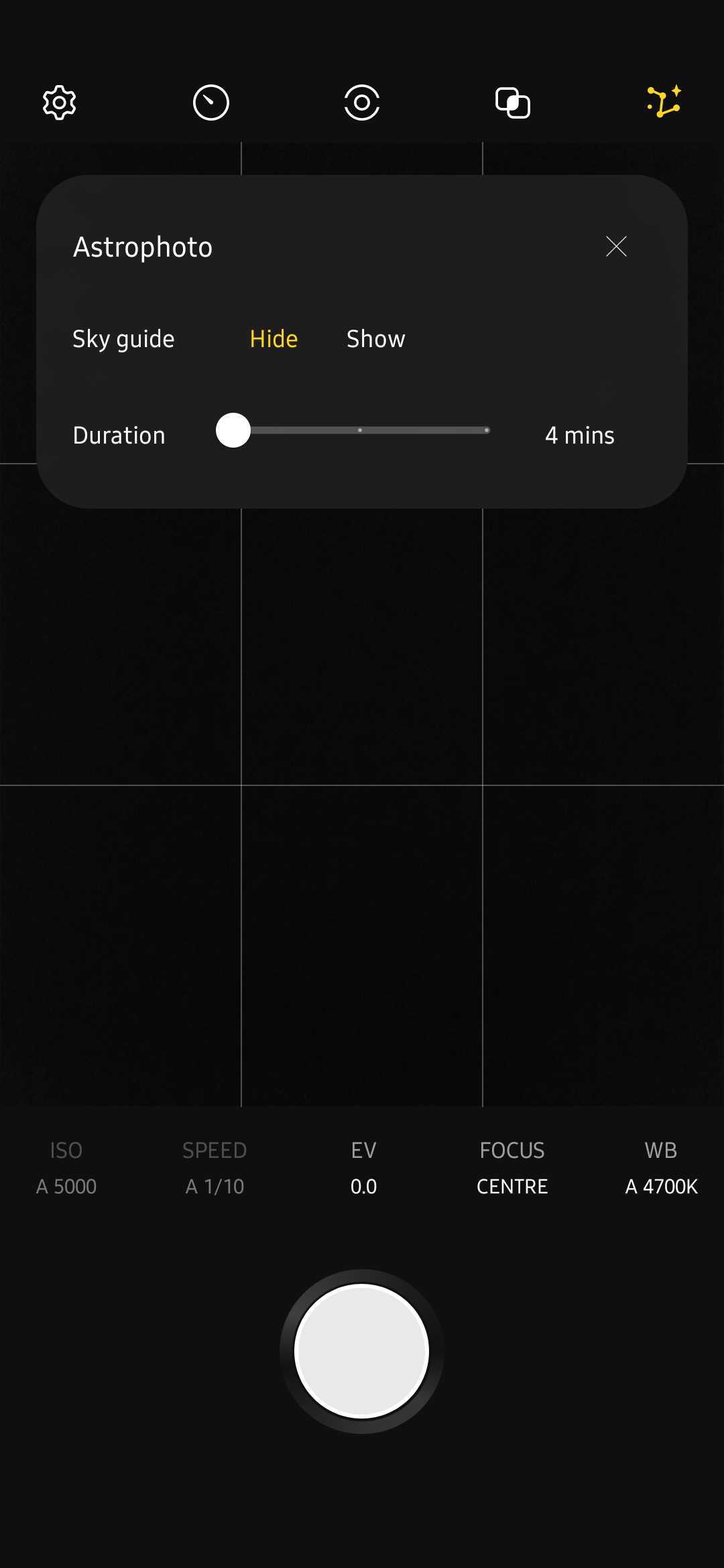
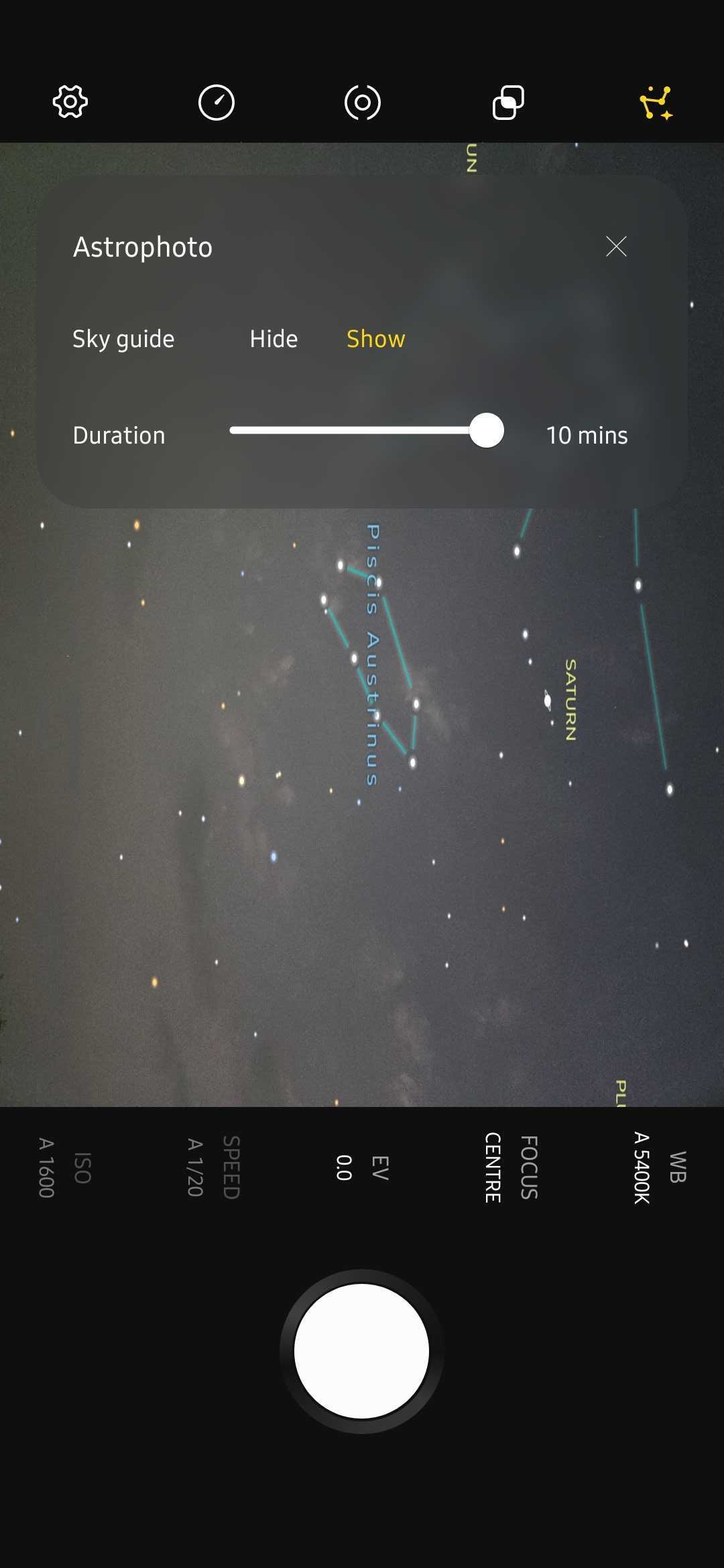
Samsung has announced that it is bringing astrophotography-related features to the Galaxy S22's camera with the new Expert RAW and Camera Assistant apps. With the Expert RAW app's Astrophoto feature, night photography enthusiasts can capture clear and bright photos of stars, constellations, and dark sky activity.

The new Sky Guide feature lets users pinpoint the location of constellations, groups of stars, and nebula. The camera's advanced AI algorithms then use multi-segmentation and multi-frame processing to capture shots that look like they're taken using much costlier and higher-end camera equipment.

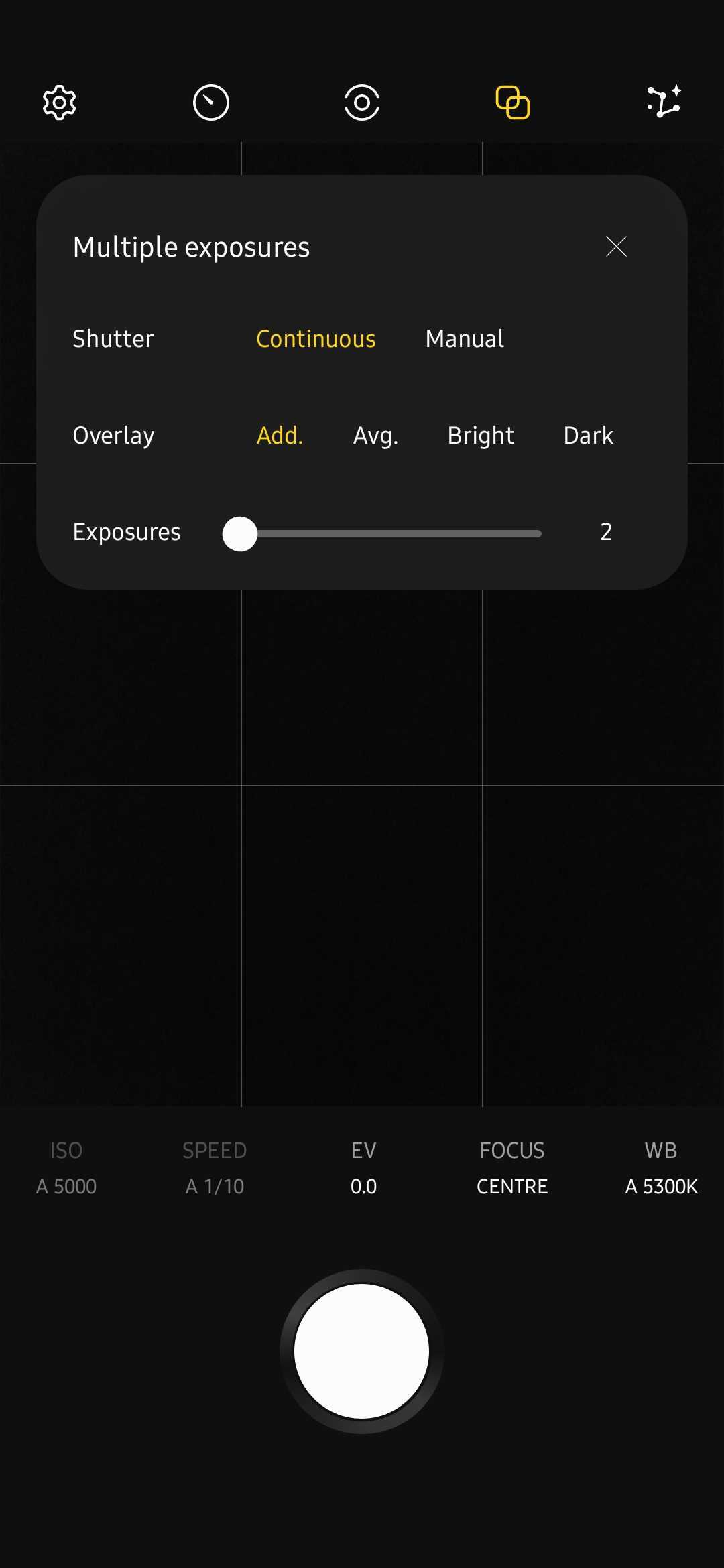
The new app also offers the Multi-Exposure feature, which lets users capture multiple shots of the same scene and then overlay them on top of each other, resulting in standout images. Astrophoto and Multi-Exposure features can be accessed from the Special Photo section of the newer version of the Expert RAW camera app.

Camera Assistant app brings more advanced settings to the stock camera app

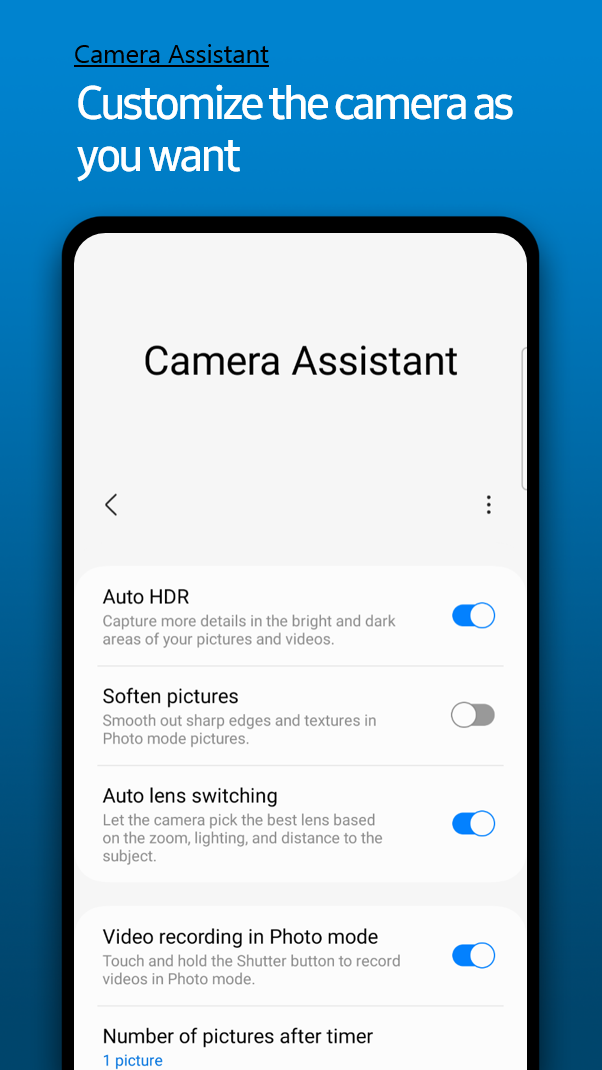
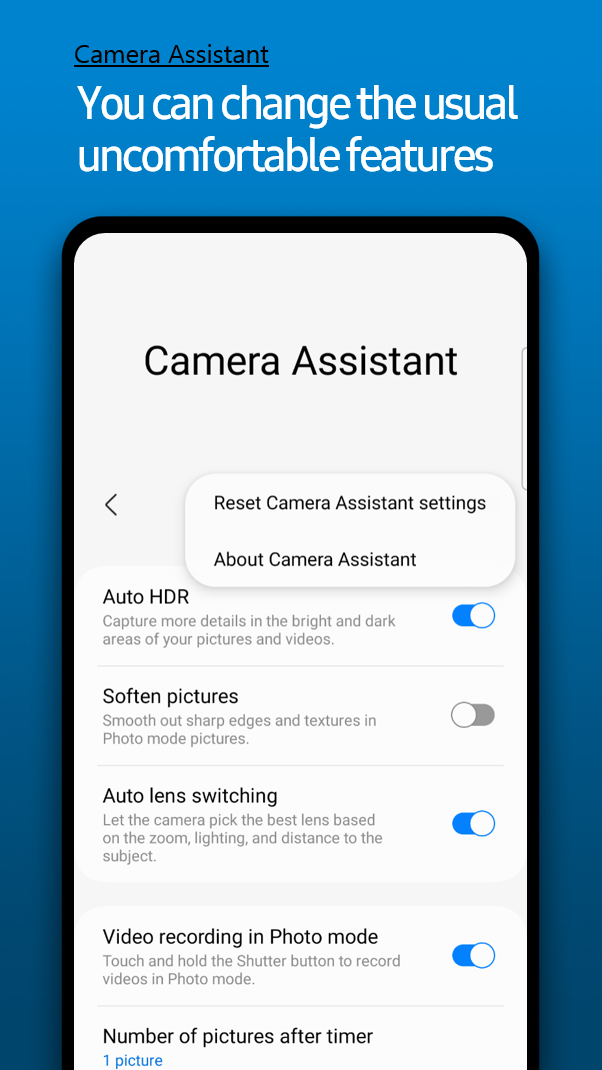
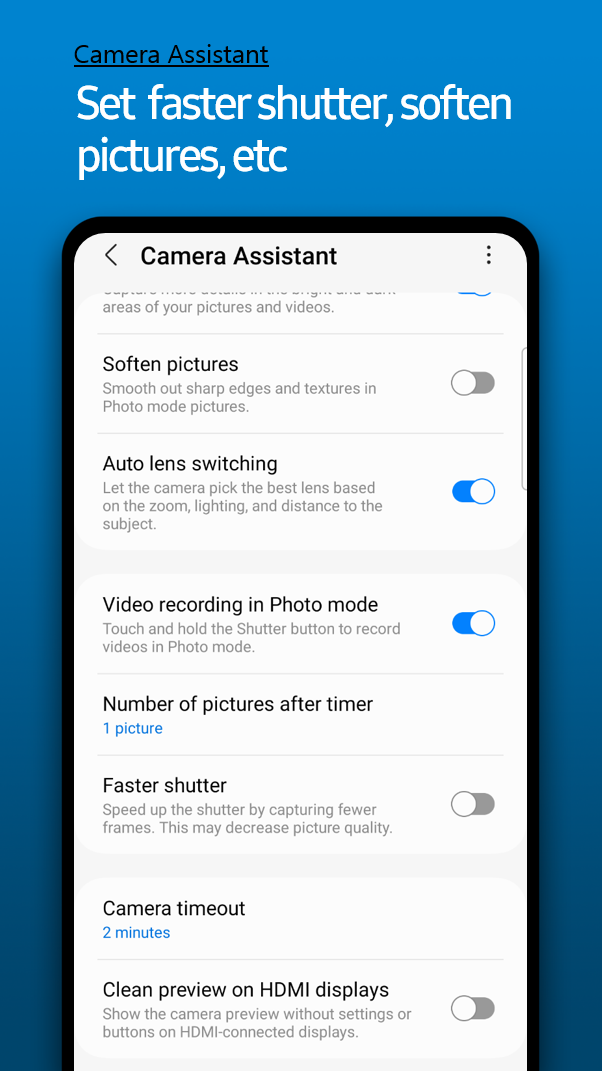
A few days ago, Samsung released the Camera Assistant app for the Galaxy S22. The company formally announced the app today. It brings the ability to enable or disable certain features in the stock camera app. For example, you can disable Auto HDR, a feature that was available in the stock camera app in older Galaxy phones, but it was later removed.

The app also allows you to disable automatic lens switching. In certain situations, even if you switch to 3x or 10x zoom, the phone uses the primary sensor and zooms in digitally. With the Camera Assistant app, you can force the camera to use the native zoom level and stop using digital zoom.

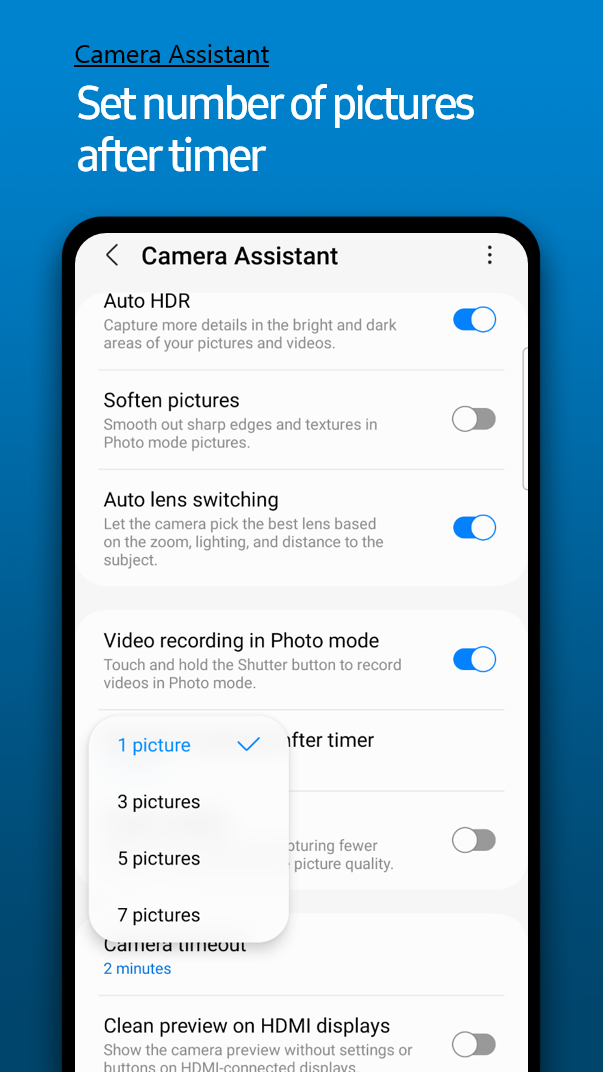
The app also lets you change the number of images that you want the camera app to capture while using the timer. You can also soften details in an image, record videos by long-pressing the shutter button in the Photo mode, and preview the camera viewfinder on an HDMI-connected monitor without the camera menu and buttons.

The app also lets you capture images faster using the Faster Shutton feature. This is particularly helpful while capturing images of fast-moving subjects like babies, pets, sports, and vehicles. If you enable this feature, image quality may take a hit (since fewer frames are captured), but you get a non-blurry, sharp image.

Phone Camera AssistantExpert RAWGalaxy S22Galaxy S22 PlusGalaxy S22 Ultra

You might also like

Don’t expect wider Galaxy S22 One UI 6 update rollout this week

Don’t expect wider Galaxy S22 One UI 6 update rollout this week

The Galaxy S22, Galaxy S22+, and Galaxy S22 Ultra seem to be next in line for the official One UI 6 (Android 14) update, as Samsung released the stable version of One UI 6 for beta users in Europe a day ago. But the general rollout hasn't started yet, and it probably won't start until […]

  • By Abhijeet Mishra
  • 2 days ago
Samsung Galaxy Enhance-X app update brings One UI 6 features

Samsung Galaxy Enhance-X app update brings One UI 6 features

Samsung has released a major update for Galaxy Enhance-X, an app that can enhance your pictures and videos using the power of AI. With this update,  Samsung is introducing new features that the company promised it would bring to the app with One UI 6. The app has also received a UI redesign as Samsung […]

  • By Abhijeet Mishra
  • 2 days ago
As some Galaxy S22 users get One UI 6, others get a security update

As some Galaxy S22 users get One UI 6, others get a security update

The Galaxy S22 lineup is getting the November 2023 update in the US today. The new update is rolling out to unlocked Galaxy S22, S22+, and S22 Ultra units in the country, is accompanied by a firmware version ending in CWK1, and includes the November 2023 security patch. In case you're wondering, this update does not bring […]

  • By Abhijeet Mishra
  • 3 days ago
Samsung’s Camera Assistant app gets an update with new features

Samsung’s Camera Assistant app gets an update with new features

Samsung's One UI 6 update for Galaxy smartphones comes with a number of new features and improvements for the camera experience, and the company is now further improving the experience through an update to the Camera Assistant app. Camera Assistant is a companion app that enables more control over photos and videos shot using the […]

  • By Abhijeet Mishra
  • 3 days ago
BREAKING: Stable Galaxy S22 One UI 6 update released for some users!

BREAKING: Stable Galaxy S22 One UI 6 update released for some users!

Galaxy S22 owners may be in for a surprise this week, as Samsung has apparently released the stable Android 14-based One UI 6 update for some users. Before you get excited, the stable update has only been released for One UI 6 beta testers. A wider rollout for all Galaxy S22 owners has not started […]

  • By Abhijeet Mishra
  • 3 days ago
Don’t get excited by that recently published One UI 6 release timeline

Don’t get excited by that recently published One UI 6 release timeline

Every year, Samsung releases a major new Android and One UI update for Galaxy devices, and usually, it publishes a roadmap with the update's estimated release time frames for all the eligible Galaxy phones and tablets. The roadmap is published in the Samsung Members app, and Samsung does a good job of sticking to schedule […]

  • By Abhijeet Mishra
  • 4 days ago