Last updated: May 10th, 2023 at 05:39 UTC+02:00
SamMobile has affiliate and sponsored partnerships, we may earn a commission.
Reading time: 2 minutes
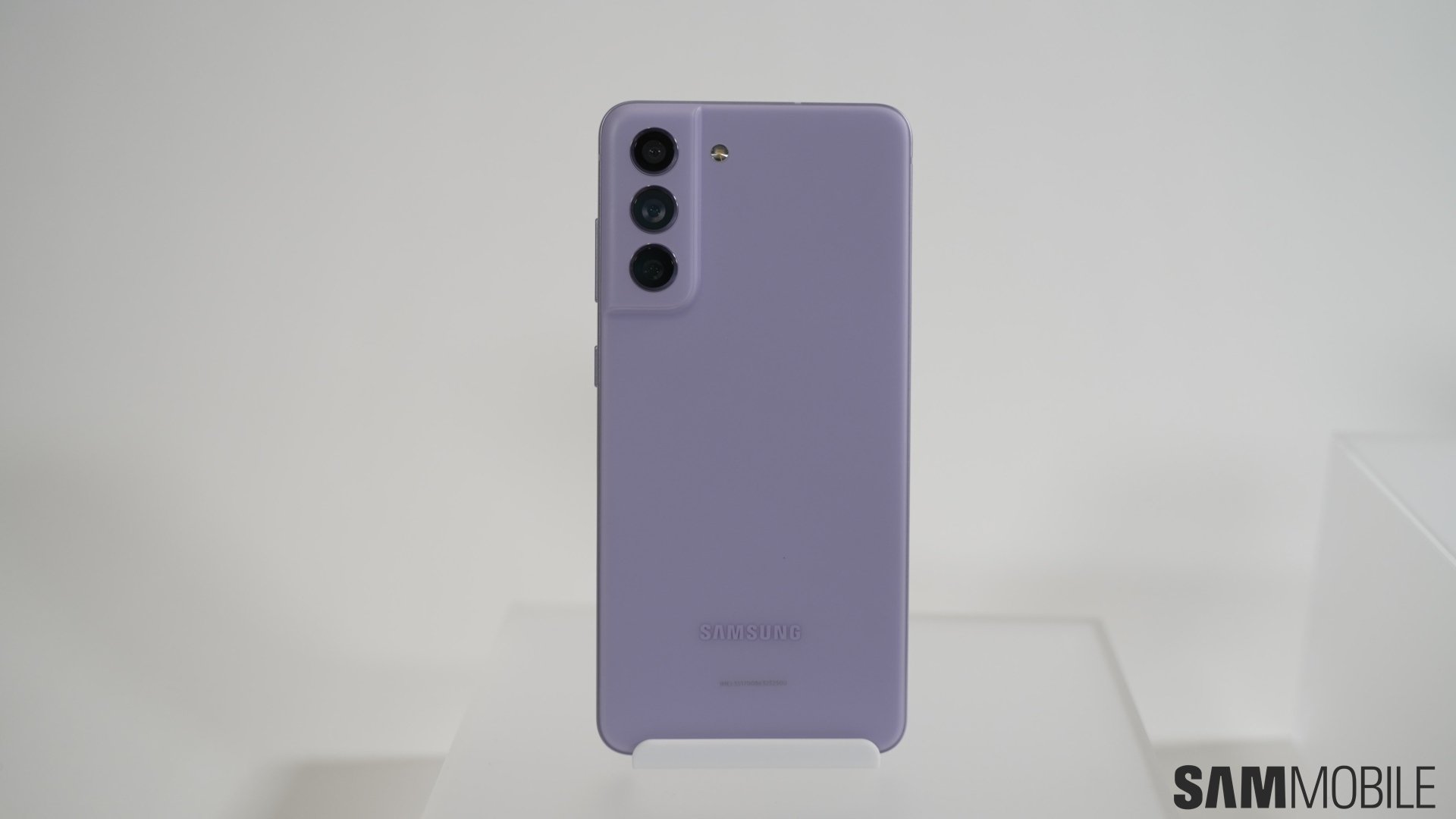
The May 2023 security update for the Galaxy S21 FE bumps up the phone's firmware version to G990EXXS5EWD4. As we reported earlier, Samsung's latest security patch includes fixes for more than 70 security flaws found in Galaxy smartphones. The update is currently available in Brazil and could be released in more Latin American markets soon. It could expand to more regions worldwide by the end of this month.
So, how do you install the new update? Well, if you have the Galaxy S21 FE and if you live in Brazil, you can install the update right away by navigating to Settings » Software update and tapping Download and install. You can also download the new firmware file from our firmware database and flash it manually if you have a Windows PC.
Samsung launched the Galaxy S21 FE last year with Android 12 onboard. The phone received the Android 13 (One UI 5.0) update toward the end of 2023 and the One UI 5.1 update a few months ago. The device will get three more major Android OS updates—Android 14, Android 15, and Android 16—in the future.

Asif is a computer engineer turned technology journalist. He has been using Samsung phones since 2004, and his current smartphone is the Galaxy S23 Ultra. He loves headphones, mechanical keyboards, and PC hardware. When not writing about technology, he likes watching crime and science fiction movies and TV shows.













