Last updated: March 30th, 2020 at 11:11 UTC+02:00
SamMobile has affiliate and sponsored partnerships, we may earn a commission.
Reading time: 2 minutes
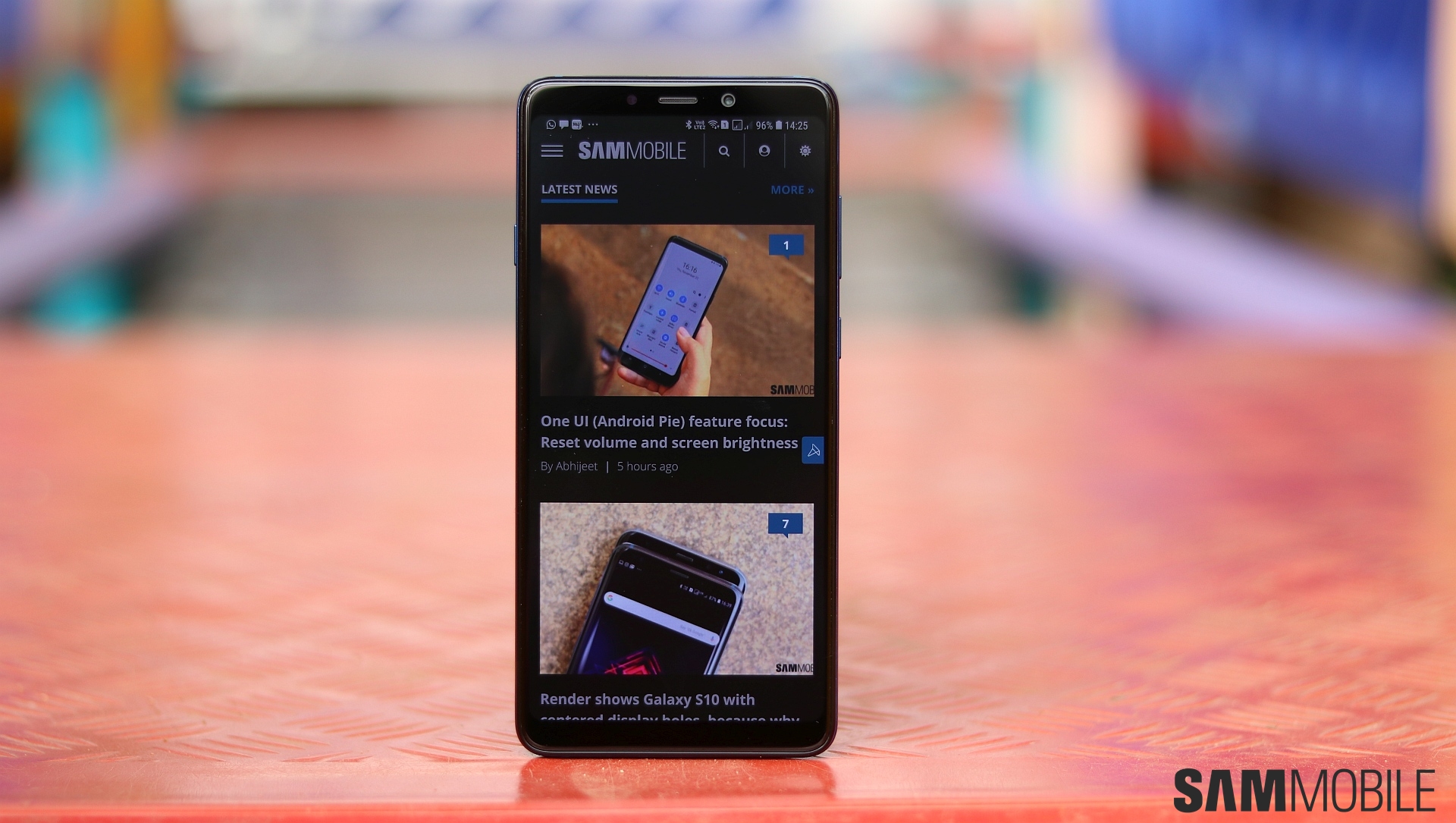
The full changelog is currently unknown, but you can expect all the major Android 10 features, such as Google's navigation gestures, improved Digital Wellbeing, new parental controls, and more. One UI 2.0 also brings a slew of new functionality, in addition to making tons of improvements to the user interface, all of which we detailed in our One UI 2.0 vs One UI 1.x comparison a few months ago.
As noted above, this is the second major Android update for the A9 (2018), and, as Samsung's policy dictates, it's also the last. The device will, however, continue getting security updates every three months for at least another year, following which it will be moved into the ‘other regular security updates' category, in which security updates are released only when critical security fixes are needed.
If you own the Galaxy A9 (2018), you can update to Android over the air by opening the phone's Settings app, selecting Software update, and tapping Download and install. The Android 10 firmware for the device is also available in our firmware archive for those who don't wish to wait for the OTA release.

Abhijeet's writing career started with guides for custom firmware for Samsung devices (including the original Galaxy S), and he moved to SamMobile in mid-2013 and worked up the ranks to Editor-in-chief. In addition to phones and mobile devices, his interests include gaming on both PC and console, PC hardware, and spending countless hours on YouTube watching videos on tech, movies, games, politics, and internet dramas.












