Cyber week deals! Galaxy Watch8 Classic, Fold 7, S25 Ultra. Follow us on YouTube, TikTok, or LinkedIn
Last updated: December 20th, 2023 at 10:43 UTC+01:00
SamMobile has affiliate and sponsored partnerships, we may earn a commission.
Reading time: 2 minutes
Not too long ago, the Camera app couldn't retain that many custom settings between sessions. For example, when changing the shooting mode and closing the app, it wouldn't remember the last shooting mode. The Camera app would always default to Photo mode when launched.
Now, in the modern Camera app and One UI versions, there's a whole menu dedicated to camera settings users can make persistent. Here's all you need to know.
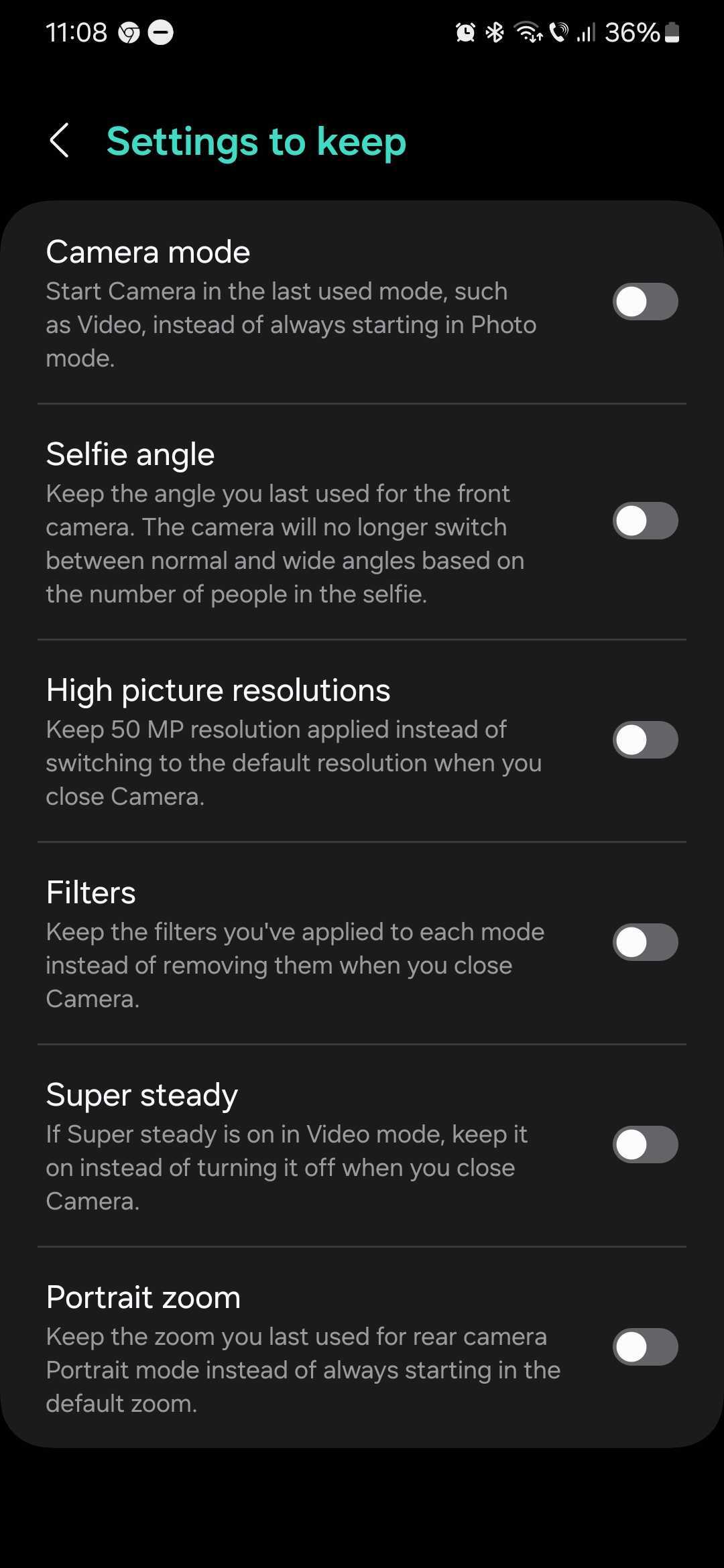
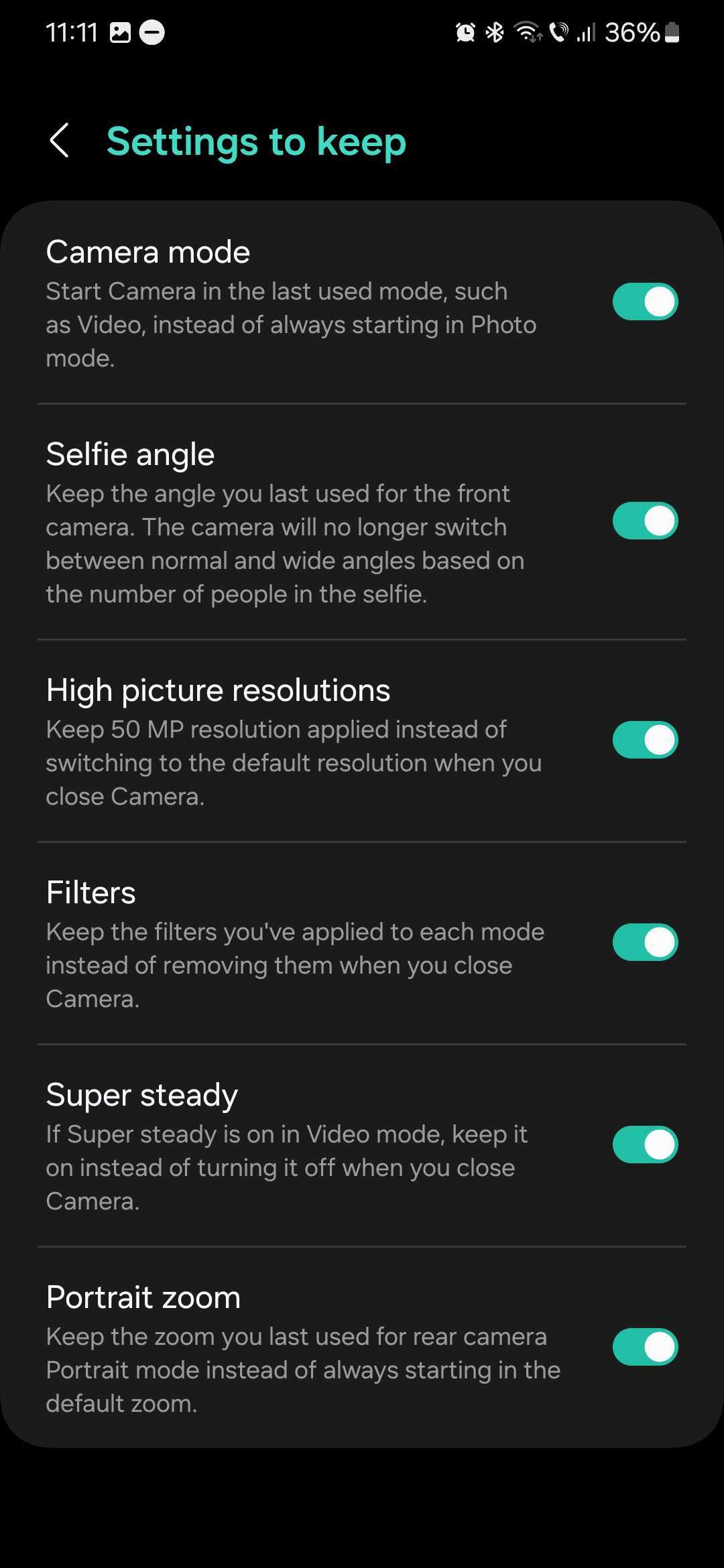
The modern Camera app has a “Settings to keep” dedicated menu where users can specify which settings should be remembered between sessions. These settings include:
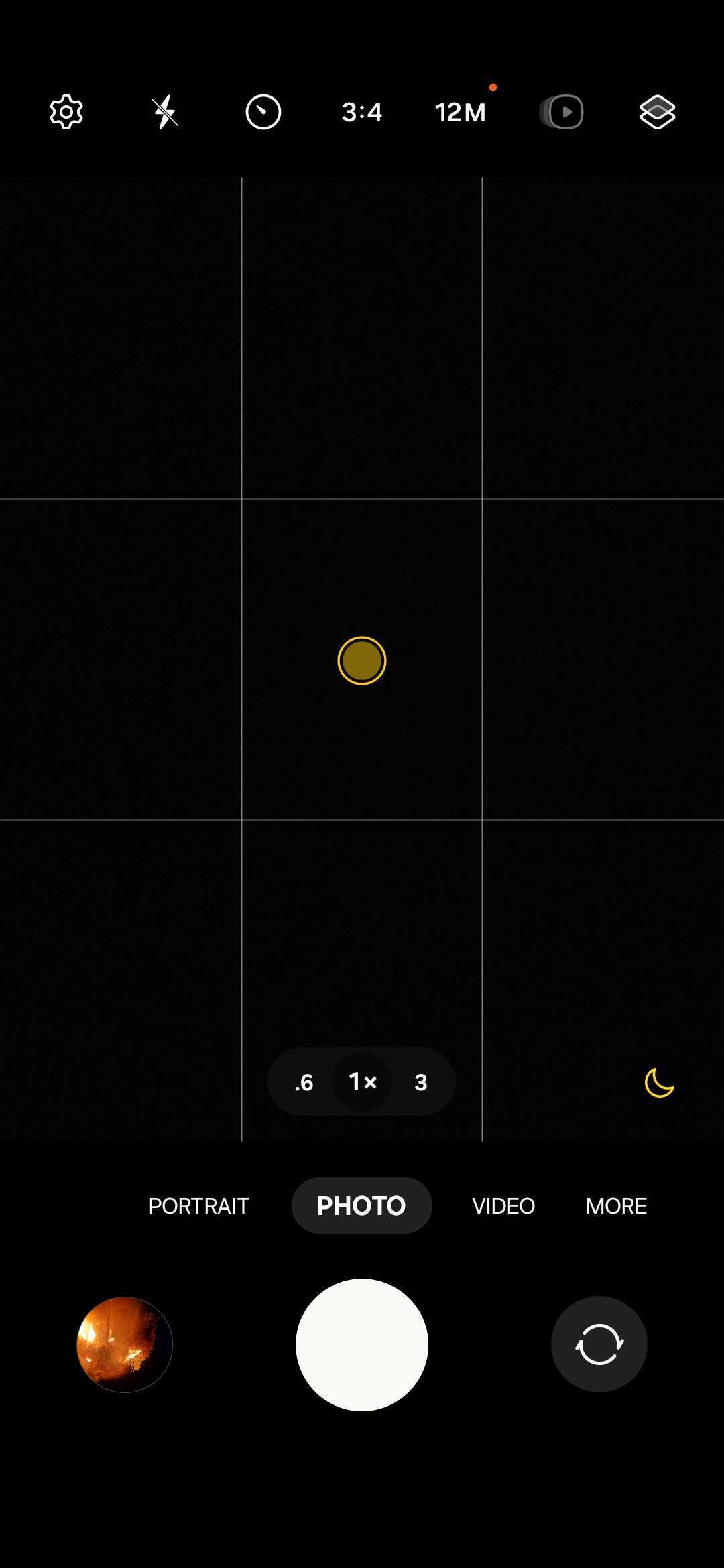
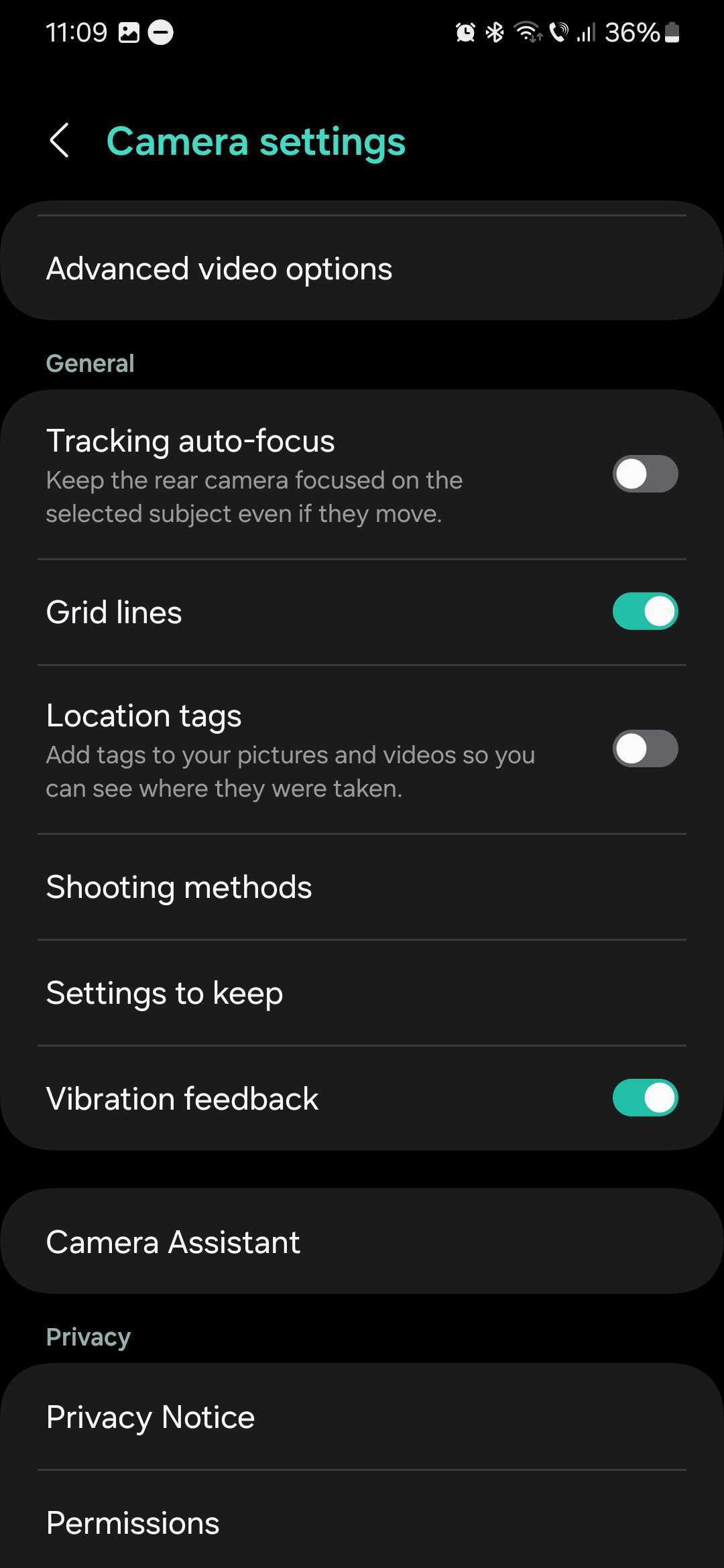
You can turn these camera settings ON or OFF individually and customize your experience however you like. To access these settings, open the Camera app, tap the cogwheel icon, scroll down, and access “Settings to keep.”
Mihai is a blogger and column writer at SamMobile. His first Samsung phone was an A800 which took a lot of beating, and a part of him still misses the novelty of the clamshell design. In his free time, he enjoys watching shows, documentaries, and stand-up comedy; listening to music, taking walks, and occasionally playing old(er) video games.