Last updated: March 14th, 2023 at 06:09 UTC+01:00
SamMobile has affiliate and sponsored partnerships, we may earn a commission.
Reading time: 2 minutes
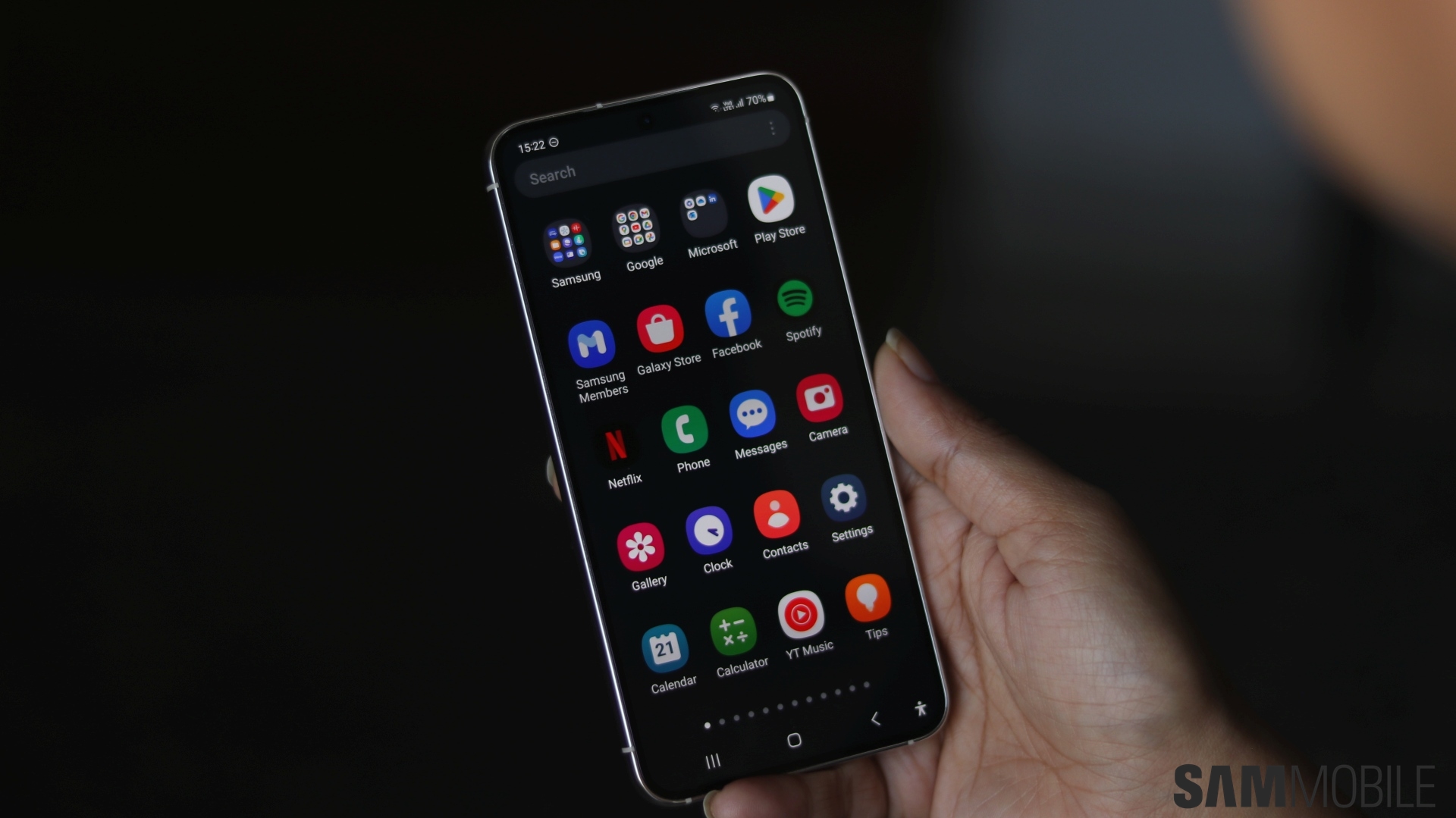
The Samsung Calendar app, which has been updated to version 12.4.01.0, now lets you turn recommendations on or off from the Labs menu. It can now also display stickers on the countdown widget on the home screen. The Reminder app, which has been updated to version 12.4.03.8, brings the Edit Category button to the More Options menu. Users can also use the View Details button to check notifications separately on the lock screen when notification details are set to be hidden.
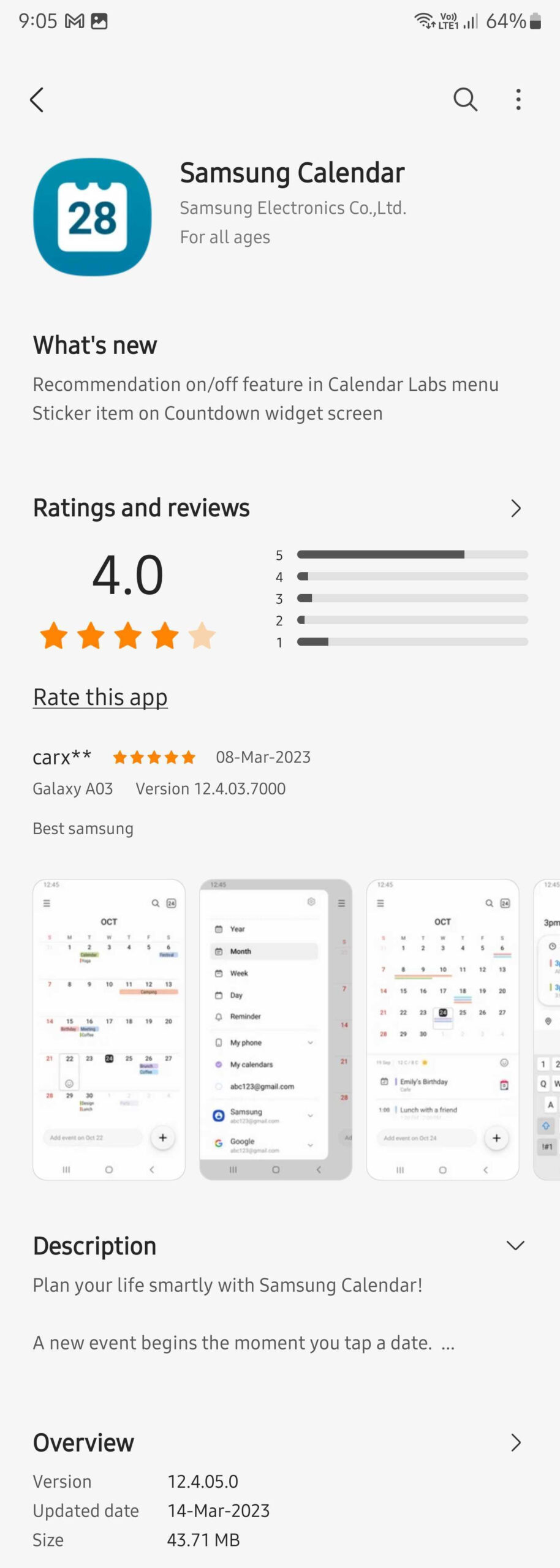
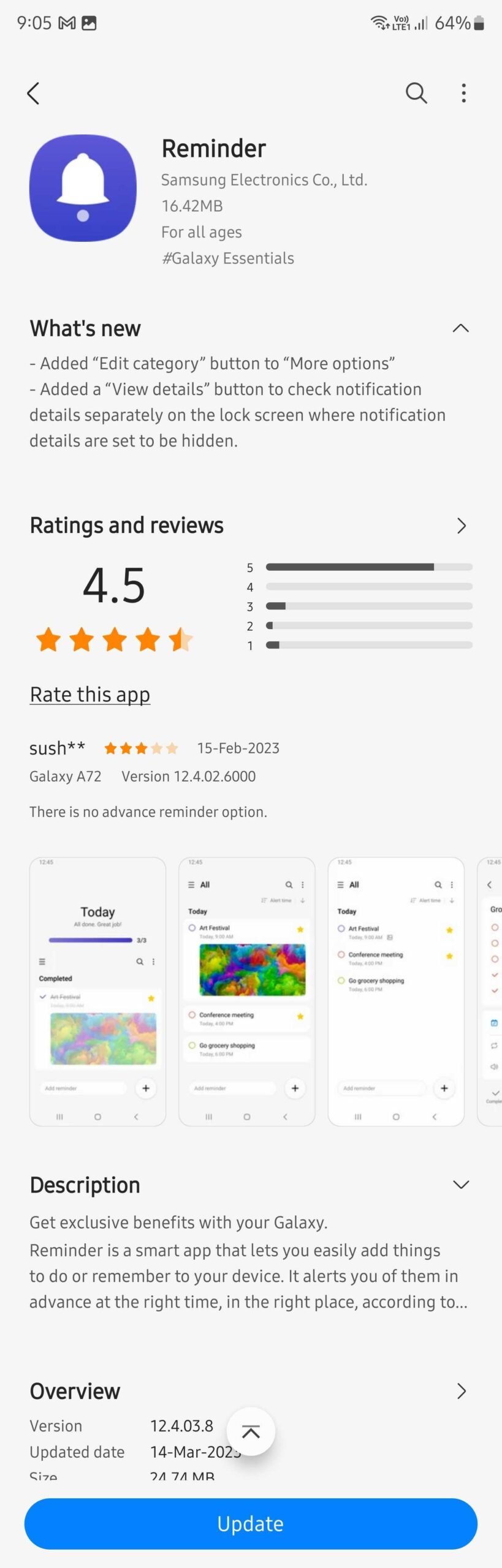
Both apps can be updated from the Galaxy Store on Galaxy smartphones and tablets. To update the app, open the Galaxy Store on your phone or tablet, navigate to Menu » Updates, and tap the Update all button. Both apps were recently updated with more features as a part of the Android 13-based One UI 5.0 update.
Samsung Calendar recently received the ability to display stickers on top of dates and the ability to set Dark/Light modes independently of the phone's theme settings. The Samsung Reminders app received Microsoft To Do integration, downloading images, and better reminders management over the past year.
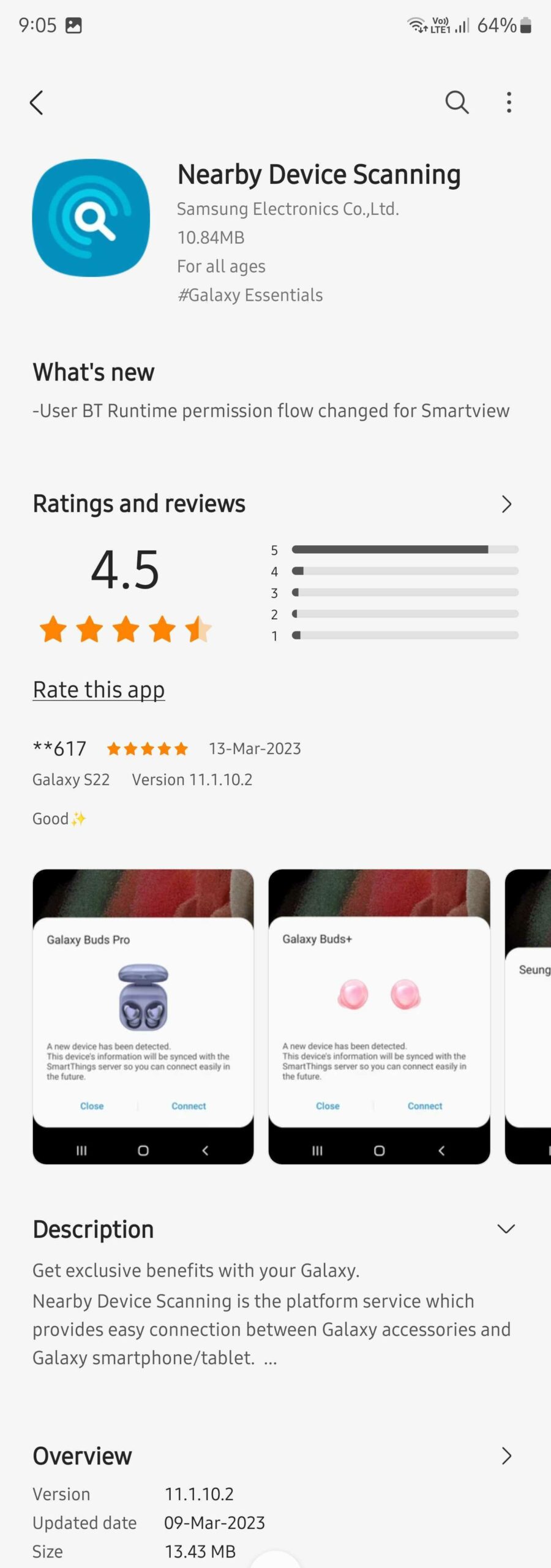
The South Korean tech giant has also updated the Nearby Device Scanning app to improve the user flow for asking Bluetooth permission for the SmartView feature. The 13.43MB update bumps up the app's version to 11.1.10.2, and it can be downloaded from the Galaxy Store as well.

Asif is a computer engineer turned technology journalist. He has been using Samsung phones since 2004, and his current smartphone is the Galaxy S23 Ultra. He loves headphones, mechanical keyboards, and PC hardware. When not writing about technology, he likes watching crime and science fiction movies and TV shows.












