Cyber week deals! Galaxy Watch8 Classic, Fold 7, S25 Ultra. Follow us on YouTube, TikTok, or LinkedIn
Last updated: November 28th, 2024 at 23:45 UTC+01:00
SamMobile has affiliate and sponsored partnerships, we may earn a commission.
Reading time: 2 minutes
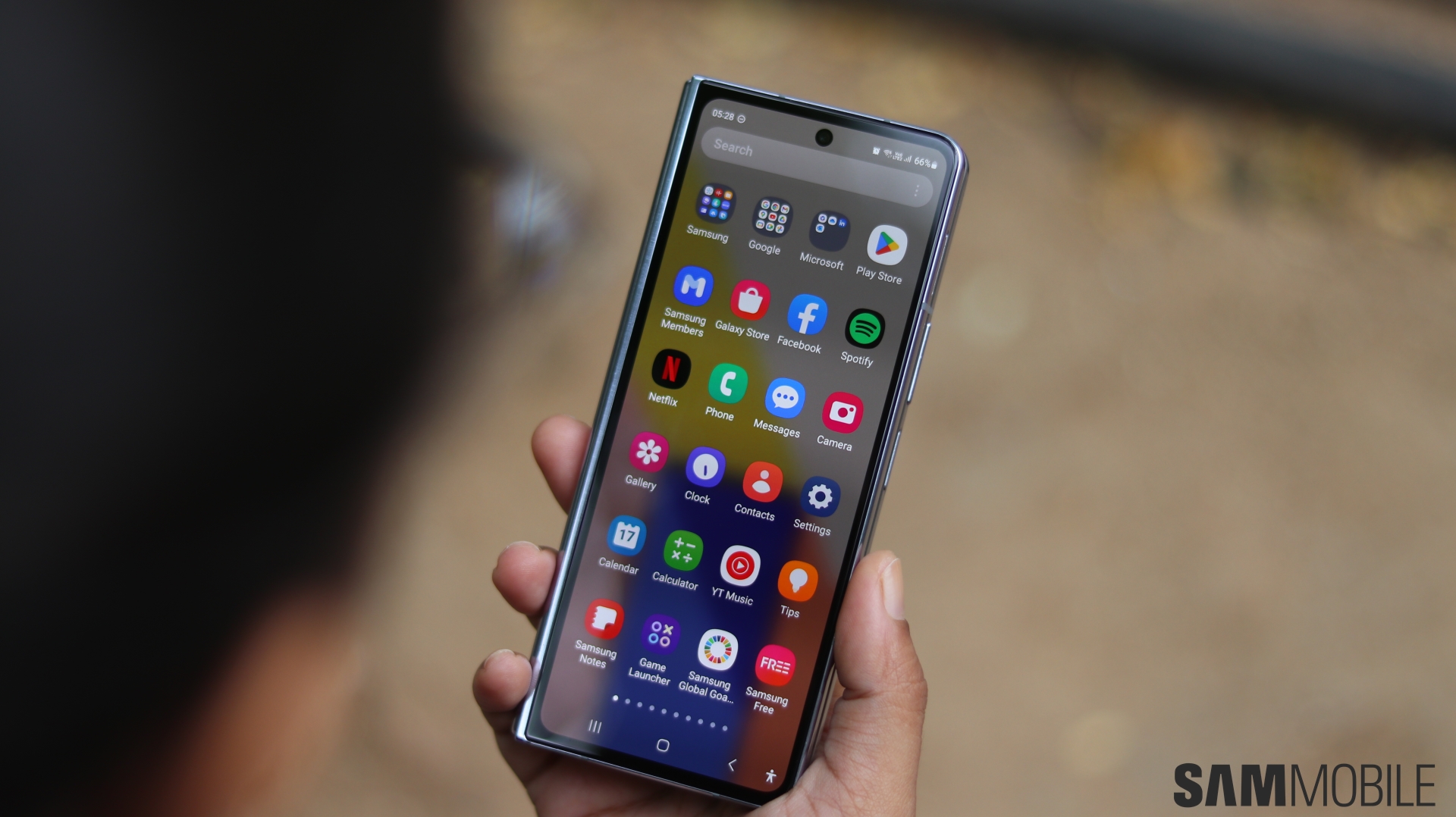
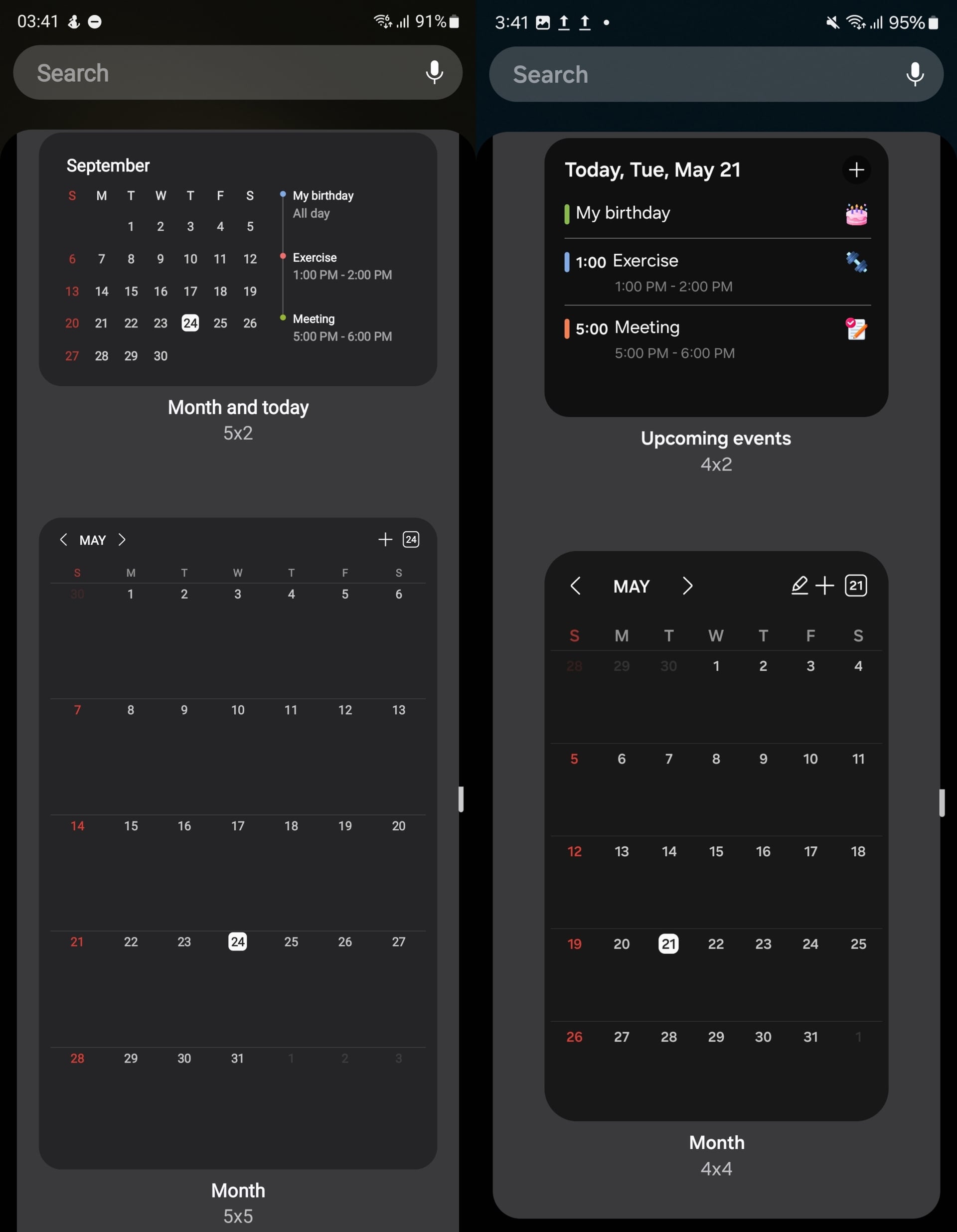
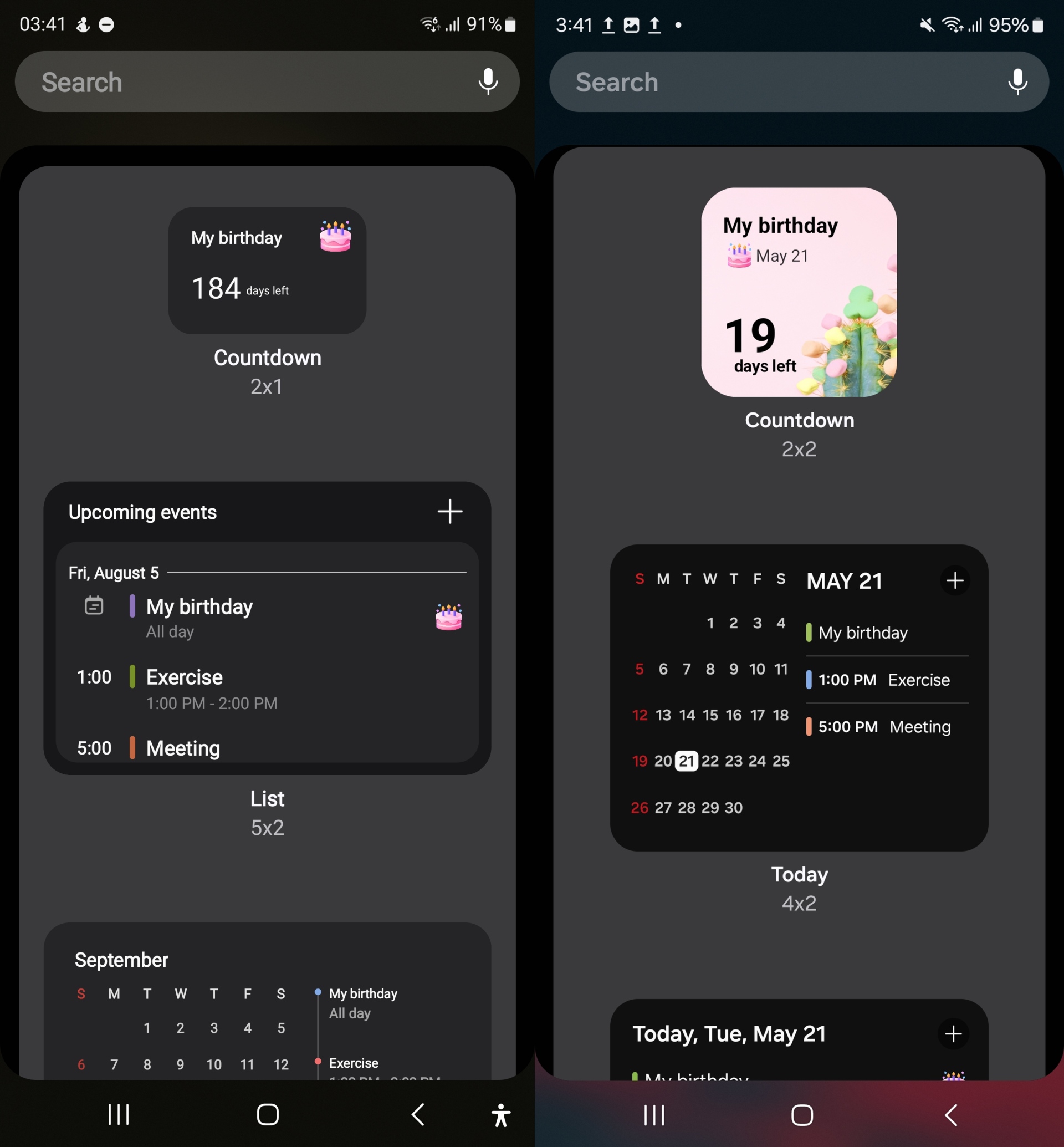
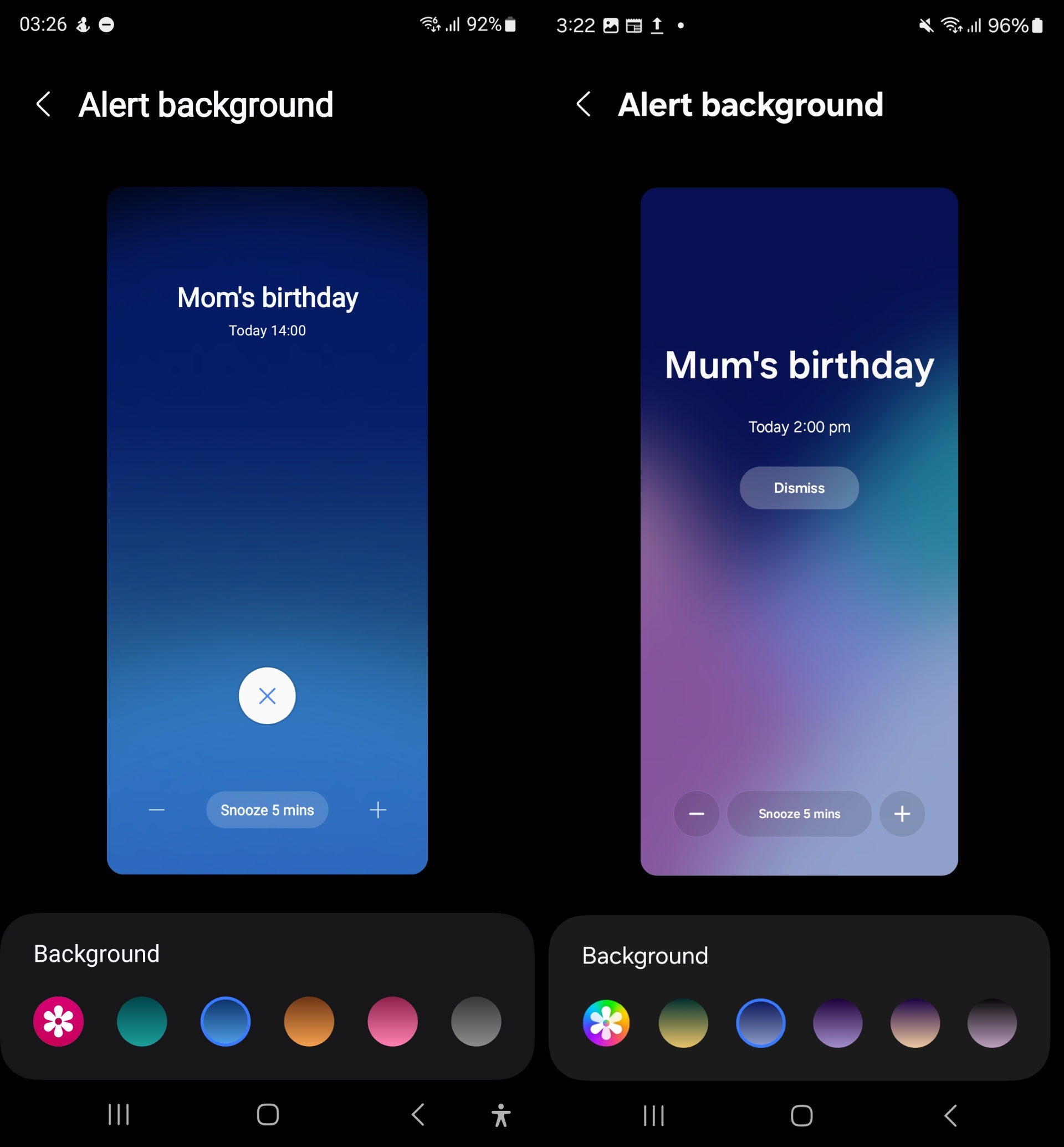
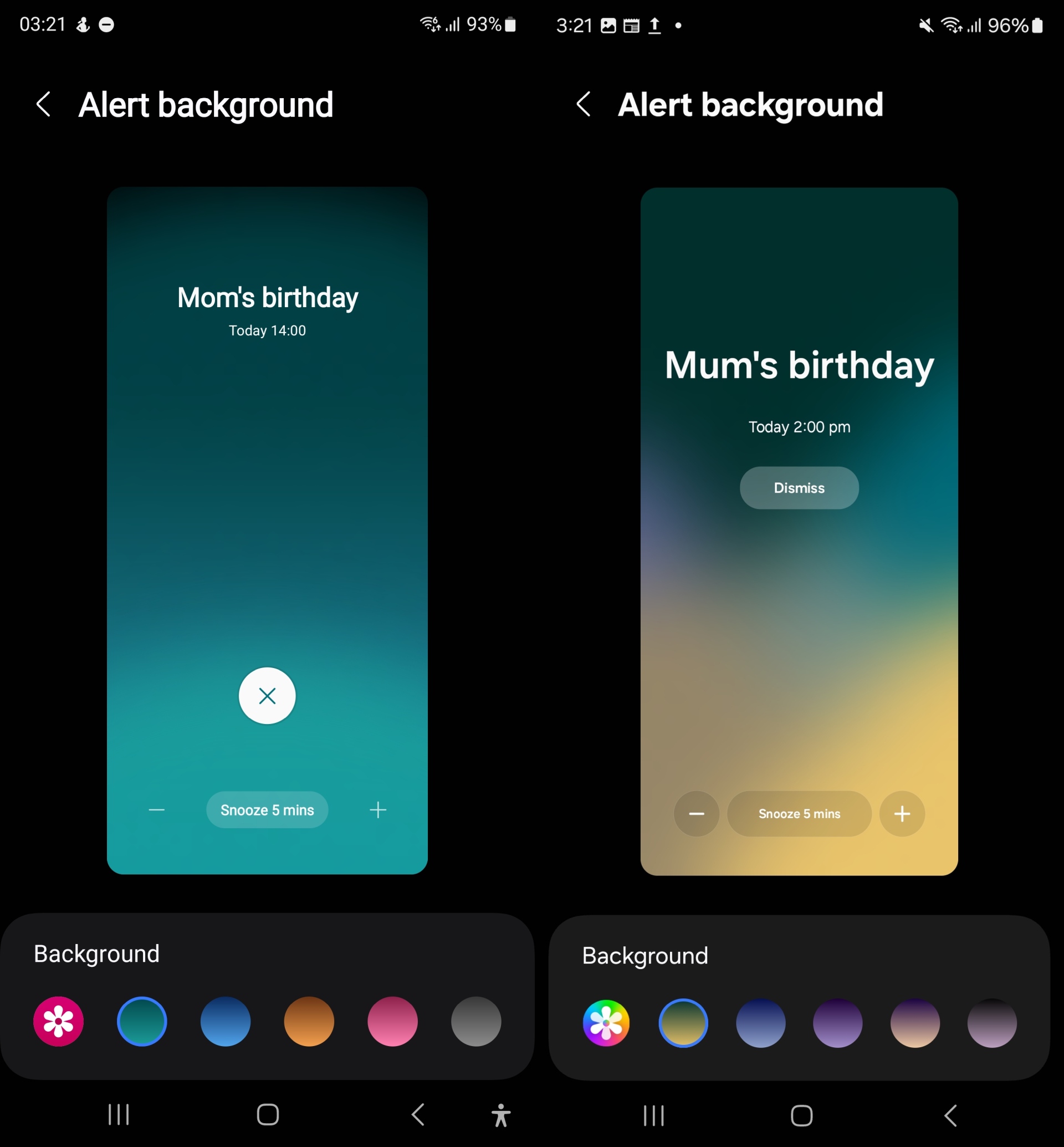
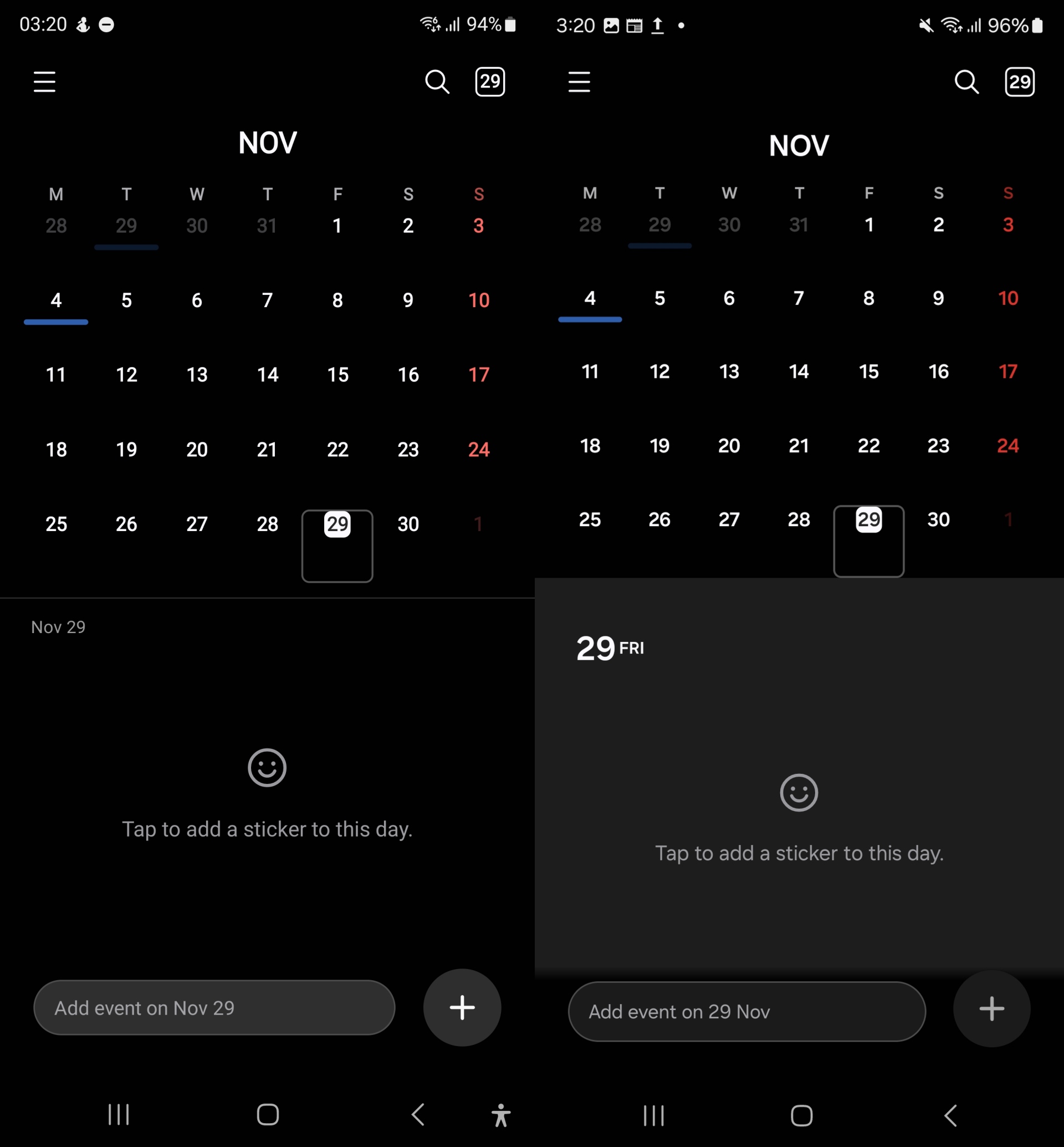
The UI changes in the Calendar app are a little more noticeable compared to the other apps. The highlights are the redesigned home screen widgets and the new backgrounds for alarms and full-screen reminders. You can also see the new Gallery app icon when customizing the alarm backgrounds.
Check out some of the differences between the existing (left) and the One UI 7.0 version (right) of Samsung Calendar in the screenshots below.
You can download the installation file for the One UI 7.0 Samsung Calendar app from APKMirror if you're interested in checking it out. Access the file from the Samsung My Files app after its downloaded.
It should work on any Galaxy smartphone running Android 14 and One UI 6.1/6.1.1, though you may need to disable the Auto Blocker feature from the Settings » Security and privacy menu. If you want to uninstall the One UI 7.0 app, long press the Calendar icon in the app drawer. Then, download the pre-One UI 7 version from the Play Store or the Galaxy Store.
For more on One UI 7.0 and what we know so far, check out the video below.
Abhijeet's writing career started with guides for custom firmware for Samsung devices (including the original Galaxy S), and he moved to SamMobile in mid-2013 and worked up the ranks to Editor-in-chief. In addition to phones and mobile devices, his interests include gaming on both PC and console, PC hardware, and spending countless hours on YouTube watching videos on tech, movies, games, politics, and internet dramas.