Last updated: October 15th, 2025 at 11:44 UTC+02:00
SamMobile has affiliate and sponsored partnerships, we may earn a commission.
Samsung has updated the Galaxy Store for Galaxy phones and tablets with a new layout. It looks cleaner and more organised.
Reading time: 1 minutes
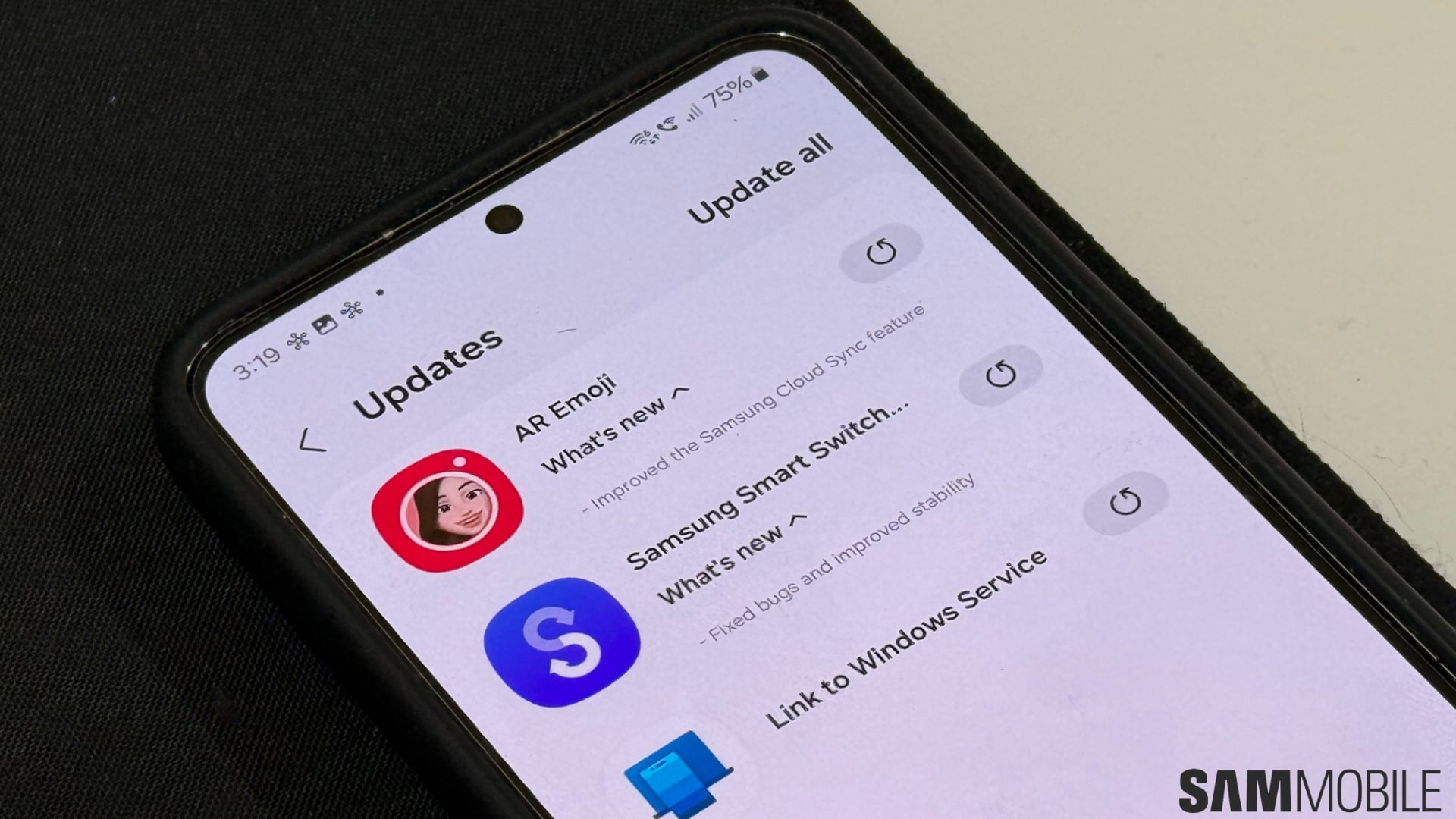
Samsung is rolling out a new update to the Galaxy Store for Galaxy smartphones and tablets. Carrying version 6.6.17.1, it brings a user interface layout change (via Tarun Vats).
Previously, the app offered four tabs at the bottom: Apps, Games, Exclusive, and Menu. Now, it offers only three: Apps, Games, and My Galaxy. The Menu tab, which offered many options, including My Apps, Updates, and Wish List, has been converted into a hamburger menu at the top-left corner of the screen. You can check out the old and new layouts in the screenshot below.

Old Layout

New Layout
With the latest change, the Galaxy Store looks and feels cleaner and more organised, and also becomes easier to use. This is in line with what Samsung is trying to achieve with One UI 8.5. To get the latest update, go to Galaxy Store > Menu > Updates and tap on the Update All button at the top-right corner of the screen or the update icon beside the Galaxy Store listing.

Old Layout

New Layout
Samsung could be rolling out the latest Galaxy Store update in phases, which means that some people may get it now and others may get it later. The update is live for devices running on One UI 8.

I’m a computer science engineer living in Hyderabad, India, who has a keen interest in automobiles and consumer electronics. My journalism career kicked off in 2017 with MySmartPrice where I wrote news, features, buying guides, and explanatory articles about technology among other things, and reviewed many products, including smartphones, tablets, laptops, PC components, smartwatches, audio devices, wearables, and smart home products. Since then, I have worked for 91Mobiles, Apple, and Onsitego, before finally landing on SamMobile.












