Last updated: March 6th, 2020 at 14:57 UTC+01:00
SamMobile has affiliate and sponsored partnerships, we may earn a commission.
Reading time: 2 minutes
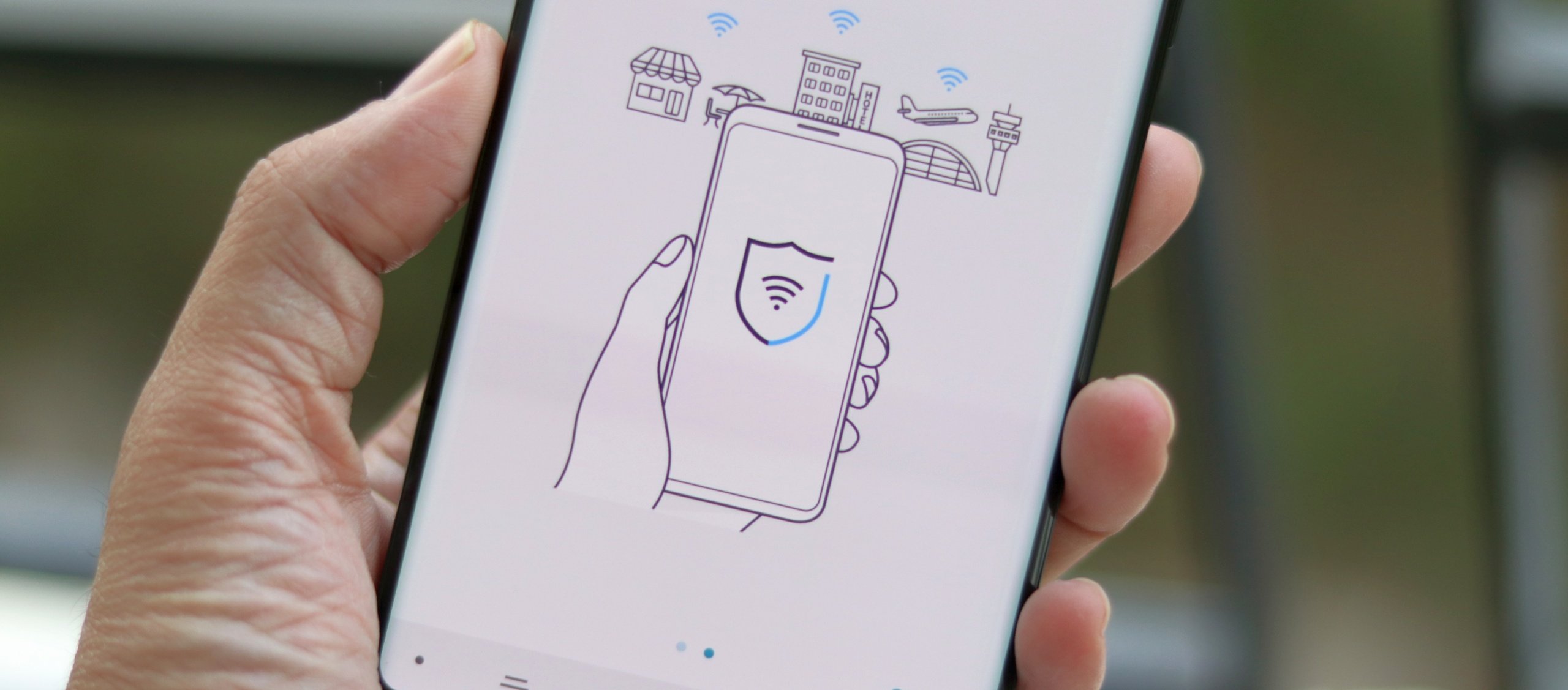
The way mandatory 2FA seems to work now is, new or existing Samsung Account owners who log in will be required to authenticate their accounts by entering their phone number to receive a code. This will happen regardless of whether your existing account has 2FA enabled or disabled, hence the word ‘mandatory.'
Oddly enough, users who already are logged into their accounts – and we suspect they're in the majority – won't be prompted to re-authenticate after the update. Granted, their accounts will still be secure in case someone else tries to log in using their credentials, as they will be faced with the mandatory 2FA screen. Nevertheless, many users are likely to remain unaware of this change until they log out and log back in again by their own volition. In other words, Samsung has made 2FA better by making it mandatory, and this is certainly a welcomed addition. But the company still has a bit of work to do on making this feature easier to find and understand by the average user.
Until then, you can always refer to your guide on how to enable 2FA manually on your Samsung account to keep it secure even without this latest update.
Now, the update is not yet available everywhere, and unlike most other Samsung apps that can be checked for updates manually, Samsung Account cannot. Therefore, you'll have to wait for the update to reach your device in your region.
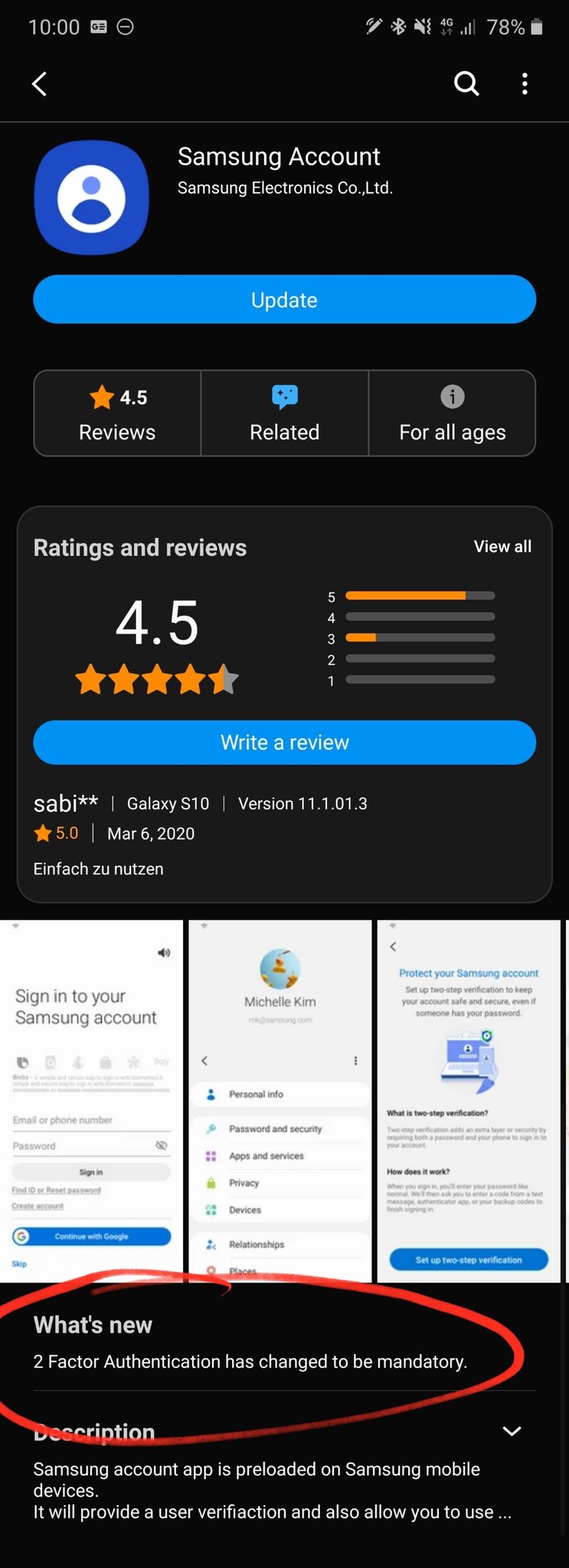
Thanks, @MehdiMa0507, for sharing the screenshot above.

Mihai is a blogger and column writer at SamMobile. His first Samsung phone was an A800 which took a lot of beating, and a part of him still misses the novelty of the clamshell design. In his free time, he enjoys watching shows, documentaries, and stand-up comedy; listening to music, taking walks, and occasionally playing old(er) video games.












