Last updated: March 25th, 2024 at 17:49 UTC+01:00
SamMobile has affiliate and sponsored partnerships, we may earn a commission.
Reading time: 1 minutes
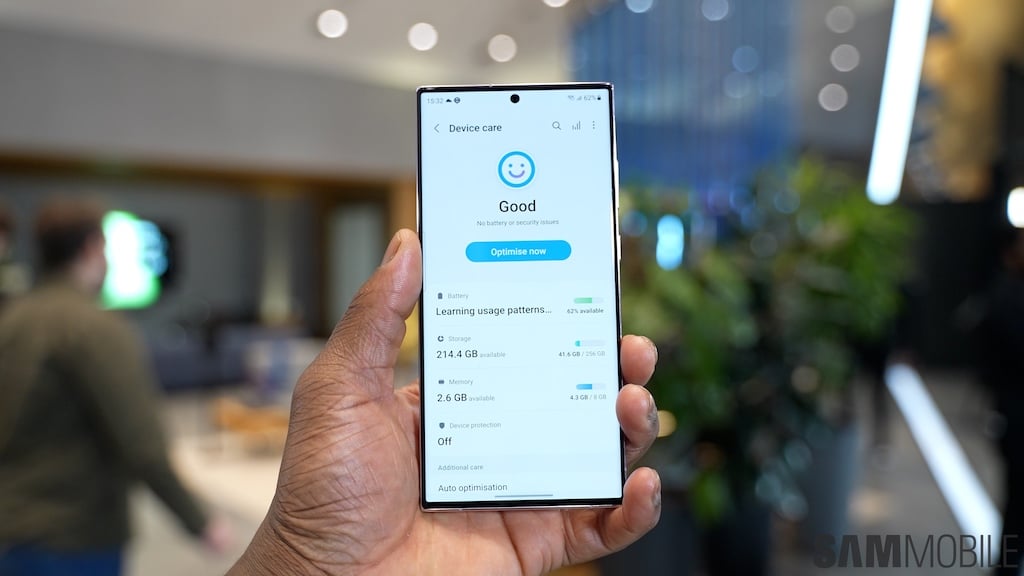
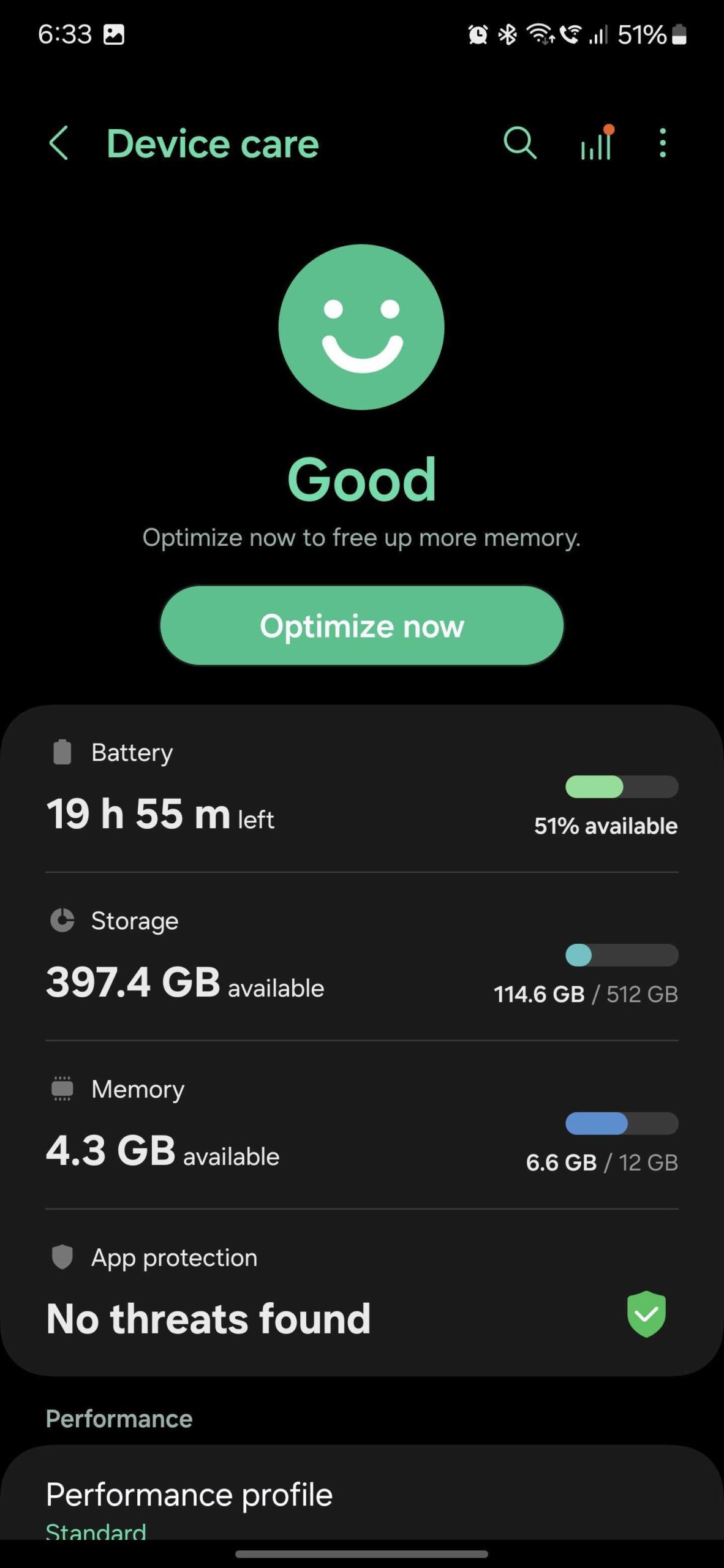
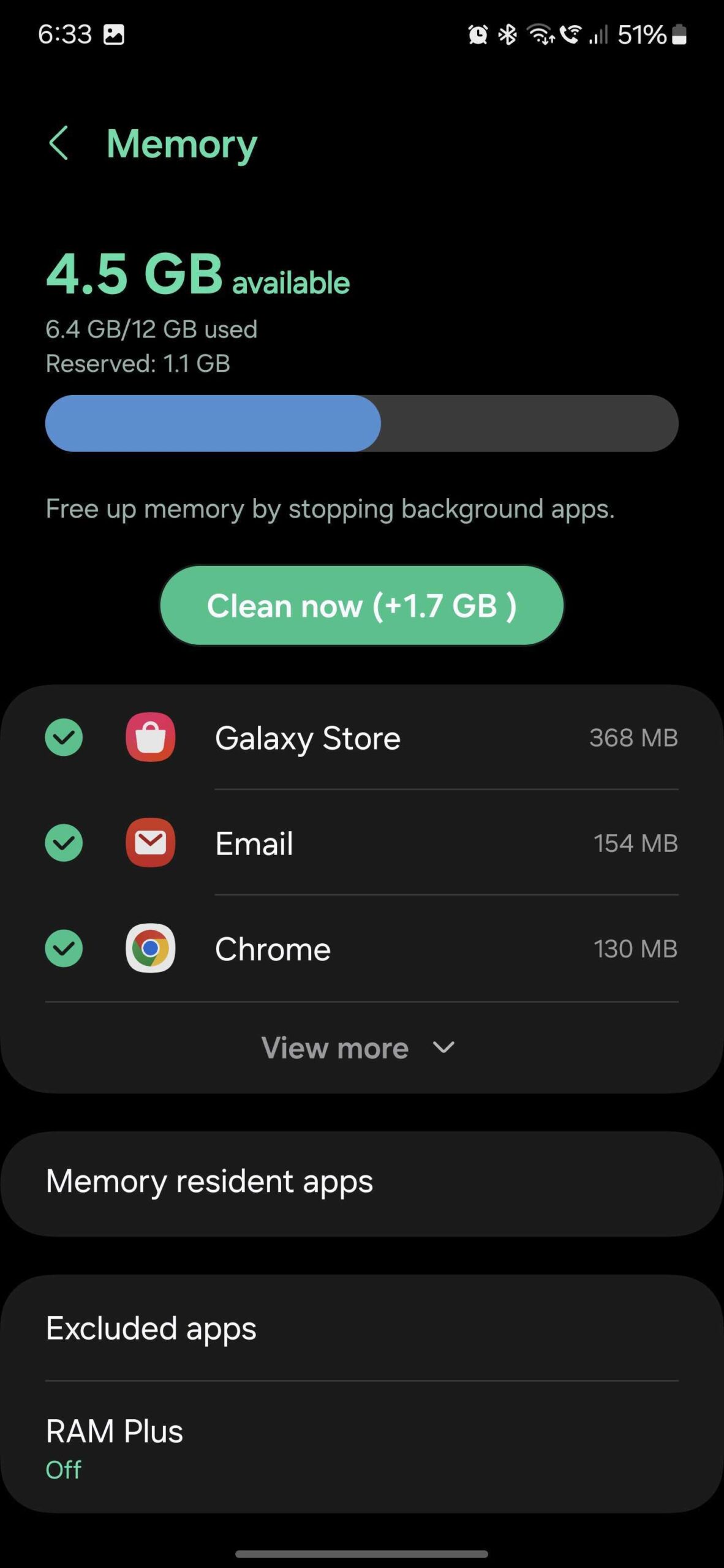
As you may know, you can do this by opening the Settings app, accessing “Device Care,” tapping “Memory,” and pressing the “Clean now” button. However, this option will remove any and every background app from memory
But there is a way to add apps to an exclusion list, so they'll never be removed from memory when you perform these maintenance tasks via Device Care.
To add apps to this exclusion list, go to “Device Care” and access “Memory.” Then, simply tap the “Excluded apps” option, tap the “+” button in the upper-right corner, select the app you want to exclude, and tap “Add.”
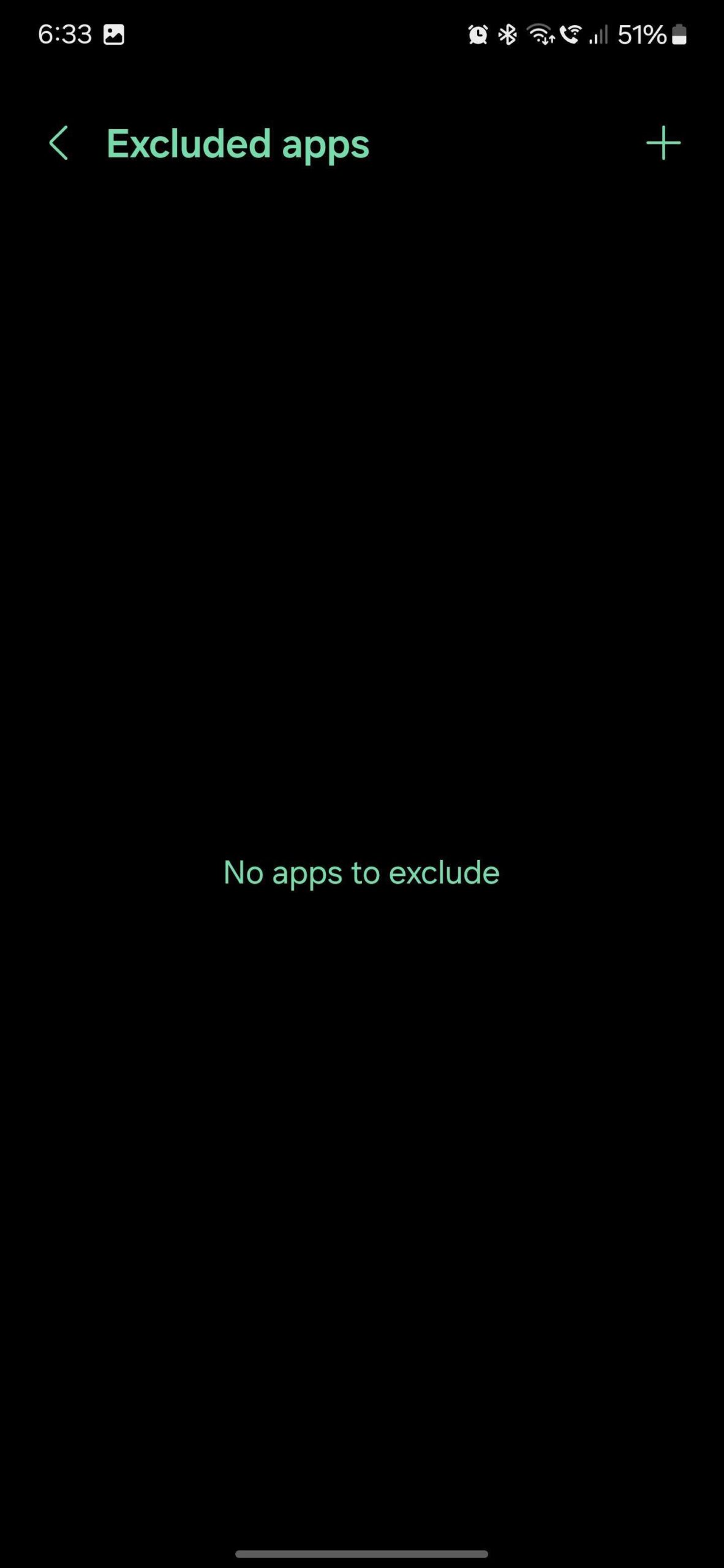
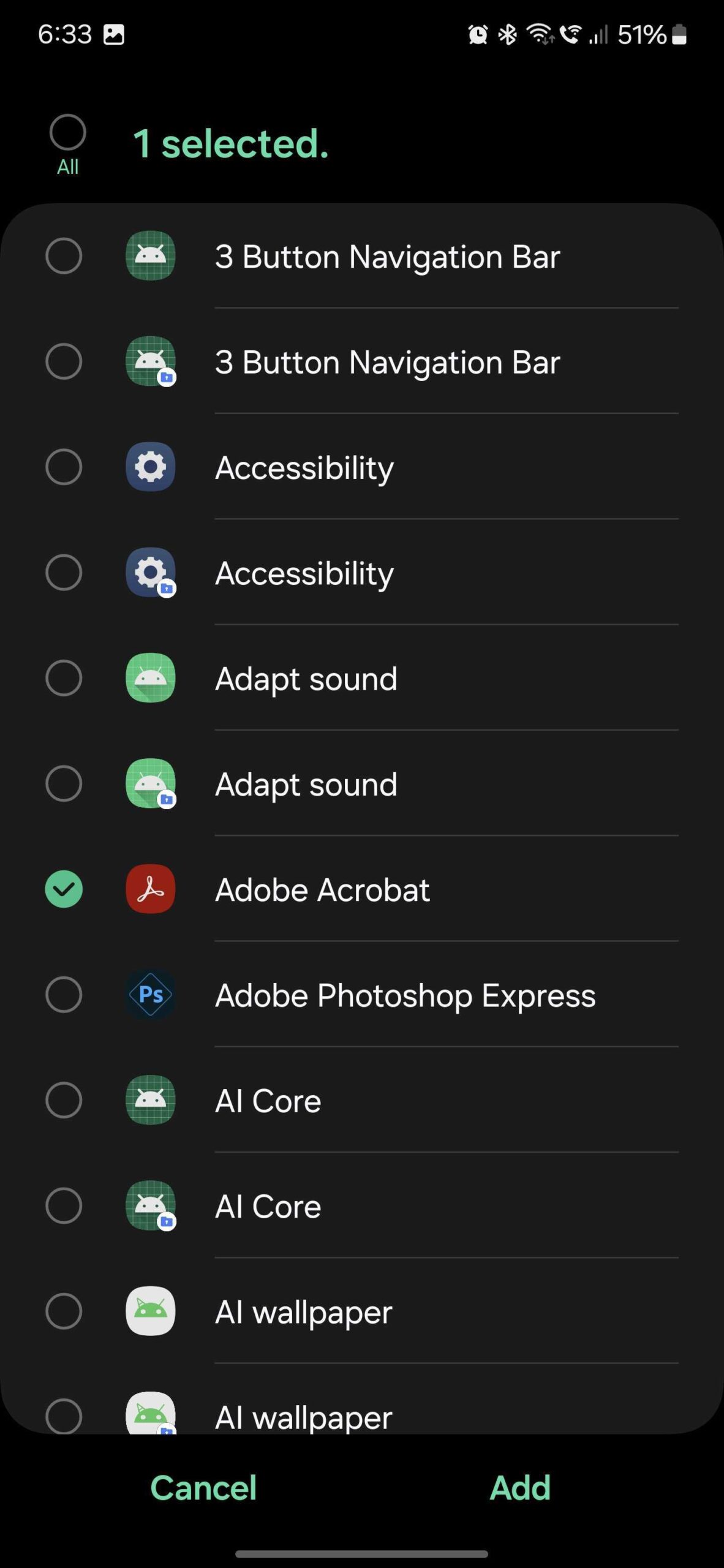
The selected app will now remain in memory even if you perform memory cleaning tasks like “Clean now.” And if you ever want to remove an excluded app from the exclusion list, tap and hold it, then tap “Remove.”

Mihai is a blogger and column writer at SamMobile. His first Samsung phone was an A800 which took a lot of beating, and a part of him still misses the novelty of the clamshell design. In his free time, he enjoys watching shows, documentaries, and stand-up comedy; listening to music, taking walks, and occasionally playing old(er) video games.












