3 days until XMAS. Massive discount Galaxy Z Fold7, Watch8, S25 Ultra and S95F OLED TV
Last updated: April 10th, 2023 at 14:46 UTC+02:00
SamMobile has affiliate and sponsored partnerships, we may earn a commission.
Reading time: 2 minutes
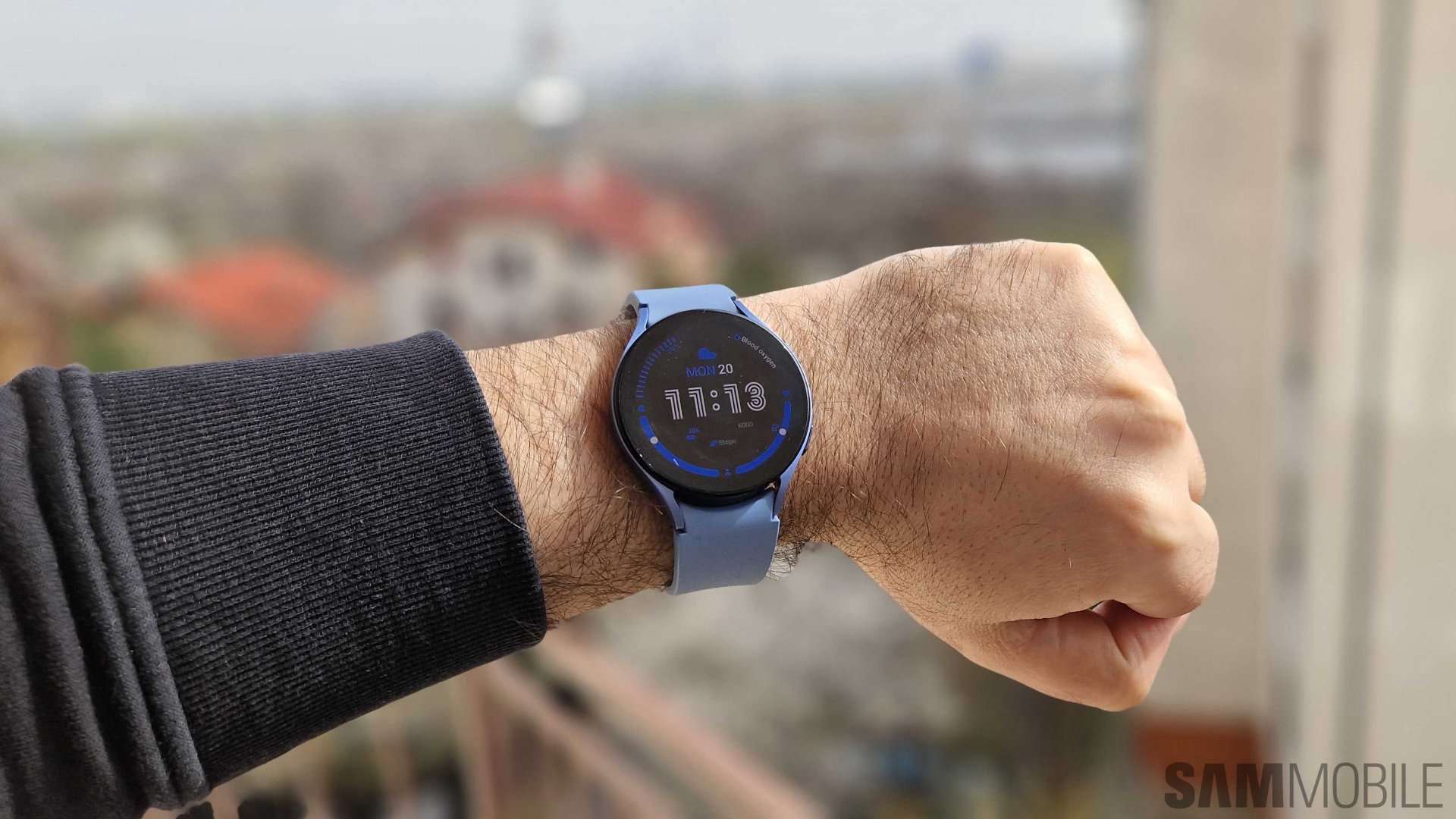
Another way in which Galaxy Watch users can alter their experience is through touchscreen settings. Whether or not they use the Always-On display feature, they can set the watch to wake up when lifting their wrists and/or tapping the circular display. Regarding the latter feature, called “Touch screen to wake,” it can be just as problematic as it is convenient.
When wearing clothes with long sleeves, the touch screen can sometimes wake up in contact with your clothes, depending on the fabric. If you've experienced this issue and felt your watch vibrate for no reason or found the screen awake when you shouldn't have, here's how you can prevent these accidental touches from happening.
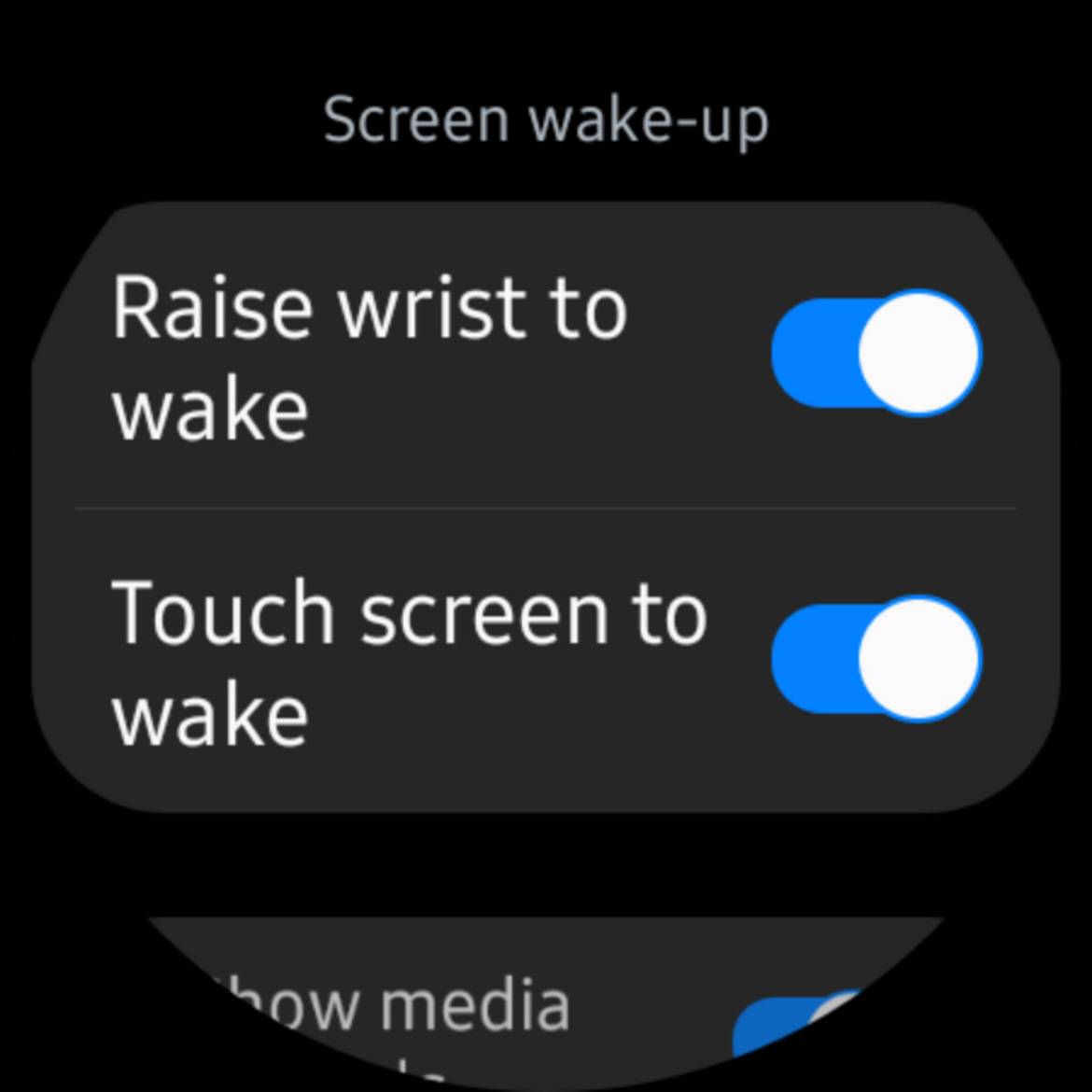
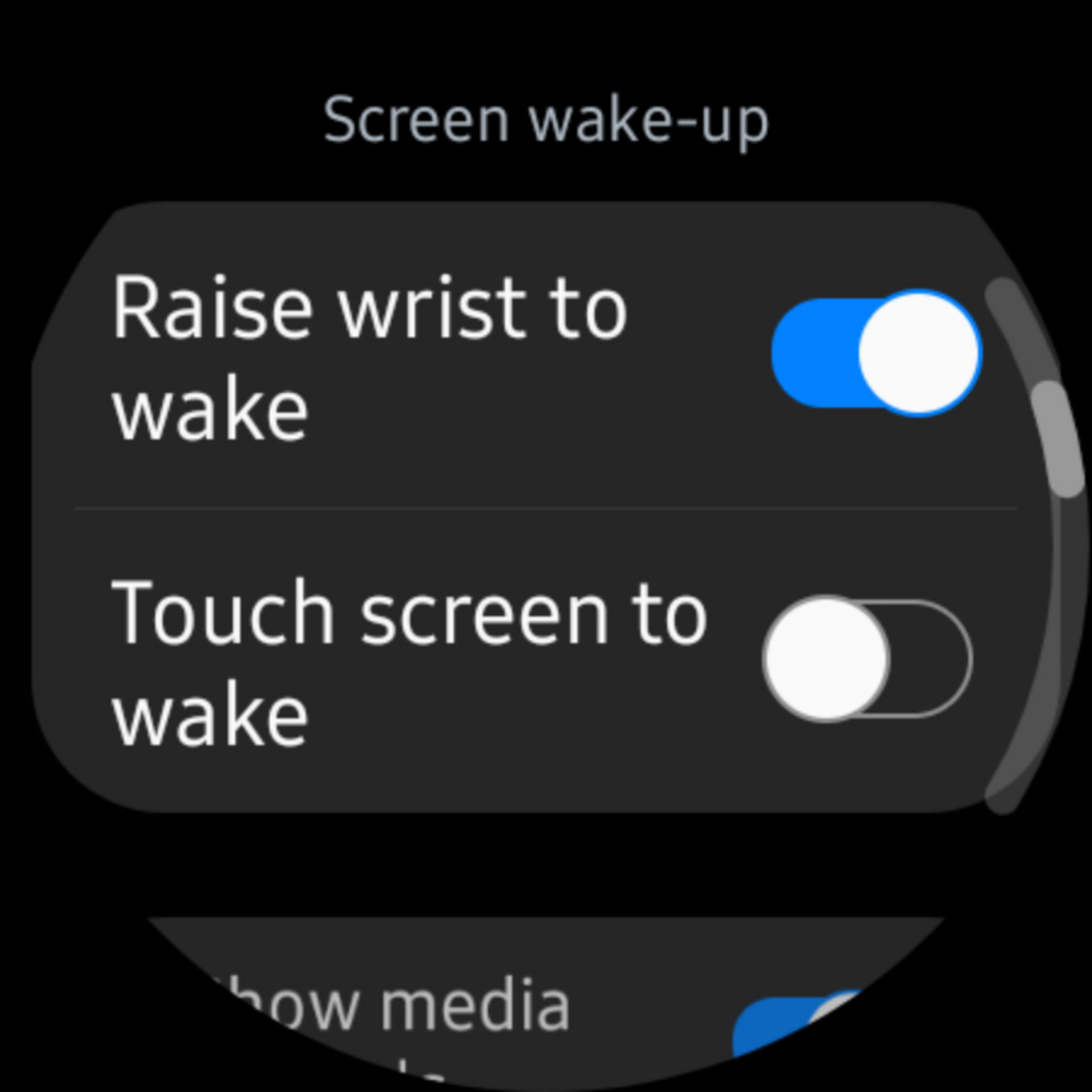
Whenever you're wearing shirts, blouses, or jackets with long sleeves, you can prevent accidental touches on your Galaxy Watch by disabling the “Touch screen to wake” feature. Here's all you have to do:
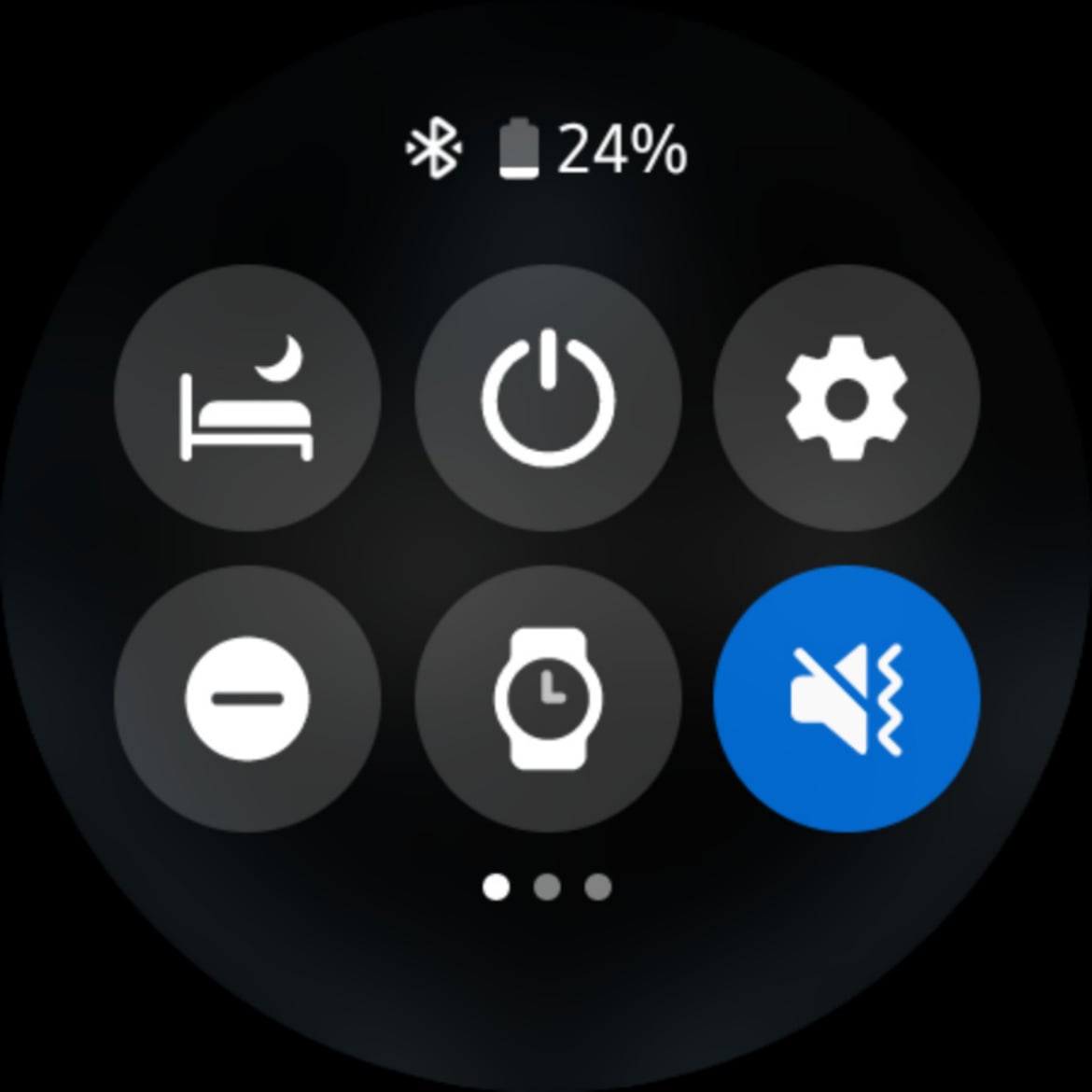
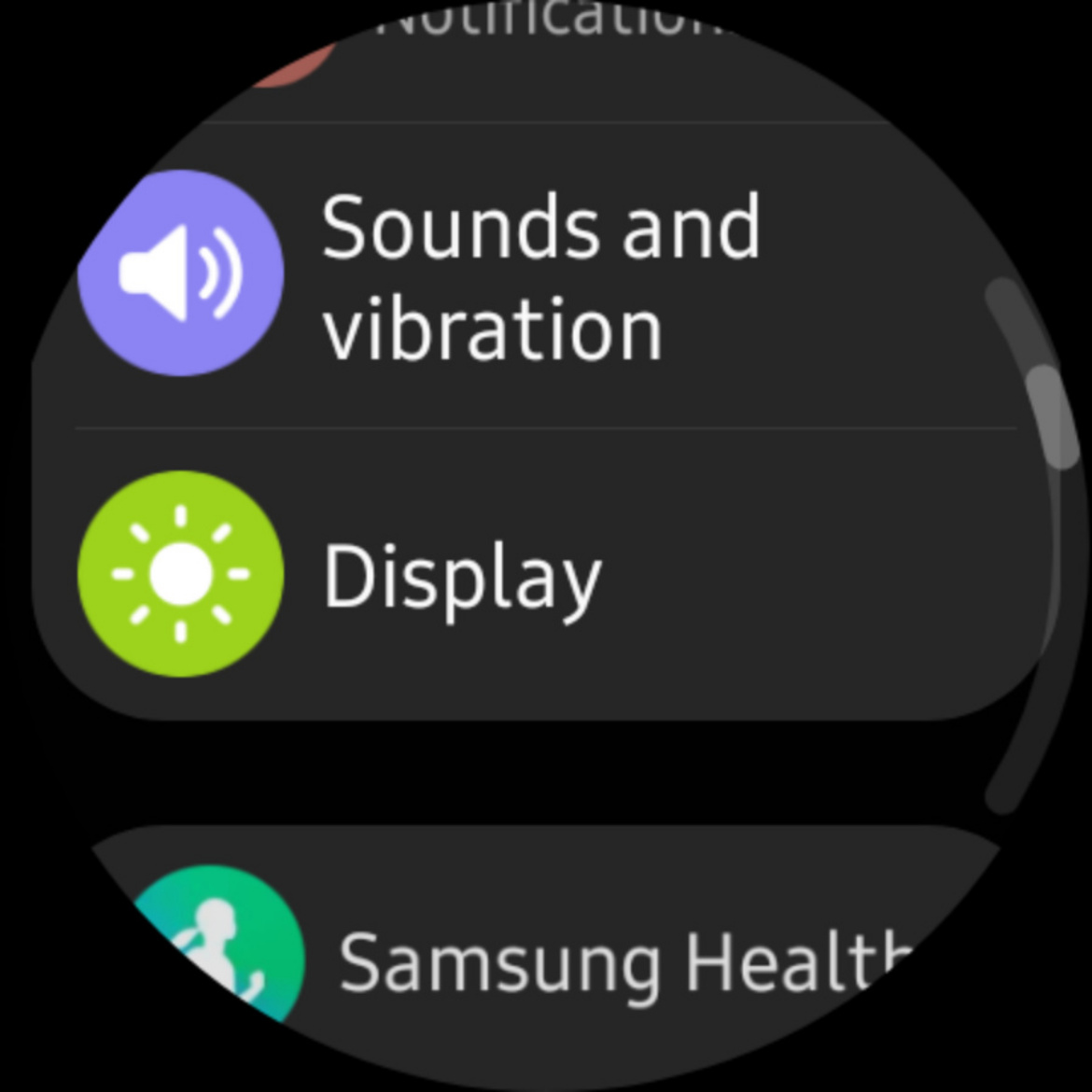
Swipe up or down on the watch face and open the Settings app on your Samsung smartwatch. Scroll down, go to “Display,” and make sure that the toggle associated with “Touch screen to wake” is in the OFF position.
Disabling this option works even when you have the Always-On display option turned on. When “touch screen to wake” is disabled on your Samsung watch and the Always-On functionality is enabled, you won't wake up your smartwatch unless you raise your wrist (if the option is enabled) or press the physical home button.
[modelinfo model=”SM-R900″]
[modelinfo model=”SM-R920″]
Mihai is a blogger and column writer at SamMobile. His first Samsung phone was an A800 which took a lot of beating, and a part of him still misses the novelty of the clamshell design. In his free time, he enjoys watching shows, documentaries, and stand-up comedy; listening to music, taking walks, and occasionally playing old(er) video games.