Last updated: May 30th, 2025 at 08:29 UTC+02:00
SamMobile has affiliate and sponsored partnerships, we may earn a commission.
Modes and Routines get new Then actions for Calendar and Samsung Notes.
Reading time: 2 minutes
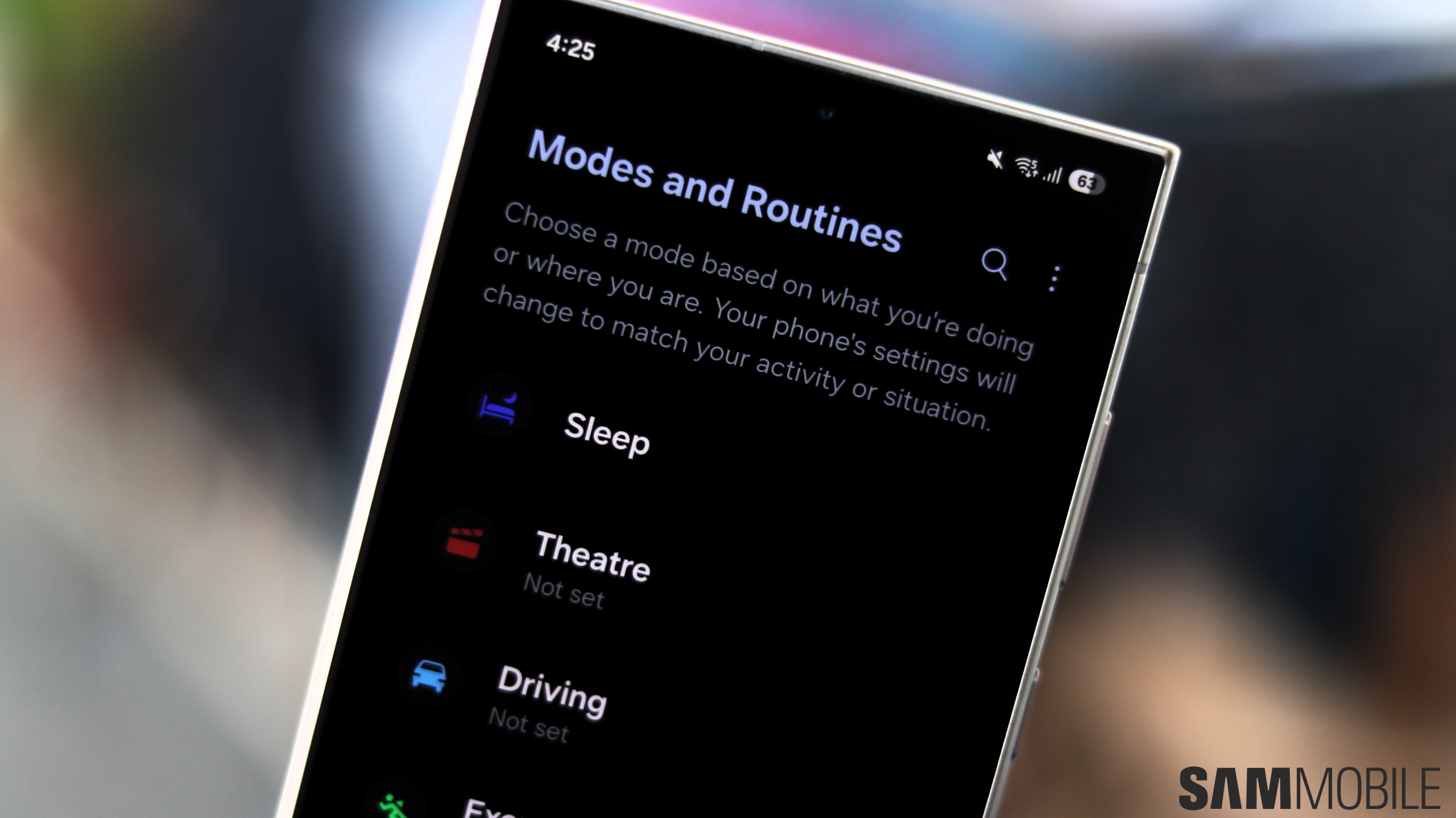
Modes And Routines is probably the most powerful tool in One UI outside of the Good Lock suite. It can be used to automate tasks on your Galaxy phone, and it received new features with One UI 7.0. With One UI 8.0, Modes and Routines has received even more conditions and options, including Calendar, Clock, and Samsung Notes actions.
Let us have a look at the new Then actions introduced by One UI 8.0.
With One UI 8.0, the Modes and Routines app has received more Then actions for Clock. Moreover, actions have also been added for Clock and Samsung Notes apps, which are unavailable in One UI 7.0.

One UI 7 – Clock Actions

One UI 8 – Clock Actions
As you can see in the screenshots above, Then actions for Clock now include creating, finding, turning off, turning on, and updating alarms. You can also reset, start, and stop the stopwatch. In comparison, One UI 7.0 only had a total of four actions for alarms, stopwatch, and timer.
Samsung has added actions for Calenar and Samsung Notes as well. When conditions are met, you can create an event in Samsung Calendar. You can also set a Routine to find, show, or update an event. You can also add text to a note, create a note, find a note, or show a note in Samsung Notes.

One UI 8 – Calendar Actions

One UI 8 – Samsung Notes Actions
For the right person, these Then actions in Modes and Routines can be extremely helpful and utilitarian. Hopefully, Samsung will add even more conditions and actions to the app in the future with new beta versions of One UI 8.0.
While Apple has a similar Shortcuts app for automation, Google hasn't developed a similar automations app for Android. It would be great if Google and Samsung work together to bring a unified app based on Modes and Routines for the entire Android ecosystem and bring support for third-party apps.
Both companies have worked together on things like Quick Share, Wear OS, Health Connect, Eclipsa Audio, and Samsung DeX in the past to improve the Android ecosystem.

Asif is a computer engineer turned technology journalist. He has been using Samsung phones since 2004, and his current smartphone is the Galaxy S23 Ultra. He loves headphones, mechanical keyboards, and PC hardware. When not writing about technology, he likes watching crime and science fiction movies and TV shows.












