Last updated: December 5th, 2025 at 06:14 UTC+01:00
SamMobile has affiliate and sponsored partnerships, we may earn a commission.
It has an easy-to-use time zone converter as well.
Reading time: 2 minutes
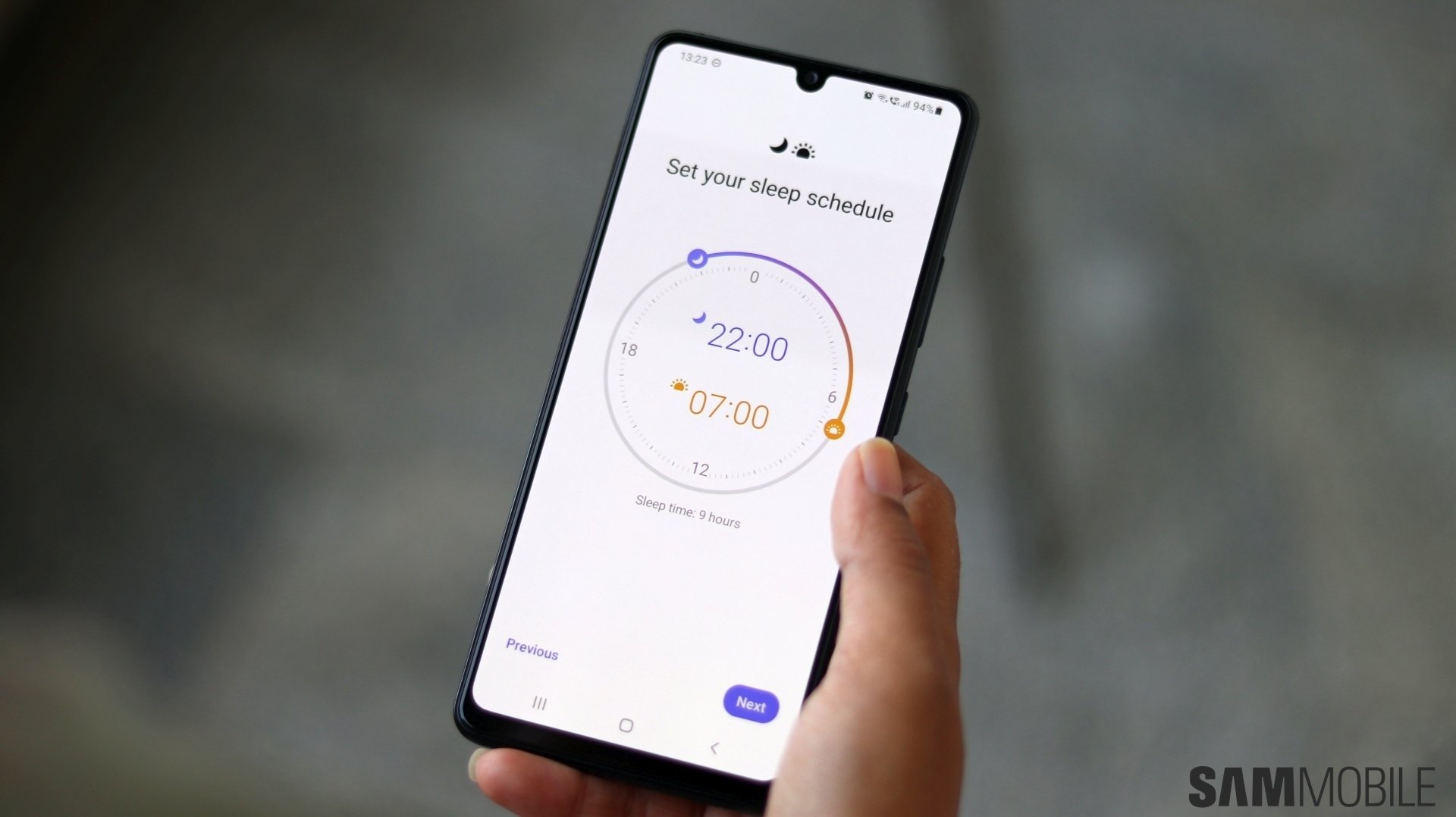
One UI 8.0 didn't bring any major UI redesign, but One UI 8.5 is. Yesterday, we got our first look at the redesigned Calculator app, and today, we are getting a closer look at the stock Clock app, which seems to have a new design and a colorful background.
Let us have a look at the stock Clock app's design in One UI 8.5
The stock Clock app in One UI 8.5 has a colorful background, featuring blue, green, pink, and purple hues. It also features a pill-shaped, compact tab bar with four tabs (Alarms, World Clock, Stopwatch, and Timer) and a drop shadow effect. The tabs don't have labels anymore, so it is harder to understand the function compared to the earlier design.

Alarms

World Clock
The World Clock has a new slider function that lets you check the time difference between the cities around the world. You can access the slider by tapping the icon next to the Add (+) icon. While you could add different cities to the list, the slider functionality was not present in earlier One UI versions.


The Stopwatch and Timer tabs also have colorful backgrounds and big circular buttons for primary actions. Earlier, those action buttons, such as Reset, Resume, and Start, had pill-shaped layouts. The is no new functionality in the Stopwatch and the Timer sections.

Stopwatch

Timer
The full changelog of the One UI 8.5 was leaked a couple of days ago, and you can read it completely by clicking here. One UI 8.5 will enter the public beta phase sometime next week and will be released in its stable form on the Galaxy S26 series early next year. You can learn more about One UI 8.5 here and check the complete list of devices eligible to get the update here.

Asif is a computer engineer turned technology journalist. He has been using Samsung phones since 2004, and his current smartphone is the Galaxy S23 Ultra. He loves headphones, mechanical keyboards, and PC hardware. When not writing about technology, he likes watching crime and science fiction movies and TV shows.













