Cyber week deals! Galaxy Watch8 Classic, Fold 7, S25 Ultra. Follow us on YouTube, TikTok, or LinkedIn
Last updated: December 8th, 2025 at 06:23 UTC+01:00
SamMobile has affiliate and sponsored partnerships, we may earn a commission.
Now Bar will also display an ongoing or an upcoming alarm.
Reading time: 2 minutes
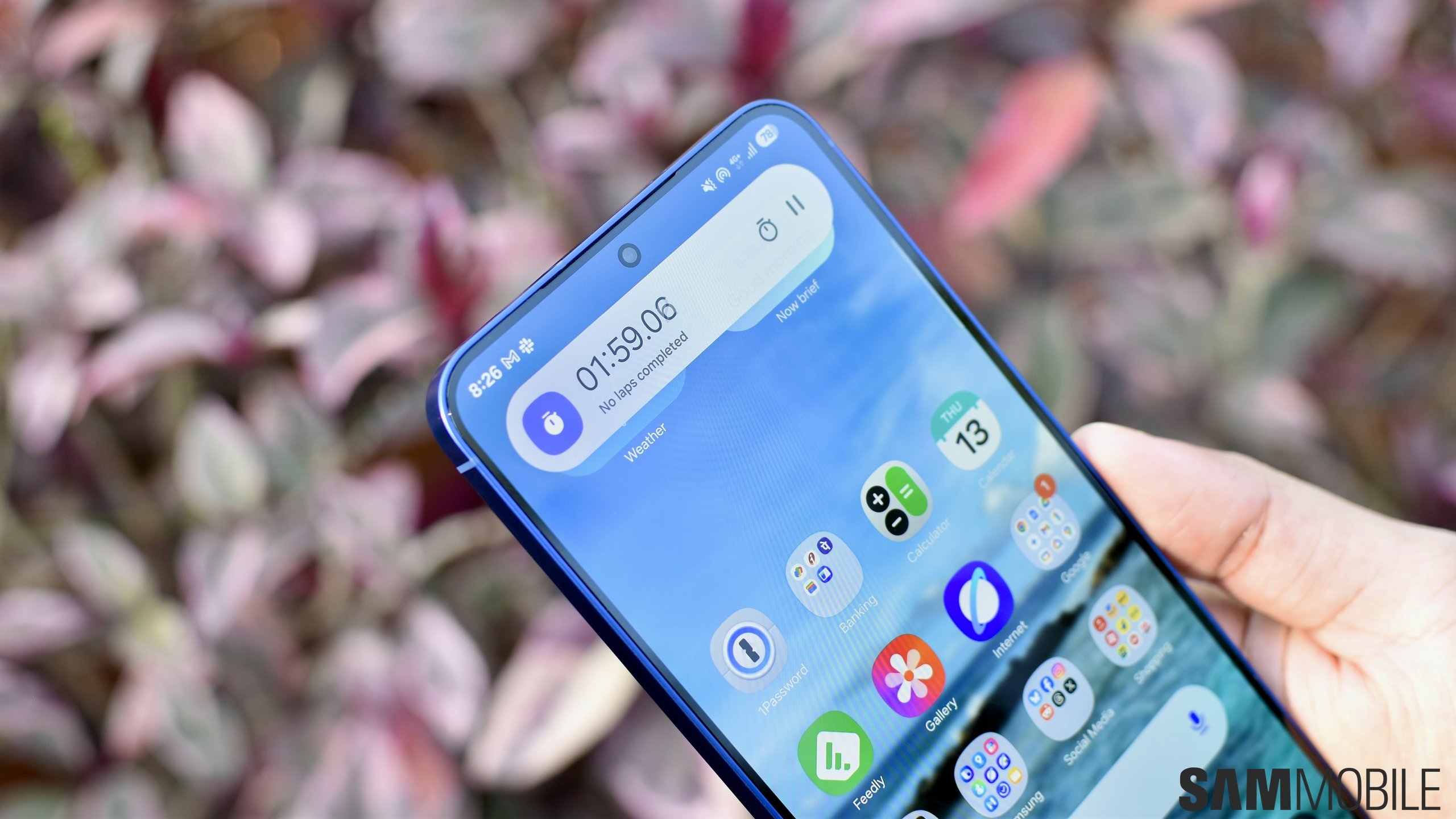
Earlier this year, Samsung unveiled Now Bar with One UI 7.0 and improved it further with the One UI 8.0 update a few months ago. In the future, the company is planning to expand the feature's compatibility to more apps. Now Bar will work with the Clock app's alarm feature with One UI 8.5.
When the Now Bar was first released, it displayed updates related to the stopwatch and the timer. Samsung is planning to expand its compatibility with the alarms feature. When the alarm is about to go off, that alarm's information will be displayed in the Now Bar. Snoozed alarm will also be displayed in the Now Bar.
You can see how it looks on the lock screen in the image below.
Now, Bar is displayed on the lock screen in the form of a compact, pill-shaped floating element with live updates. When you tap it, it expands to display more information related to the update it is showing you. It is also displayed on the AOD screen and on the status bar (in a small, pill-shaped element).
With One UI 8.0, the Now Bar was integrated with Android 16's Live Updates feature developed by Google. With this integration, it can display ongoing updates from third-party apps like cab hailing, ride sharing, and food delivery apps. More types of apps are expected to become compatible with it with future Android versions.
Asif is a computer engineer turned technology journalist. He has been using Samsung phones since 2004, and his current smartphone is the Galaxy S21 Ultra. He loves headphones, mechanical keyboards, and PC hardware. When not writing about technology, he likes watching crime and science fiction movies and TV shows.