Last updated: December 16th, 2024 at 17:39 UTC+01:00
SamMobile has affiliate and sponsored partnerships, we may earn a commission.
Reading time: 2 minutes
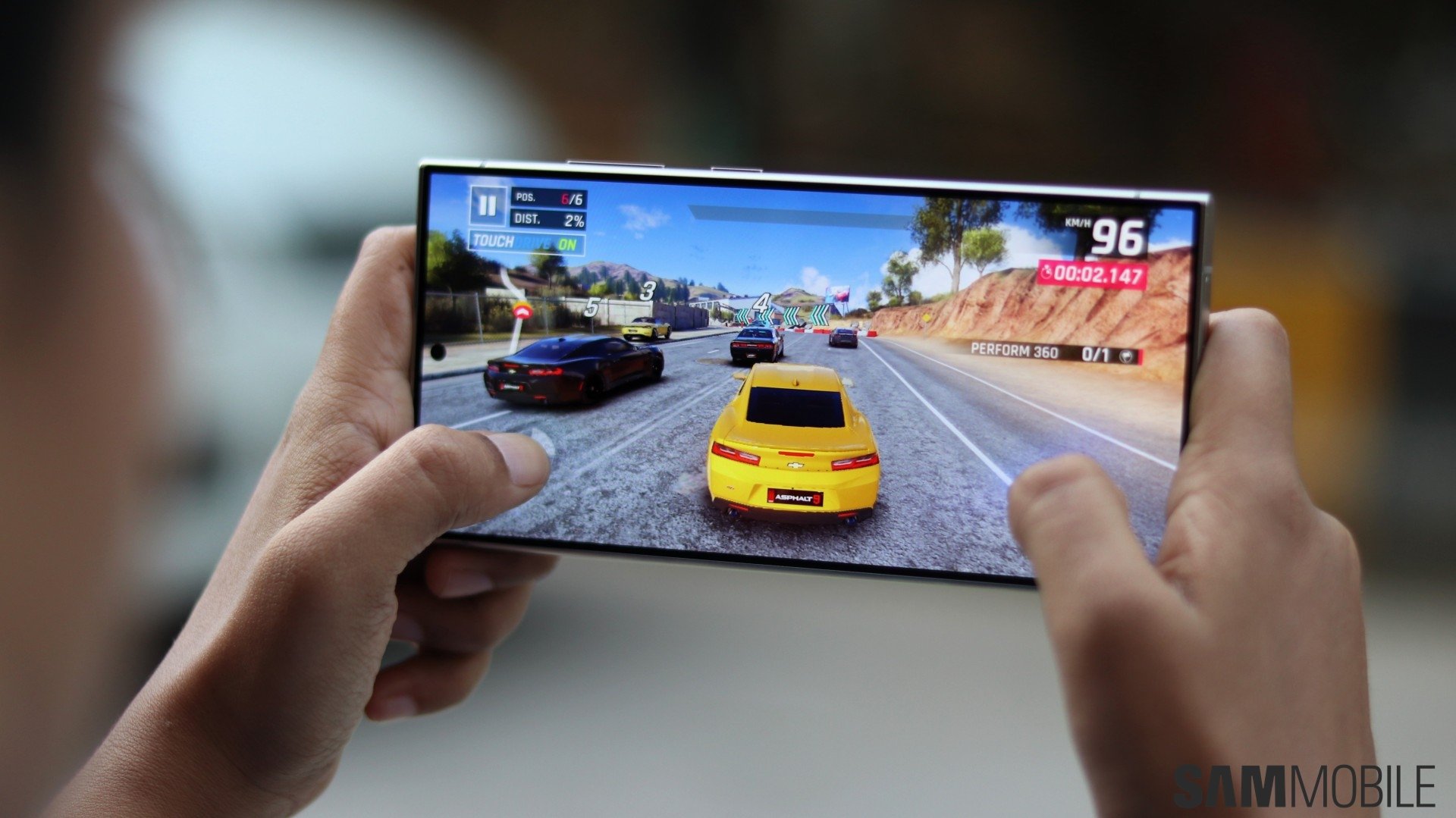
On devices running One UI 6 and older One UI versions, Samsung offers the option to limit the frame rate in games to 48Hz to save power. On One UI 7, that's no longer possible. You can only set the refresh rate to 60Hz or 120Hz, though Samsung could add the 48Hz option back with future One UI 7 beta updates.
According to Samsung, this feature will not affect games that have their own refresh rate setting. Obviously, the same will apply to games that don't support running at a refresh rate higher than 60Hz.
If you are running the One UI 7 beta on your phone, you can access Game Booster and the refresh rate setting by opening the Gaming Hub app and tapping the More button at the top right corner of the screen.


As noted in the official One UI 7 changelog, users can also adjust performance settings, such as maximum frame rate, resolution, and the overall optimization level, separately for each game. This can be done from the Customisations for individual games menu in Game Booster settings.

Abhijeet's writing career started with guides for custom firmware for Samsung devices (including the original Galaxy S), and he moved to SamMobile in mid-2013 and worked up the ranks to Editor-in-chief. In addition to phones and mobile devices, his interests include gaming on both PC and console, PC hardware, and spending countless hours on YouTube watching videos on tech, movies, games, politics, and internet dramas.












