Last updated: December 6th, 2024 at 12:17 UTC+01:00
SamMobile has affiliate and sponsored partnerships, we may earn a commission.
Reading time: 2 minutes
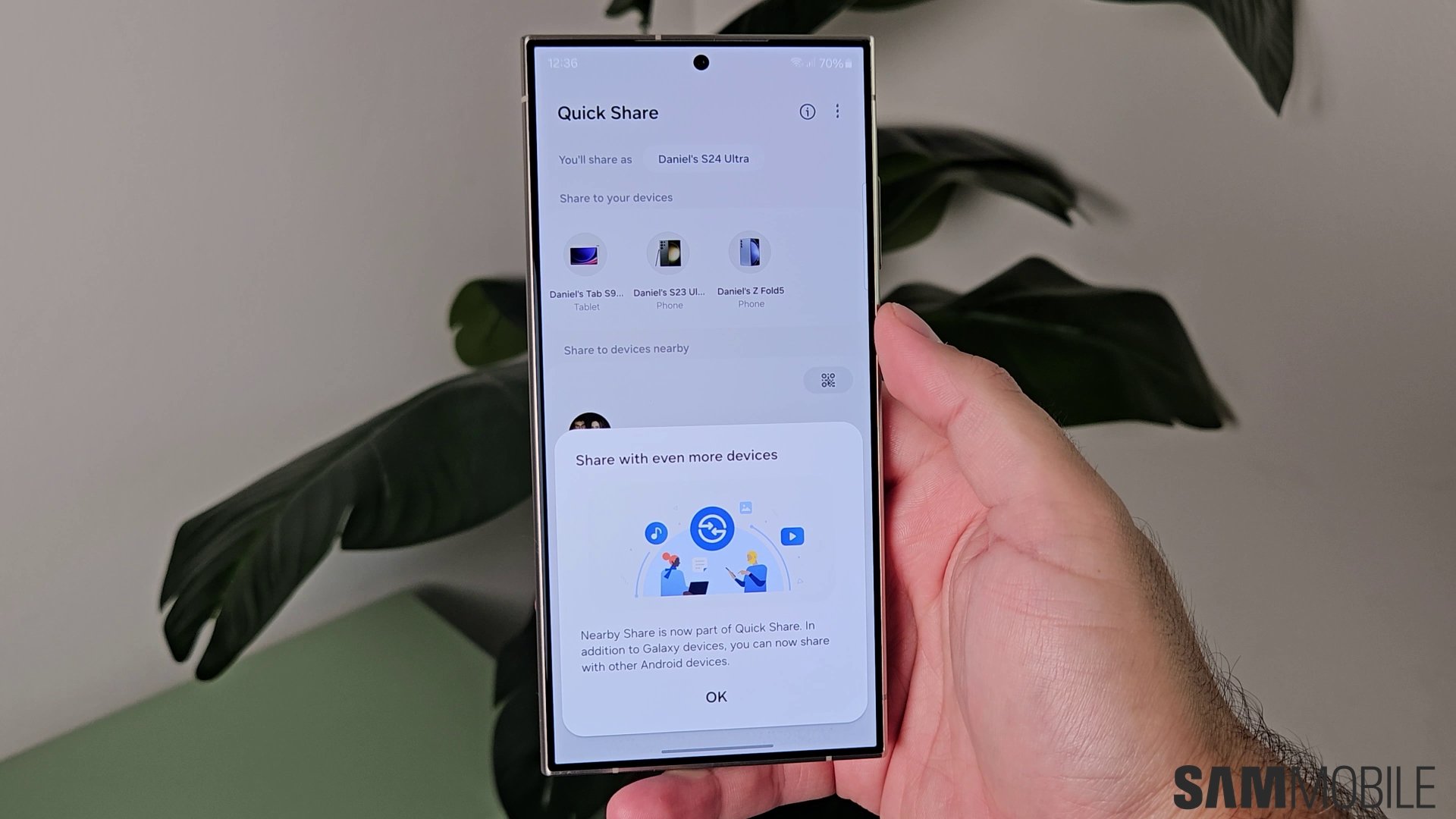
There is one new Quick Share feature that has debuted with One UI 7.0. It allows file sharing to continue even when a direct connection between two devices isn't available. The feature is also used when the direct connection between two devices is unstable.
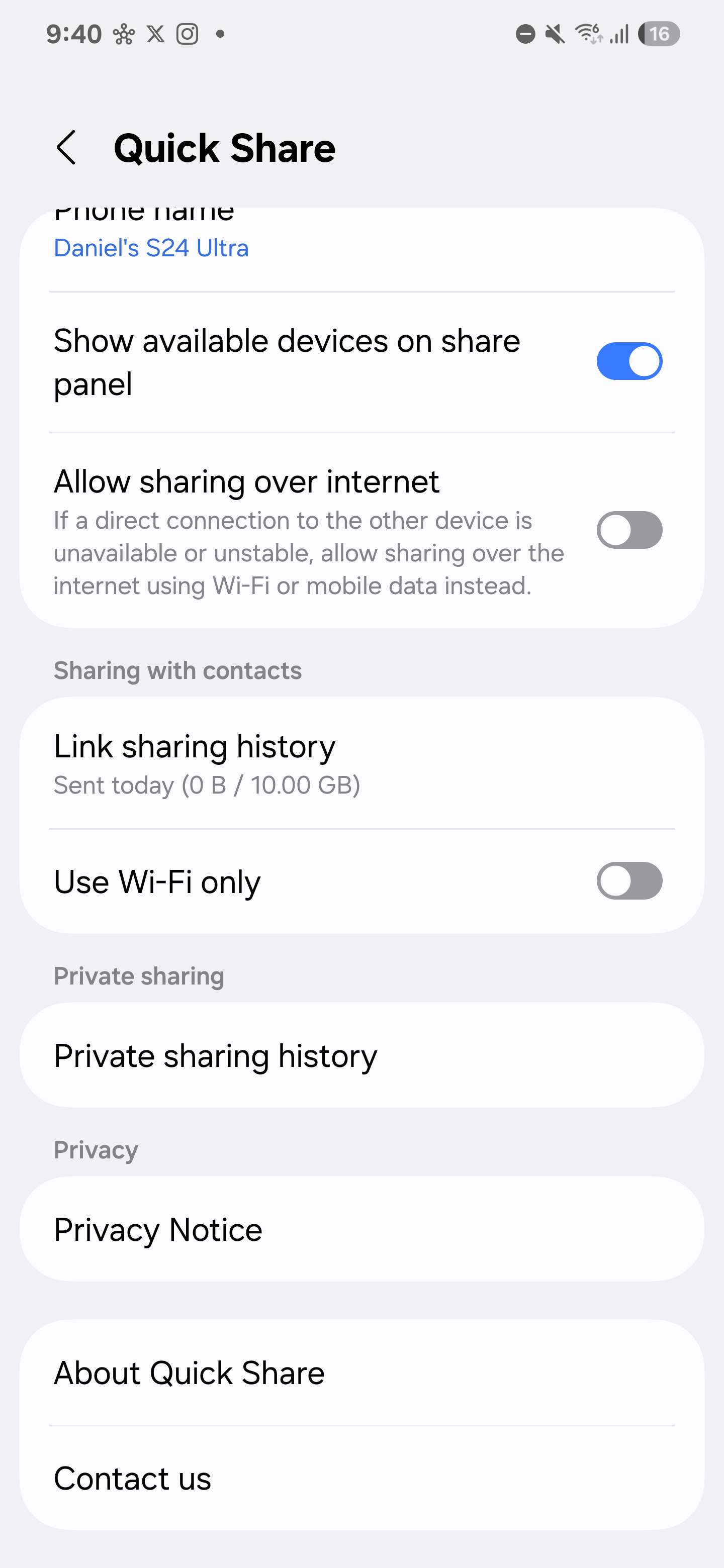
This new feature isn't turned on by default, though. You have to enable it manually by navigating to Settings » Connected Devices » Quick Share and enabling the ‘Allow sharing over internet' toggle.
Quick Share already has a feature that lets you share files with contacts even when they aren't nearby. However, that feature works through link sharing, which allows users to share files up to 10GB in size.
Earlier this year, Samsung introduced file sharing via QR code through Quick Share, and that feature is now rolling out to other Android smartphones, as Google has announced new features for Quick Share.

Asif is a computer engineer turned technology journalist. He has been using Samsung phones since 2004, and his current smartphone is the Galaxy S23 Ultra. He loves headphones, mechanical keyboards, and PC hardware. When not writing about technology, he likes watching crime and science fiction movies and TV shows.












