Cyber week deals! Galaxy Watch8 Classic, Fold 7, S25 Ultra. Follow us on YouTube, TikTok, or LinkedIn
Last updated: May 1st, 2025 at 13:22 UTC+02:00
SamMobile has affiliate and sponsored partnerships, we may earn a commission.
You no longer need to wake your screen to control media playback.
Reading time: 2 minutes
Aside from the delays many Galaxy phone and tablet users endured, Samsung's latest One UI 7 update is full of pleasant surprises. One neat little feature you might not know about is that One UI 7 lets you control media playback straight from the Always On Display (AOD) without accessing the lock screen.
Although previous One UI versions featured a “show music information” UI element for the AOD, it was non-interactive. The One UI 7 update, and more specifically, the addition of the Now Bar, changes everything.
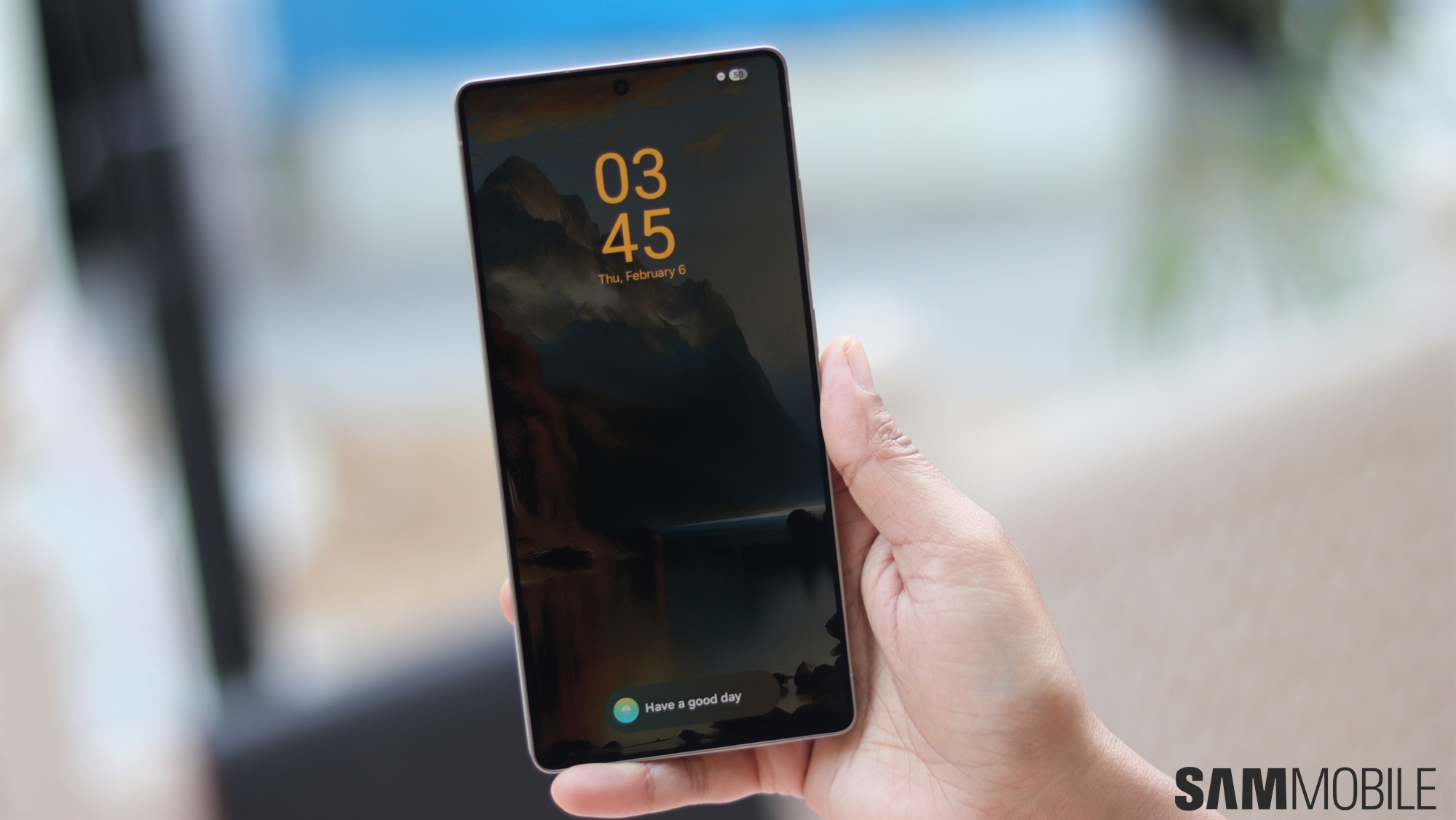
If you're rocking a Galaxy phone with One UI 7 and use the Now Bar, you can just double-tap the media playback controls on the Now Bar directly from the AOD to skip and pause tracks.
Double-tapping these Now Bar media control buttons on the AOD won't wake your screen. And it should work with virtually any Galaxy device running One UI 7.
We tested the feature on the Galaxy A36 and other higher-end Galaxy phones. If the Galaxy A36 supports it, so should the Galaxy A56, the S23, and many other phones that support AOD and have received or shipped with One UI 7.
This is a fantastic little One UI 7 hidden feature that removes unnecessary steps. And if nothing else, this feature might be a good reason to keep using the Now Bar in One UI 7. However, if you're still not a fan of the Now Bar, worry not. You can remove it.
Mihai is a blogger and column writer at SamMobile. His first Samsung phone was an A800 which took a lot of beating, and a part of him still misses the novelty of the clamshell design. In his free time, he enjoys watching shows, documentaries, and stand-up comedy; listening to music, taking walks, and occasionally playing old(er) video games.