Last updated: January 22nd, 2025 at 19:36 UTC+01:00
SamMobile has affiliate and sponsored partnerships, we may earn a commission.
Reading time: 2 minutes
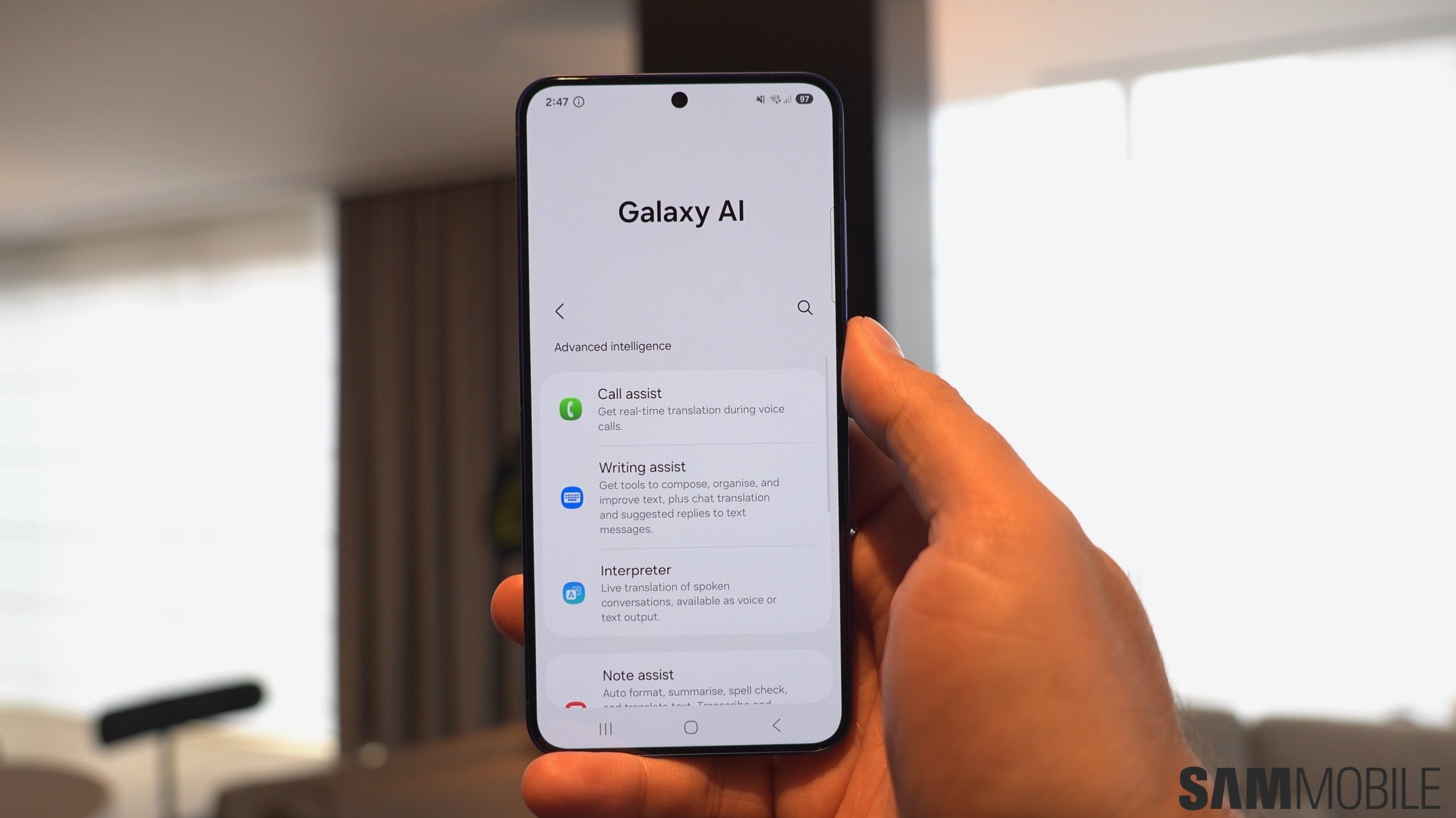
Same as before, the Browsing Assist tool for Samsung Internet can summarize and translate online articles for you. However, in One UI 7 for the Galaxy S25, the AI can also read those summarized articles out loud.
One UI 7/Galaxy S25 users will find the new “Read highlights aloud” option inside the Galaxy AI settings screen for Browsing Assist. The tool even offers different language options and voice styles.
When reading articles aloud, a special UI with playback buttons pops up in the web browser. Using these on-screen controls, you can rewind, skip forward, and play/pause the text-to-voice summary.
See the One UI 7 Galaxy S25 hands-on video below for a preview of this new clever feature.
This latest addition to the Browsing Assist Galaxy AI tool in One UI 7 might not be very useful in every situation, but it should come in handy on occasion. For example, when you'd like to read an online article on your Galaxy S25 but can't because you're busy driving your car or doing other activities around the house. This tool will turn any online article into an audio experience.
Stay tuned for more One UI 7 and Galaxy S25 news, and don't forget to follow us on YouTube if you like our videos.

Mihai is a blogger and column writer at SamMobile. His first Samsung phone was an A800 which took a lot of beating, and a part of him still misses the novelty of the clamshell design. In his free time, he enjoys watching shows, documentaries, and stand-up comedy; listening to music, taking walks, and occasionally playing old(er) video games.












