Last updated: September 25th, 2024 at 06:02 UTC+02:00
SamMobile has affiliate and sponsored partnerships, we may earn a commission.
Reading time: 2 minutes
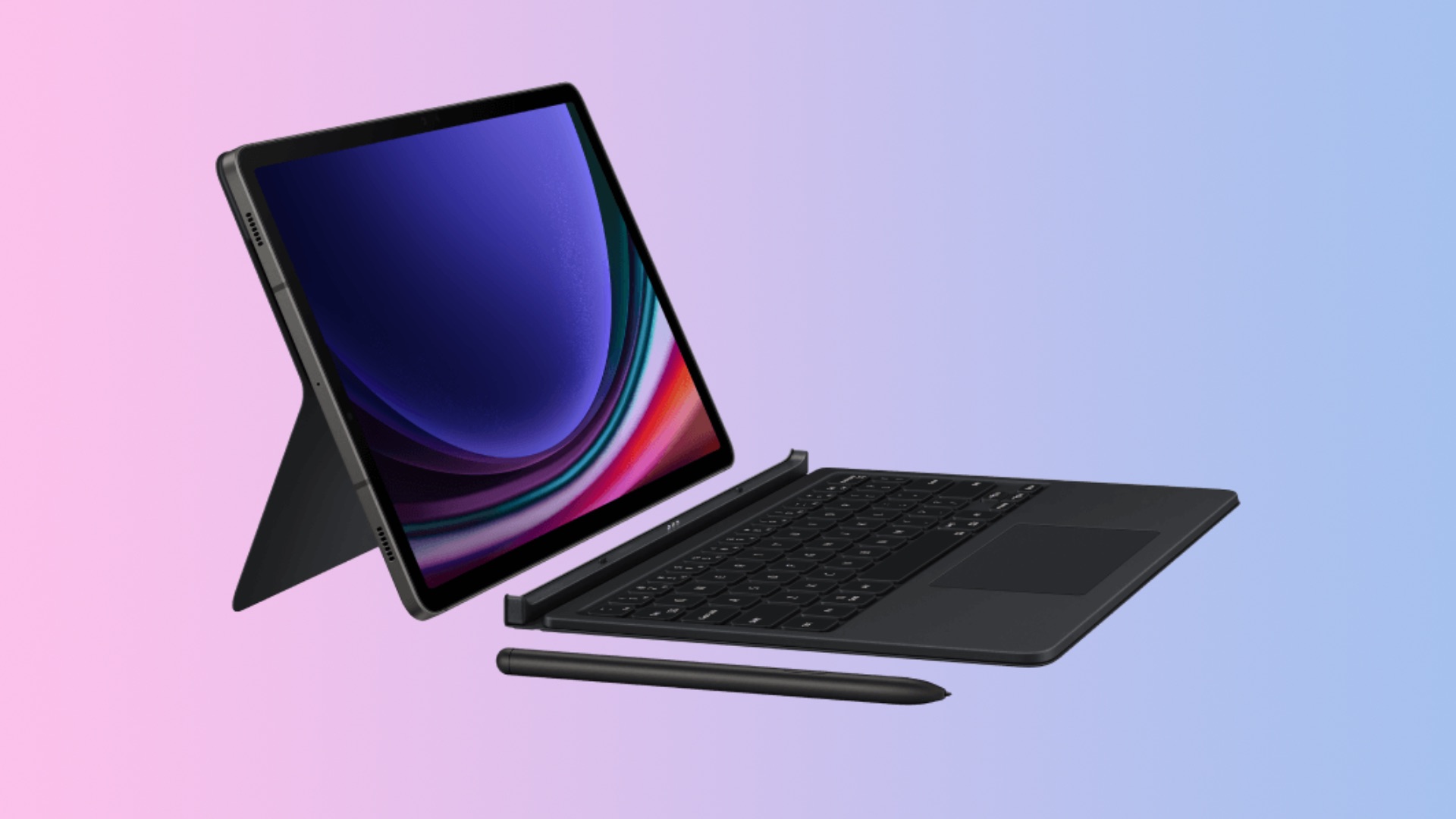
Thanks to DeX and first-party keyboard accessories, Samsung's high-end tablets can feel like desktop computers. With Android 15 (One UI 7.0), you may be able to use more trackpad gestures to get things done. According to a report from Android Authority, Google has added a new gesture called Tap Dragging, and it makes dragging and dropping items easier.
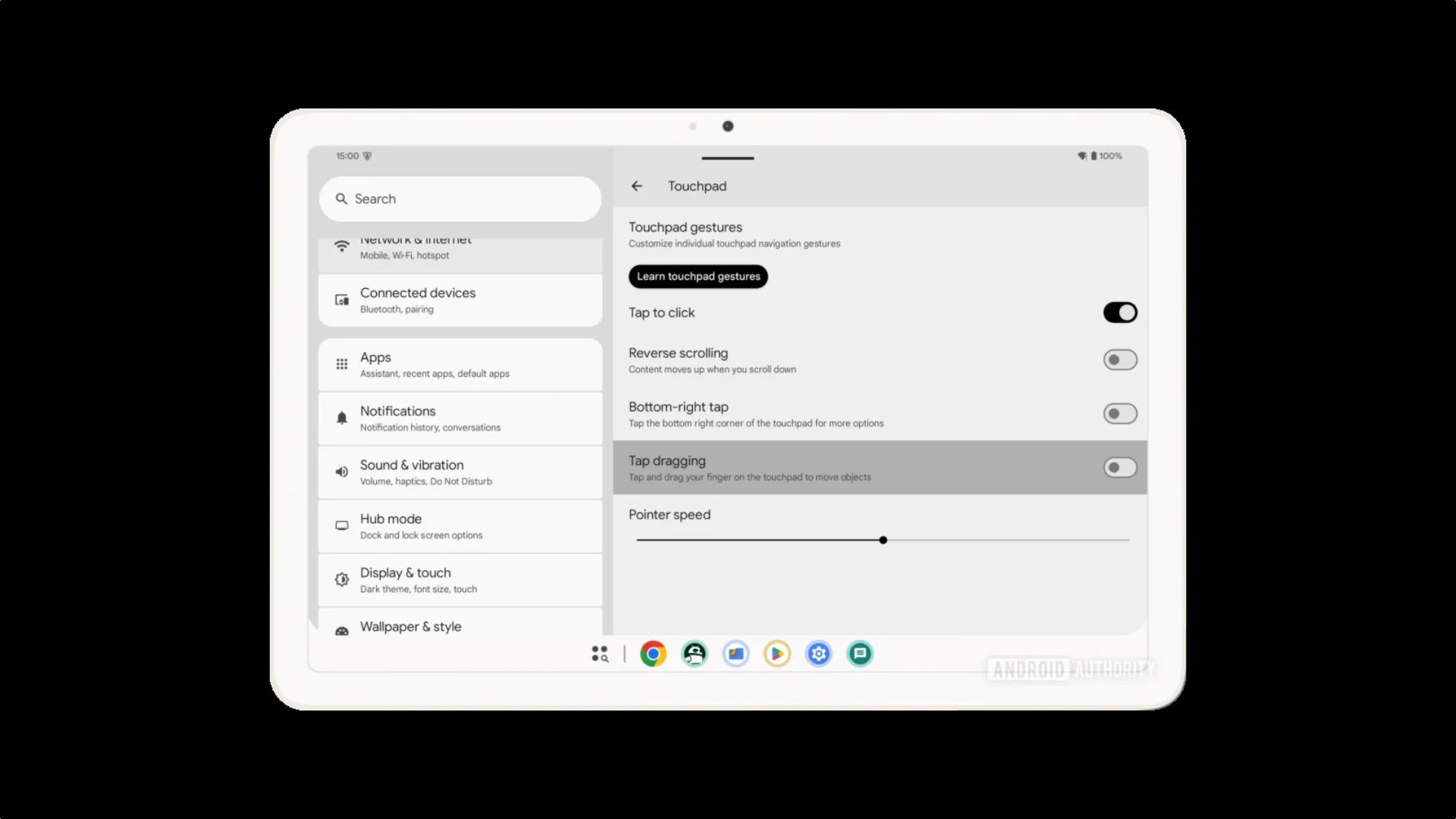
This feature, introduced for tablets running Android 14 QPR3 (June 2024), lets you drag and drop items. You can tap an item and drag it using your finger. You can already do this by tapping an item, keep holding the trackpad, and then moving your finger to move items. However, the new Tap Dragging option is easier to use.
For this new feature to work, you need a keyboard that has a compatible trackpad that supports gestures.
With Android 14, Google introduced three new gestures:
Since Galaxy Tab devices have great first-party keyboard accessories with a trackpad, you can use the Tap Dragging gesture to move files and items from one place to another.

Asif is a computer engineer turned technology journalist. He has been using Samsung phones since 2004, and his current smartphone is the Galaxy S23 Ultra. He loves headphones, mechanical keyboards, and PC hardware. When not writing about technology, he likes watching crime and science fiction movies and TV shows.













